Privatus 7.4.0
Automatic browser cleanup for Mac, no manual steps
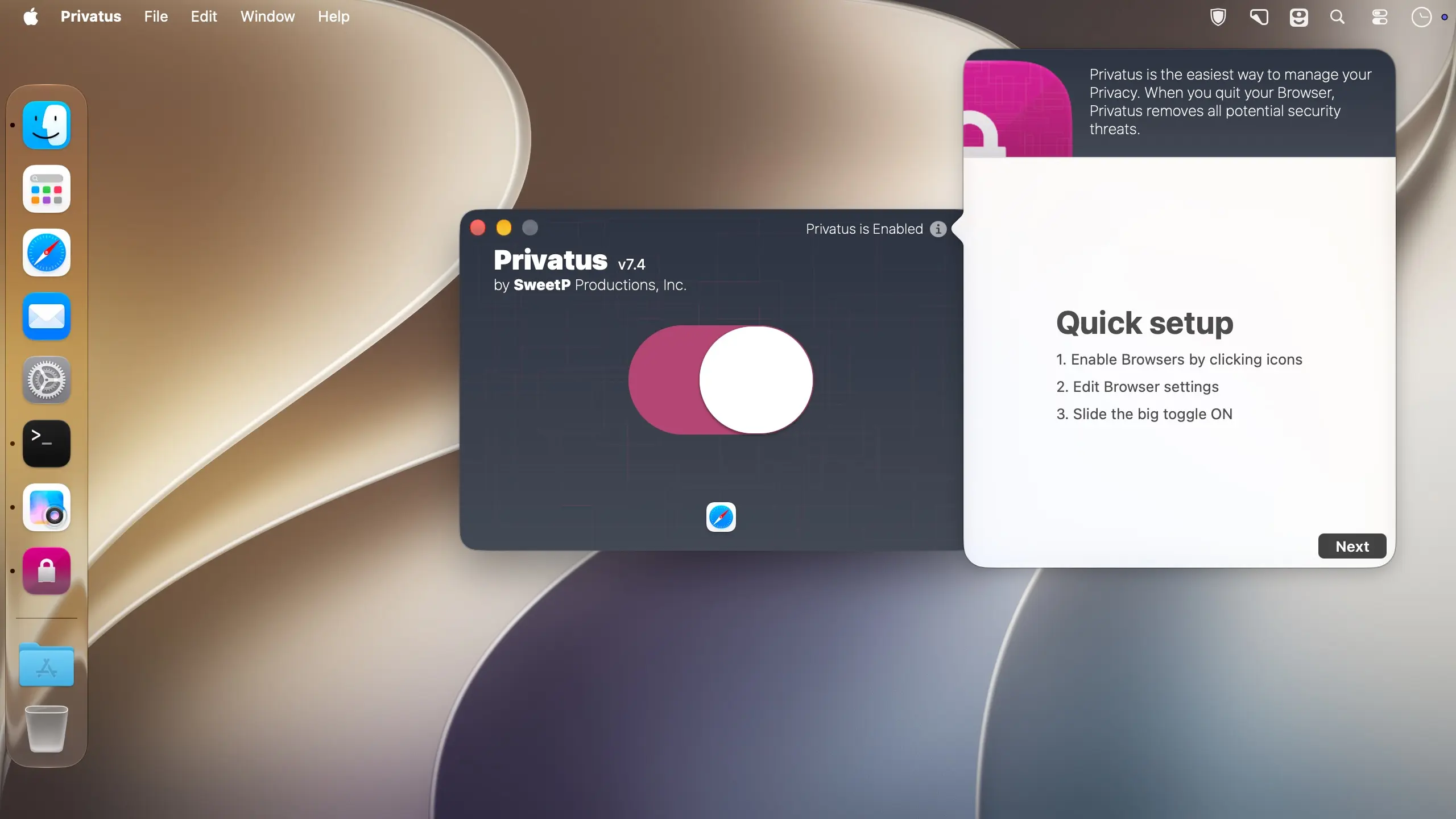
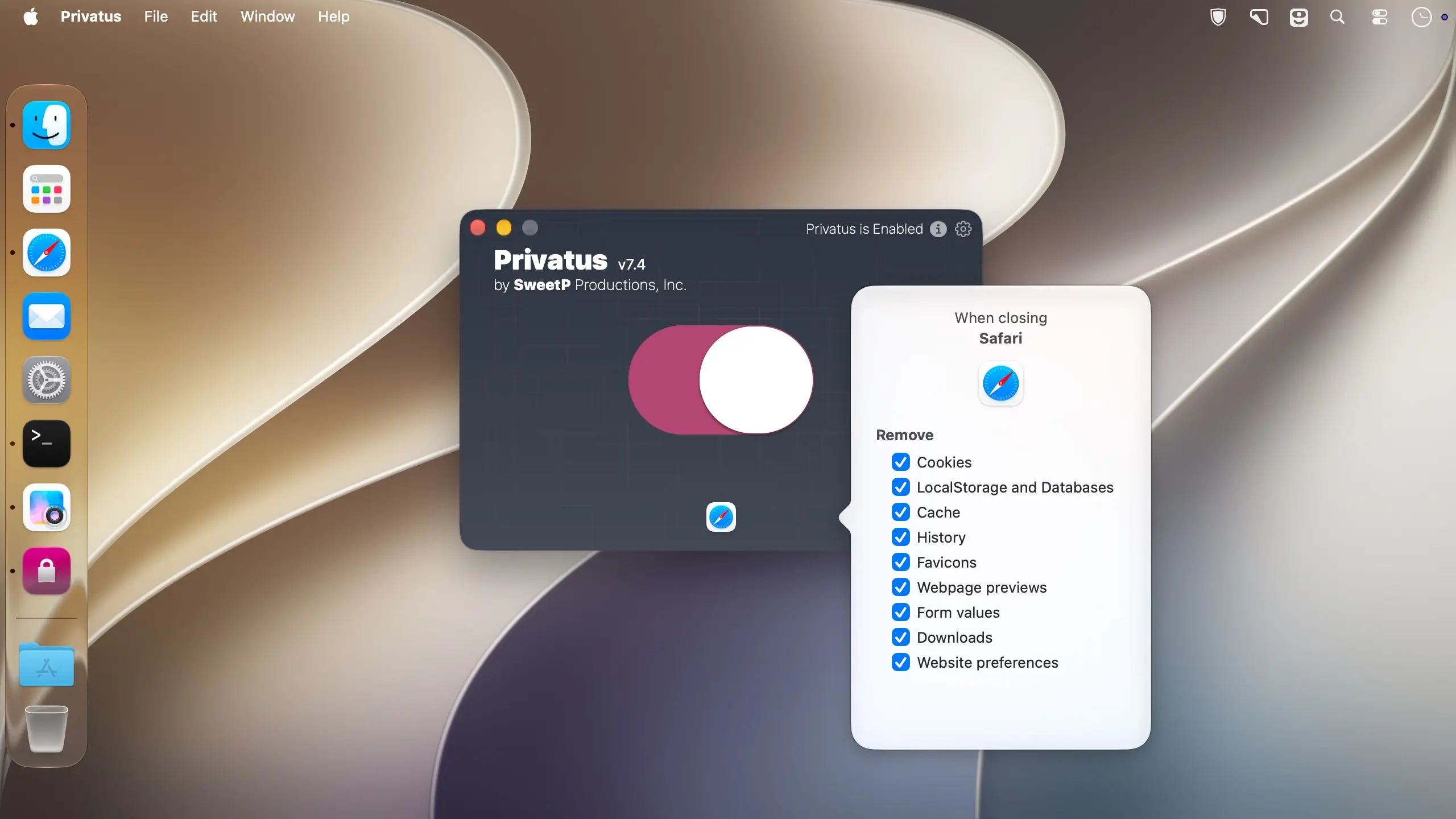
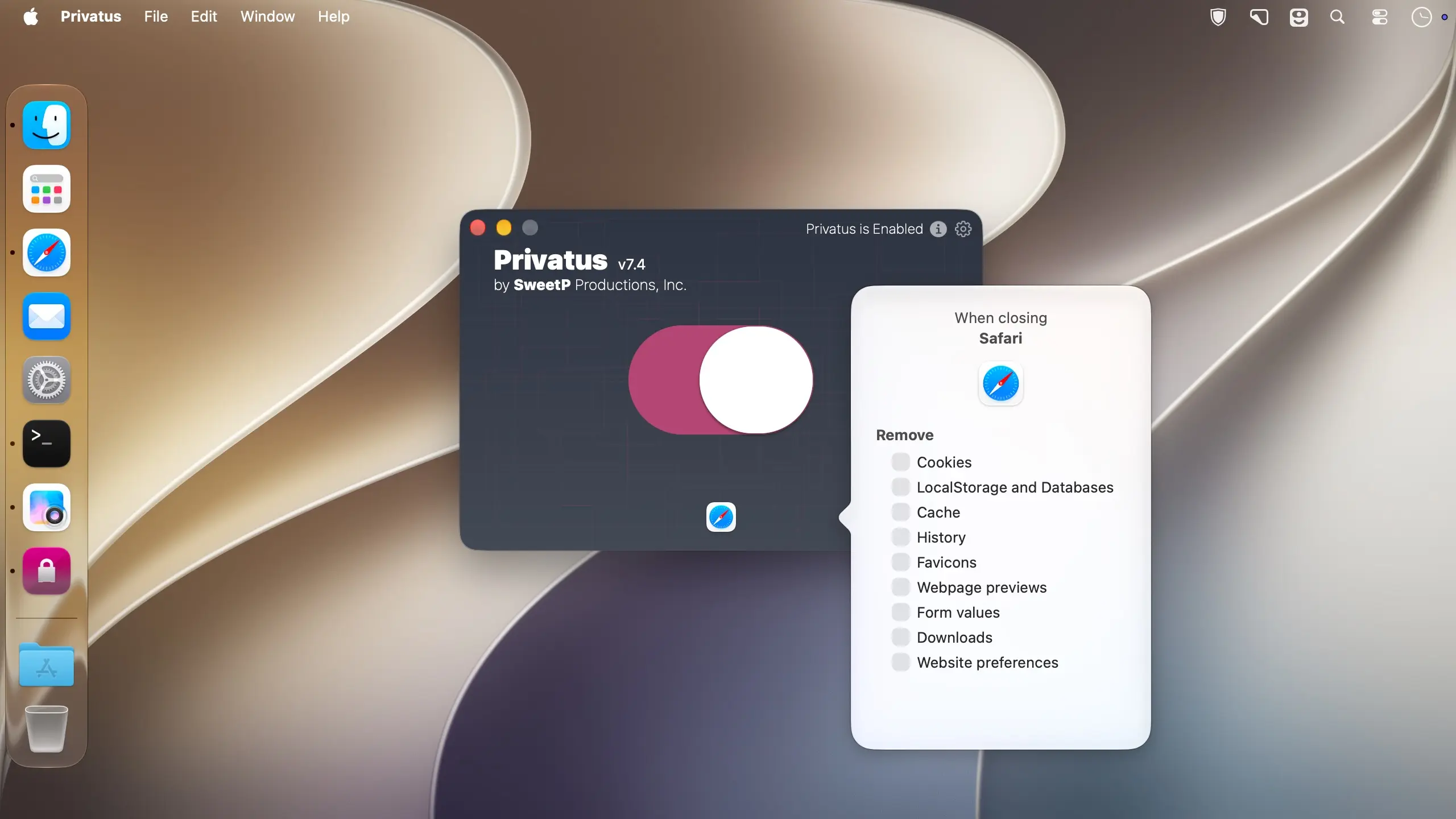
Privatus clears your browser's cookies, cache, saved form data and history on your Mac the moment you quit the browser. You set it up once, and after that there's no menu to open and no cleanup to remember.
Why bother clearing it
Every site you visit leaves something behind: cookies, cached pages, form entries, a line in your history. Together they make a fairly detailed record of where you've been and what you looked at. Most people never clear it, because doing it by hand means hunting through the settings of each browser. Privatus does that part for you.
What Privatus does
- Cleanup on quit: close a supported browser and its cookies, cache, form data and history are wiped right away.
- Set and forget: a short initial setup is all it takes, and Privatus runs on its own from then on.
- Notification Center: you get real-time feedback, so you can see when a cleanup has happened.
- iCloud: Privatus is iCloud enabled.
- Sandboxing: the app is fully sandboxed and complies with Apple's security policies.
Privatus or Cookie
Privatus is for people who want cleanup handled without making choices. If you'd rather decide yourself what stays and what goes, our other app, Cookie, gives you that manual control.
Version 7.4
- improved cache removal
- small UI improvements
Frequently asked questions
How do I install the app?
Mount the image, drag the app into the "Applications" folder and launch it. If the system blocks the launch, allow it in "System Settings → Privacy & Security".
The app is damaged or won't launch
Reinstalling from a fresh image usually helps. Make sure your macOS version matches the one listed in the compatibility specs.
How do I update?
Download the new version from the site and install it over the current one — your settings will be preserved.
The download link doesn't work
Try a mirror or a download manager. For large files the browser often drops the connection.
How do I completely remove the app?
Use an uninstaller utility — it cleans up the service files that remain after moving the app to the trash.
Choose a download source
Privatus 7.4.0 · 7.07 MB
Previous versions
Privatus 7.4.0
Previous versions are available to registered users.