
Antivirus BitMedic Pro 4.0
Mac antivirus with real-time malware and adware protection
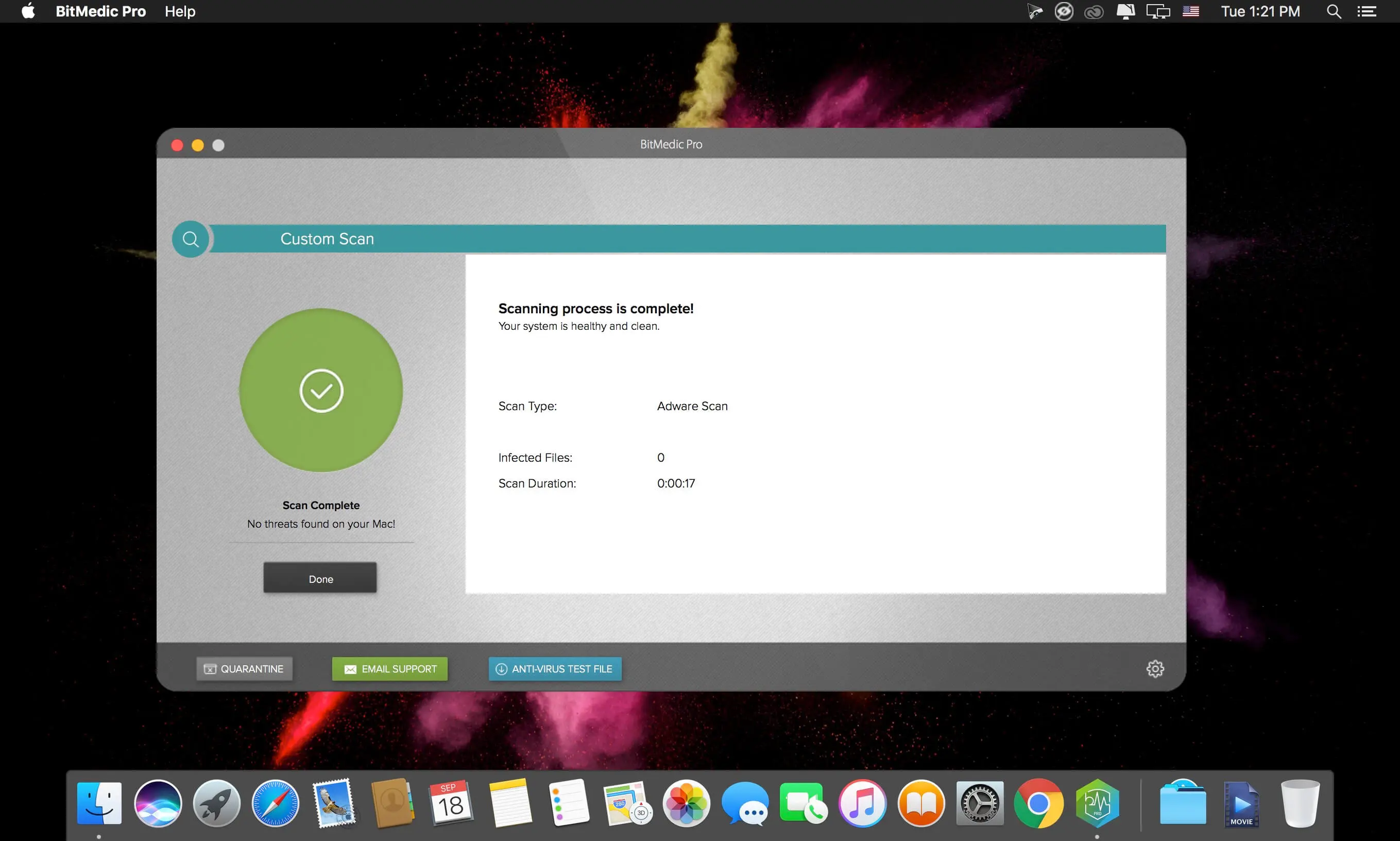
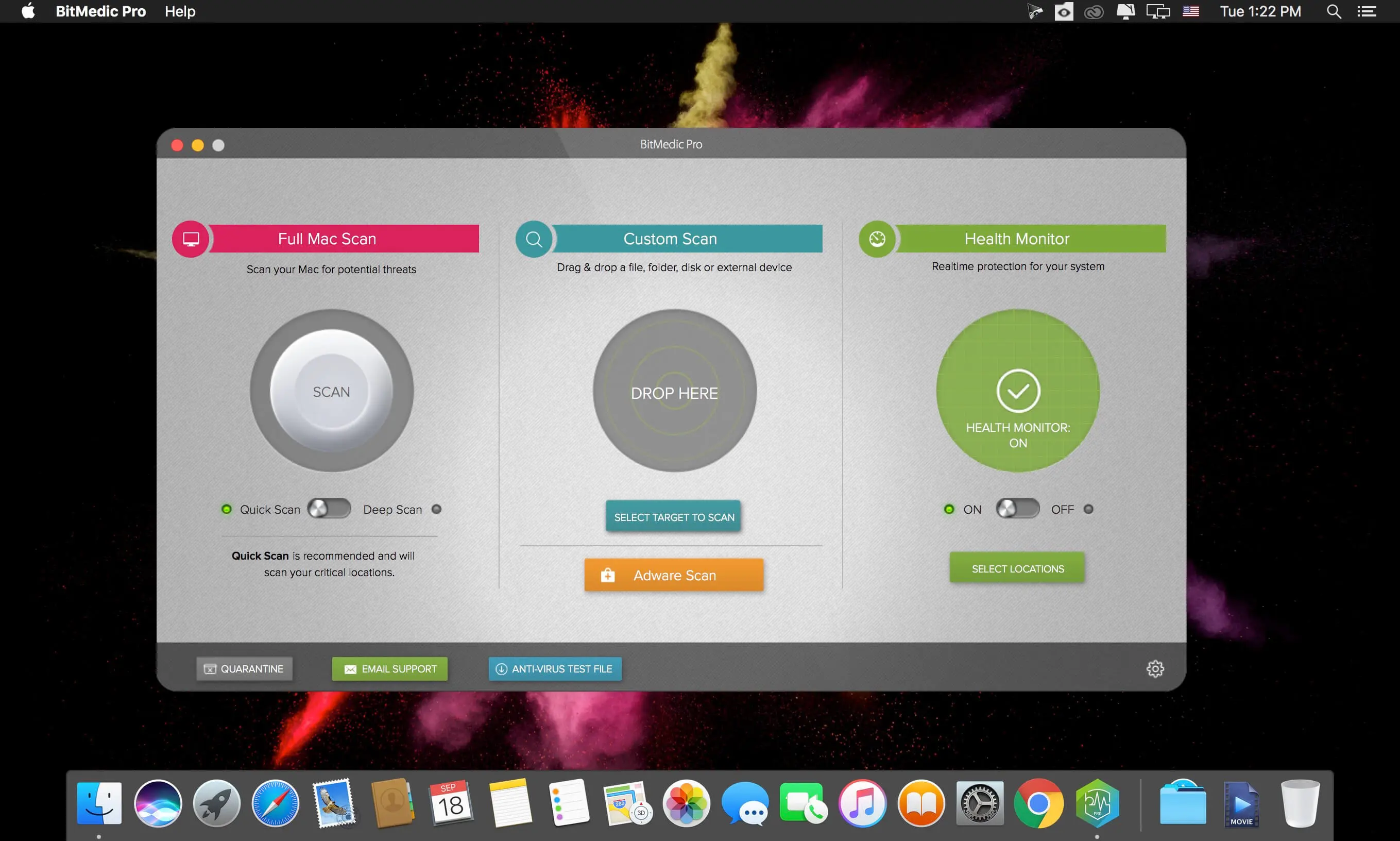
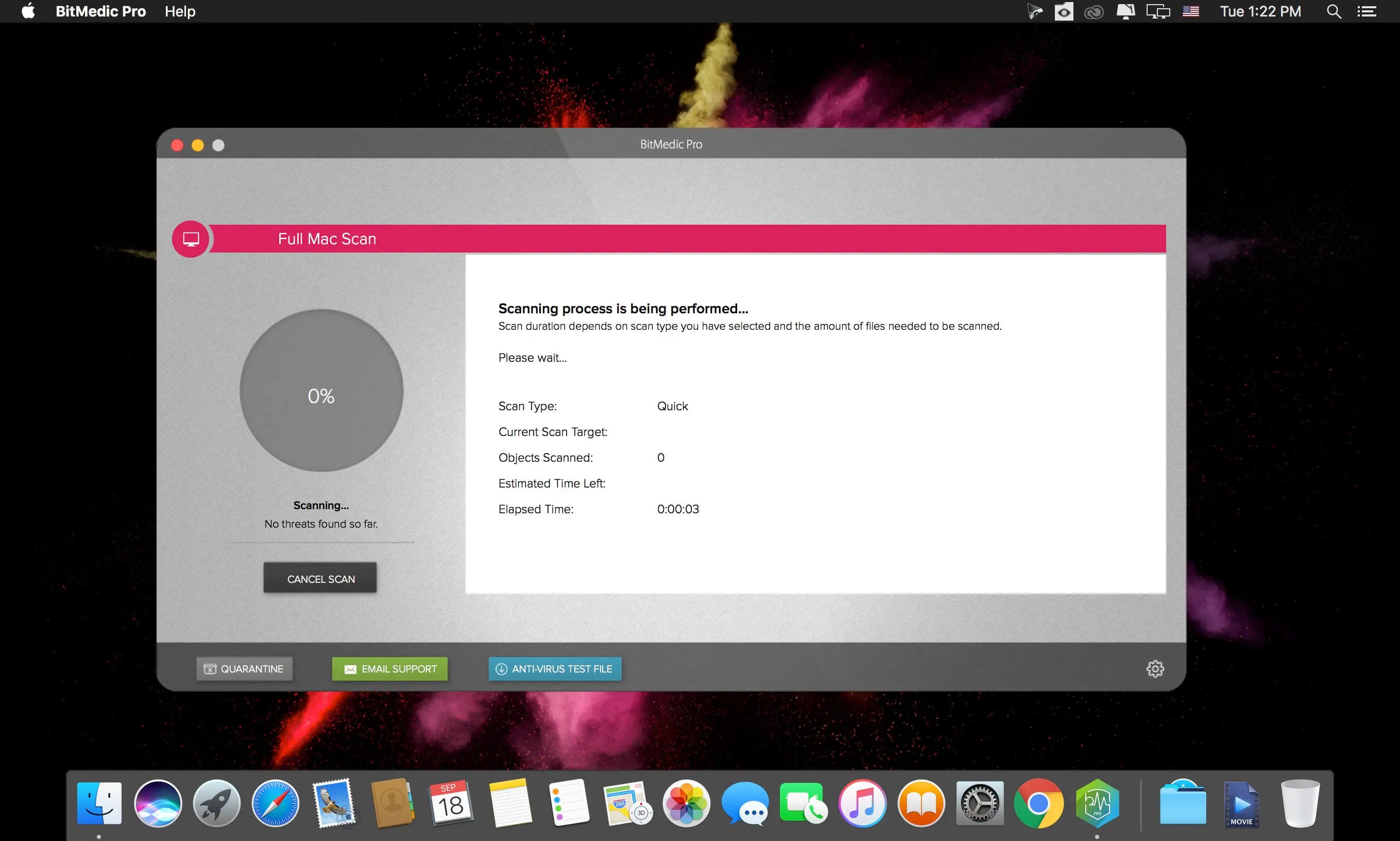
Antivirus BitMedic Pro was designed specifically for Mac and offers a full suite of protection against malware and adware. macOS is considered one of the most secure operating systems available, but as its popularity grows, it is targeted more often by hackers and malware. New threats go after not only your Mac's security but also your personal information and identity. With simple 3-step protection, Antivirus BitMedic Pro helps keep your Mac safe from attacks.
Three-step antivirus protection
Scan your Mac the way that suits you, and keep watch over the folders that matter.
- Full Mac Scan: choose Quick Scan to check the most critical locations of your Mac with a proprietary algorithm, so you can scan more often. Choose Deep Scan to check every critical location for potential threats.
- Custom Scan: drag and drop files into the scanner to check them.
- Health Monitor: get 24/7 real-time protection that scans every change to the folders being monitored.
Three-step adware protection
Scan your Mac to remove adware and say goodbye to pop-up adware scams.
- Adware Scanner: scan your Mac to find and remove adware.
- Browser add-on removal: use advanced settings to remove adware browser extensions and add-ons that hijack your navigation.
- Browser reset: reset your web browsers to their default settings.
Adware and malware are different. Use Adware Scan for adware, and Quick Scan or Deep Scan for malware.
Features
- Adware scanner: finds and removes adware on your Mac.
- High-performance multi-threaded virus scanner: scans your Mac for threats.
- Automatic updates: the virus database updates automatically in the background.
- 24/7 real-time protection: scans every change to the folders being monitored.
- Optimized for performance: designed to run efficiently on your Mac.
- Silent operation: works silently in the background.
- Wide file support: supports all mail, archive, executable, and document files.
- Multiple scanning options: Quick Scan, Deep Scan, and Custom Scan.
- Exclusions: exclude files, disks, or folders to speed up scanning.
- 1-click removal: send detected items to quarantine or trash.
- Scheduled scans: easily schedule scans.
- Drag and drop support: drop files into the scanner to check them.
Version 4.0:
- AV-TEST & AV-Comparatives database update from test results
- Bug fixes and improvements
Frequently asked questions
How do I install the app?
Mount the image, drag the app into the "Applications" folder and launch it. If the system blocks the launch, allow it in "System Settings → Privacy & Security".
The app is damaged or won't launch
Reinstalling from a fresh image usually helps. Make sure your macOS version matches the one listed in the compatibility specs.
How do I update?
Download the new version from the site and install it over the current one — your settings will be preserved.
The download link doesn't work
Try a mirror or a download manager. For large files the browser often drops the connection.
How do I completely remove the app?
Use an uninstaller utility — it cleans up the service files that remain after moving the app to the trash.





Choose a download source
Antivirus BitMedic Pro 4.0 · 142.75 MB
Previous versions
Antivirus BitMedic Pro 4.0
Previous versions are available to registered users.
Comments 2