
Tor Browser 16.0
Tor Browser: Anonymous browsing with built-in privacy protection
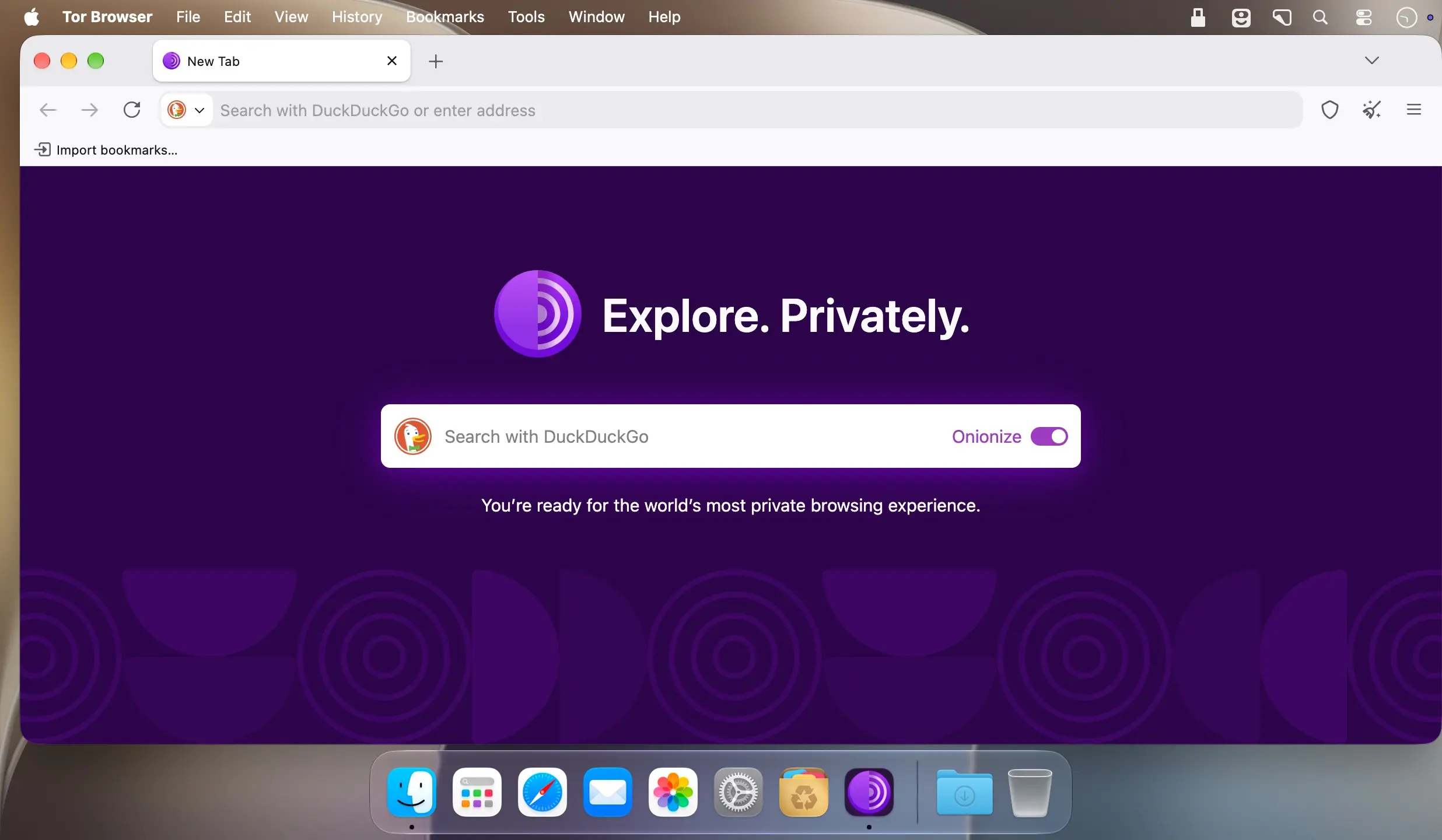
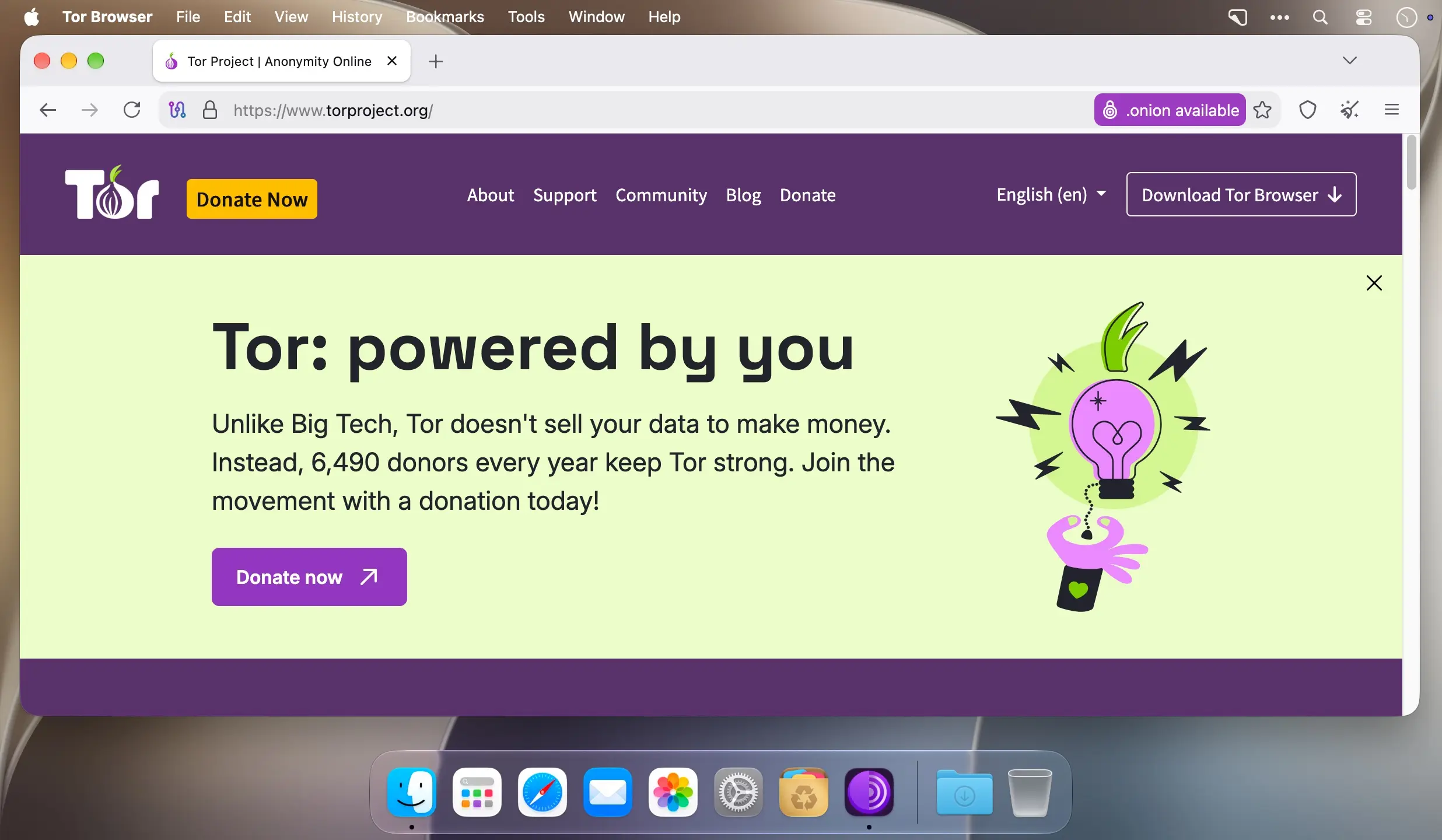
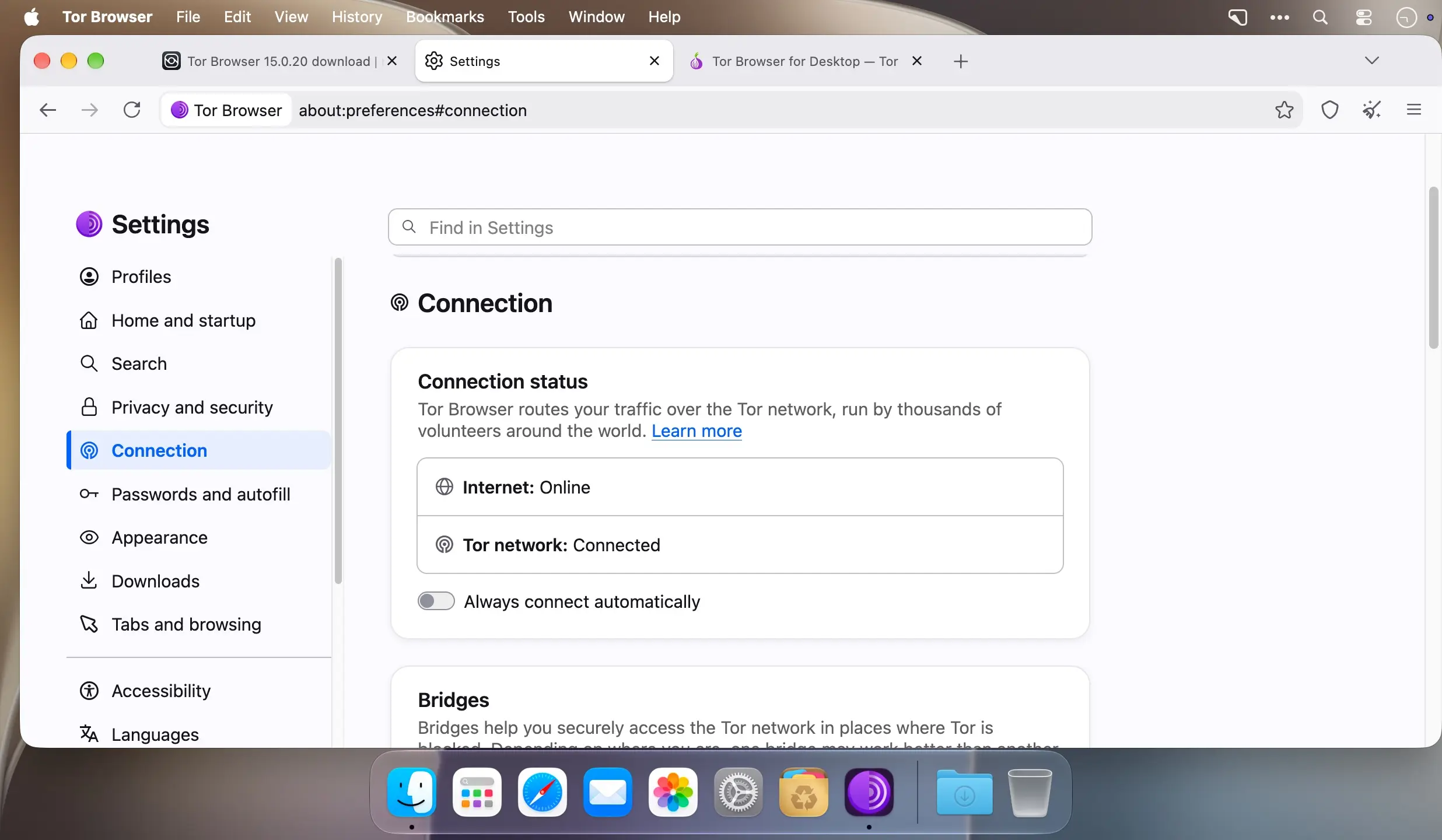
Tor Browser — privacy and unrestricted access to information
Tor Browser is a free, open-source web browser developed by the nonprofit Tor Project. It provides online anonymity and protects users from surveillance, tracking, and censorship.
All traffic is routed through the Tor network, made up of thousands of volunteer-operated servers worldwide. Each connection is encrypted in three layers and relayed through three independent nodes. As a result, websites cannot see your real IP address, and your internet service provider cannot see which sites you visit.
Key features:
- Anonymity. Your IP address and location stay hidden from the websites you visit.
- Tracker blocking. Third-party trackers and ads are isolated; cookies and history are cleared automatically when you close the browser.
- Fingerprinting resistance. The browser standardizes system parameters so you cannot be identified by your device configuration.
- Censorship circumvention. Built-in bridges (obfs4, Snowflake, meek) let you connect even where the Tor network is blocked.
- Flexible security levels. Three modes let you balance convenience and maximum protection.
- Access to .onion services. Securely reach resources hosted within the Tor network.
Built on Firefox ESR, Tor Browser offers a familiar interface from day one. Supports Macs with both Intel and Apple Silicon processors.
No subscriptions. No ads. No data collection.
Tor Browser 16.0
Frequently asked questions
How do I install the app?
Mount the image, drag the app into the "Applications" folder and launch it. If the system blocks the launch, allow it in "System Settings → Privacy & Security".
The app is damaged or won't launch
Reinstalling from a fresh image usually helps. Make sure your macOS version matches the one listed in the compatibility specs.
How do I update?
Download the new version from the site and install it over the current one — your settings will be preserved.
The download link doesn't work
Try a mirror or a download manager. For large files the browser often drops the connection.
How do I completely remove the app?
Use an uninstaller utility — it cleans up the service files that remain after moving the app to the trash.





Choose a download source
Tor Browser 16.0 · 182.69 MB
Previous versions
Tor Browser 16.0
Previous versions are available to registered users.