Antivirus Zap Pro 4.3.0.0
Lightweight Mac antivirus for fast malware removal
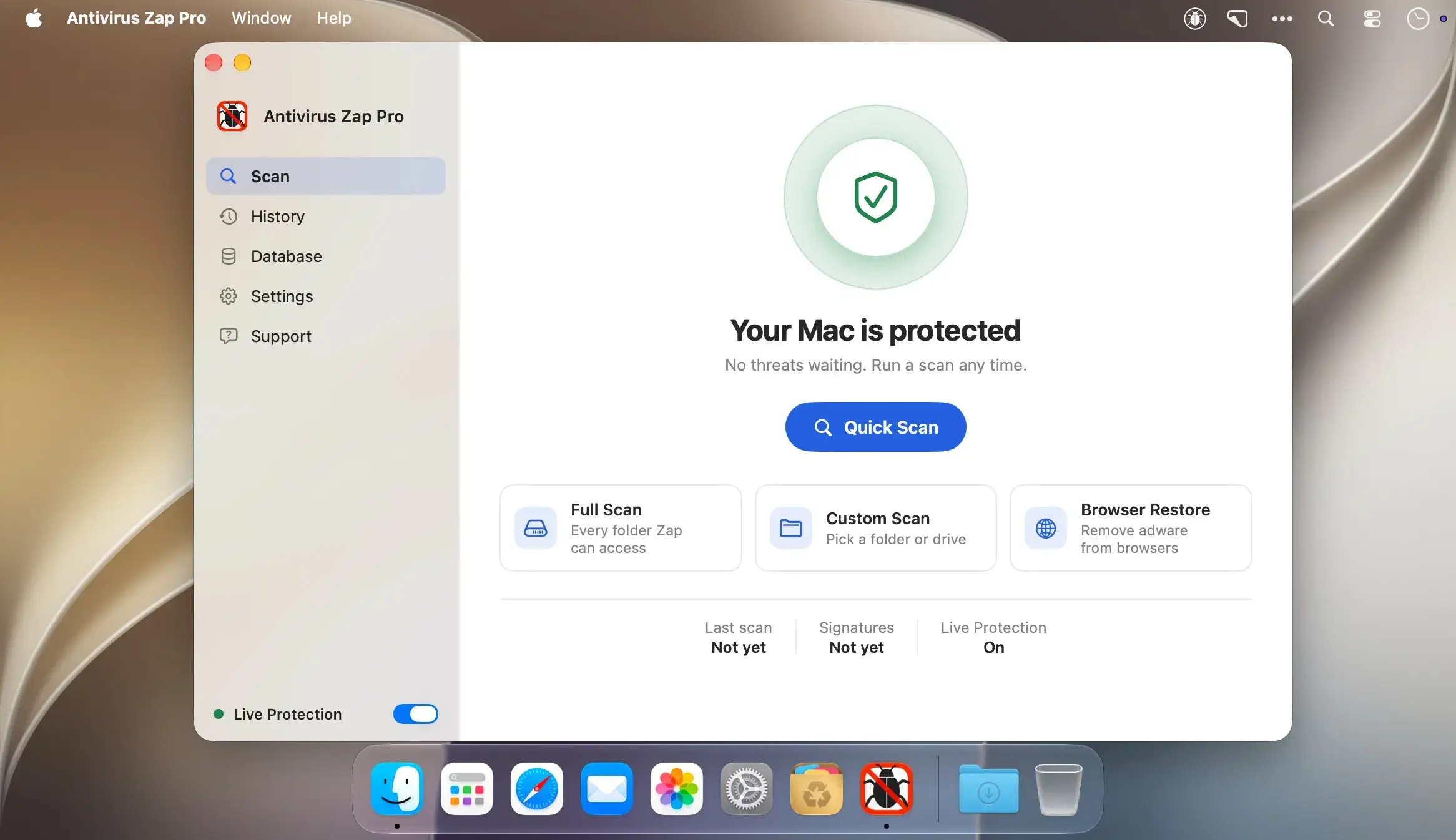
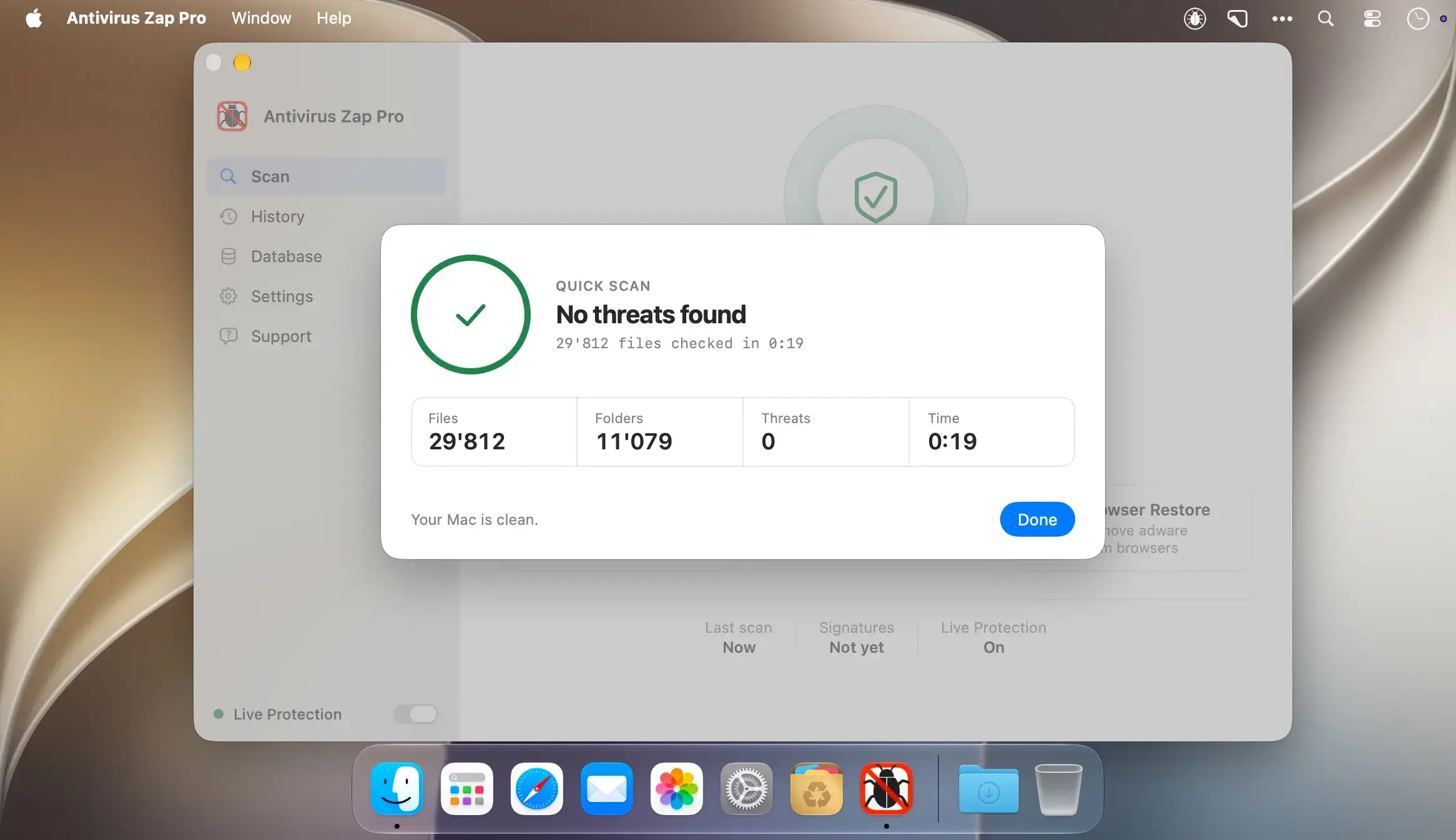
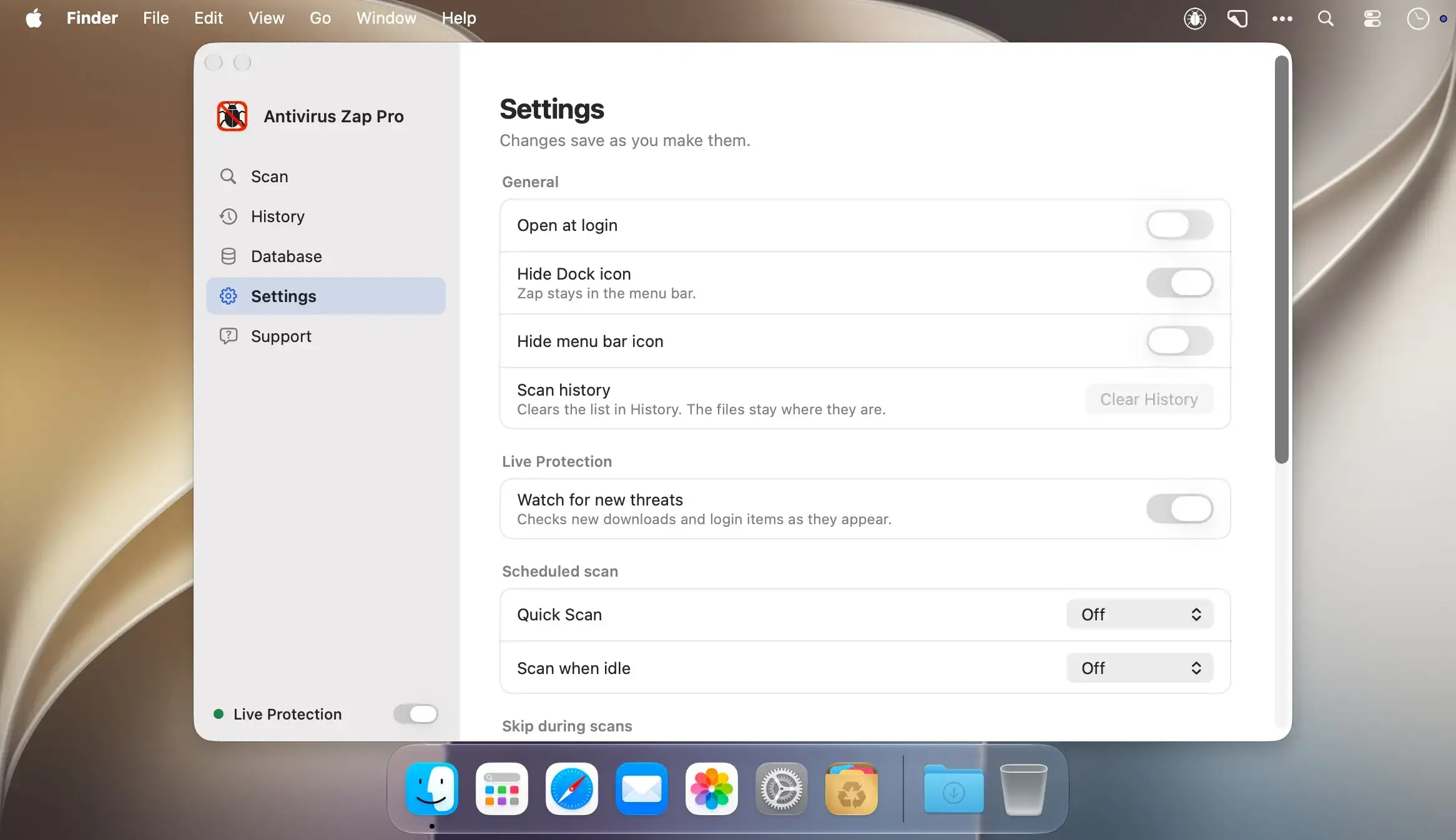
Antivirus Zap Pro scans your Mac for malware and other malicious software and removes what it finds. It detects threats and suspicious files already on your Mac and helps protect you from future exposure. It is not bloated with unnecessary features that can slow down your Mac, so it makes efficient use of system resources and memory.
Scan modes
Choose the scan that fits the situation.
- Quick scan (recommended): checks the most likely locations, such as the Applications, Downloads, and Desktop folders. Depending on the number of files, it takes about 5–15 minutes.
- Full scan: a comprehensive check of the whole system. Depending on the number of files, it takes an hour or more, which makes it a good fit for an overnight scan.
- Custom scan: lets you select specific files or folders to check, which is useful for suspicious files, folders, and USB drives.
- Scan + Browser Restore: works like the Quick Scan and also restores your internet browsers by removing extensions, cookies, and caches. It takes about 5–15 minutes, depending on the number of files.
Flexible scanning options
Adjust what gets checked and where.
- External and network drives: scan them for malware along with your Mac.
- File type exclusions: skip file types that are unlikely to pose a threat, such as image, movie, and audio files.
- Archive and file scanning: optionally search for malware in archives (zip, pkg, etc.) and inside various types of files such as pdf, pkg, and zip.
Simple and up to date
Antivirus Zap Pro has an easy-to-use interface and receives frequent database updates.
Version 4.3.0:
- A refreshed, modern interface
- Performance improvements
- Bug fixes and stability improvements
Frequently asked questions
How do I install the app?
Mount the image, drag the app into the "Applications" folder and launch it. If the system blocks the launch, allow it in "System Settings → Privacy & Security".
The app is damaged or won't launch
Reinstalling from a fresh image usually helps. Make sure your macOS version matches the one listed in the compatibility specs.
How do I update?
Download the new version from the site and install it over the current one — your settings will be preserved.
The download link doesn't work
Try a mirror or a download manager. For large files the browser often drops the connection.
How do I completely remove the app?
Use an uninstaller utility — it cleans up the service files that remain after moving the app to the trash.

Choose a download source
Antivirus Zap Pro 4.3.0.0 · 28.12 MB
Previous versions
Antivirus Zap Pro 4.3.0.0
Previous versions are available to registered users.