
PDF Checkpoint 2.0.2
Automate PDF preflight and batch PDF conversion on Mac
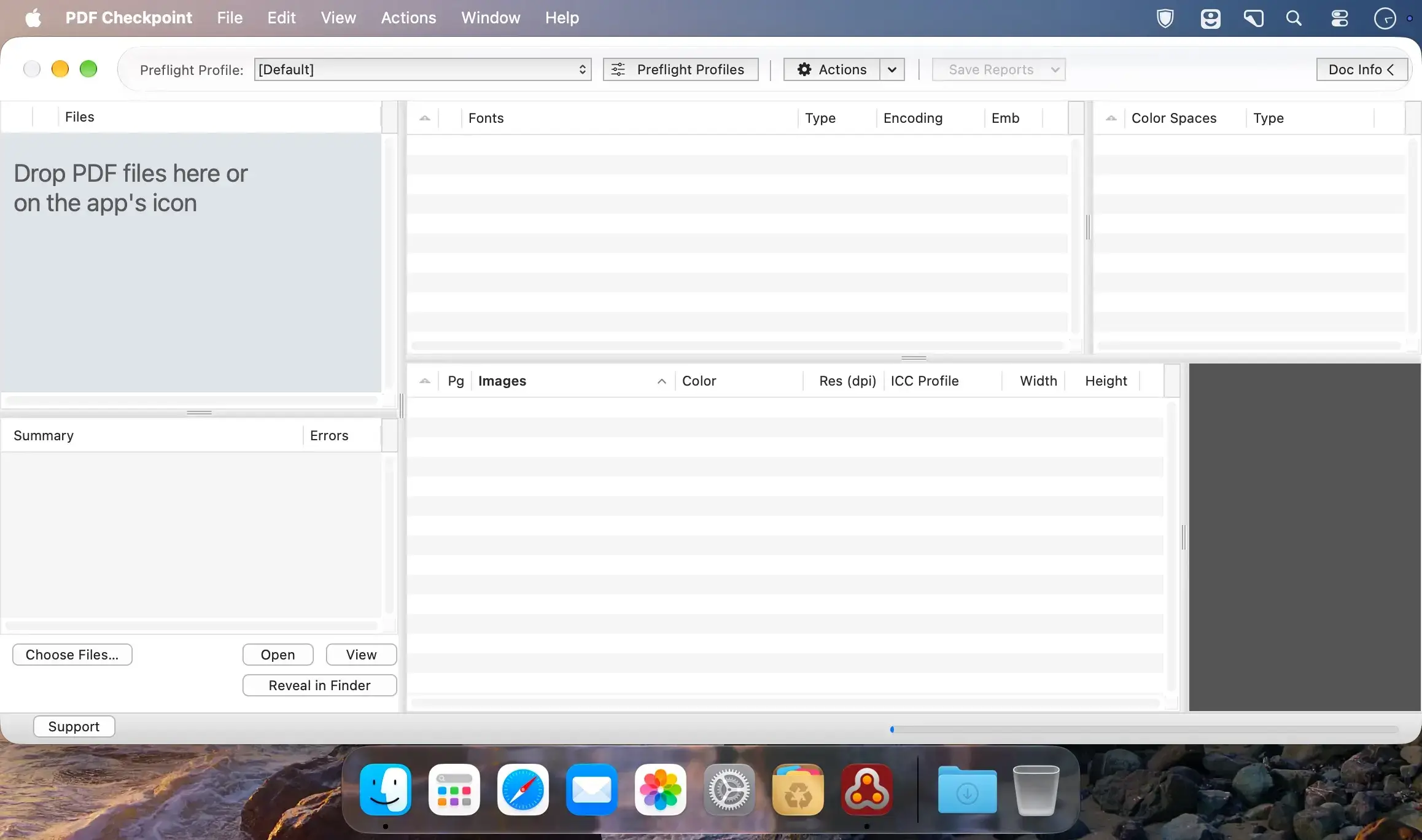
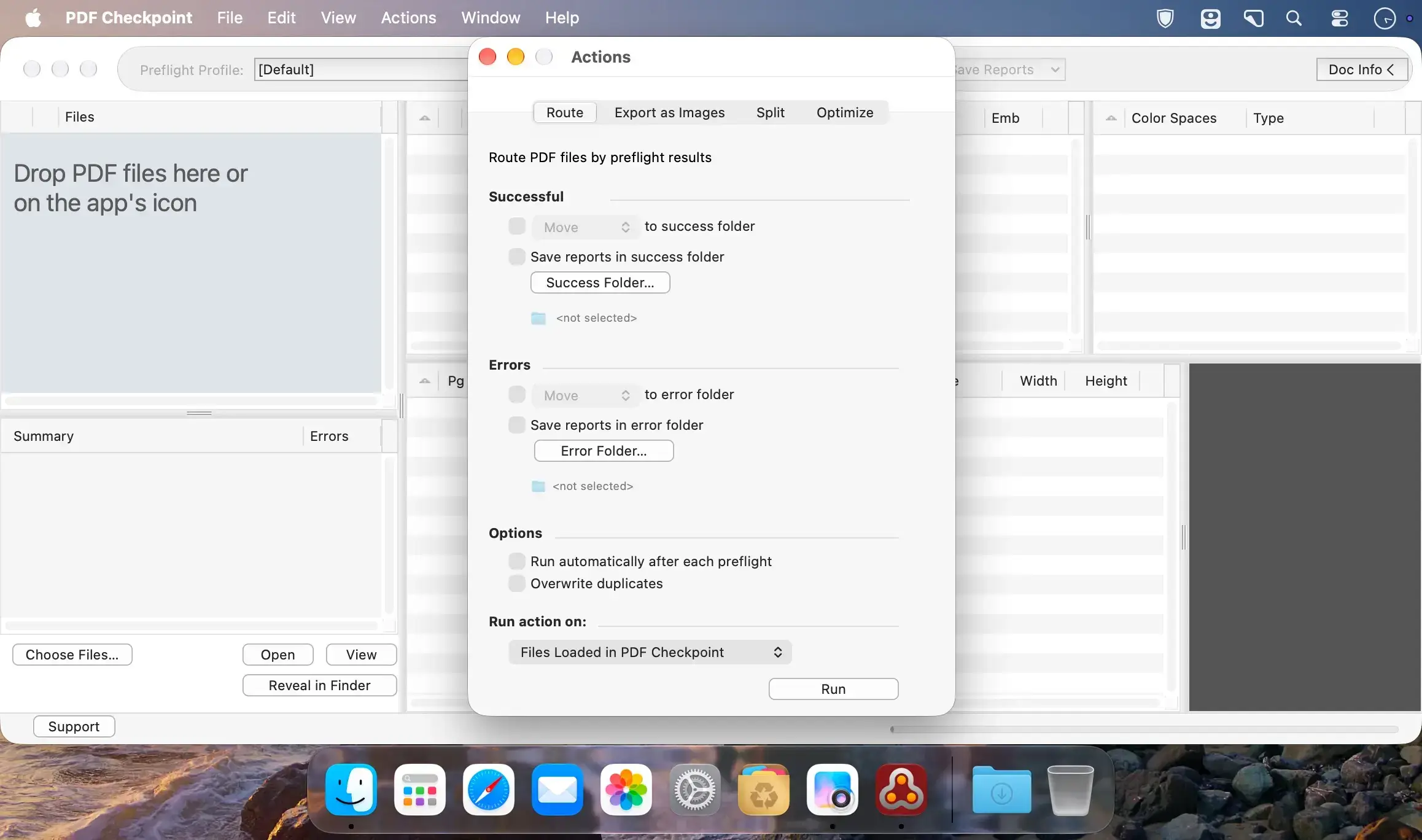
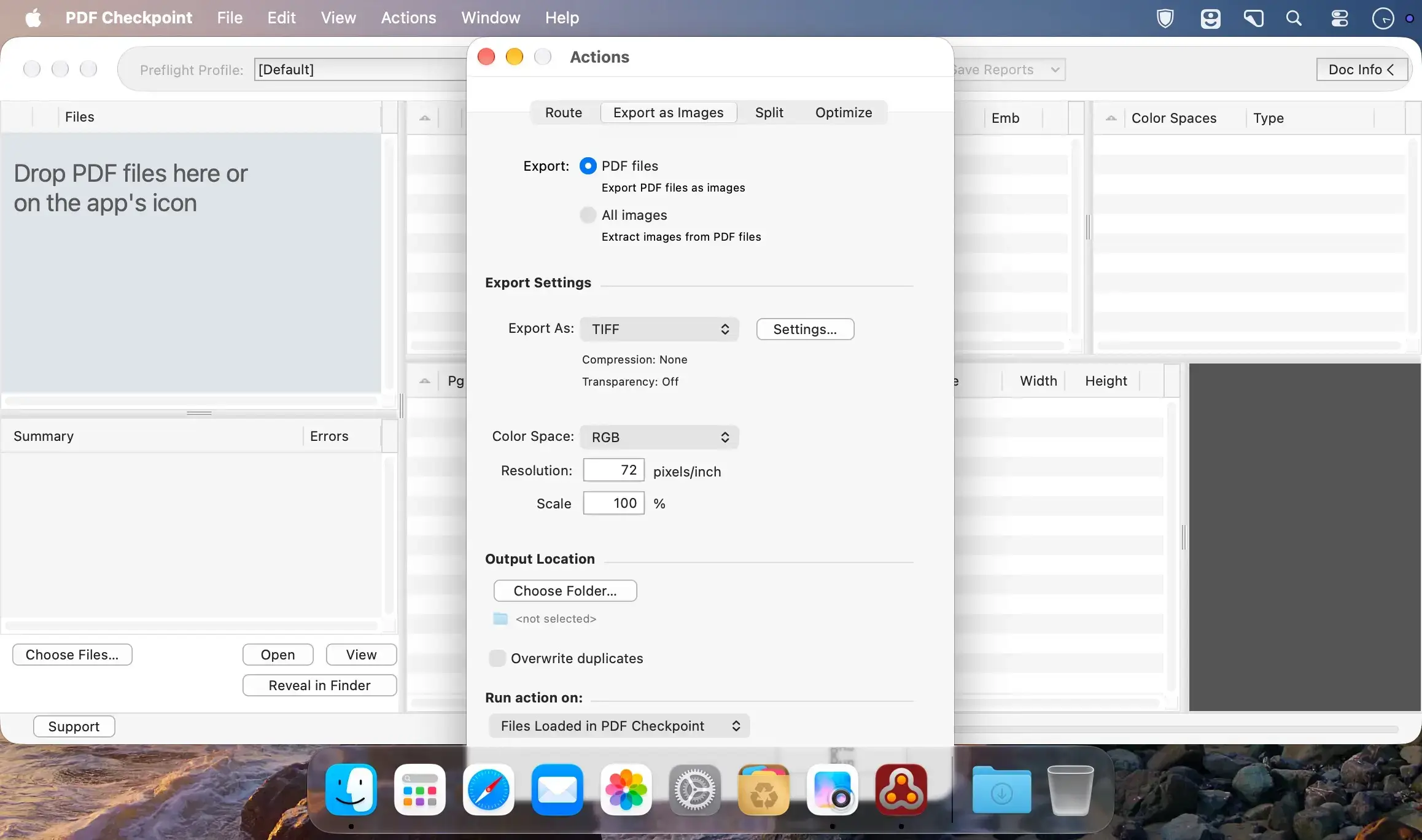
PDF Checkpoint is a Mac app that automates PDF preflight and conversion with batch processing. It helps you catch costly errors and repurpose PDFs for print and web.
Automate your PDF workflow
Process multiple files at once with preflight, color conversion, image export and extraction, page splitting, and file size reduction.
- Preflight PDF files: check multiple PDFs using preflight profiles, including document fonts, color spaces, images, metadata, and other attributes
- Convert colors: convert PDF files to a selected color profile, for example RGB to CMYK
- Optimize images: compress images and downsample them to a specific resolution to reduce PDF file size
- Export PDF as images: batch export PDF files as TIFF, JPEG, PNG, GIF, or BMP in RGB, CMYK, or Grayscale, with a specified image resolution and page scale
- Extract images from PDF files: extract all images at a specified file format, color mode, and resolution
- Split PDF into single pages: automatically split multiple PDFs into single-page documents, processing all files or only those that passed preflight
What's new in PDF Checkpoint 2
Version 2 brings new capabilities and under-the-hood improvements.
- Apple Silicon: native support
- Image extraction: save images from PDF files in a specific file format, color mode, and resolution
- Measurement units: choose your preferred units in the settings
- Fixes and improvements: numerous fixes and internal improvements
- Future macOS versions: ready for upcoming releases
Frequently asked questions
How do I install the app?
Mount the image, drag the app into the "Applications" folder and launch it. If the system blocks the launch, allow it in "System Settings → Privacy & Security".
The app is damaged or won't launch
Reinstalling from a fresh image usually helps. Make sure your macOS version matches the one listed in the compatibility specs.
How do I update?
Download the new version from the site and install it over the current one — your settings will be preserved.
The download link doesn't work
Try a mirror or a download manager. For large files the browser often drops the connection.
How do I completely remove the app?
Use an uninstaller utility — it cleans up the service files that remain after moving the app to the trash.

Choose a download source
PDF Checkpoint 2.0.2 · 9.61 MB
Previous versions
PDF Checkpoint 2.0.2
Previous versions are available to registered users.