PDF Reader Pro 6.5.0
PDF Reader Pro: Edit, Convert, and Annotate PDFs Offline
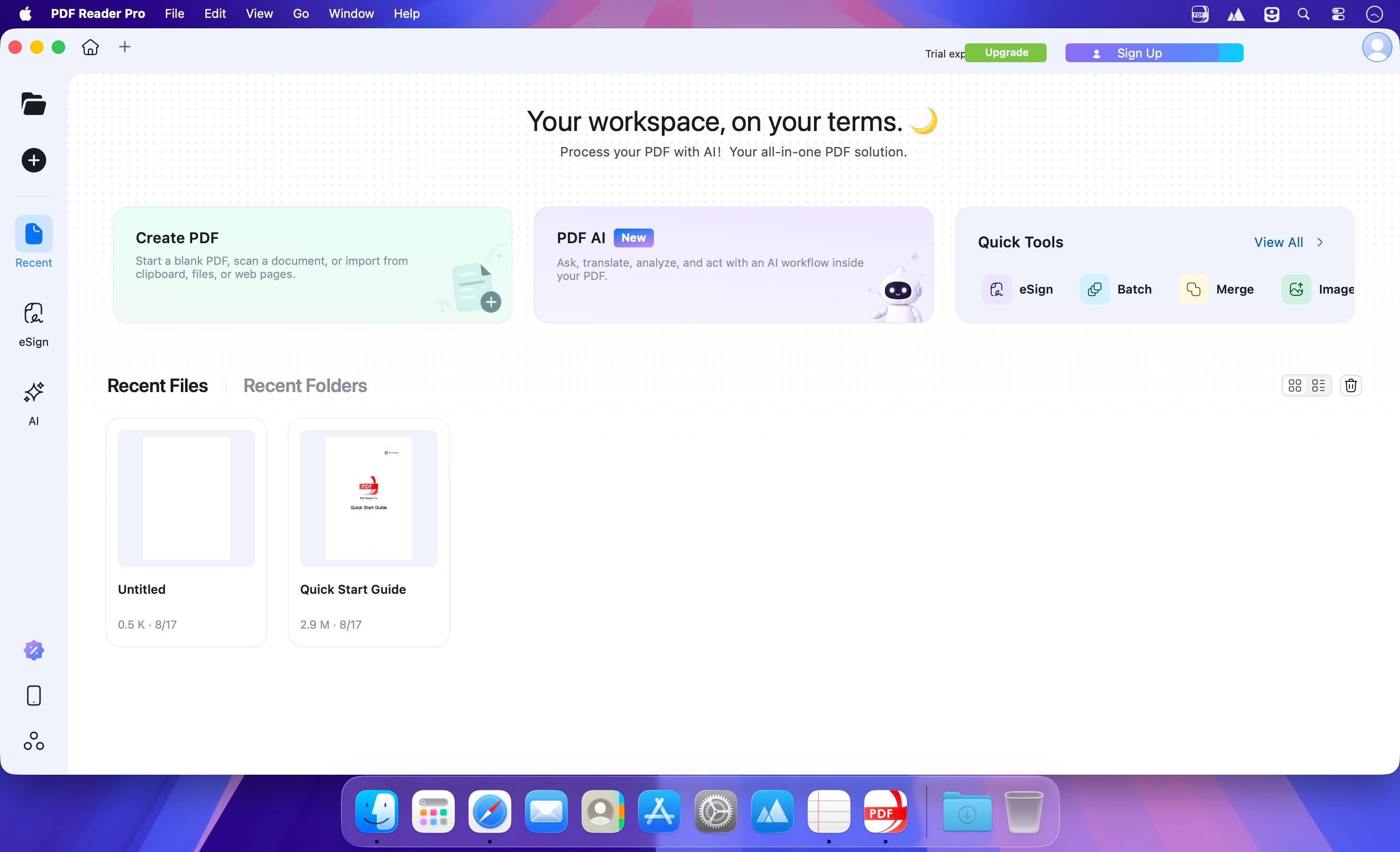
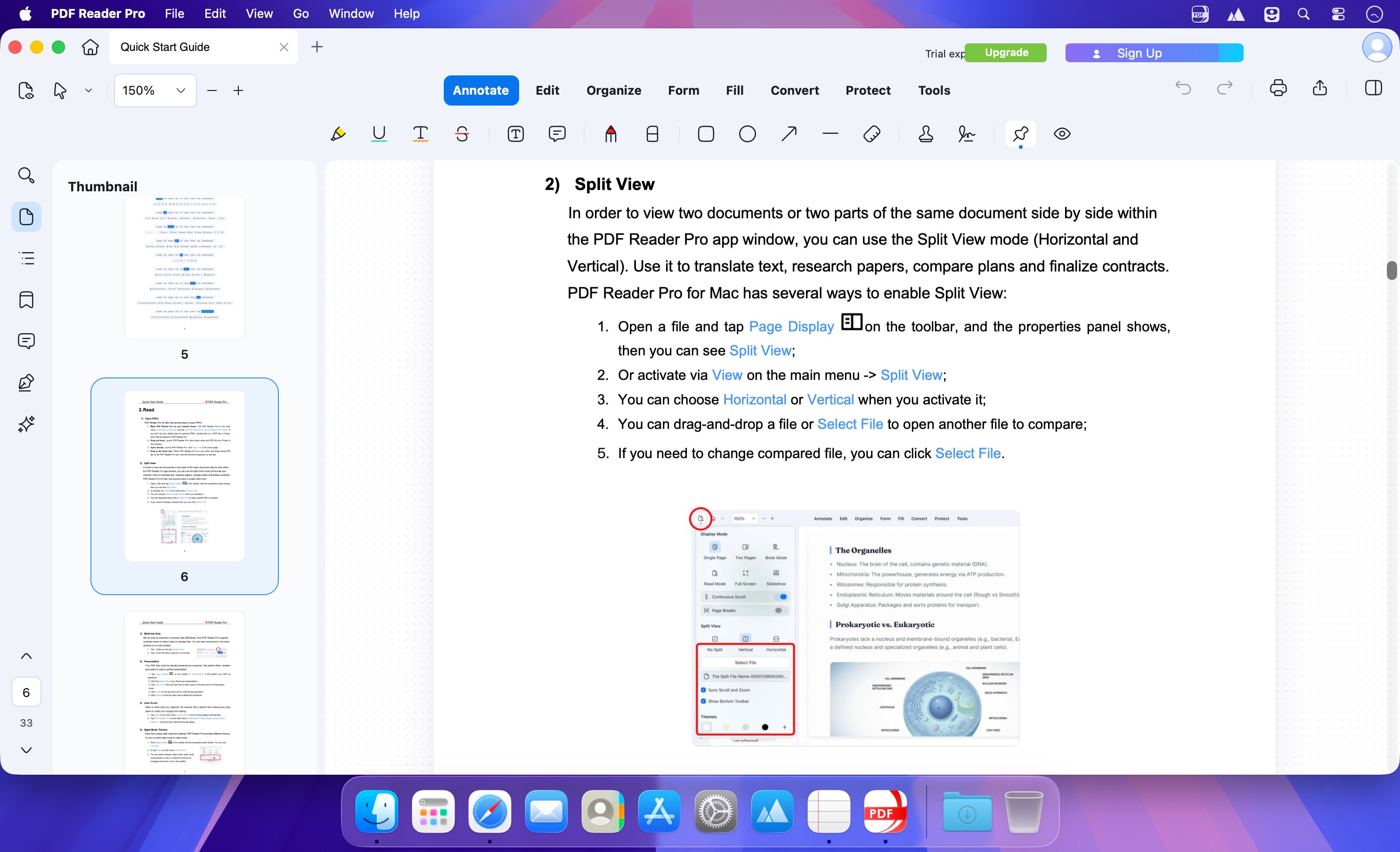
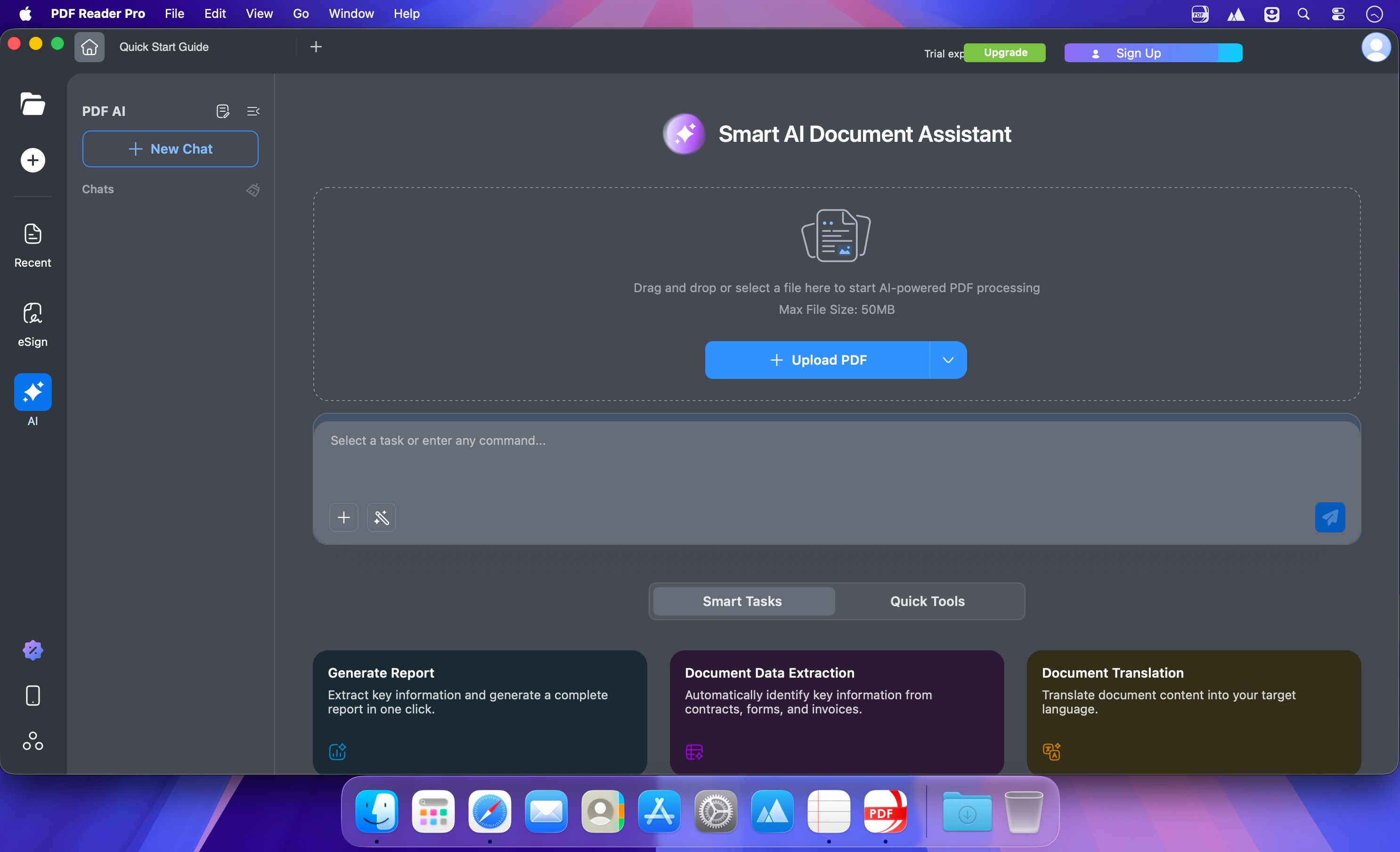
PDF Reader Pro turns your Mac into a single workspace for everything PDF: read, edit, annotate, convert, compress, sign, redact, compare, and organize documents without jumping between apps. Scans become searchable files, sensitive content can be removed for good, and version comparison shows exactly what changed.
AI and OCR built into the workflow
Recognize text in scans, images, and whole batches, then search, copy, highlight, and annotate the result, with area OCR for selected fragments. AI tools summarize, translate, proofread, rewrite, and extract insights from your PDFs, while image enhancement and correction keep scanned pages readable.
- Edit PDF: add, edit, or remove text, change font size, style, and color, align text boxes, crop, rotate, flip, replace, or export images, and manage watermarks, headers, footers, Bates numbers, and backgrounds.
- Annotate and sign: highlight, underline, strikethrough, draw freehand, add text boxes, anchored notes, shapes and stamps, create signatures with a trackpad, keyboard, or image, and use eSign or secure digital signatures.
- Convert: export PDF to Word, PPT, Excel, RTF, Text, HTML, Image, CSV and more, create PDFs from MS Office files, images, scanners, web pages and cameras, and extract images.
- Pages and forms: split, combine, extract, merge, rotate, copy, delete, replace and crop pages, insert pages from PDFs, images, blank pages or scanners, and create or fill interactive and static forms.
- View and print: use single-page, two-page, full-screen, horizontal, vertical and auto-scroll modes, dark mode, split view, and slideshow, and print booklets, posters, or multiple pages per sheet.
- Compress and secure: reduce file size with compression customized by image resolution or redundant-item removal, password-protect documents, control editing, copying, modifying and printing permissions, and redact sensitive information.
- Listen: read large files aloud with text-to-speech in 50+ languages.
Install PDF Reader Pro on your Mac and keep every PDF task in one place.
Version 6.5.0
- PDF Reader Pro is fully compatible with macOS Tahoe 26.
- New Cloud Drive: Upload PDFs to your personal cloud storage and access them across Mac, Windows, iOS, Android, and the web with the same account.
- Document Sharing: Share PDFs by link or email invitation, with flexible view, comment, or edit permissions for easier communication.
- Cloud File Management: Keep documents organized in folders, quickly search cloud and shared files, and move or delete files in batches for more efficient management.
- Save to Cloud: Save your edits and annotations to the cloud, and quickly open cloud documents from Recent Files to pick up where you left off.
- PDF Reader Pro powered by ComPDF.
Frequently asked questions
How do I install the app?
Mount the image, drag the app into the "Applications" folder and launch it. If the system blocks the launch, allow it in "System Settings → Privacy & Security".
The app is damaged or won't launch
Reinstalling from a fresh image usually helps. Make sure your macOS version matches the one listed in the compatibility specs.
How do I update?
Download the new version from the site and install it over the current one — your settings will be preserved.
The download link doesn't work
Try a mirror or a download manager. For large files the browser often drops the connection.
How do I completely remove the app?
Use an uninstaller utility — it cleans up the service files that remain after moving the app to the trash.

Choose a download source
PDF Reader Pro 6.5.0 · 237.8 MB
Previous versions
PDF Reader Pro 6.5.0
Previous versions are available to registered users.