Enolsoft PDF Converter with OCR 8.0.0
Convert PDF to Word and Excel with OCR
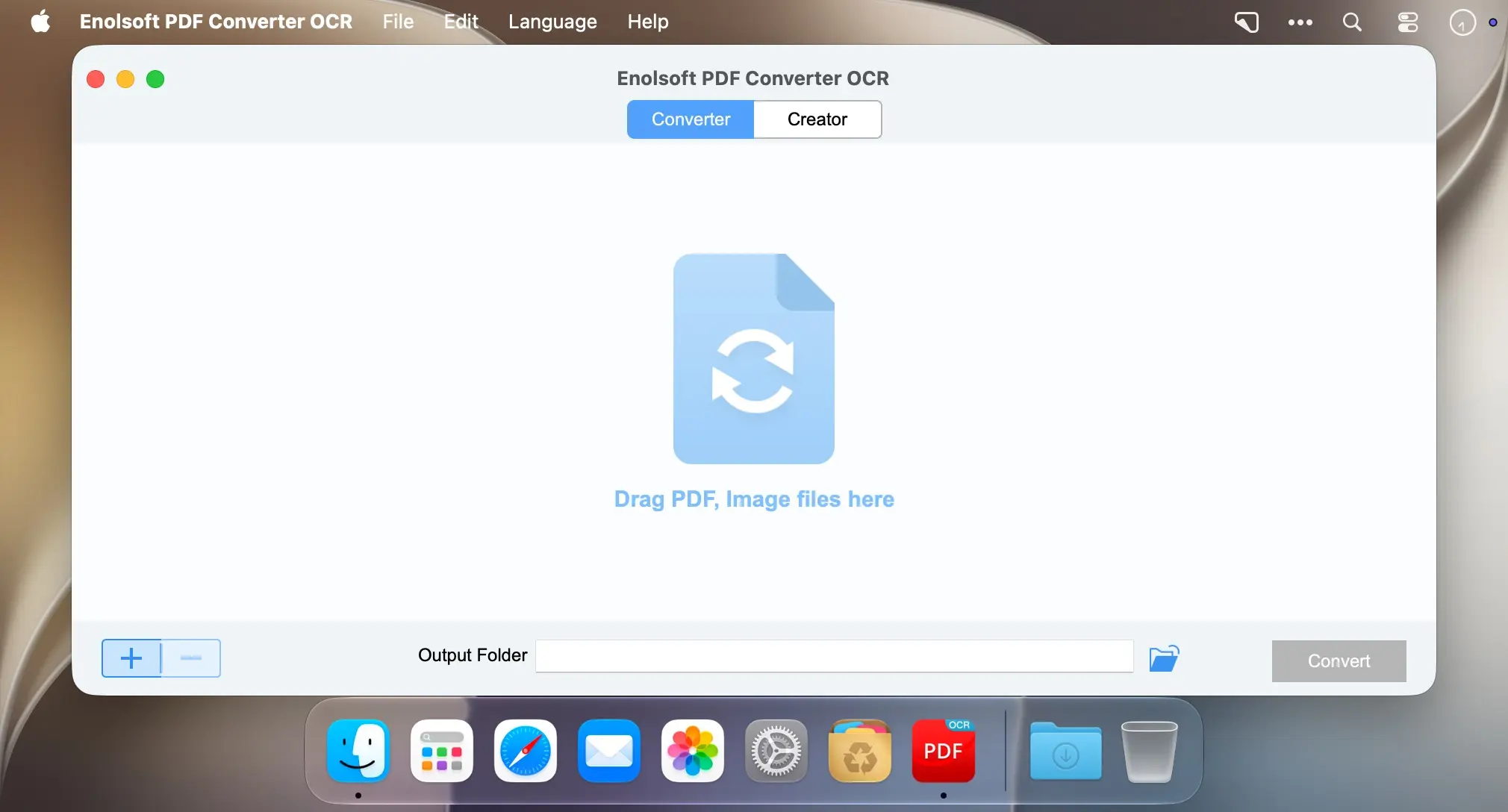
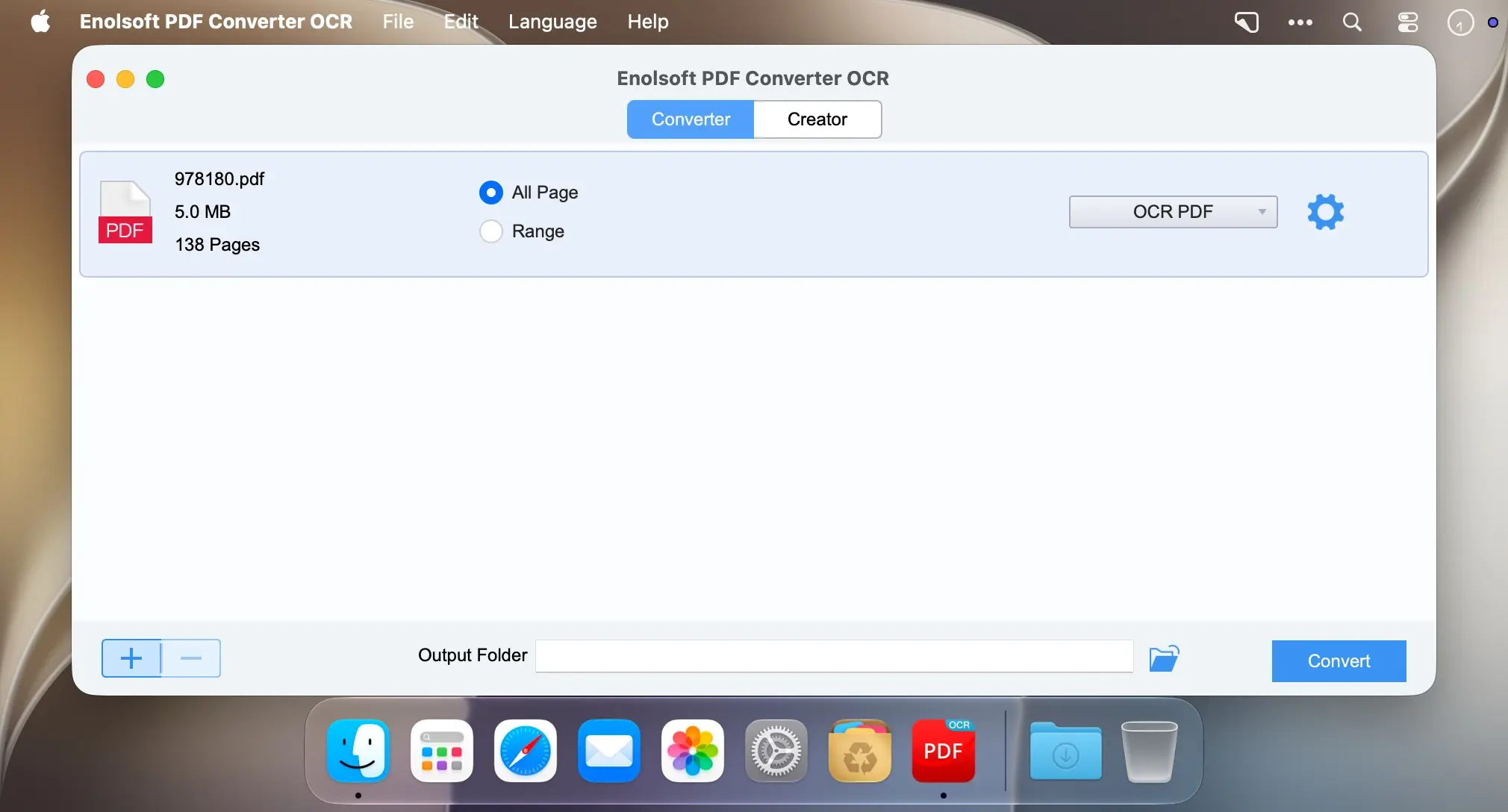
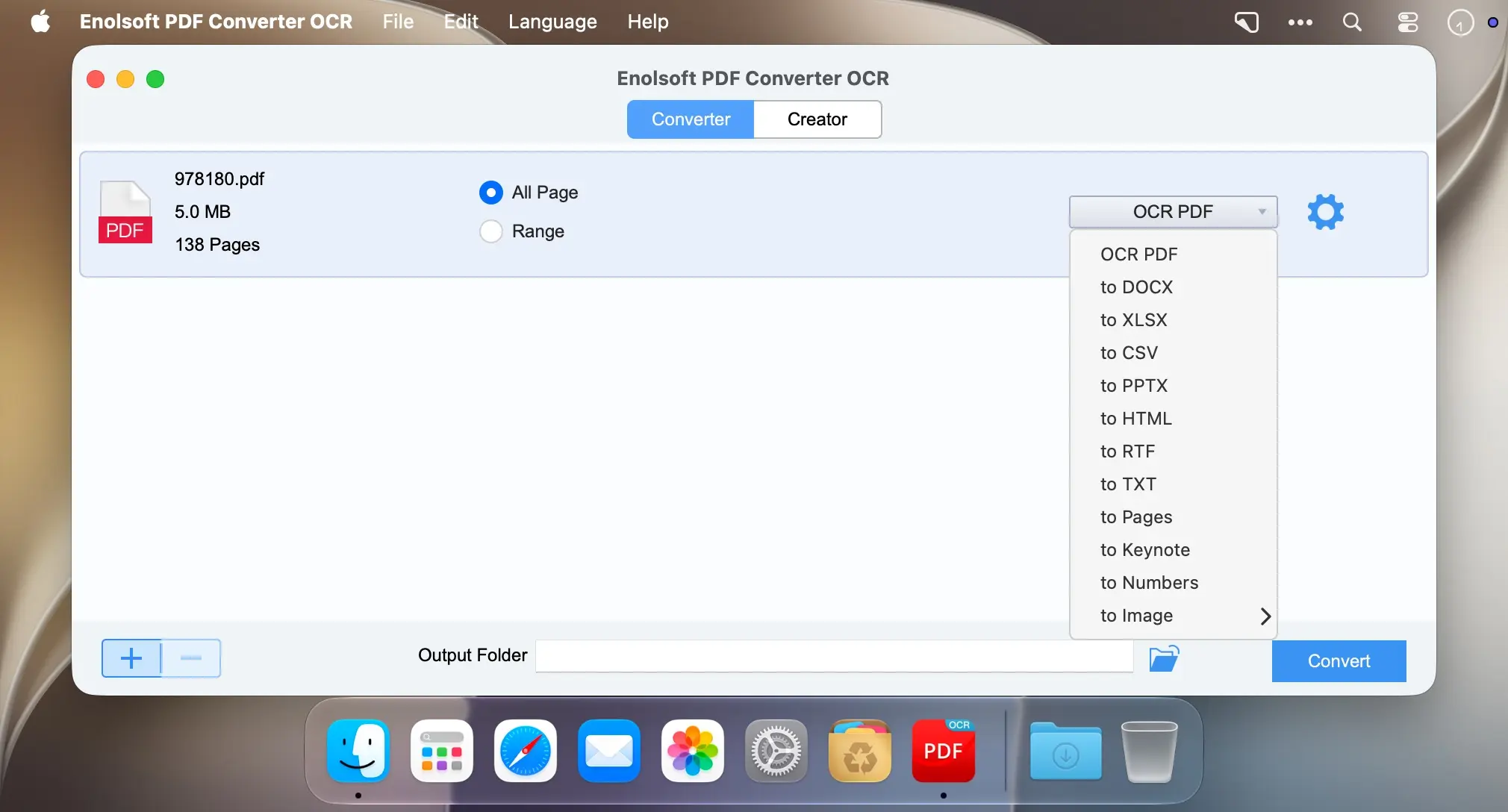
Turn any PDF into a file you can edit. PDF Converter OCR works as a PDF to Word converter and also handles Excel, PowerPoint and more, so you can analyze data, report to your boss and prepare for meetings without retyping.
Edit scanned and encrypted files
Use OCR to turn scanned PDFs into searchable PDFs or editable documents. The app removes a PDF's restriction password automatically before converting. It recognizes text, images and tables, so complex layouts with tables and graphics keep their original look.
- 20 output formats: Convert PDF to Word, Excel, PowerPoint, CSV, HTML, RTF, Text, Pages, Keynote, Numbers or images and work in the app you prefer.
- Original quality: Keep formatting, layout and resolution in the converted file.
- Accurate OCR: Recognize text in scanned PDFs in 29 languages, including English, Chinese, Spanish, Arabic, French, German and Japanese.
- Batch conversion: Convert multiple PDFs at fast speed, either entire files or specific pages.
- Create PDF: Make PDFs from Word, Excel, PowerPoint, Pages, Keynote, Numbers, CHM, ePub, HTML, Text, RTF and image files such as JPEG, PNG, GIF, BMP and TIFF.
- Merge: Combine multiple PDFs and documents in different formats into one PDF.
Download PDF Converter OCR for macOS and convert your first PDF today.
Version 8.0:
- Improved compatibility with Apple Silicon.
- Improved PDF conversion and OCR functionality.
- Added drag-and-drop sorting for merging files in Creator.
- Fixed some issues to improve overall stability and performance.
Frequently asked questions
How do I install the app?
Mount the image, drag the app into the "Applications" folder and launch it. If the system blocks the launch, allow it in "System Settings → Privacy & Security".
The app is damaged or won't launch
Reinstalling from a fresh image usually helps. Make sure your macOS version matches the one listed in the compatibility specs.
How do I update?
Download the new version from the site and install it over the current one — your settings will be preserved.
The download link doesn't work
Try a mirror or a download manager. For large files the browser often drops the connection.
How do I completely remove the app?
Use an uninstaller utility — it cleans up the service files that remain after moving the app to the trash.

Choose a download source
Enolsoft PDF Converter with OCR 8.0.0 · 99.83 MB
Previous versions
Enolsoft PDF Converter with OCR 8.0.0
Previous versions are available to registered users.