
Cornerstone 4.1.0
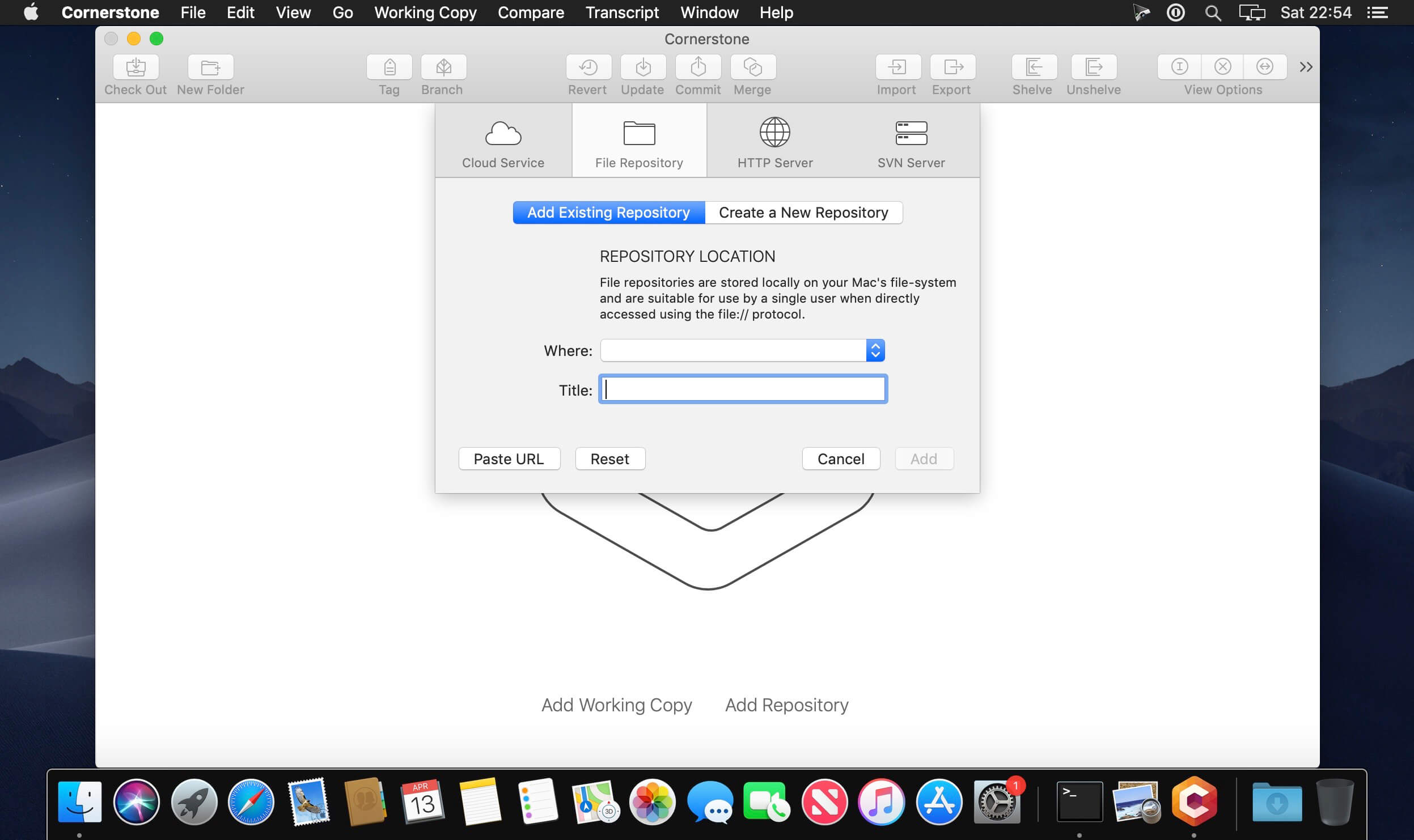


Cornerstone allows you to take control of Subversion with a client application that was specifically designed for Mac users. Cornerstone integrates all of the features you need to interact with your repository and does so in an elegant and easy-to-use fashion.
Whether you're new to versioning or a Subversion expert, Cornerstone will help streamline your workflow and make version control more transparent.
- Combines the elegance of the Mac with the power of Subversion.
- Perfect companion to Xcode, BBEdit, TextMate, Coda, etc.
- Use Subversion without having to install it on 10.4 Tiger.
- All-in-one UI mode optimized for use on laptops and other small displays.
- Multiple-window UI mode optimized for use on desktop systems with large (or even multiple) displays.
- And much much more.
Version 4.1:
New Features:
New Features:
- License Deregistration
- Users can now deregister a license from a computer and install that same license on a new computer and continue using it.
- Shelving of Binary Files
- Allows users to temporarily "shelve" (set aside) in-process changes and revert back to the working tree - to quickly fix a bug on production, for example. Once done, users can simply retrieve their shelved changes and continue where they left off. This feature was released in Cornerstone 4.0 for non-binary files only and now can be used for binary files as well.
- App Store - Users can now purchase annual Cornerstone subscriptions form the Apple App Store.
- Performance Improvements
- Numerous code optimizations speed up overall application performance, especially when updating and checking out code from the central repository to Cornerstone.
- Subversion 1.10 - Added support for the newest SVN 1.10 trunk
- License Verification
- The application will attempt to verify subscription status more than once on startup if the Internet is not connected yet.
- "Could Not Connect to Server" - This error message will now include more debug information for the Assembla support team to better solve customer issues.
- Stability Bug Fixes
Frequently asked questions
How do I install the app?
Mount the image, drag the app into the "Applications" folder and launch it. If the system blocks the launch, allow it in "System Settings → Privacy & Security".
The app is damaged or won't launch
Reinstalling from a fresh image usually helps. Make sure your macOS version matches the one listed in the compatibility specs.
How do I update?
Download the new version from the site and install it over the current one — your settings will be preserved.
The download link doesn't work
Try a mirror or a download manager. For large files the browser often drops the connection.
How do I completely remove the app?
Use an uninstaller utility — it cleans up the service files that remain after moving the app to the trash.
VersionCornerstone 4.1.0
DeveloperZennaware GmbH
CompatibilityOS X 10.11 or later, 64-bit processor
LanguageEnglish
IncludesK'ed by TNT




Choose a download source
Cornerstone 4.1.0 · 14.31 MB
Previous versions
Cornerstone 4.1.0
Previous versions are available to registered users.
Comments 2