
Translate Tab 2.0.18
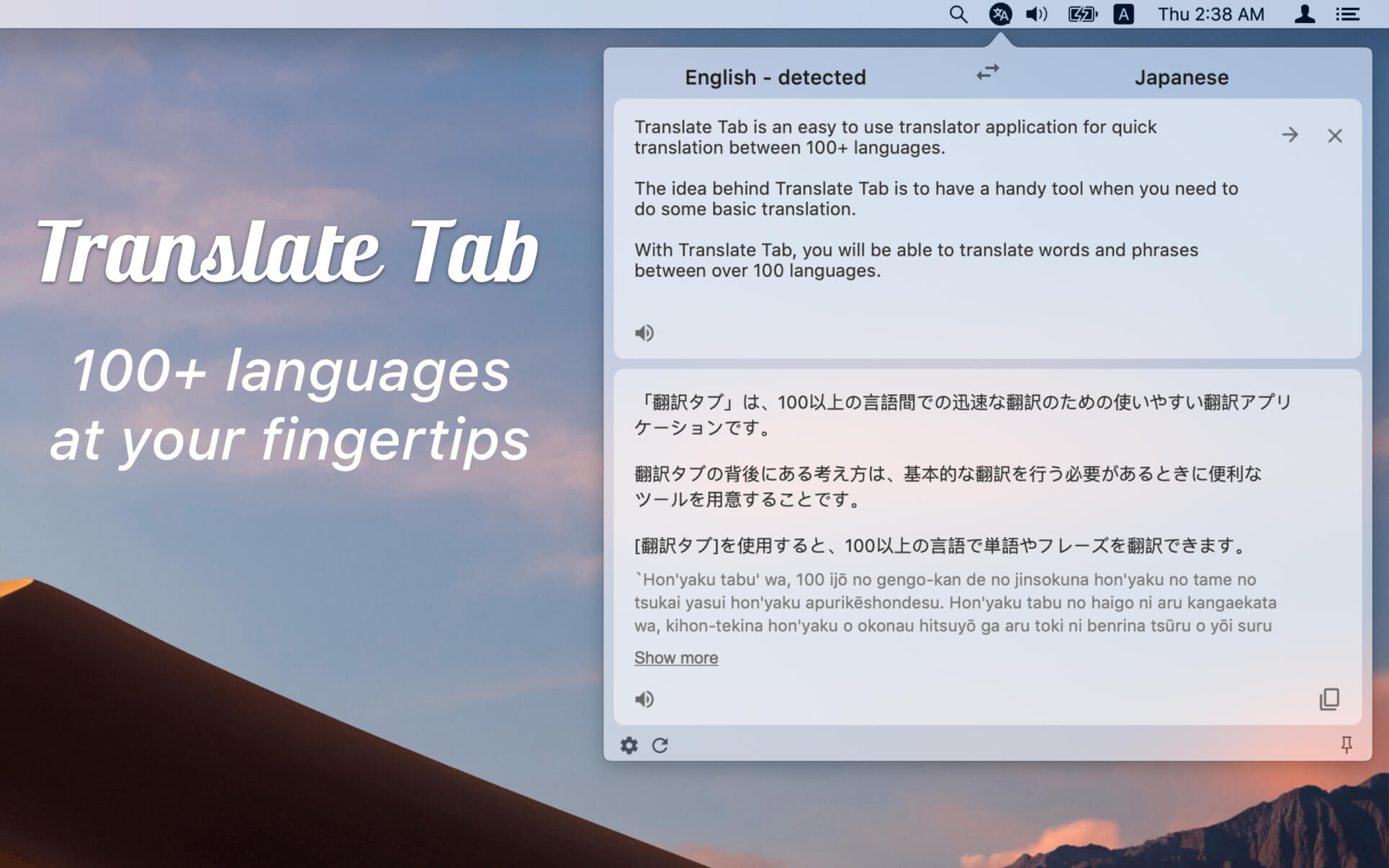


Translate Tab is an easy to use translator application for quick translation between 100+ languages.
The idea behind Translate Tab is to have a handy tool when you need to do some basic translation.
With Translate Tab, you will be able to translate words and phrases between over 100 languages.
Key Features:
- Translates over 100 languages
- Detects source language automatically
- Translates text instantly
- Inputs text phonetically
- Enables to read and listen to your translation
- Checks spelling
- Sends to instant translation through a shortcut
- And more features are coming soon...
Notes:
You need an Internet connection to access the Translation Tab
Version 2.0.18
- fixed translation text color
Frequently asked questions
How do I install the app?
Mount the image, drag the app into the "Applications" folder and launch it. If the system blocks the launch, allow it in "System Settings → Privacy & Security".
The app is damaged or won't launch
Reinstalling from a fresh image usually helps. Make sure your macOS version matches the one listed in the compatibility specs.
How do I update?
Download the new version from the site and install it over the current one — your settings will be preserved.
The download link doesn't work
Try a mirror or a download manager. For large files the browser often drops the connection.
How do I completely remove the app?
Use an uninstaller utility — it cleans up the service files that remain after moving the app to the trash.





Choose a download source
Translate Tab 2.0.18 · 11.17 MB
Previous versions
Translate Tab 2.0.18
Previous versions are available to registered users.