
Linguist 3.4
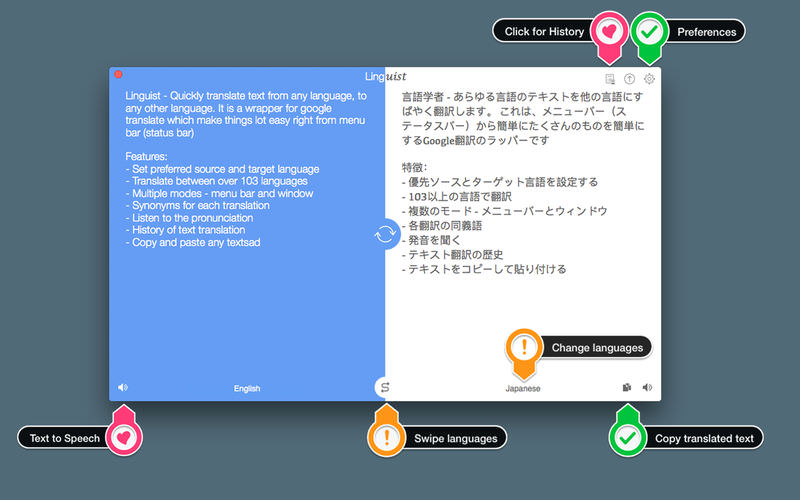
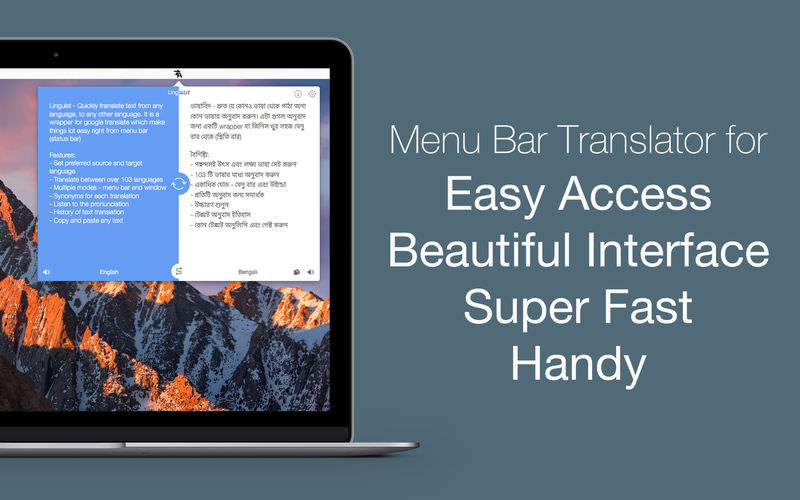
Linguist is easy to use translation tool for quick translation from the menu bar (status bar) or window. Translation of words or phrases by selecting in any other app or website with just a click or command (HOTKEY). It can translate document in .txt, .rtf and .doc formats.
Key Features:
- Set the preferred source and target language
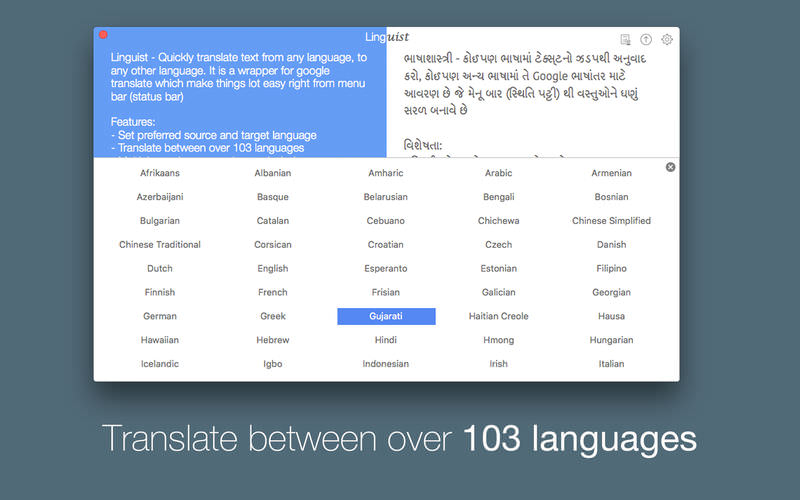
- Translate between over 103 languages
- Translate document in .txt, .rtf and .doc formats.
- Automatically copy the translated text to the clipboard.
- Multiple modes - menu bar and window
- History of text translation for reference
- Export translated History in TextEdit(.txt) format
- HOTKEY to translate text from any website or App
- Synonyms for each translation
- Listen to the pronunciation
- Copy and paste the text.
Version 3.4
- Try the new image translation with OCR
- Extract and translate text from images and screenshots
- Improved translation accuracy and performance
- Bug fixes and stability improvements
- Update now
Frequently asked questions
How do I install the app?
Mount the image, drag the app into the "Applications" folder and launch it. If the system blocks the launch, allow it in "System Settings → Privacy & Security".
The app is damaged or won't launch
Reinstalling from a fresh image usually helps. Make sure your macOS version matches the one listed in the compatibility specs.
How do I update?
Download the new version from the site and install it over the current one — your settings will be preserved.
The download link doesn't work
Try a mirror or a download manager. For large files the browser often drops the connection.
How do I completely remove the app?
Use an uninstaller utility — it cleans up the service files that remain after moving the app to the trash.





Choose a download source
Linguist 3.4 · 9.9 MB
Previous versions
Linguist 3.4
Previous versions are available to registered users.