BusyCal 2026.2.3
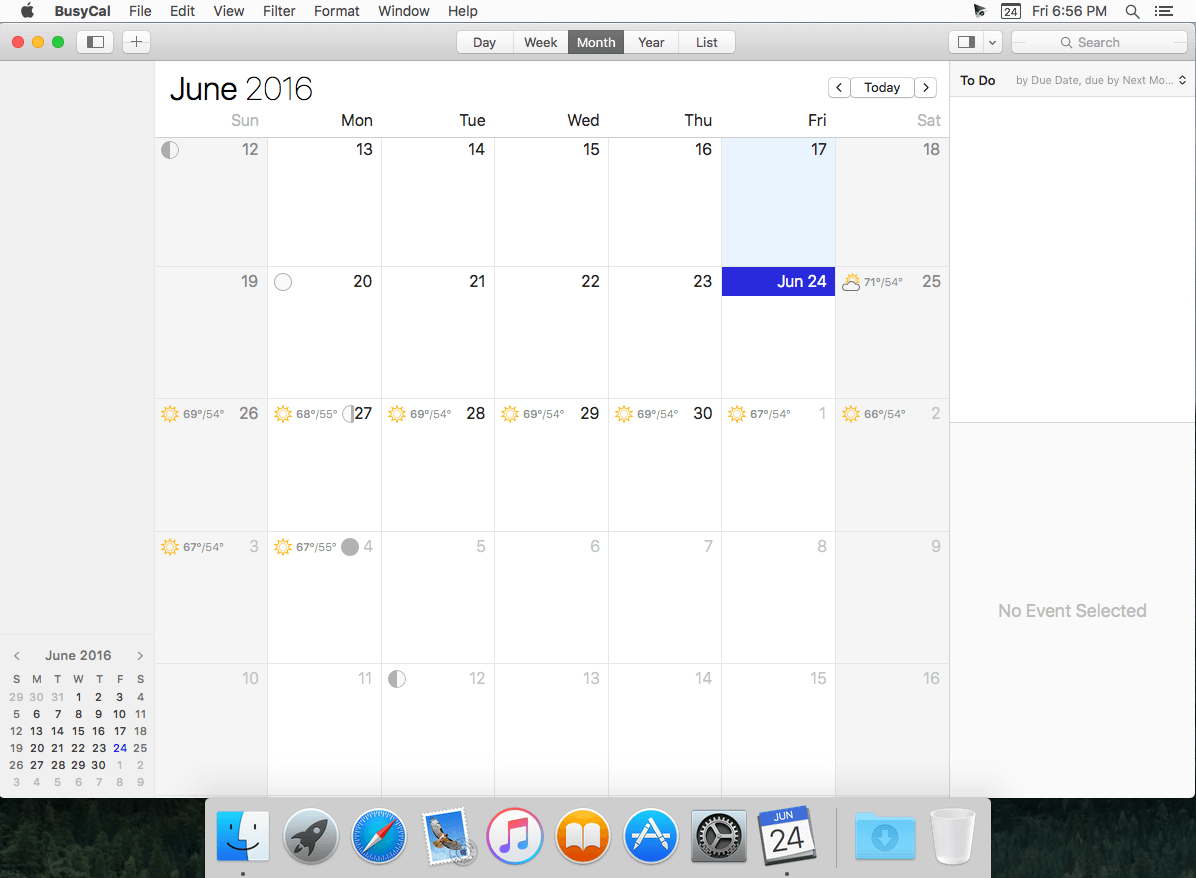
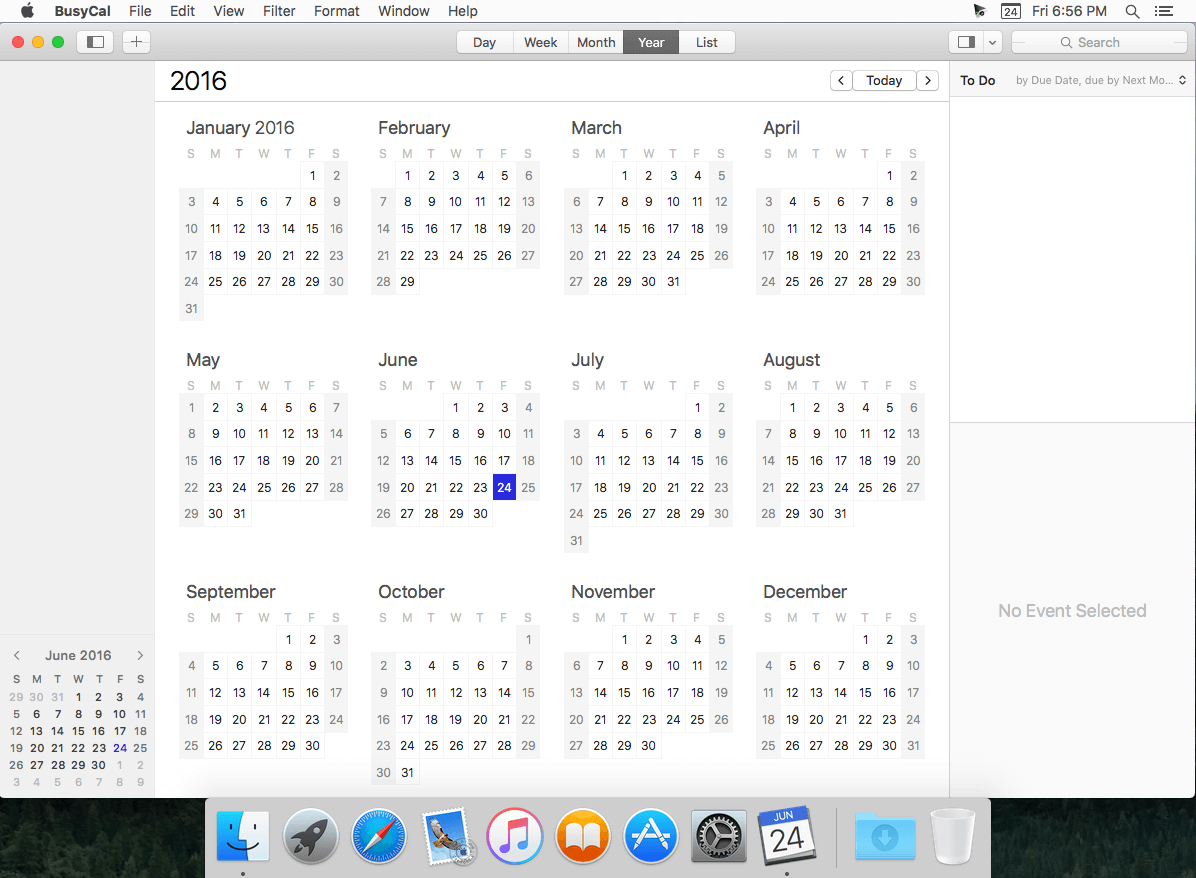
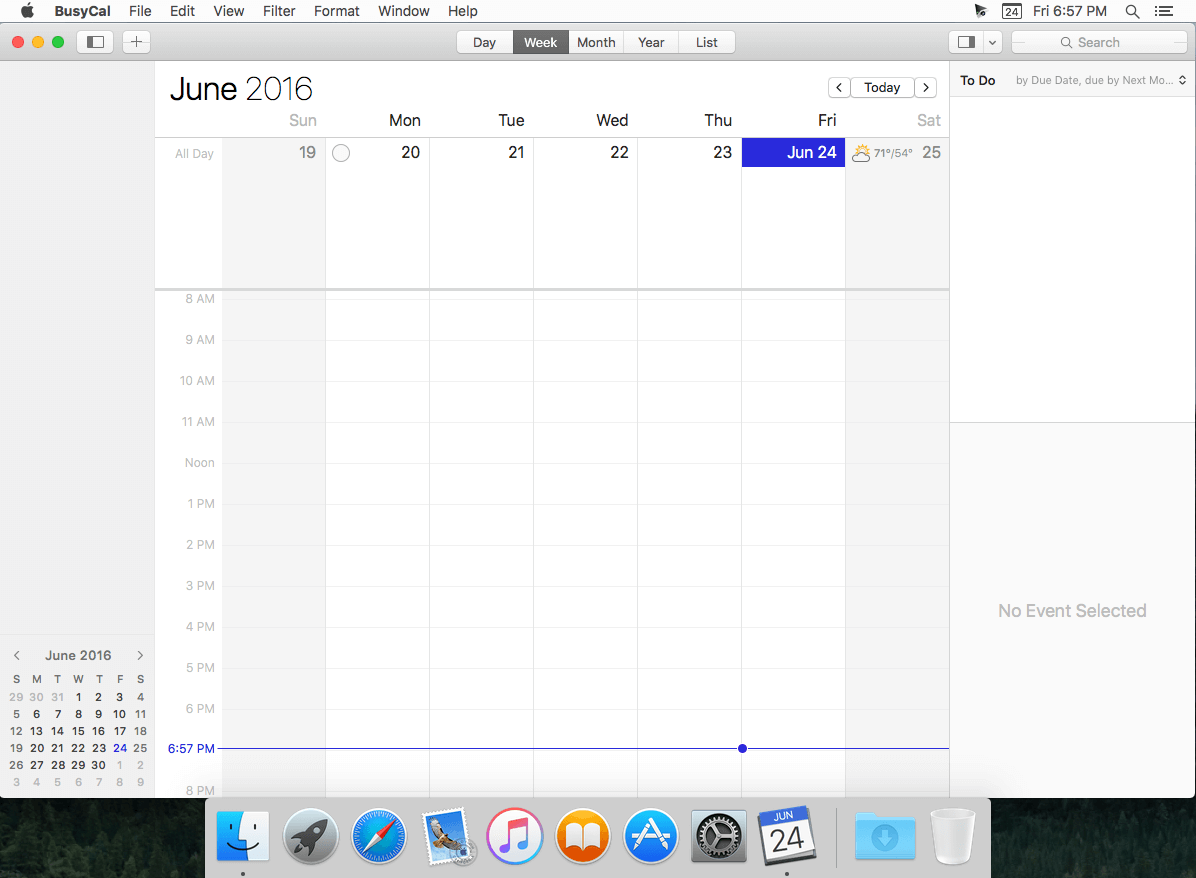
BusyCal is an award-winning desktop calendar that combines personal productivity features for individuals with powerful calendar sharing capabilities for families and workgroups. Its unique features include a non-modal Info Panel for easier data entry; To Dos that display in the calendar and auto-forward until completed; repeating To Dos; customizable calendar views including a List view and scrolling Month and Week views; adjustable font styles and sizes, live weather feeds, moon phases, graphics, sticky notes and more. And when you first launch BusyCal, all of your iCal data is instantly imported. BusyCal automatically syncs with iCal, iPhone, iPad, iPod Touch, and other apps and devices that sync with MobileMe or Sync Services. If you later decide to switch back to iCal, all of your calendar data will be current.
BusyCal allows families and workgroups to share calendars with MobileMe, Google Calendar, iCal Server, and other CalDAV Servers. You can even share calendars with other BusyCal users on a local area network without the need of a server. And BusyCal syncs with iCal, iPhone, iPad, iPod Touch, and other apps and devices that sync with MobileMe or Sync Services.
Features
- View and edit event details in a non-modal info panel.
- Create repeating To Dos that display in the calendar and carry-forward until completed.
- Scrolling Month and Week Views.
- Customizable list view lets you filter and sort events by date, calendar, and more.
- View live weather forecasts, sunrise/sunset times, and moon phases right in your calendar.
- Customizable event fonts, sizes, styles and colors.
- Add graphics to your calendar.
- Add virtual sticky notes to your calendar.
- Sync with the iPad, iPhone, and iPod Touch via MobileMe, Google Calendar, or iTunes.
- Sync with MobileMe Calendar and other computers/devices that sync with MobileMe.
- Sync with Google Calendar and other computers/devices that sync with Google Calendar.
- Sync with other BusyCal users on a local area network or over the internet.
- Share calendars with others, with password-protection and SSL encryption.
- iCal compatible
Version 2026.2.3:
- Reimagined, redesigned and improved Availability Viewer for ease of use, better clarity and enhanced functionality.
- New natural language support for creating recurring events from phrases like every day, every month, or every year
- Added Natural Language support in Quick Entry for Japanese
- The Dock icon now supports Clear and Default Icon & Widget System styles in both Light and Dark Mode
- Improved CalDAV sync to detect and apply account setting changes made after the initial sync
- New and improved in-app updater. BusyCal no longer uses Package Installer for updates, making the update process faster and smoother
- Fixed a window activation issue with detached Info Panels, where clicking on the Title field would not immediately activate the window
- Fixed a bug in Day view where using keyboard navigation to move to the previous day would require two keystrokes
- Fixed a bug where the Alarm window would inadvertently dismiss snoozes as expired after a few hours
- Fixed a bug where the Menu app could at times hang immediately after a restart
- Fixed a bug where a blocking event on a Microsoft Graph calendar would at times replicate itself after sync
- Ongoing stability and performance enhancements
Frequently asked questions
How do I install the app?
Mount the image, drag the app into the "Applications" folder and launch it. If the system blocks the launch, allow it in "System Settings → Privacy & Security".
The app is damaged or won't launch
Reinstalling from a fresh image usually helps. Make sure your macOS version matches the one listed in the compatibility specs.
How do I update?
Download the new version from the site and install it over the current one — your settings will be preserved.
The download link doesn't work
Try a mirror or a download manager. For large files the browser often drops the connection.
How do I completely remove the app?
Use an uninstaller utility — it cleans up the service files that remain after moving the app to the trash.

Choose a download source
BusyCal 2026.2.3 · 66.5 MB
Previous versions
BusyCal 2026.2.3
Previous versions are available to registered users.