PhotoScape X Pro 4.2.1
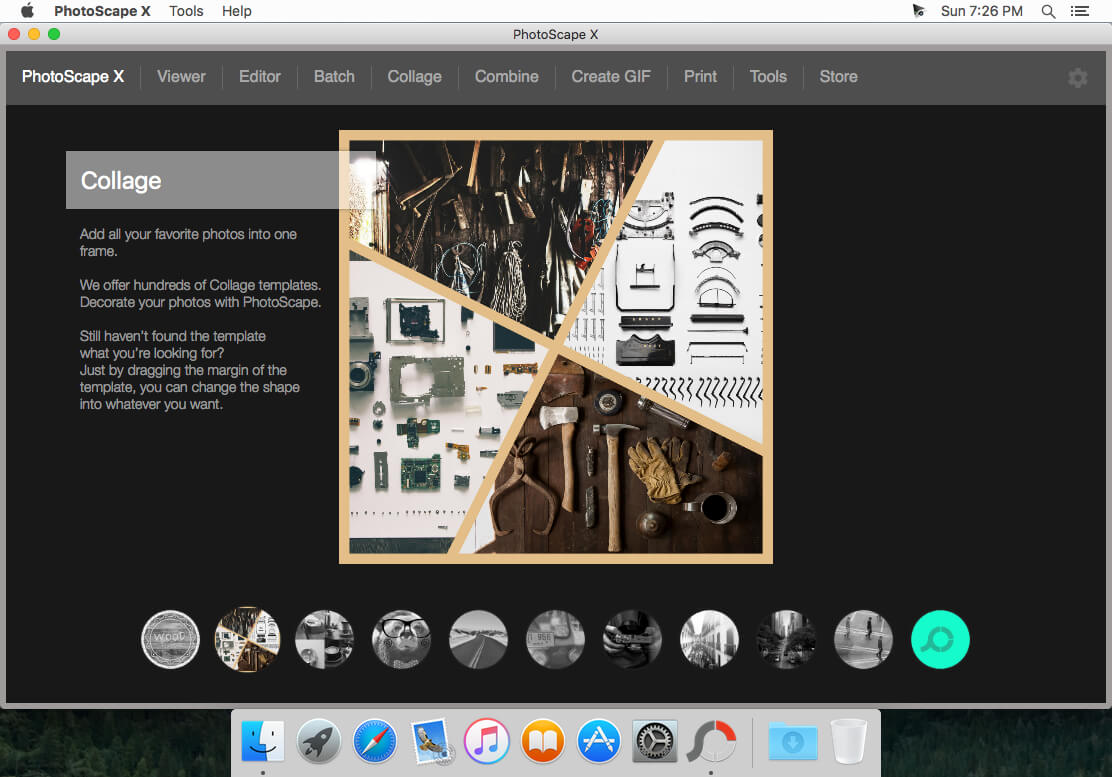
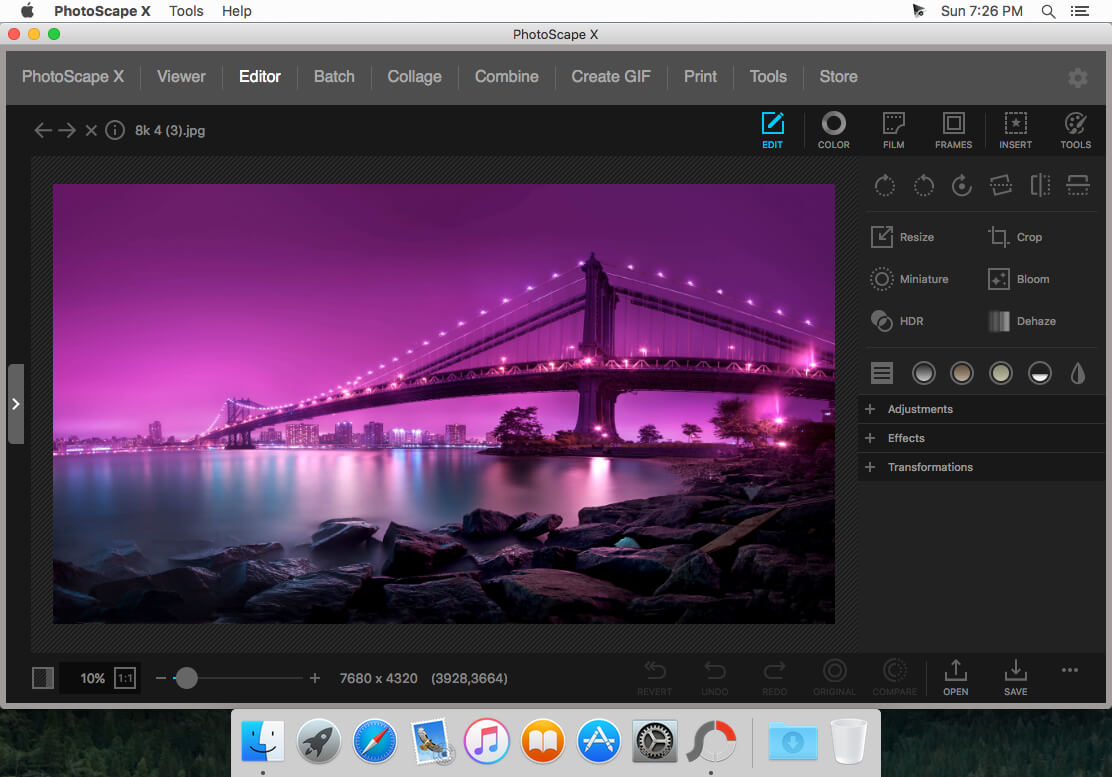
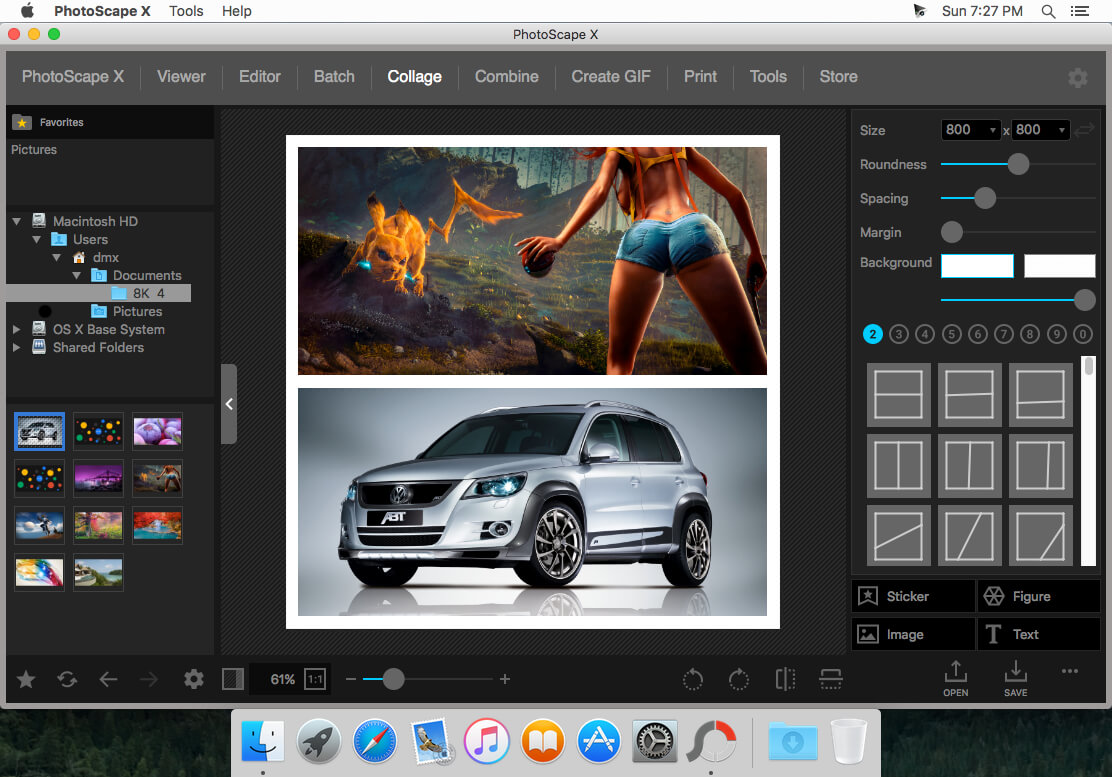
All-in-One: Photo Editor, Batch Editor, Viewer, Collage, Animated GIF, Film Effect, Light Leak, Miniature Effect, Filter, Brush, Sticker, Pattern, Frame, Shape, Border and More.
PhotoScape X is a fun and easy photo editor that enables you to fix and enhance photos.
Key Features
- Editor: Rotate, Straighten, Resize, Crop, Border, Color Adjustment, Color Temperature, Tint, Film Effect, Light Leak, Auto Level, Auto Contrast, Backlight Correction, Bloom, HDR, Dehaze, Vignetting, Sharpen, Blur, White Balance, Curves, Levels, Color Balance, Hue/Saturation, Sepia, Grayscale, Black & White, Negative, Text Object, Image Object, Magnifier Object, Paint Brush, Effect Brushes, Mosaic Brush, Spot Healing Brush, Mixer Brush, Red Eye Correction, Liquify, Clone Stamp.
- Batch: Batch edit multiple photos.
- Viewer: Photo Browser, Full Screen Viewer, Batch Rename, Batch Resize, Batch Format Change, Lossless Rotate, Share (Email,Twitter,Facebook,Picasa,Flickr), Exif Viewer.
- Share: Sharing on Social Networks: Facebook, Twitter, Picasa, Flickr.
- Full Screen: See your photos in full-screen view or as a slide show.
- Collage: Merge multiple photos on the collage frame to create one final photo.
- Combine: Attach multiple photos vertically or horizontally to create one final photo.
- GIF Creator: Create Animated GIF.
- Print: Print photos.
- Screen Capture: Capture your screenshot and save it.
- Color Picker: Zoom in on images, search and pick a color.
- Rename: Change photo file names in batch mode
Version 4.2.0
- New Object Effects: Inner Glow, Inner Shadow, Emboss
- New Image Effects: Outline
- Added Background, Fill, Color, Masks options to Image and Sticker Objects
- Added Mask option to Color and Film Effects
- Added Close menu to Collage tab
- Added 'Merge Selected Layers’ to Editor tab
- Added 'Font Favorites'
- Added 'WEBP Quality option'
- Added 32 Camouflage Patterns
- Added 180 Flower Stickers
- Added 469 more Pixel Stickers
- Selecting and Editing Multiple Objects
- Improved Object Effects: Long Shadow, Overlays & Masks
- Improved Shadows/Highlights Filter
- Improved UI
- Fixed bugs
Frequently asked questions
How do I install the app?
Mount the image, drag the app into the "Applications" folder and launch it. If the system blocks the launch, allow it in "System Settings → Privacy & Security".
The app is damaged or won't launch
Reinstalling from a fresh image usually helps. Make sure your macOS version matches the one listed in the compatibility specs.
How do I update?
Download the new version from the site and install it over the current one — your settings will be preserved.
The download link doesn't work
Try a mirror or a download manager. For large files the browser often drops the connection.
How do I completely remove the app?
Use an uninstaller utility — it cleans up the service files that remain after moving the app to the trash.


Choose a download source
PhotoScape X Pro 4.2.1 · 348.85 MB
Previous versions
PhotoScape X Pro 4.2.1
Previous versions are available to registered users.