
Sparkle Pro 2.8.11
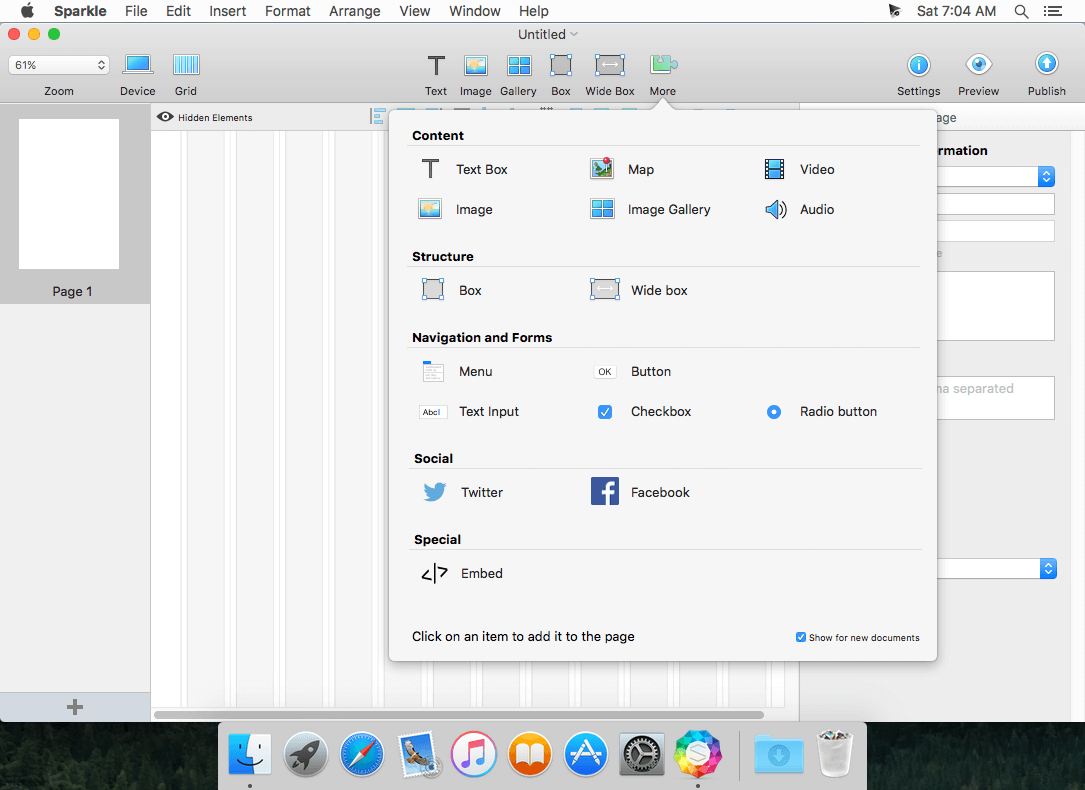
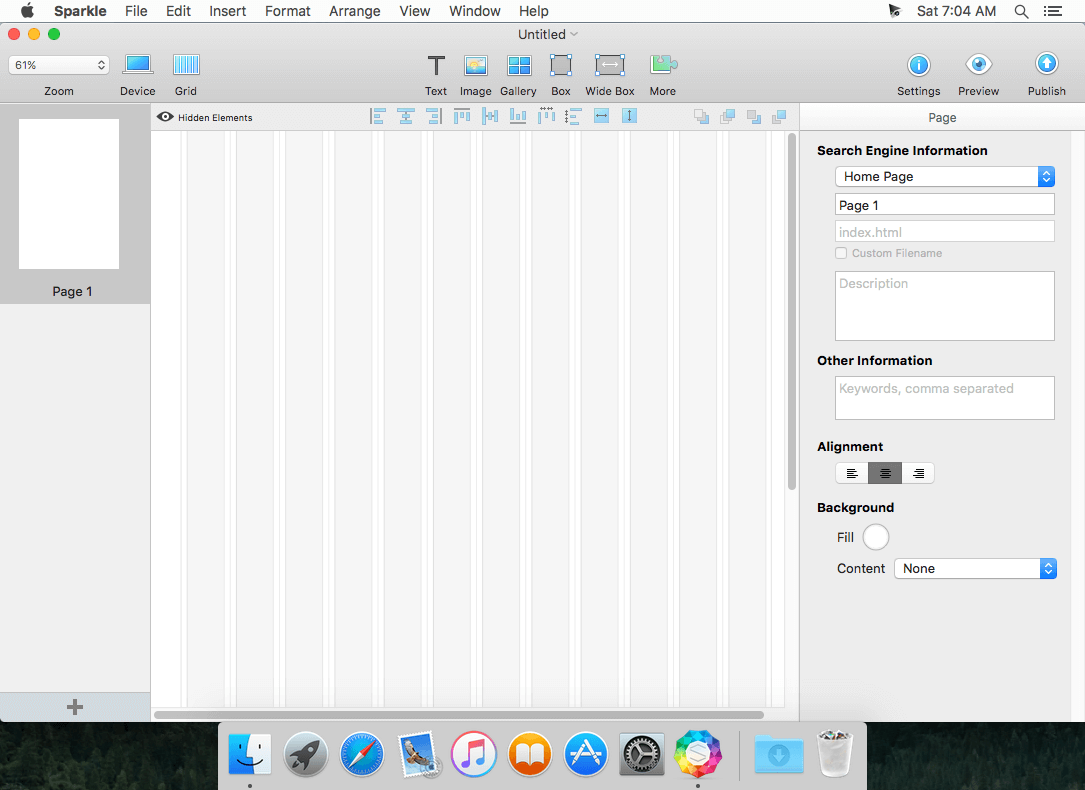
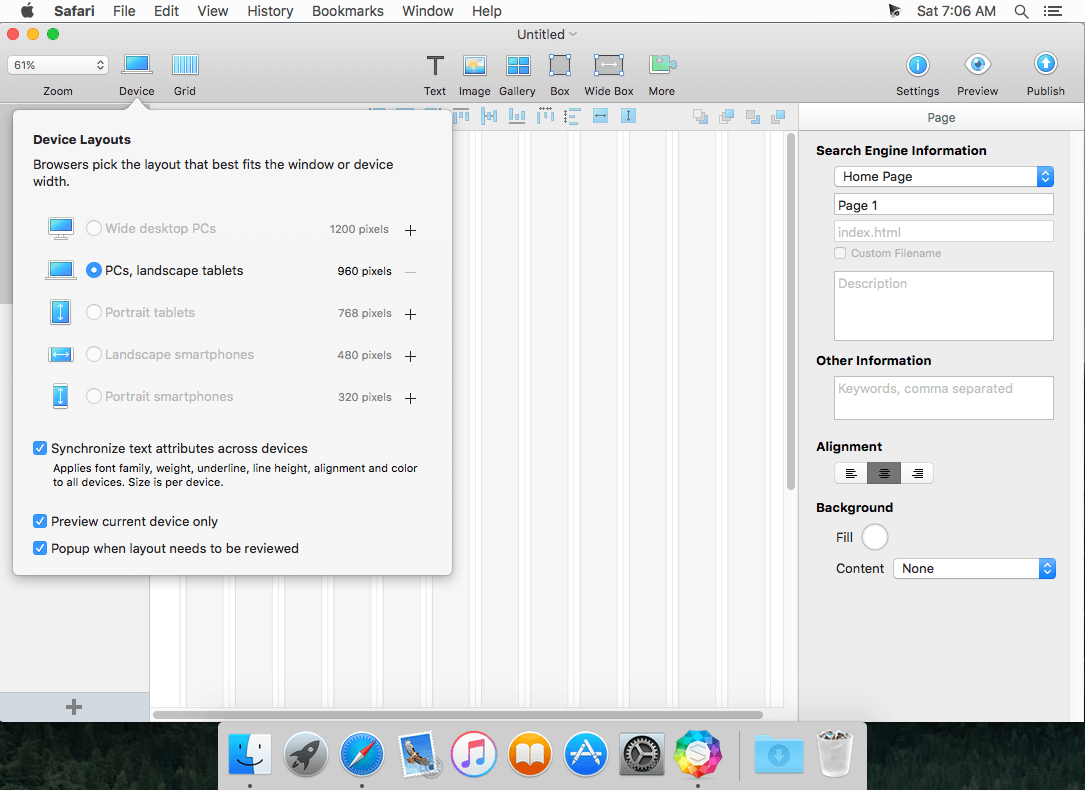
Sparkle will change your mind if you thought building websites wasn't for you. Sparkle is the intuitive site builder that lets you create sites for your online portfolio, team or band pages, or business and clients. Skip the tedium and design a gorgeous site that works right out of the box. Sparkle turns your design into a live site on the fly, no coding and no jargon. You don’t need to know about code or other web programming concepts: Sparkle makes sites happen.
With Sparkle you:
- Create landing pages in a matter of minutes--test your ideas quickly
- Focus your attention on content and layout
- Quickly iterate on fully functional site designs
- Quickly add galleries, video, audio, maps, social buttons, and downloadable files
- Web fonts, retina graphics and delightful animations for stunning output quality
- Visual contact form creation
- Default wireframe look to share your site at any stage of construction
- You’re never constrained by a rigid page structure or by templates
- Mobile device support via phone and tablet specific layouts
- Live preview of your site on computers, tablets and phones, while you edit
- Built-in incremental FTP to rapidly publish to any web host
- Privacy and cookie law support
- Backed by a product-focused company praised for its support and helpfulness
Version 2.8.11:
Improved:
Improved:
- Spam resilience of contact forms
- Instagram functionality to reflect changes in their service
- Youtube functionality to better adhere to their branding guidelines
- Blurry initial image on videos in some cases
- Initial video image occasionally used for previously published videos
- In-canvas rendering of some SVGs
Frequently asked questions
How do I install the app?
Mount the image, drag the app into the "Applications" folder and launch it. If the system blocks the launch, allow it in "System Settings → Privacy & Security".
The app is damaged or won't launch
Reinstalling from a fresh image usually helps. Make sure your macOS version matches the one listed in the compatibility specs.
How do I update?
Download the new version from the site and install it over the current one — your settings will be preserved.
The download link doesn't work
Try a mirror or a download manager. For large files the browser often drops the connection.
How do I completely remove the app?
Use an uninstaller utility — it cleans up the service files that remain after moving the app to the trash.
VersionSparkle Pro 2.8.11
DeveloperRiver SRL
CompatibilityOS X 10.9 or later, 64-bit processor
LanguageEnglish
IncludesK'ed by TNT




Choose a download source
Sparkle Pro 2.8.11 · 57 MB
Previous versions
Sparkle Pro 2.8.11
Previous versions are available to registered users.
Comments 1