
Chocolat 3.4
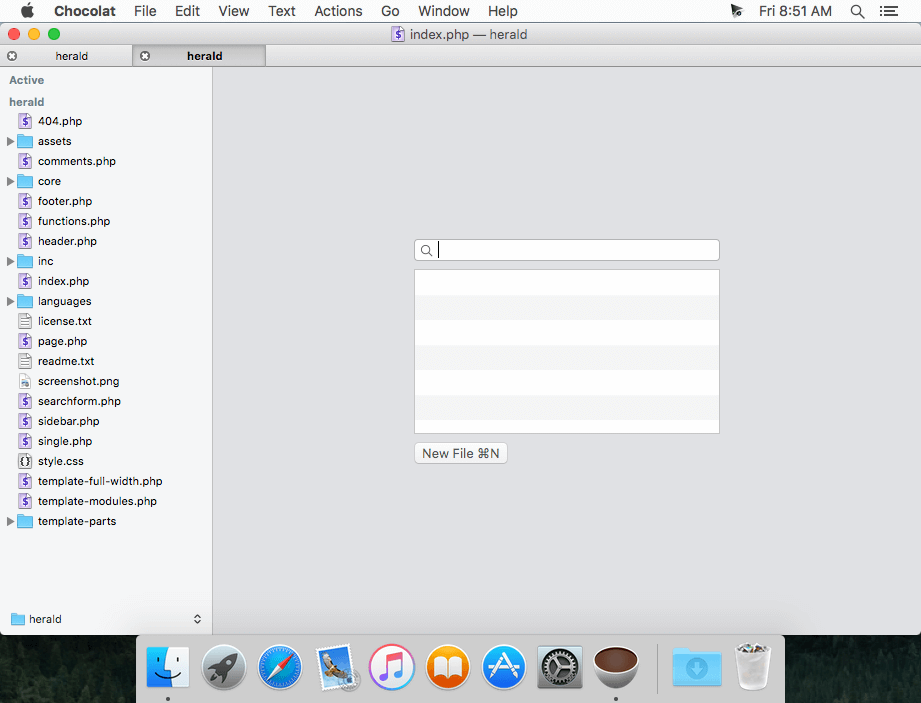
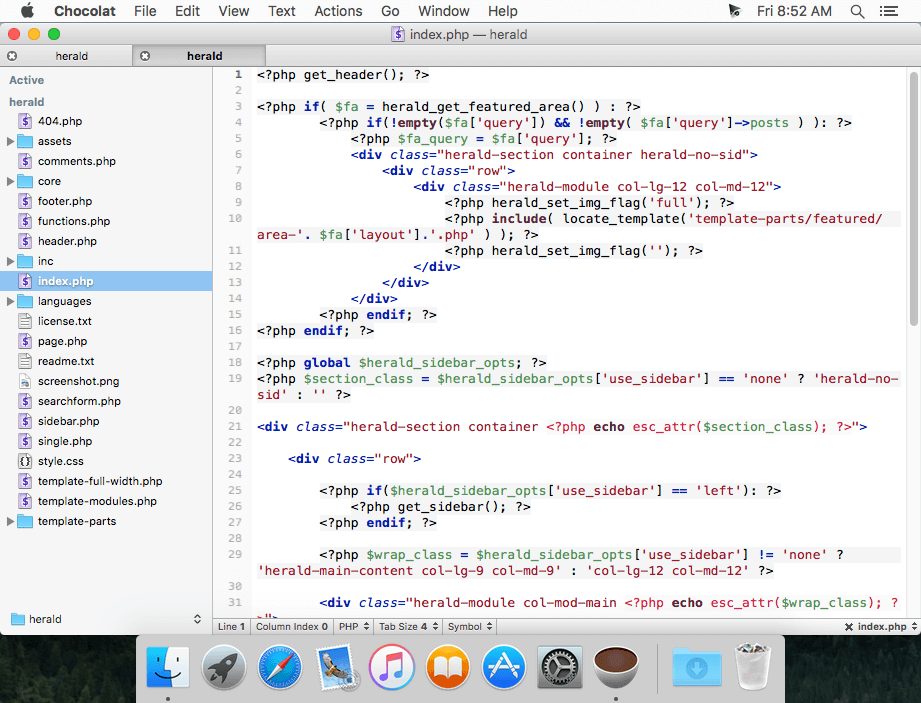
Chocolat is a new text editor that combines native Cocoa with powerful text editing tools.
Features:
- Split editing
- Code completion
- Live errors
- Folding
- Symbol list
- Blockedit
- Vim mode
- Jump to definition
- Project find
- Go to file
- Web preview
- Documentation
WHAT’S NEW
Version 3.4:
New
- javascript mode now supports ⌘-click for Jump-to-Definition and Jump-to-Documentation.
- JS completion now supports JSX and more ES6.
- If you click "Multicursor press Cmd-Shift-Esc to Cancel" in the menu bar, it shows a list of keyboard shortcuts available in multicursor mode.
Updated
- Updated internal node.js to Node 7.4; this may cause incompatibility with some mixins (plugins) but may resolve issues with others. Mixin authors are adviced to check their mixins with this release.
Fixed
- Bug: Ctrl-Opt/Alt-Click in multicursor mode removes the clicked selection; this feature had been there all the time but had not been enabled.
Screenshots

Frequently asked questions
How do I install the app?
Mount the image, drag the app into the "Applications" folder and launch it. If the system blocks the launch, allow it in "System Settings → Privacy & Security".
The app is damaged or won't launch
Reinstalling from a fresh image usually helps. Make sure your macOS version matches the one listed in the compatibility specs.
How do I update?
Download the new version from the site and install it over the current one — your settings will be preserved.
The download link doesn't work
Try a mirror or a download manager. For large files the browser often drops the connection.
How do I completely remove the app?
Use an uninstaller utility — it cleans up the service files that remain after moving the app to the trash.
VersionChocolat 3.4
DeveloperAn Alextgordon and Jeannicolas production.
CompatibilityOS X 10.10 or later, 64-bit processor
LanguageEnglish
IncludesPre-K'ed





Information
Visitors in the group Guests cannot leave comments on this publication.
Choose a download source
Chocolat 3.4 · 29.29 MB