
MacOS 10.12 Sierra (Public Beta)
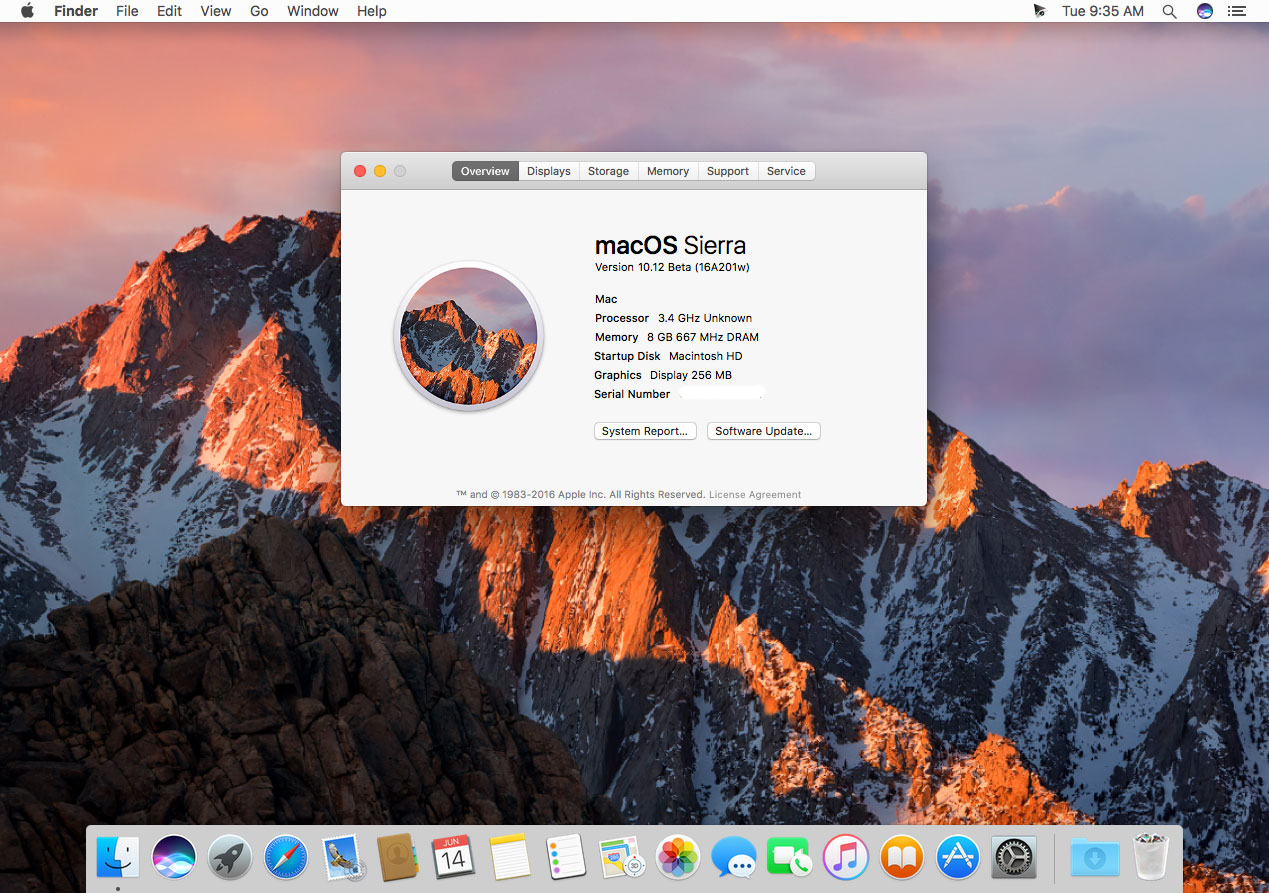
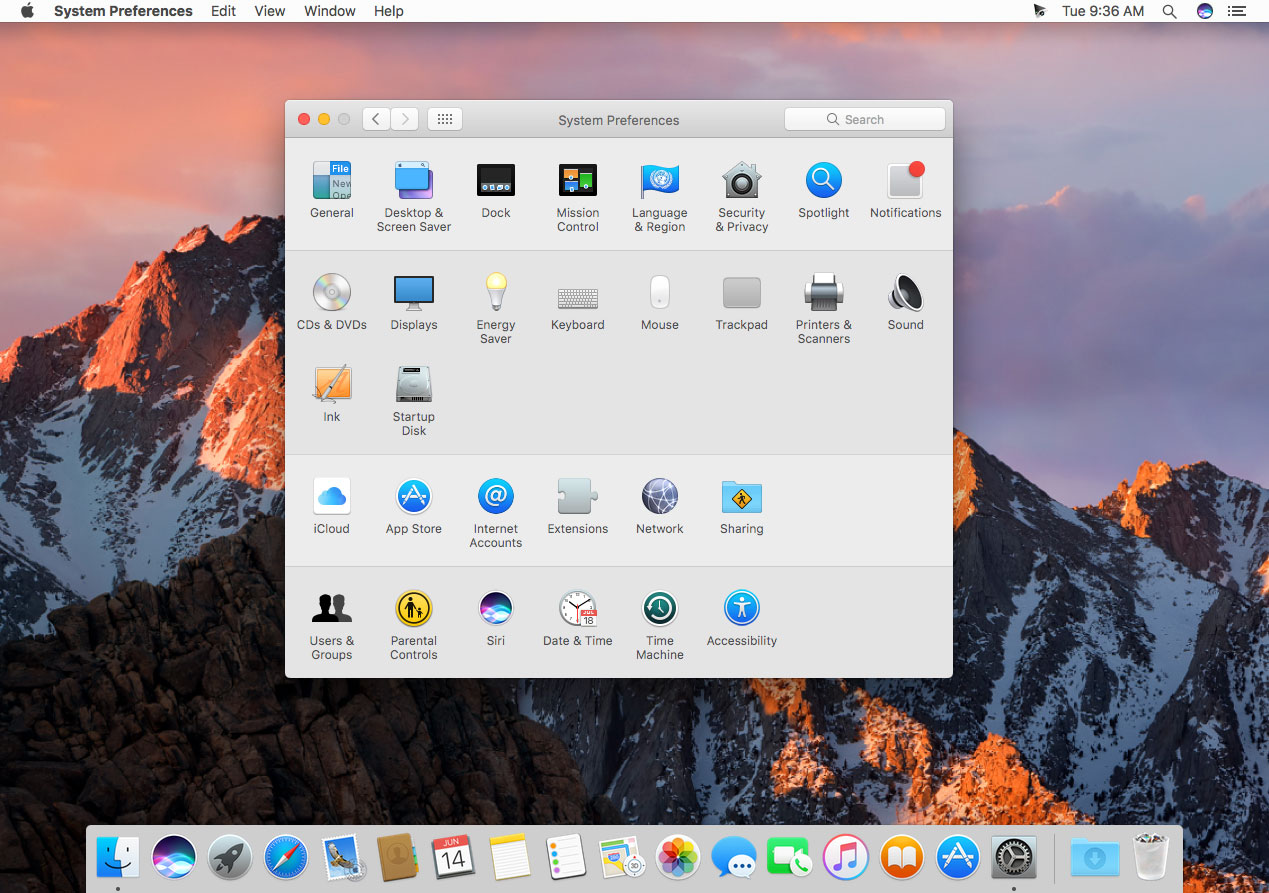
Apple today previewed macOS Sierra, a major update to the world’s most advanced desktop operating system, with new features that make the Mac smarter and more helpful than ever. Siri is now on the Mac with brand-new capabilities to help with the things users do every day on their desktop. With Siri, users can look up information, find documents, pin or drag and drop search results, and even adjust system preferences.
Seamless integration with iCloud makes everything from your Desktop and Documents folder available on your iPhone and iPad so you always have access to the files you need. Universal Clipboard allows you to copy content, including text, images, photos and video from one Apple device and paste it in another. Apple Pay comes to the Mac in Sierra so it is even easier to shop securely and privately online. And Photos now helps you rediscover your meaningful memories, organize your library and perfect shots like a pro.
Screenshots

Frequently asked questions
How do I install the app?
Mount the image, drag the app into the "Applications" folder and launch it. If the system blocks the launch, allow it in "System Settings → Privacy & Security".
The app is damaged or won't launch
Reinstalling from a fresh image usually helps. Make sure your macOS version matches the one listed in the compatibility specs.
How do I update?
Download the new version from the site and install it over the current one — your settings will be preserved.
The download link doesn't work
Try a mirror or a download manager. For large files the browser often drops the connection.
How do I completely remove the app?
Use an uninstaller utility — it cleans up the service files that remain after moving the app to the trash.
VersionMacOS 10.12 Sierra (Public Beta) 16A304a
Developer©Apple Inc.
LanguageMultilangual



Information
Visitors in the group Guests cannot leave comments on this publication.
Choose a download source
MacOS 10.12 Sierra (Public Beta) · 4.4 GB