
Stream to Chromecast 2.3.0
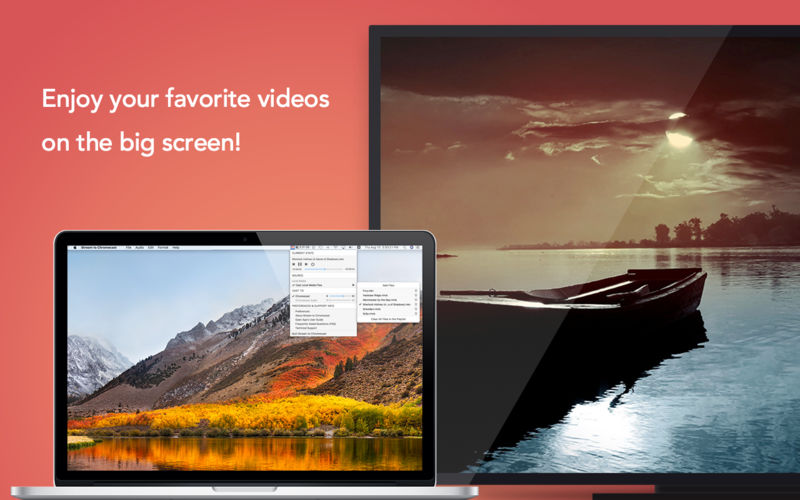
Regardless of format limits, wirelessly stream any local video & music files (not web content) to Chromecast, Chromecast Audio, Android TV, and all other Google Cast-enabled devices.
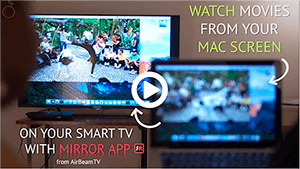
No longer you have to spend hours converting the files to “right” formats beforehand. This app allows you to beam any movie directly from your Mac to the big screen, wirelessly! Simple as that!
To see the app in use, please watch a little demo video http://bit.ly/2wke5hm .
Cast Local Videos & Music Without Format Limits
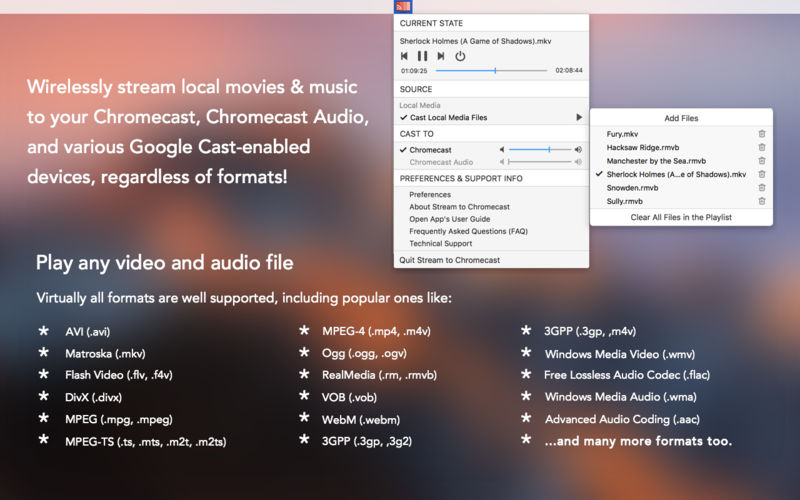
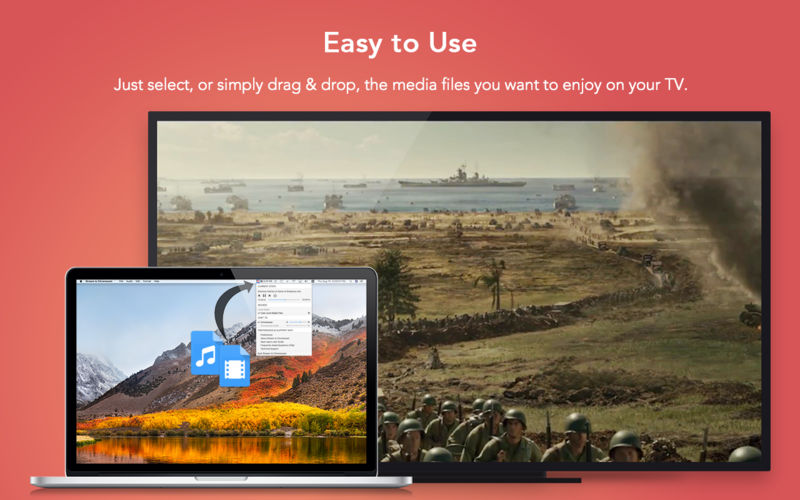
You can easily cast local videos and music with Stream to Chromecast. It will play virtually any file you throw at it to the big screen, including 3GP, AVI, ASF, FLV, M4V, MKV, MOV, MP4, M2TS, MTS, RMVB, RM, WEBM, WMV, AAC, M4A, FLAC, MP3, OGG, WMA, or any other format. Just select the file that you want to stream to your TV, and you can enjoy it on the big screen in no time!
List of Supported Devices
- Chromecast (1st gen & 2nd gen)
- Chromecast Ultra
- Chromecast Audio
- Android TV (like VIZIO, Sharp, Sony, Toshiba, Philips, etc)
- TV boxes with Chromecast built-in (like Nexus Player, Mi Box, etc)
- Google Cast devices (like NVIDIA SHIELD, etc)
- Wireless speakers with Chromecast built-in (like VIZIO, Sony, B&O PLAY, etc)
Playlist Customization
Playlist is also supported in the app. You can throw a whole bunch of files into the app and create a playlist, so that you can enjoy your beloved movies non-stop.
Playback Control
You can use the app to change videos or songs, play, pause, seek, or stop the video playback, and adjust the volume as well.
Auto Device Discovery
Stream to Chromecast automatically discovers supported devices connected to the same network as your Mac. No configuration needed, no hassle!
Please note that it’s not supported to stream DRM protected videos like movies or TV episodes purchased from iTunes. And this app doesn’t beam online videos on websites.
Trademark Acknowledgement: Chromecast, Google Cast, and Android are trademarks of Google, Inc. This app is not endorsed by and has no association with all companies listed herein.
Version 2.3.0
- Ready for macOS High Sierra.
- Per user request, add the option to hide the app's icon in the Dock.
Frequently asked questions
How do I install the app?
Mount the image, drag the app into the "Applications" folder and launch it. If the system blocks the launch, allow it in "System Settings → Privacy & Security".
The app is damaged or won't launch
Reinstalling from a fresh image usually helps. Make sure your macOS version matches the one listed in the compatibility specs.
How do I update?
Download the new version from the site and install it over the current one — your settings will be preserved.
The download link doesn't work
Try a mirror or a download manager. For large files the browser often drops the connection.
How do I completely remove the app?
Use an uninstaller utility — it cleans up the service files that remain after moving the app to the trash.
VersionStream to Chromecast 2.3.0
DeveloperWang Fu Chi
CompatibilitymacOS 10.10 or later
LanguageEnglish, Spanish
IncludesK'ed by TNT

Information
Visitors in the group Guests cannot leave comments on this publication.
Choose a download source
Stream to Chromecast 2.3.0 · 17 MB