
DxO OpticsPro Elite 11.4.3
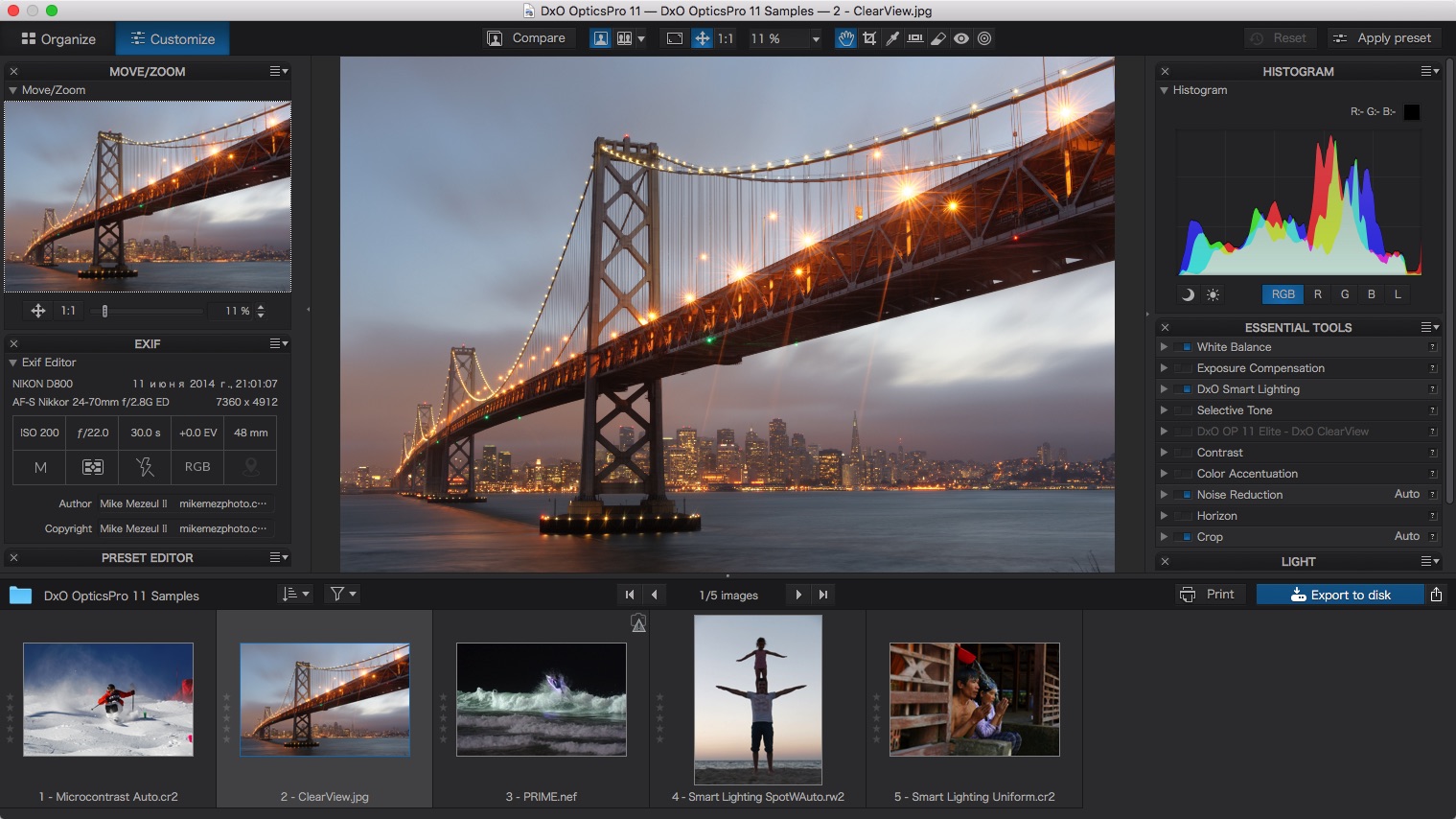

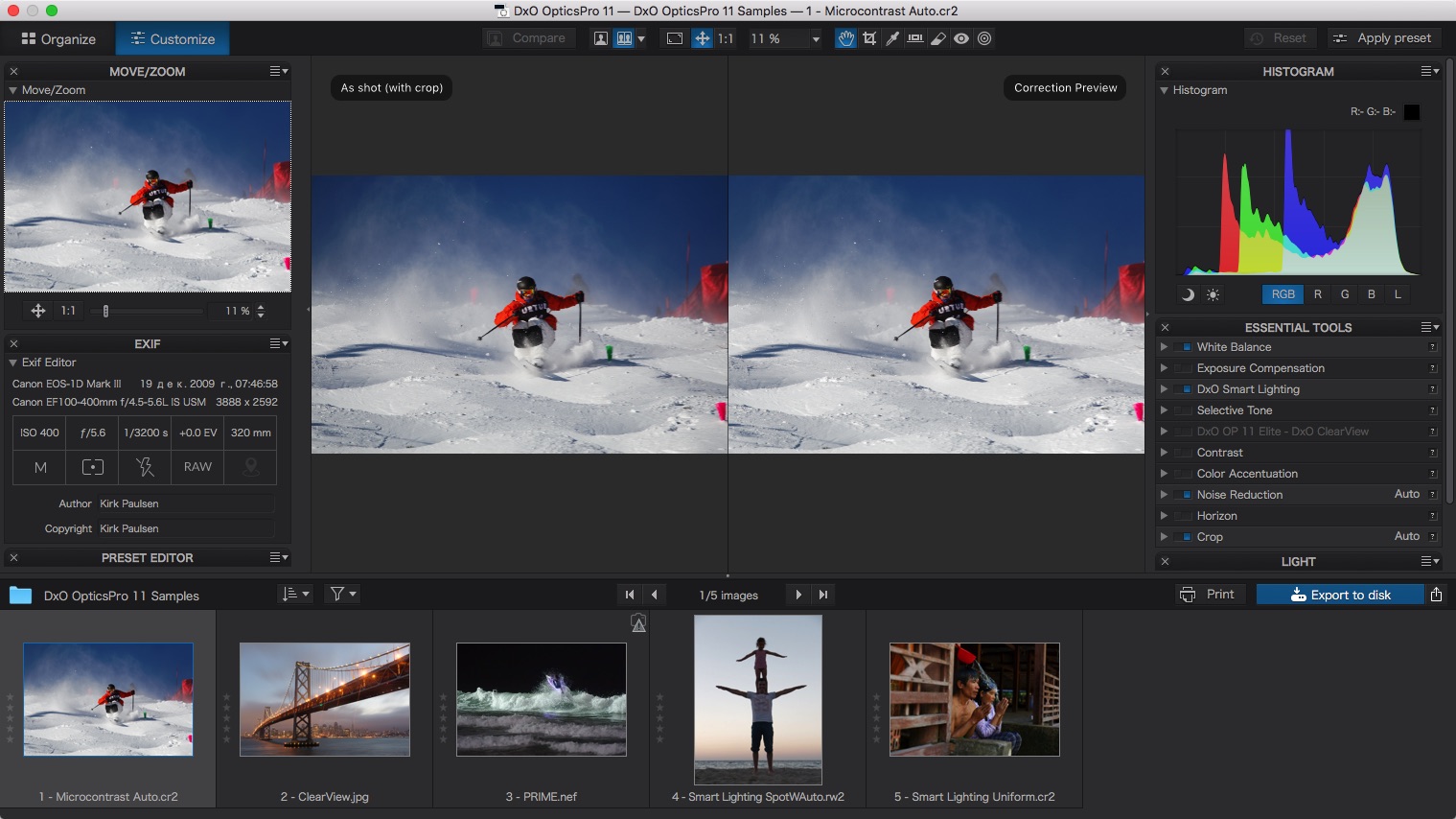

Thanks to DxO OpticsPro's exclusive technologies, instantly correct all the optical defects of your equipment, remove digital noise even at high sensitivities, recover fine details and textures in dark or burnt areas, and bring out all the nuances of color in your images. With DxO OpticsPro's outstanding performance, bring out the best in your RAW and JPEG photos in just a few clicks, regardless of shooting conditions.
Main Features
- Exclusive Prime denoising technology
- ClearView haze removal
- DxO Smart Lighting exposure optimization
- Automatic optical corrections
Version 11.4.3.71:
- Support for macOS High Sierra (10.13)
- Minor bug fixes.
Frequently asked questions
How do I install the app?
Mount the image, drag the app into the "Applications" folder and launch it. If the system blocks the launch, allow it in "System Settings → Privacy & Security".
The app is damaged or won't launch
Reinstalling from a fresh image usually helps. Make sure your macOS version matches the one listed in the compatibility specs.
How do I update?
Download the new version from the site and install it over the current one — your settings will be preserved.
The download link doesn't work
Try a mirror or a download manager. For large files the browser often drops the connection.
How do I completely remove the app?
Use an uninstaller utility — it cleans up the service files that remain after moving the app to the trash.
VersionDxO OpticsPro Elite 11.4.3
DeveloperDxO Labs
CompatibilityOS X 10.10 or later, 64-bit processor
LanguageEnglish
IncludesK


Information
Visitors in the group Guests cannot leave comments on this publication.
Choose a download source
DxO OpticsPro Elite 11.4.3 · 385.08 MB