Analog 2.0
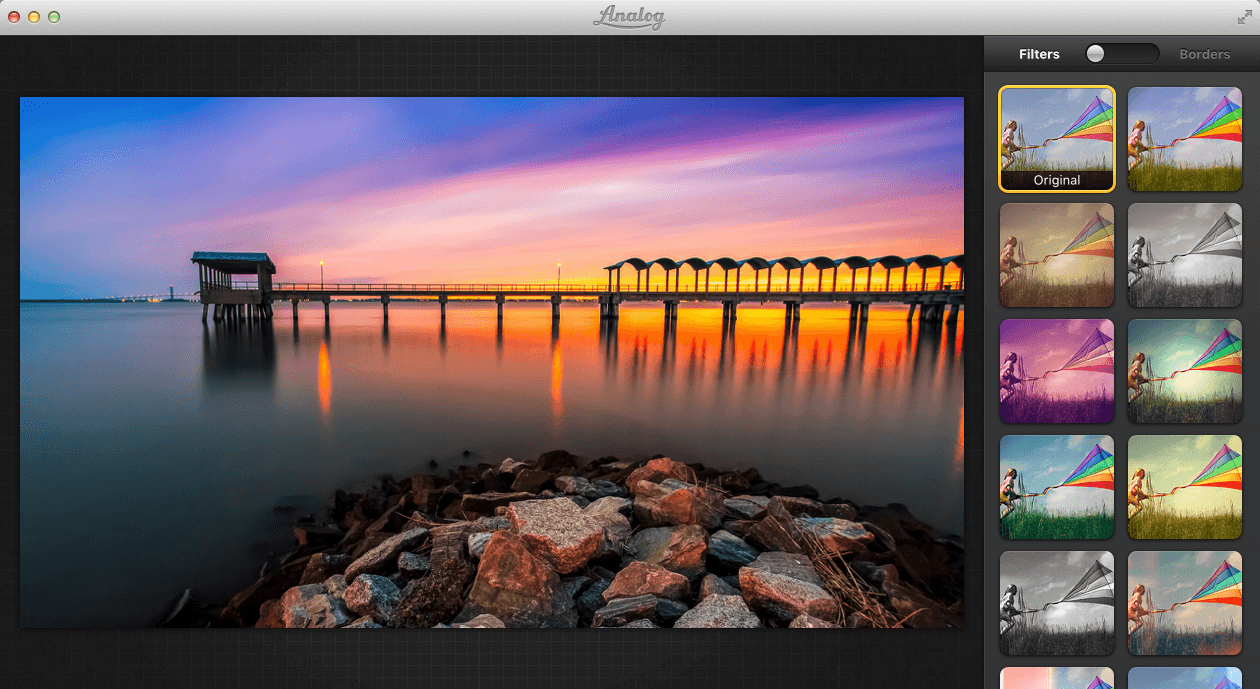
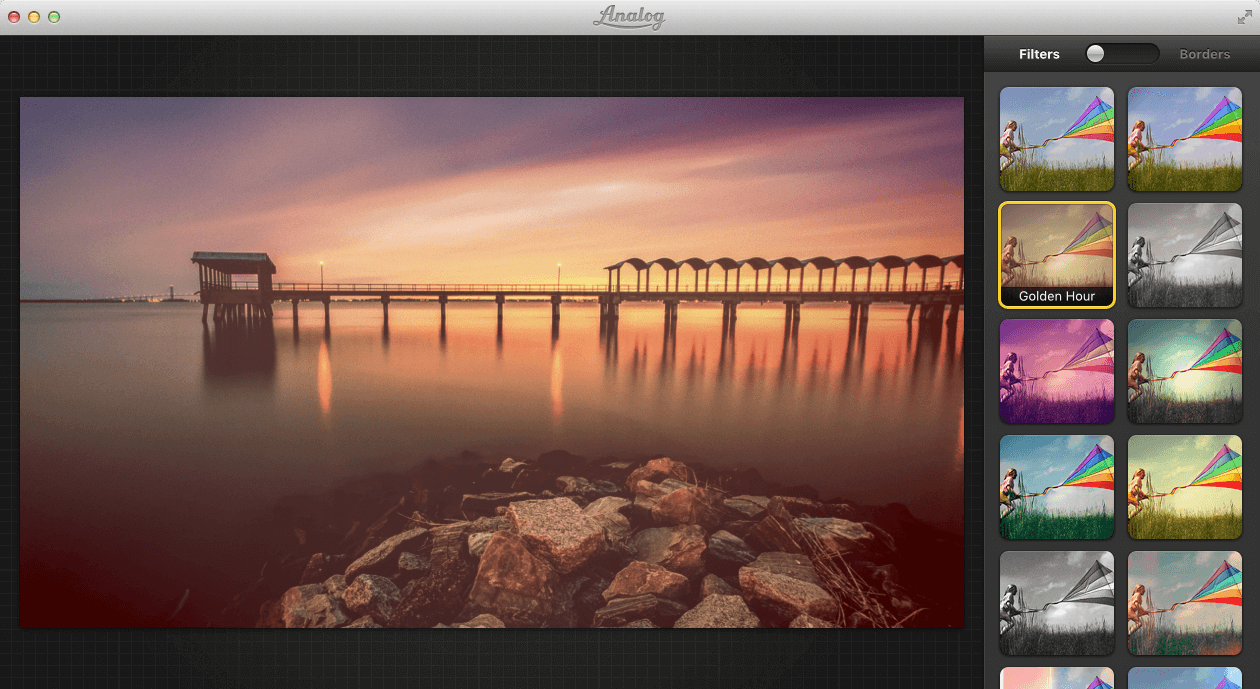
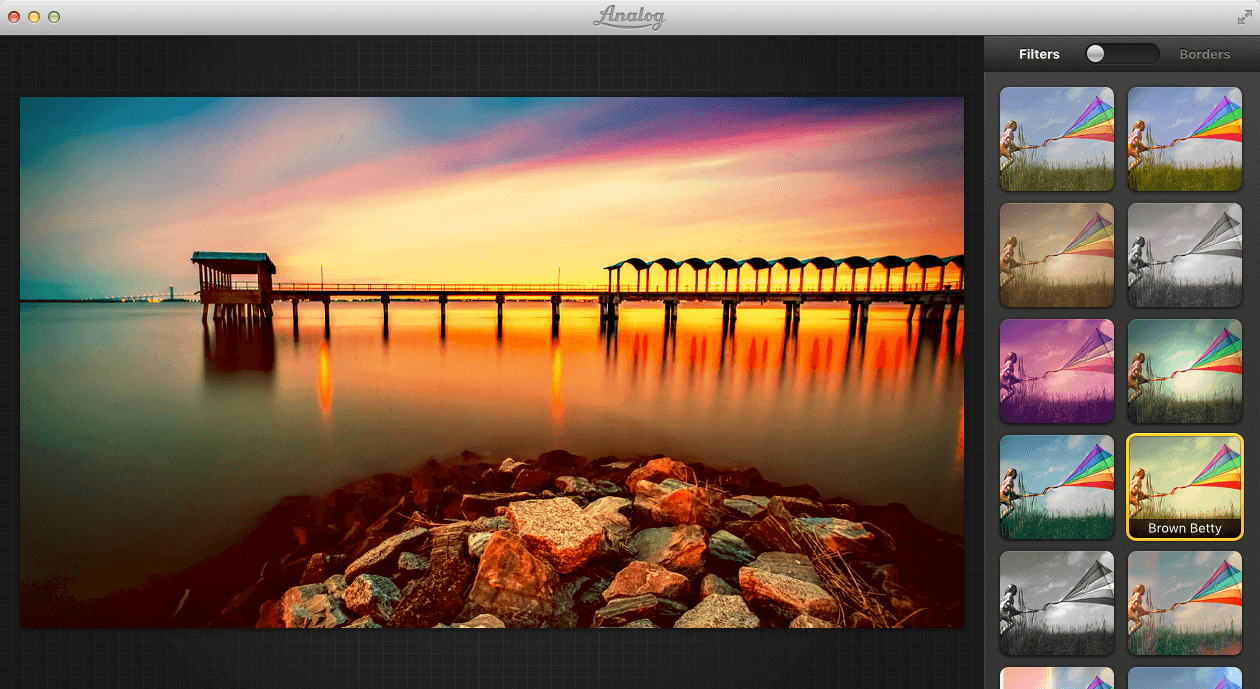
Analog makes it easy to improve your photos with a stunning selection of filters and borders. We built Analog to make it as fun and easy as possible to give your digital photos some soul. Drag in a photo, browse through filters and borders, and start processing. There are 20 built-in filters, and over a dozen stylish borders to make your photos look amazing. Analog even make sure that effects such as light-leaks have some natural variation - so no two photos look alike!
When you're ready to share the finished image, Analog lets you send it to all your favourite services (Tumblr, CloudApp, Facebook, Picasa, and Flickr) with just two clicks.
Features
- OS X 10.11 El Capitan and Retina-Ready
- 35 Amazing Filters, including classic camera ‘looks’
- 15 Borders
- Round-Tripping - send your photos from Aperture and iPhoto to Analog, and save them back to your library
- Image Cropping
- Image Rotation
WHAT’S NEW
Version 2.0:
- Optimized for OS X 10.11 El Capitan
Screenshots
Frequently asked questions
How do I install the app?
Mount the image, drag the app into the "Applications" folder and launch it. If the system blocks the launch, allow it in "System Settings → Privacy & Security".
The app is damaged or won't launch
Reinstalling from a fresh image usually helps. Make sure your macOS version matches the one listed in the compatibility specs.
How do I update?
Download the new version from the site and install it over the current one — your settings will be preserved.
The download link doesn't work
Try a mirror or a download manager. For large files the browser often drops the connection.
How do I completely remove the app?
Use an uninstaller utility — it cleans up the service files that remain after moving the app to the trash.
VersionAnalog
DeveloperAnalog
CompatibilityOS X 10.7.4 or later, 64-bit processor
LanguageEnglish
IncludesPre-K'ed




Information
Visitors in the group Guests cannot leave comments on this publication.
Choose a download source
Analog 2.0 · 26.07 MB