
Tuxera NTFS 2015.3
Tuxera NTFS is a commercial NTFS driver developed from the popular open-source NTFS-3G driver, which is a natural part of all major Linux distributions, and also has lots of users on Mac OS X, FreeBSD, Solaris, and NetBSD.
It has been engineered to bring our customers maximum possible performance when accessing NTFS drives while keeping their data safe. It also offers some additional features to its open source counterpart, NTFS-3G, along with commercial support.
Tuxera NTFS can be used as a full-featured evaluation version for 15 days, after which the user can unlock the software with an official license key to retain full product functionality.
WHAT’S NEW
Version 2015.3:
- Various fixes for Tuxera Disk Manager
- Various fixes for Tuxera NTFS for Mac driver
- Fixes in the prefpane (Purchase license button)
- Improved support for big-endian architectures (PowerPC)
Screenshots
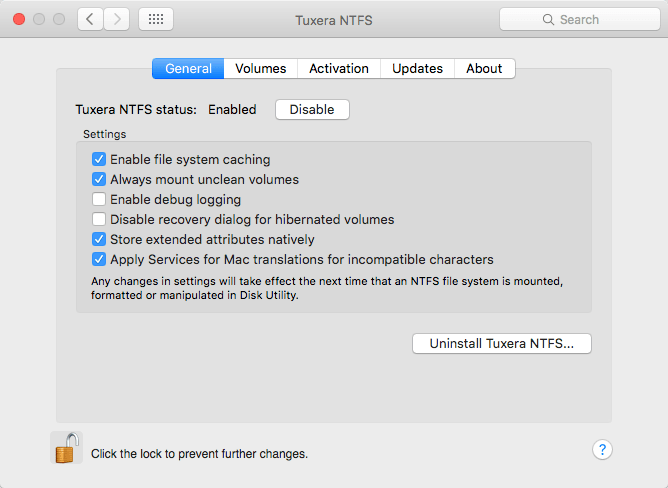
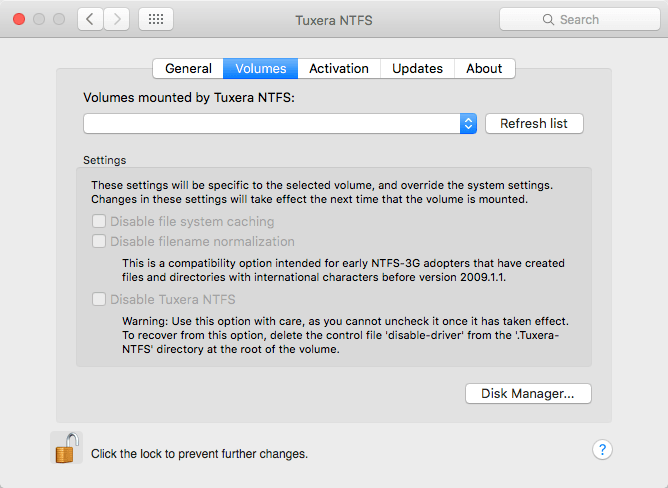
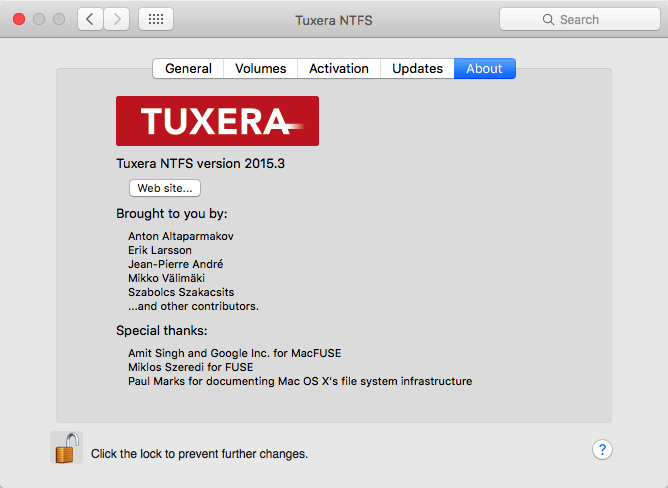
Frequently asked questions
How do I install the app?
Mount the image, drag the app into the "Applications" folder and launch it. If the system blocks the launch, allow it in "System Settings → Privacy & Security".
The app is damaged or won't launch
Reinstalling from a fresh image usually helps. Make sure your macOS version matches the one listed in the compatibility specs.
How do I update?
Download the new version from the site and install it over the current one — your settings will be preserved.
The download link doesn't work
Try a mirror or a download manager. For large files the browser often drops the connection.
How do I completely remove the app?
Use an uninstaller utility — it cleans up the service files that remain after moving the app to the trash.
VersionTuxera NTFS 2015.3
DeveloperTuxera
CompatibilityOS X 10.4 or later
LanguageMultilangual
IncludesK




Information
Visitors in the group Guests cannot leave comments on this publication.
Choose a download source
Tuxera NTFS 2015.3 · 17.13 MB