
OnyX 3.1.7
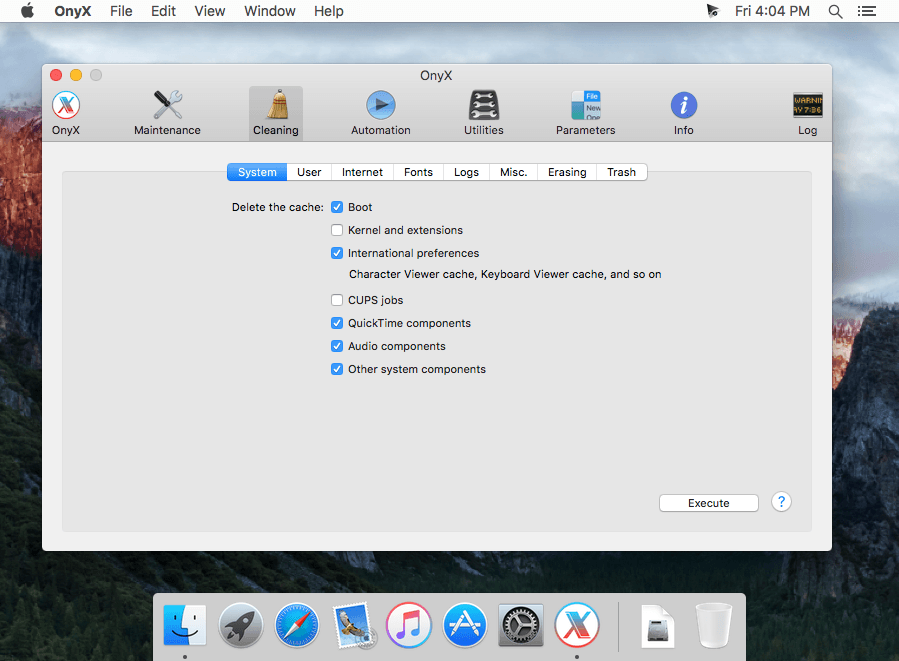
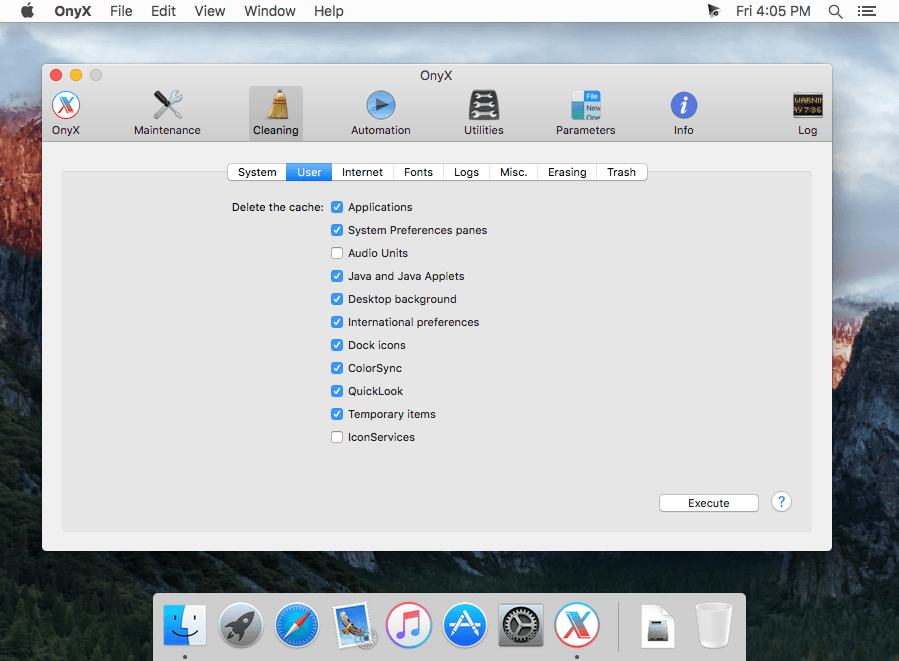
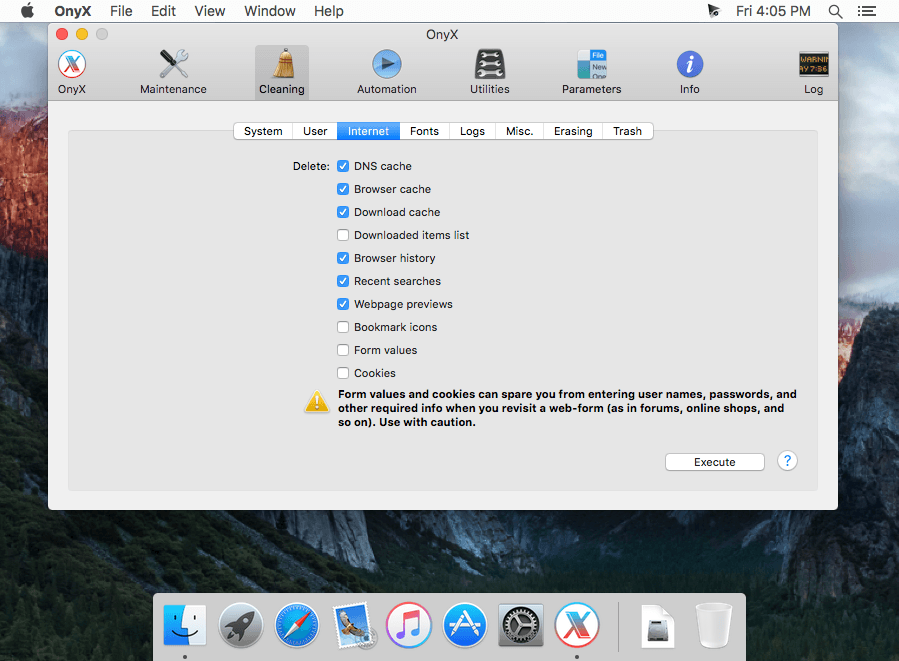
OnyX is a multifunction utility that you can use to verify the startup disk and the structure of its system files, to run miscellaneous maintenance and cleaning tasks, to configure parameters in the Finder, Dock, Safari, and some of Apple's applications, to delete caches, to remove certain problematic folders and files, to rebuild various databases and indexes, and more.
WHAT’S NEW
Version 3.1.7:
- The Recent Items in the Apple menu are correctly deleted now
- Deleting the logs improved
- New replacement icons
- New option: Turn on/Turn off the DNS prefetching in Safari
- New option: Show/Hide the Safari custom bookmark icons
- New option: Show/Hide the volume/brightness screen overlays
- Integrates version 3.13.0 of sqlite3
- Help improved
- New Japanese translation added
- New German translation added
Screenshots
Frequently asked questions
How do I install the app?
Mount the image, drag the app into the "Applications" folder and launch it. If the system blocks the launch, allow it in "System Settings → Privacy & Security".
The app is damaged or won't launch
Reinstalling from a fresh image usually helps. Make sure your macOS version matches the one listed in the compatibility specs.
How do I update?
Download the new version from the site and install it over the current one — your settings will be preserved.
The download link doesn't work
Try a mirror or a download manager. For large files the browser often drops the connection.
How do I completely remove the app?
Use an uninstaller utility — it cleans up the service files that remain after moving the app to the trash.
VersionOnyX 3.1.7
DeveloperTitanium
CompatibilityOS X 10.11 or later, 64-bit processor
LanguageEnglish





Information
Visitors in the group Guests cannot leave comments on this publication.
Choose a download source
OnyX 3.1.7 · 33.61 MB