
DoYourData AppUninser Professional 5.9
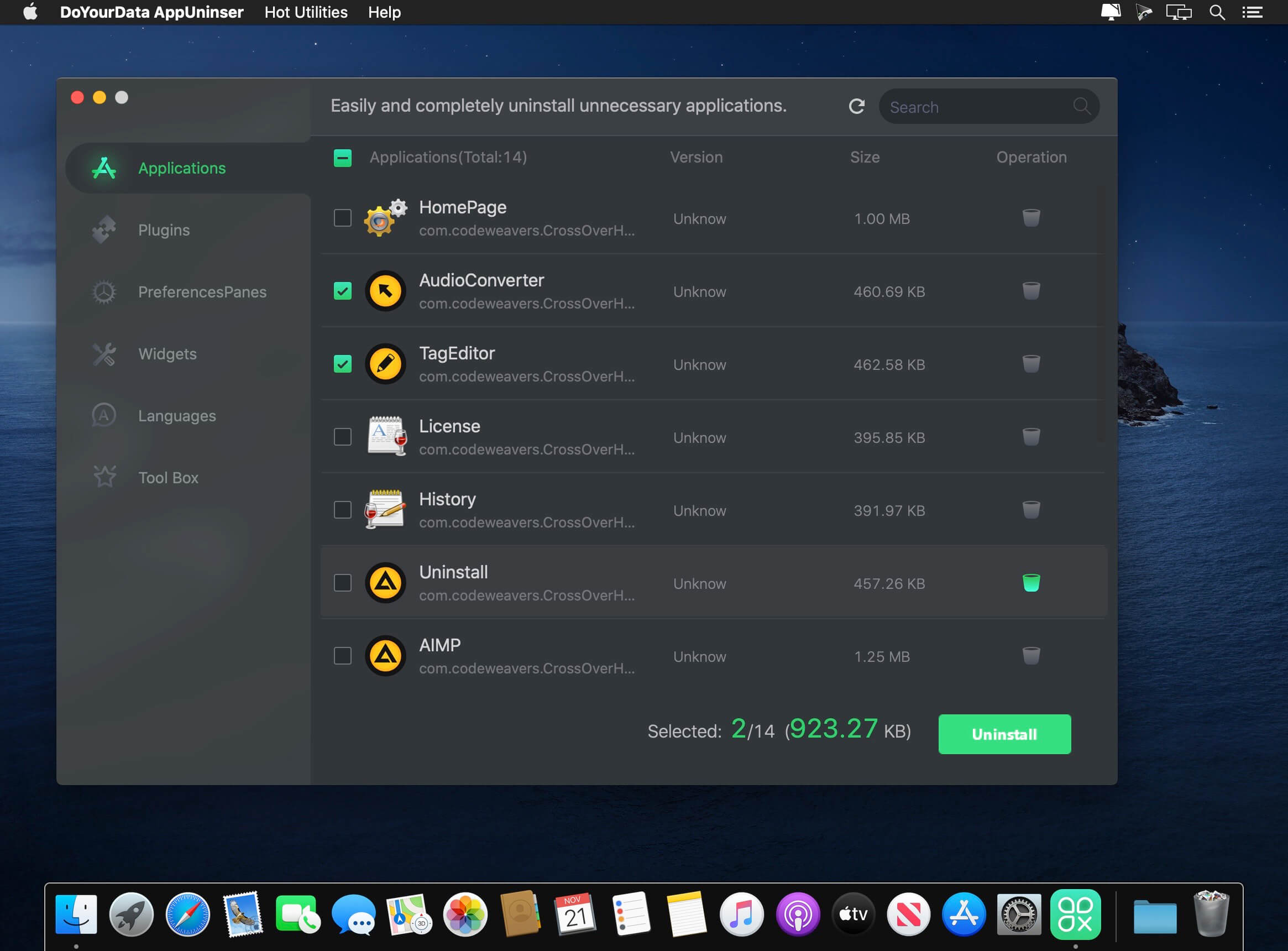
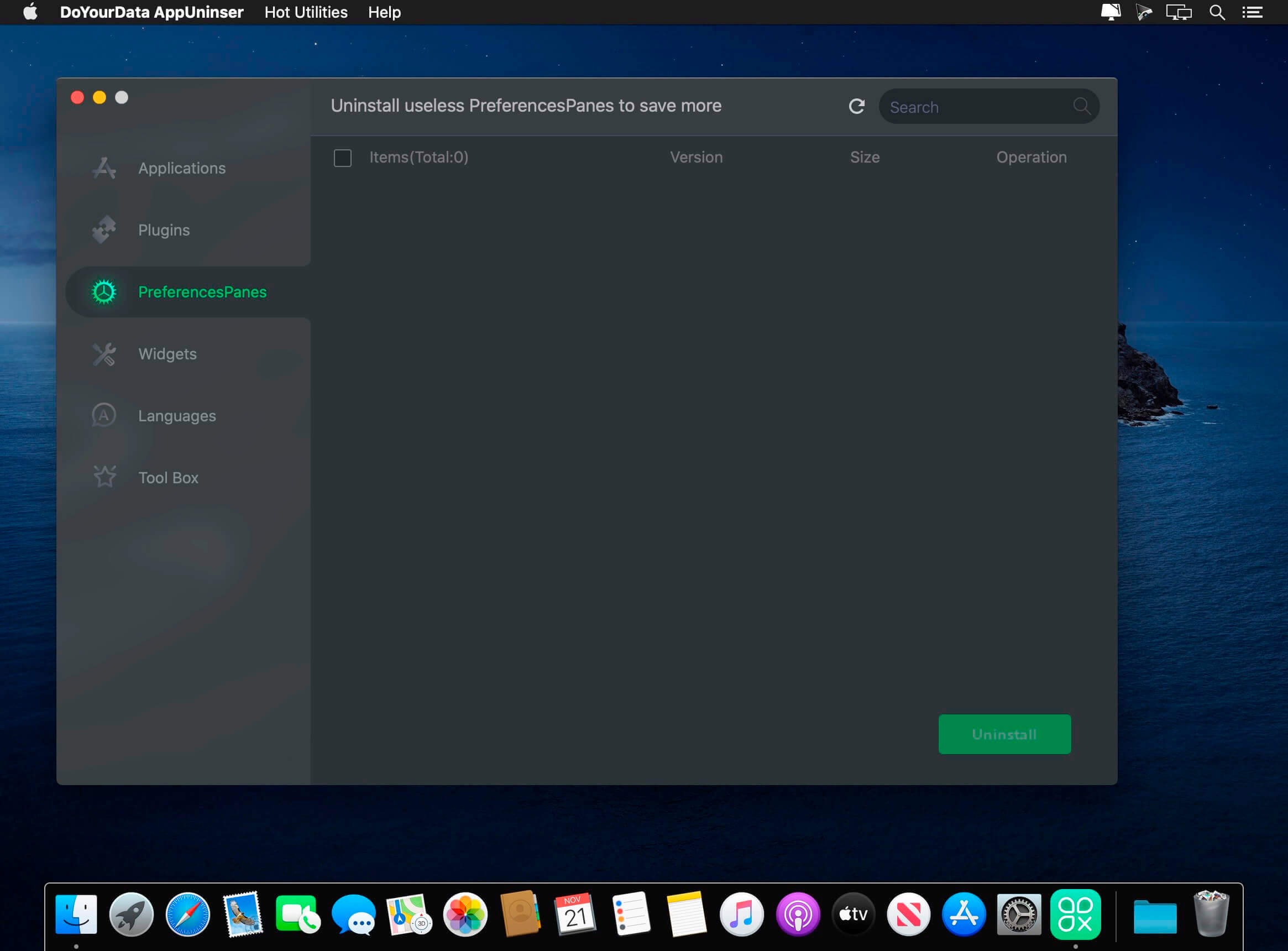
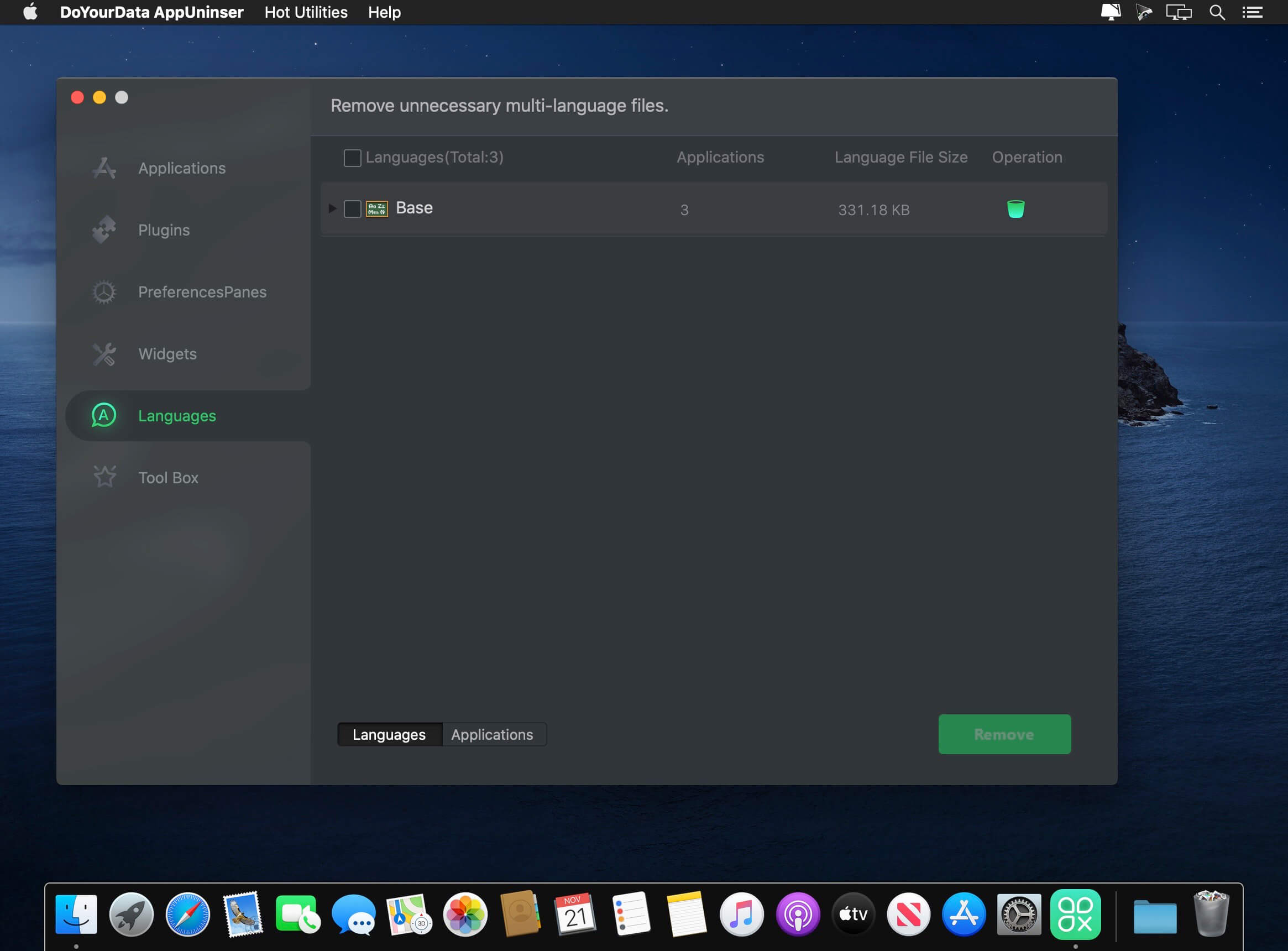
DoYourData AppUninser (was CleanMyApp) is a very powerful yet easy-to-use Mac uninstaller. It can completely uninstall applications, remove associated files, and clean up anything leftover. It can thoroughly uninstall even the most stubborn applications, crashed programs, plug-ins, widgets, and preferencepanes from your Mac. DoYourData AppUninser also can remove unnecessary language files of applications to reclaim a great deal of disk space.
Features
- Support uninstallation of applications that you downloaded from the Mac App Store or from other websites
- Completely uninstall the application and remove associated files, including junk files that produced by the application, registry files, traces, etc.
- Can even completely uninstall virus-infected, crashed, or stubborn applications
- Support for uninstalling applications in batches
Version 5.9:
- Improved uninstaller for macOS 12
- Fixed a few bugs
Frequently asked questions
How do I install the app?
Mount the image, drag the app into the "Applications" folder and launch it. If the system blocks the launch, allow it in "System Settings → Privacy & Security".
The app is damaged or won't launch
Reinstalling from a fresh image usually helps. Make sure your macOS version matches the one listed in the compatibility specs.
How do I update?
Download the new version from the site and install it over the current one — your settings will be preserved.
The download link doesn't work
Try a mirror or a download manager. For large files the browser often drops the connection.
How do I completely remove the app?
Use an uninstaller utility — it cleans up the service files that remain after moving the app to the trash.





Choose a download source
DoYourData AppUninser Professional 5.9 · 5.04 MB