JixiPix Pop Dot Comics 2.14
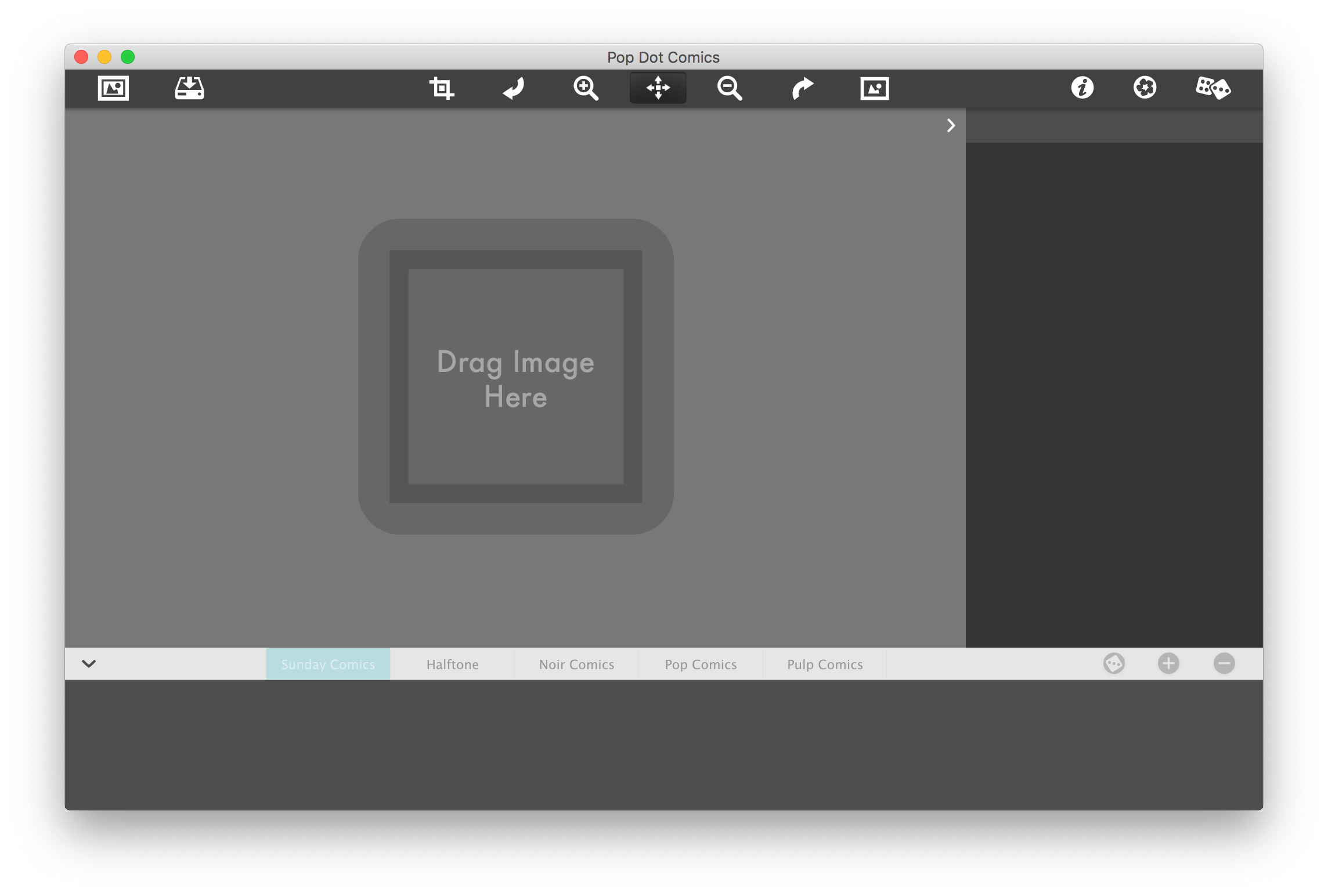
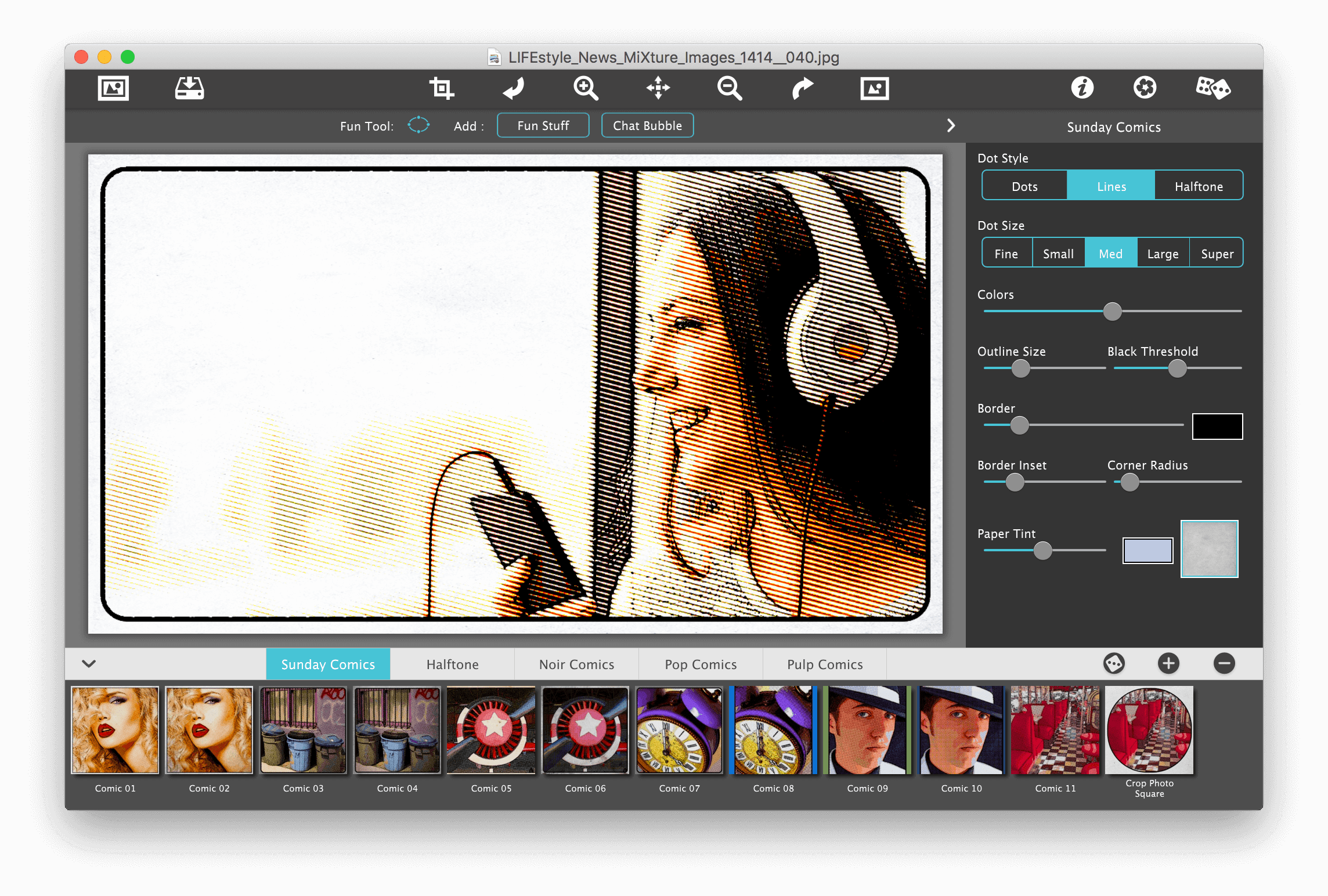

Pop Dot Comic is a fun way to create comic-book style illustrations from your snapshot or ones taken of your friends and family. Pop Dot Comic applies thick outlines, bold colors, and plenty of benday dots to newsprint or pulp papers to give every creation the look of one that's been printed or published.
In the past, halftones were tediously inked in by cartoon artists or created in darkrooms. With Pop Dot Comic you can easily and quickly convert your photo into a comic book drawing that's worthy enough for the Sunday newspaper or your favorite pulp-fiction cover. With a library of included "Fun Stuff", custom messages can be added to speech bubbles and sound effects will give your creation "POW". When your finished creating a comic book photo save it to your library or post them to your friends and family for funny moments.
Frequently asked questions
How do I install the app?
Mount the image, drag the app into the "Applications" folder and launch it. If the system blocks the launch, allow it in "System Settings → Privacy & Security".
The app is damaged or won't launch
Reinstalling from a fresh image usually helps. Make sure your macOS version matches the one listed in the compatibility specs.
How do I update?
Download the new version from the site and install it over the current one — your settings will be preserved.
The download link doesn't work
Try a mirror or a download manager. For large files the browser often drops the connection.
How do I completely remove the app?
Use an uninstaller utility — it cleans up the service files that remain after moving the app to the trash.
VersionJixiPix Pop Dot Comics 2.14
DeveloperJixiPix
CompatibilityOS X 10.9 or later, 64-bit processor
LanguageEnglish
IncludesK'ed by TNT



Information
Visitors in the group Guests cannot leave comments on this publication.
Choose a download source
JixiPix Pop Dot Comics 2.14 · 70.22 MB
Previous versions
JixiPix Pop Dot Comics 2.14
Previous versions are available to registered users.