
Clipsy – Clipboard Manager 2.3
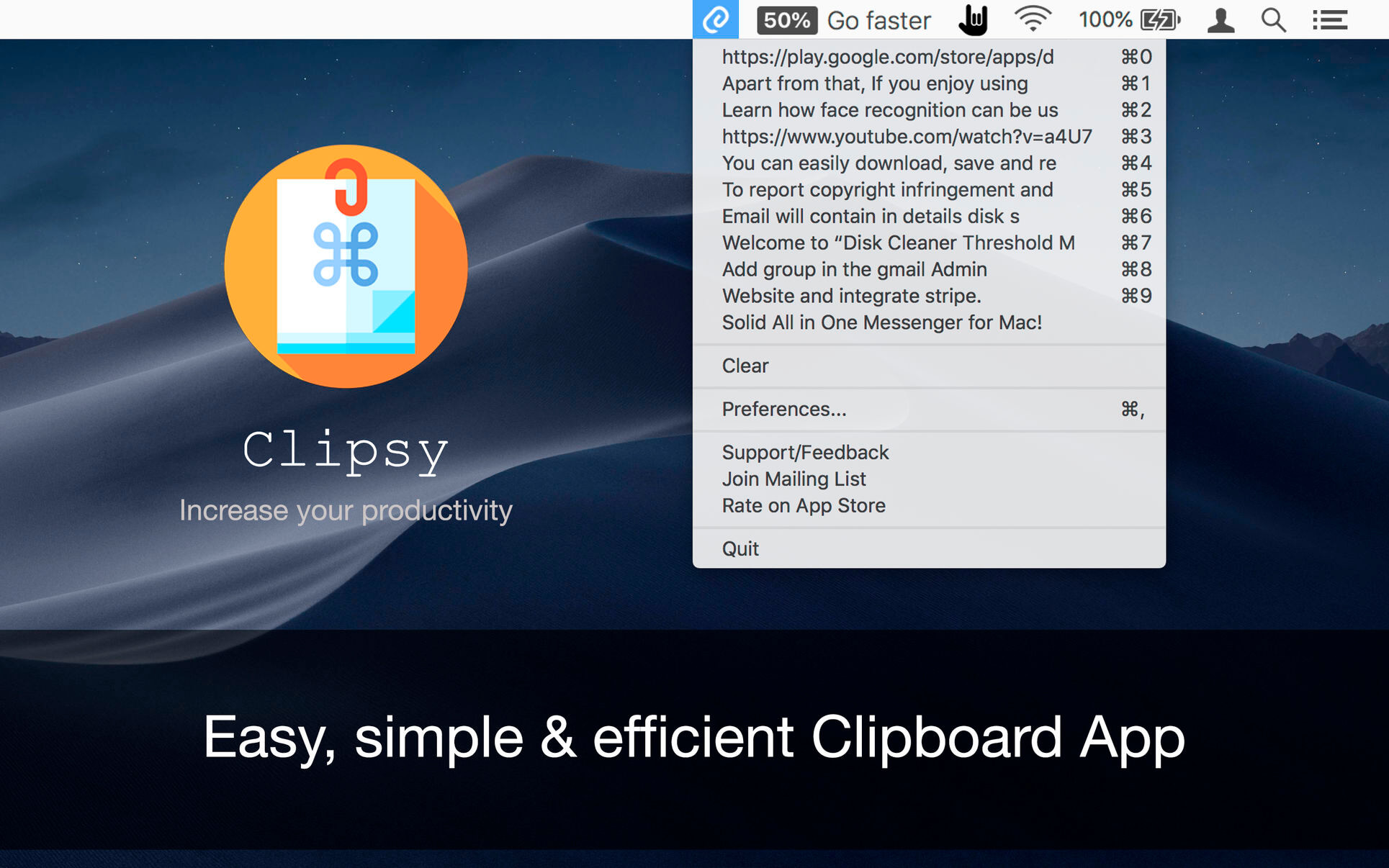

Clipsy records your clipboard history of the copied text, images, links, and screenshots, etc., and lets you recall/paste them anytime, right at your fingertips. Running discreetly from your menu bar, allowing you to quickly find that snippet of text you’ve been looking for.
Features:
- Auto short cut created to the clipboard history.
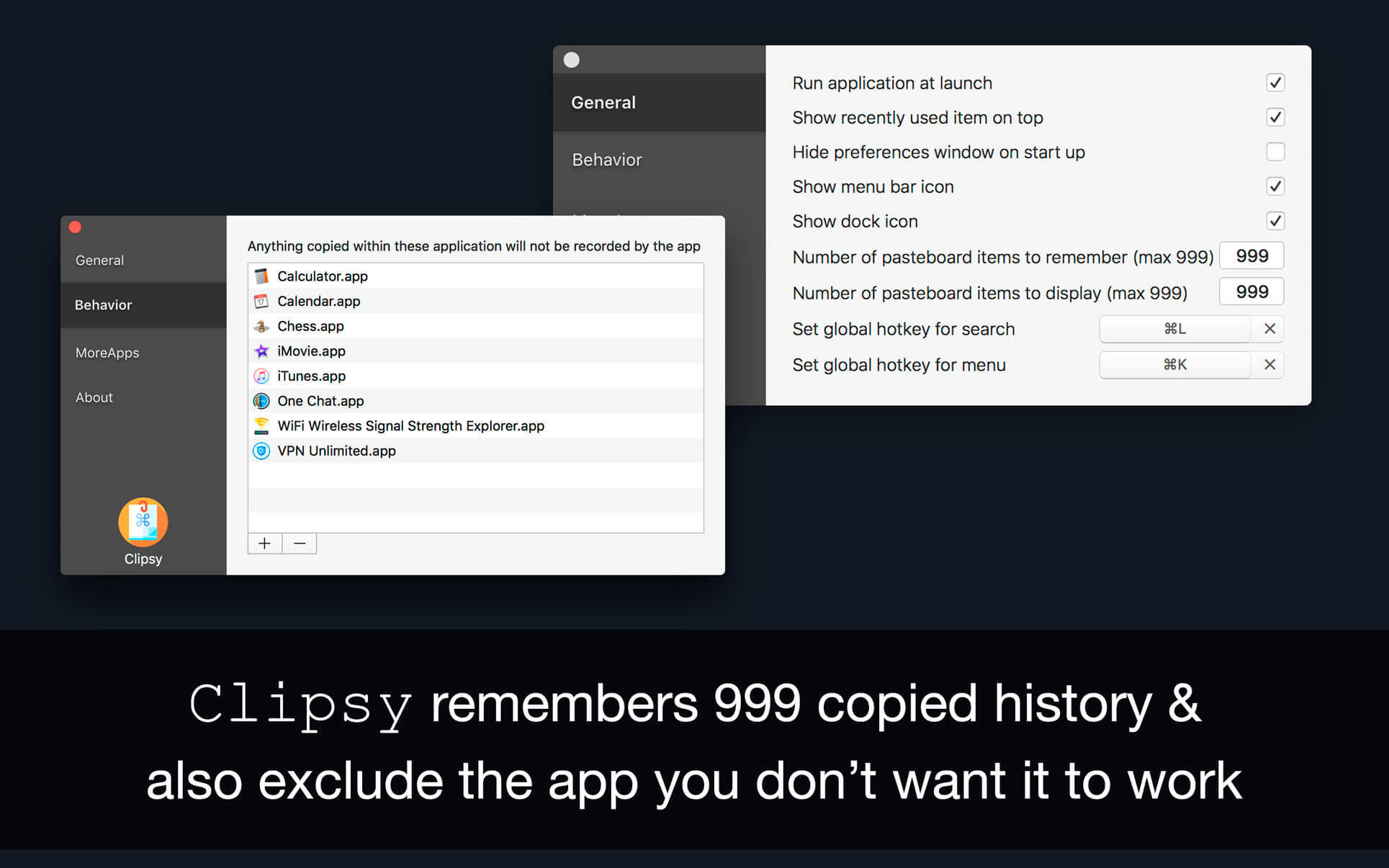
- Remembers 999 clipboard records.
- Search from clip board history.
- Can exclude apps to restrict Clipsy to record clipboard history.
Version 2.0:
- Fixed shortcut issue.
- Improved performance.
- Bug Fixes.
Frequently asked questions
How do I install the app?
Mount the image, drag the app into the "Applications" folder and launch it. If the system blocks the launch, allow it in "System Settings → Privacy & Security".
The app is damaged or won't launch
Reinstalling from a fresh image usually helps. Make sure your macOS version matches the one listed in the compatibility specs.
How do I update?
Download the new version from the site and install it over the current one — your settings will be preserved.
The download link doesn't work
Try a mirror or a download manager. For large files the browser often drops the connection.
How do I completely remove the app?
Use an uninstaller utility — it cleans up the service files that remain after moving the app to the trash.





Choose a download source
Clipsy – Clipboard Manager 2.3 · 11.87 MB