
myTracks 4.4.8
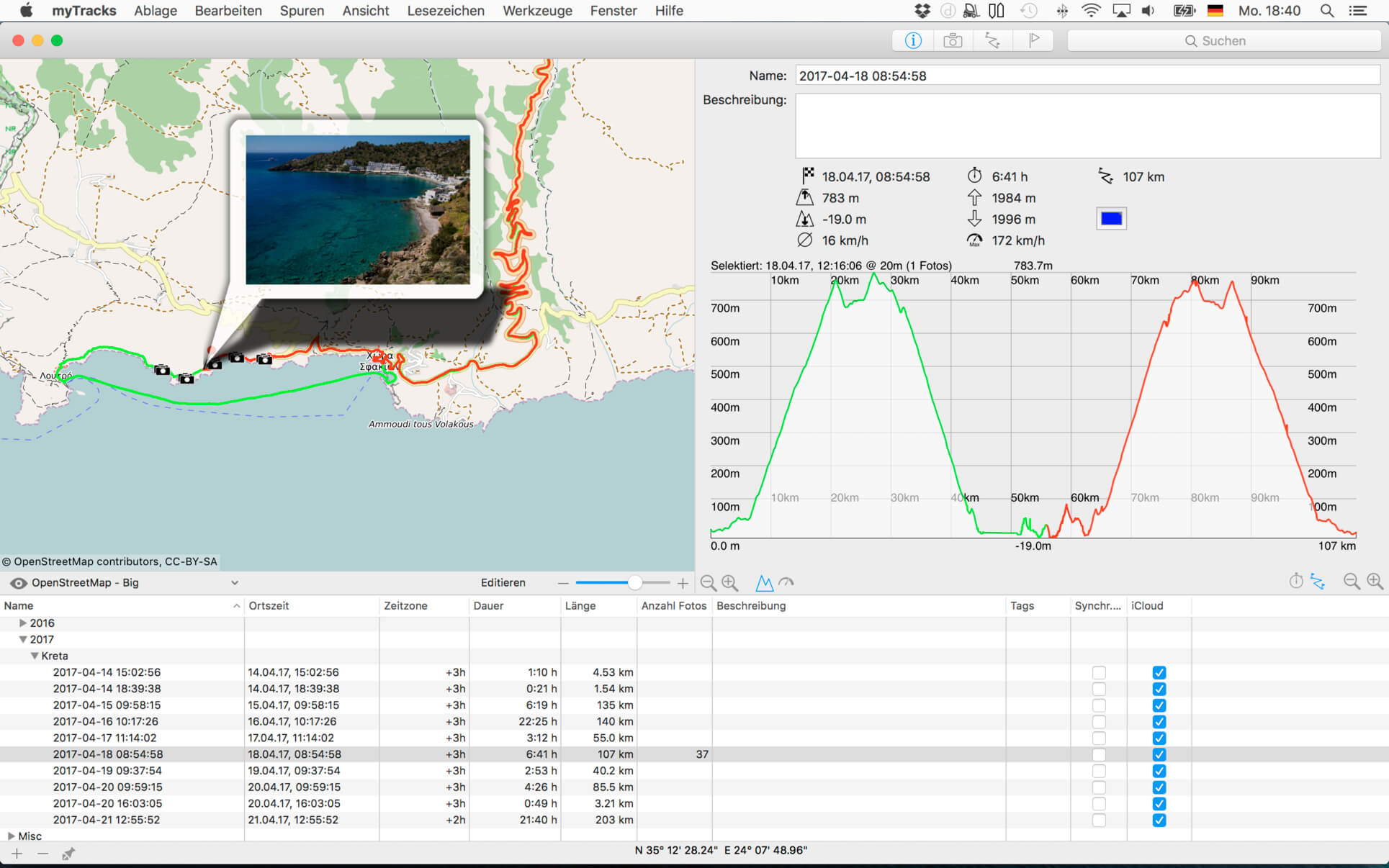
myTracks is the swiss-army knife for organizing your GPS tracks. They can be loaded from a broad range of devices and organized in a library comfortably.
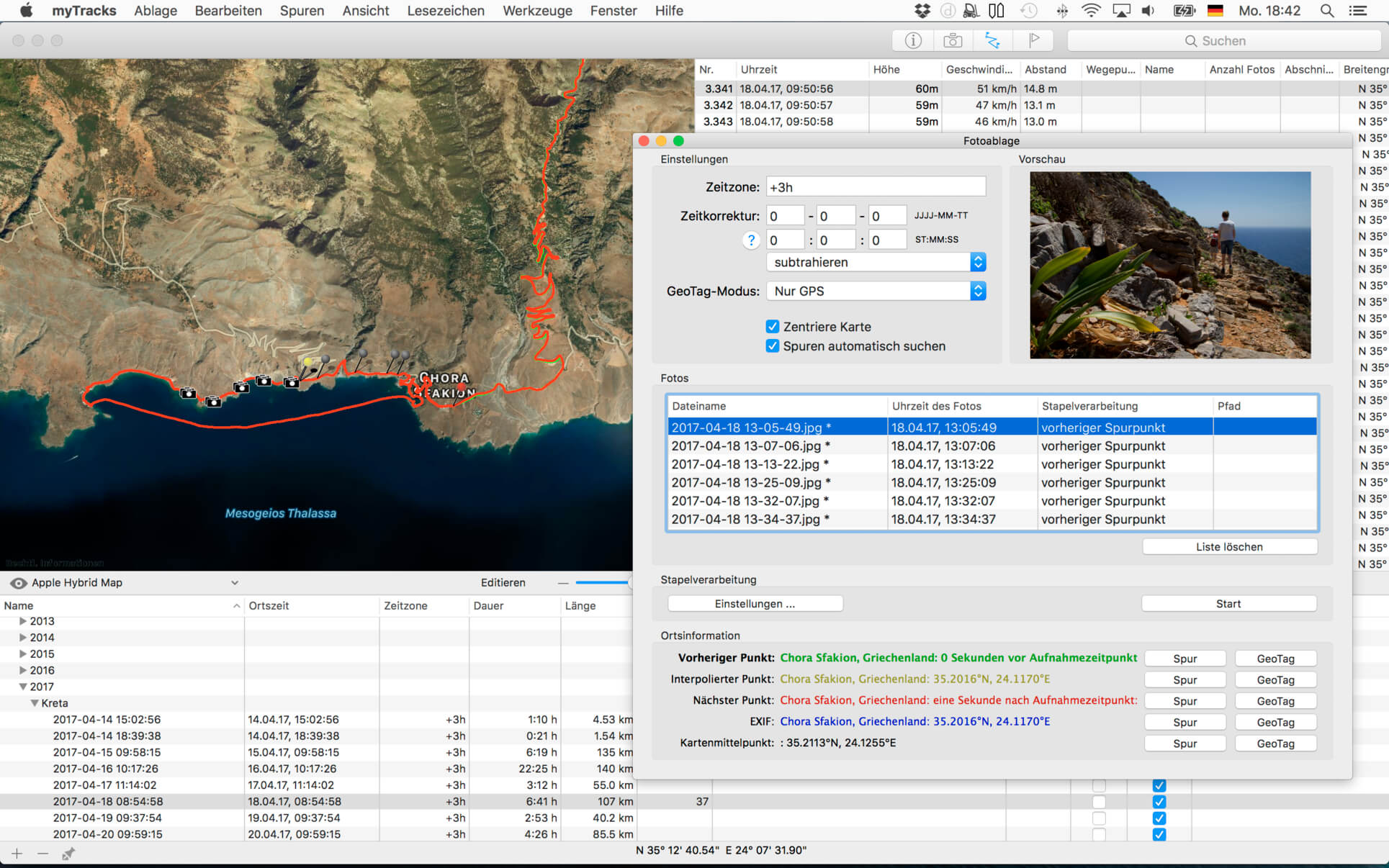
Once imported you can drag & drop photo files to myTracks and they will be assigned to the GPS tracks automatically. The GPS information can be written to the EXIF and IPTC tags of the photo files (Geotagging). You can use any photo organizing software such as Photos, iPhoto, Aperture, Lightroom, GraphicConverter or even the Finder. myTracks can handle both JPEG and RAW file formats.
GPS tracks can be exported as GPX, KML or KMZ files. You can use the exported files, e.g. with Google Earth.
Besides the dedicated GPS loggers a free iPhone App called "myTracks - The GPS logger" is available on the App Store. You can use this App to record GPS tracks.
Using iCloud you can easily synchronise all your tracks between all your devices (iOS and macOS).
See the supporting website for more screenshots, screencasts and the complete list of supported loggers.
Feature Highlights:
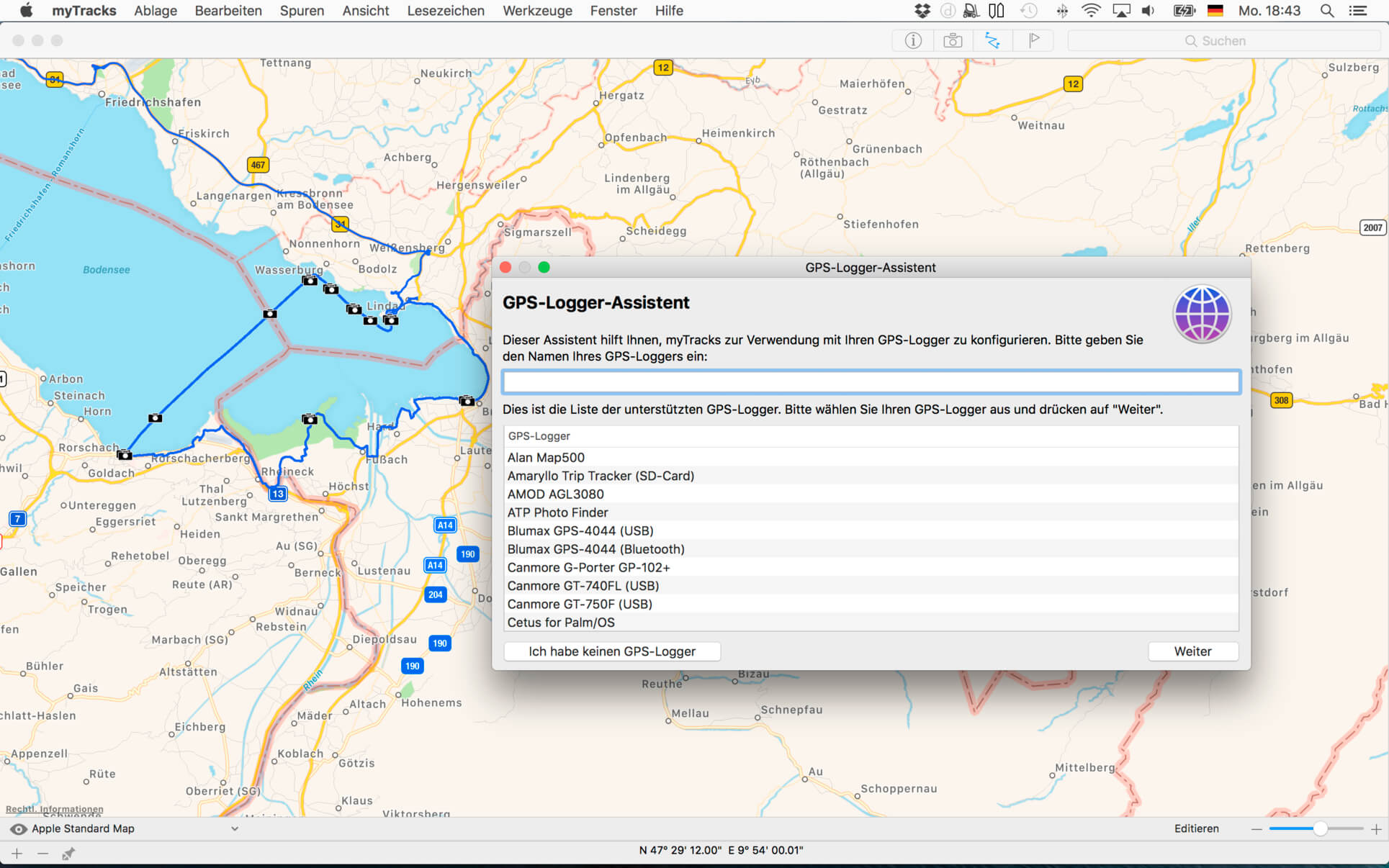
- Logger Assistant with more than 50 presets for downloading GPS tracks
- Search, bookmark, and organize using the Track Library
- 1-click, drag & drop geotagging of JPEG and RAW photo files
- Display tracks on a wide variety of maps online and offline
- Import, export, and edit tracks in GPX and KML formats and export of KMZ formats
- Upload photos from within the application to flickr
- Compatible with Adobe Lightroom, Apple Photos, Apple Aperture, Apple iPhoto, GraphicConverter or macOS Finder
- Free versions for iOS include track recording and sync with macOS application
- iCloud support
Version 4.4.5
New in myTracks 4.4.5:
- Bugfixes for macOS 26.
Frequently asked questions
How do I install the app?
Mount the image, drag the app into the "Applications" folder and launch it. If the system blocks the launch, allow it in "System Settings → Privacy & Security".
The app is damaged or won't launch
Reinstalling from a fresh image usually helps. Make sure your macOS version matches the one listed in the compatibility specs.
How do I update?
Download the new version from the site and install it over the current one — your settings will be preserved.
The download link doesn't work
Try a mirror or a download manager. For large files the browser often drops the connection.
How do I completely remove the app?
Use an uninstaller utility — it cleans up the service files that remain after moving the app to the trash.



Choose a download source
myTracks 4.4.8 · 52.05 MB
Previous versions
myTracks 4.4.8
Previous versions are available to registered users.