

Dupin 2.12.3
Screenshots
Click to enlarge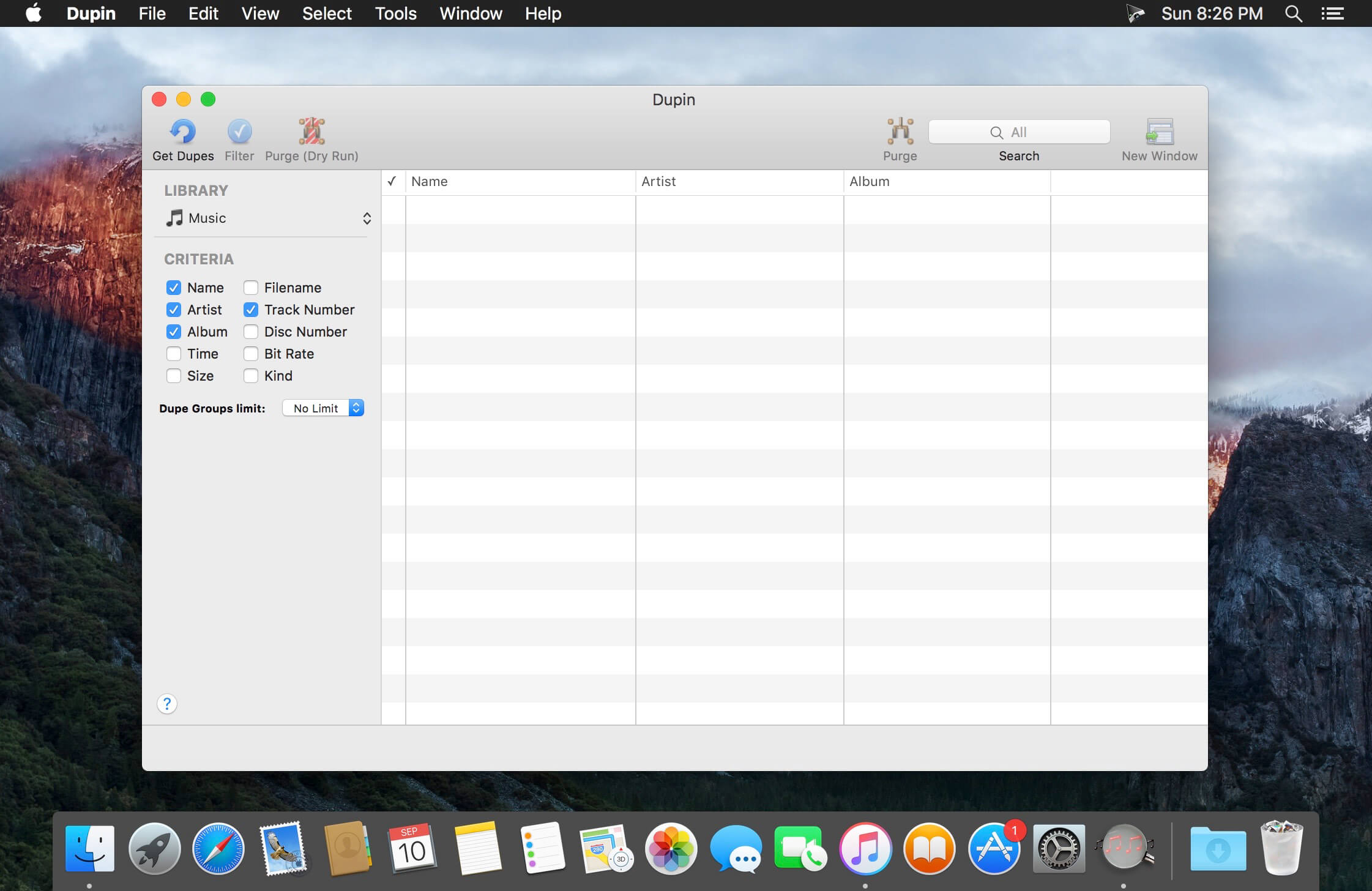
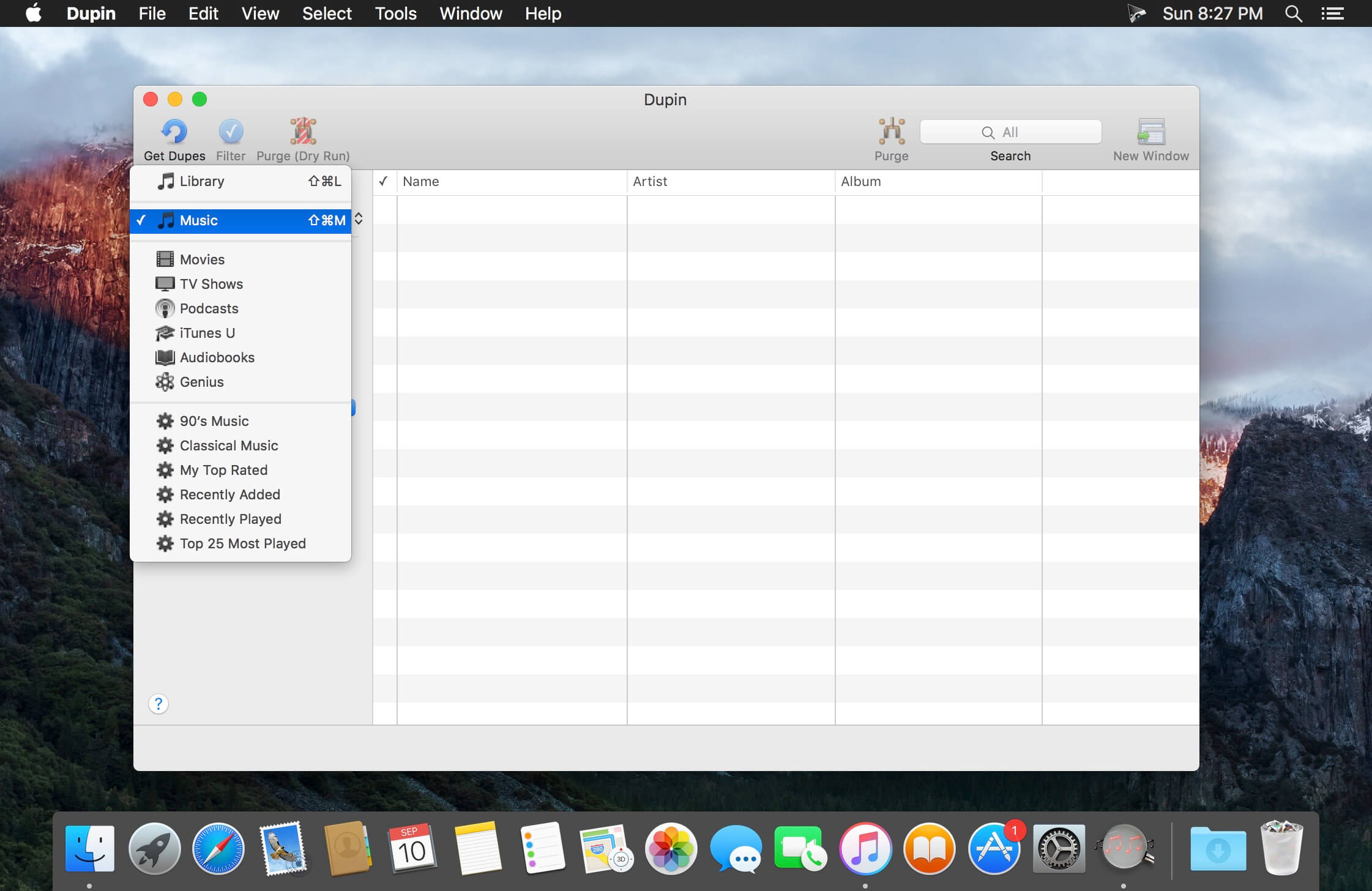
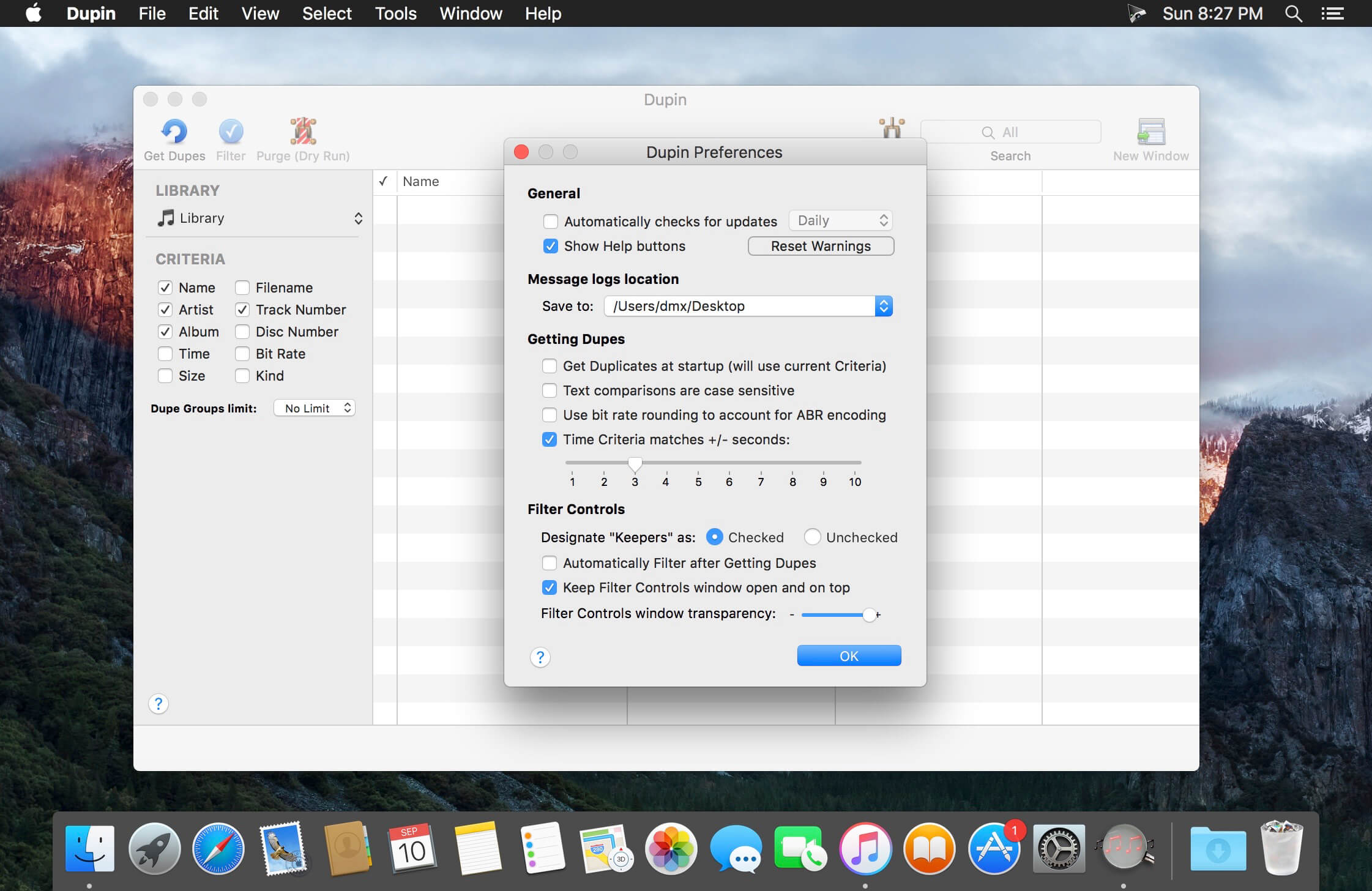
Dupin is your iTunes duplicates manager.
Dupin finds sets of duplicate tracks in iTunes based on the criteria you choose. It can then automatically select the "Keeper" tracks from among the duplicates using a variety of versatile filter options. Dupin is flexible, fast, and easy to use.With Dupin you can:
- Locate, sort, filter, and purge duplicate tracks
- Remove duplicate tracks from iTunes and trash their files
- Re-populate iTunes playlists
- Preserve play history and ratings
- Manage intentionally duplicated tracks
- Copy tracks to new iTunes playlists
- Audition tracks
Version 2.12.3:
- Fixes an ambiguous Filter Controls settings issue
- Fixes secondary window resizing issue
- Updates message text in some alerts regarding iCloud Music Library/iTunes Match
- Removes some older code that accommodated pre-Intel machines
- Other minor maintenance fixes
Comments
No comments yet. Be the first.
Information
Visitors in the group Guests cannot leave comments on this publication.