
GrandTotal 9.3.1

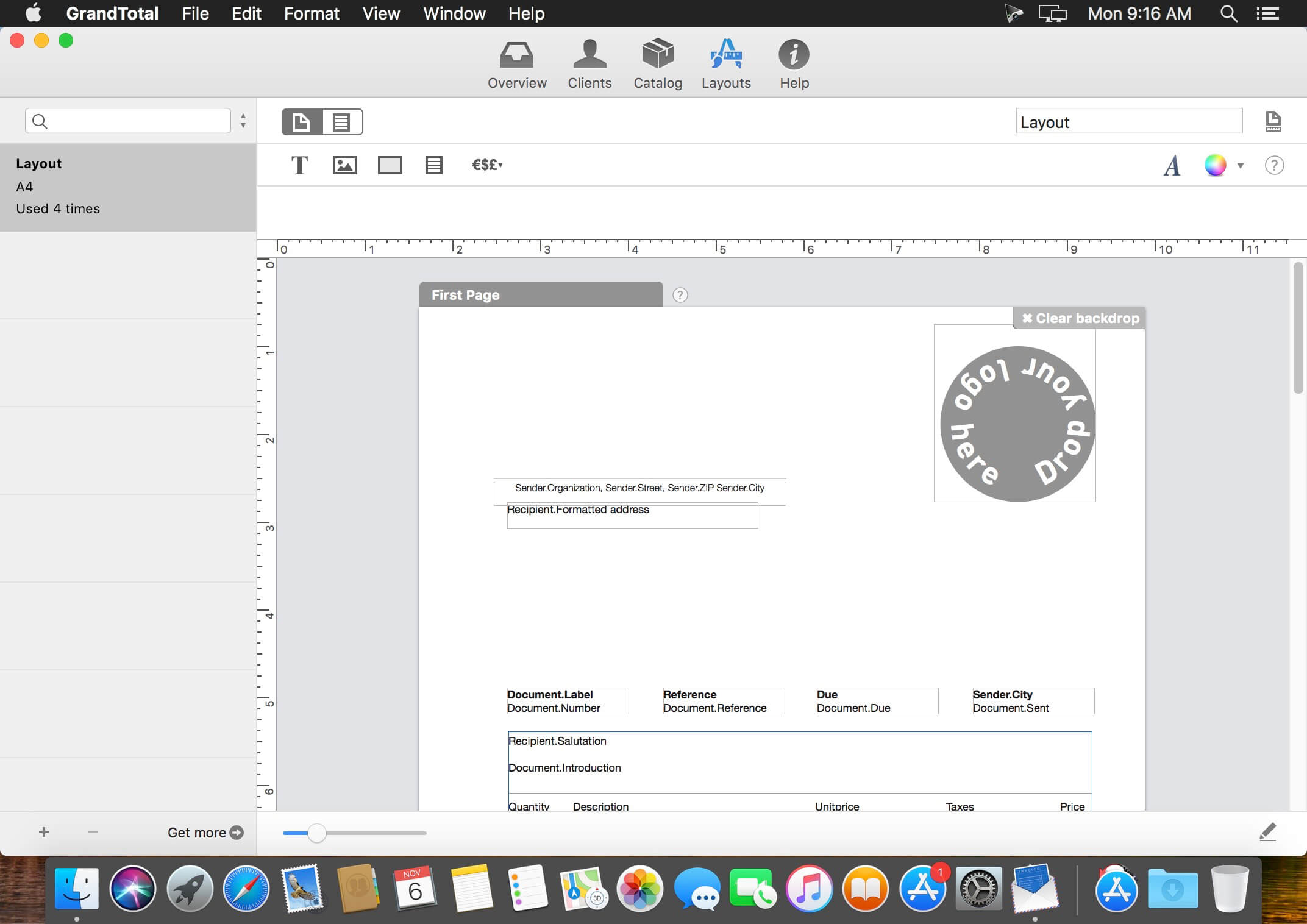
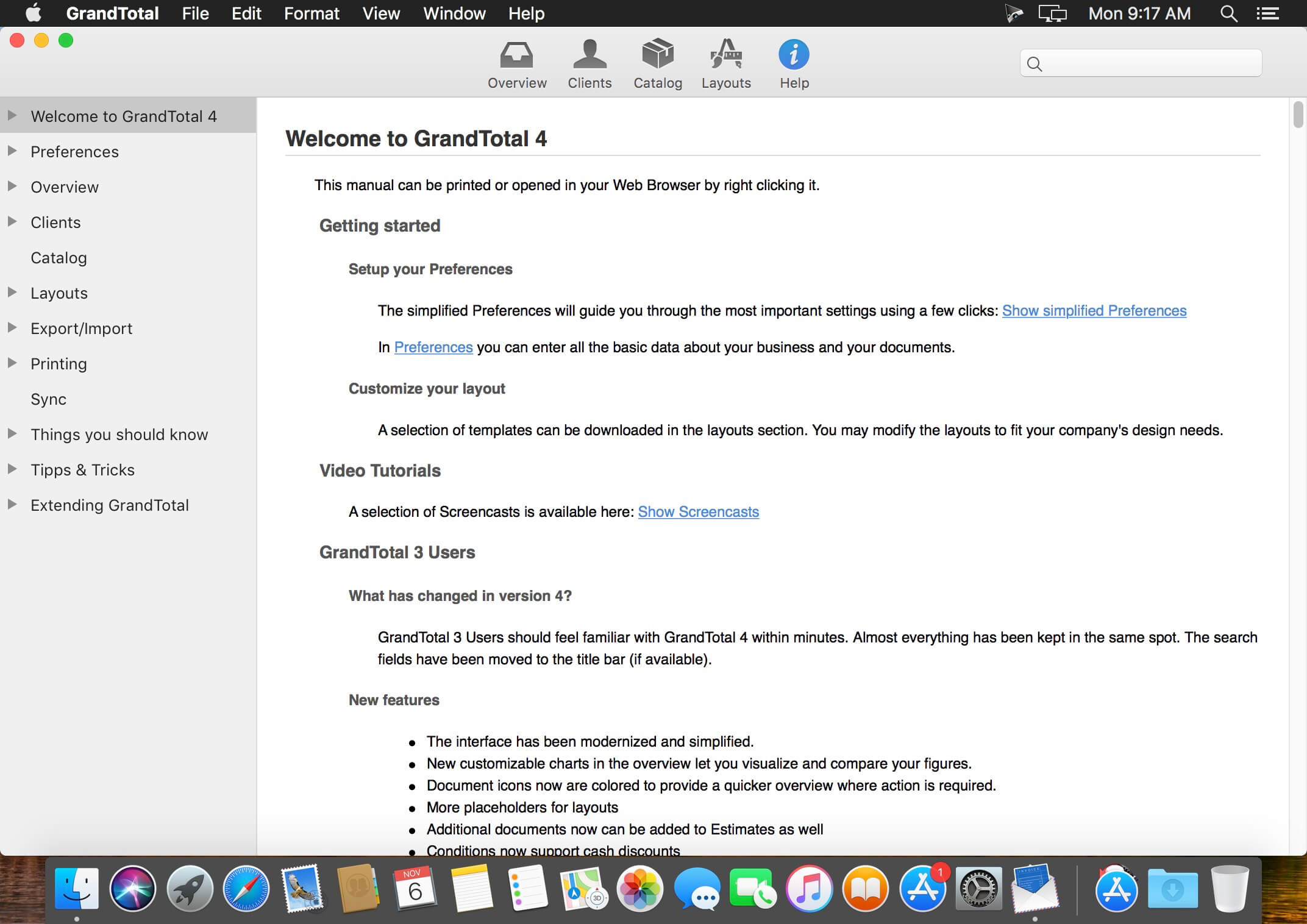
GrandTotal is an application to create invoices and estimates based on your own templates. The built-in template editor allows you to adjust your layout to fit your company's corporate design. GrandTotal works great in conjunction with TimeLog.
GrandTotal 9.0:
- Added: XRechnung 3.0 (UBL) E-Invoices
- Added: XRechnung 2.2 (CII) E-Invoices
- Added: PEPPOL BIS 3.0 E-Invoices
- Added: Edit in of items in the Preview
- Added: Linking projects to folders in the Finder
- Added: Internal annotations and to dos
- Added: Sharing for document links (with co-workers)
- Added: Advanced assistants (Miniature views and structure)
- Added: Multiplication for dynamic cost
- Added: Editing of multiple clients
- Added: Default quantity in catalog
- Added: Printing of payments
- Added: Custom styles for links in layouts
- Added: Visual marker for optional items in estimates
- Added: Apple Maps navigation to client
- Added: Custom colors for QR codes
- Added: Balances for partially paid invoices
- Added: Year to day comparison in dashboard
Frequently asked questions
How do I install the app?
Mount the image, drag the app into the "Applications" folder and launch it. If the system blocks the launch, allow it in "System Settings → Privacy & Security".
The app is damaged or won't launch
Reinstalling from a fresh image usually helps. Make sure your macOS version matches the one listed in the compatibility specs.
How do I update?
Download the new version from the site and install it over the current one — your settings will be preserved.
The download link doesn't work
Try a mirror or a download manager. For large files the browser often drops the connection.
How do I completely remove the app?
Use an uninstaller utility — it cleans up the service files that remain after moving the app to the trash.





Choose a download source
GrandTotal 9.3.1 · 29.24 MB
Previous versions
GrandTotal 9.3.1
Previous versions are available to registered users.