

Adobe Premiere Pro CC 2015.3 v10.4.0 for Mac
Screenshots
Click to enlarge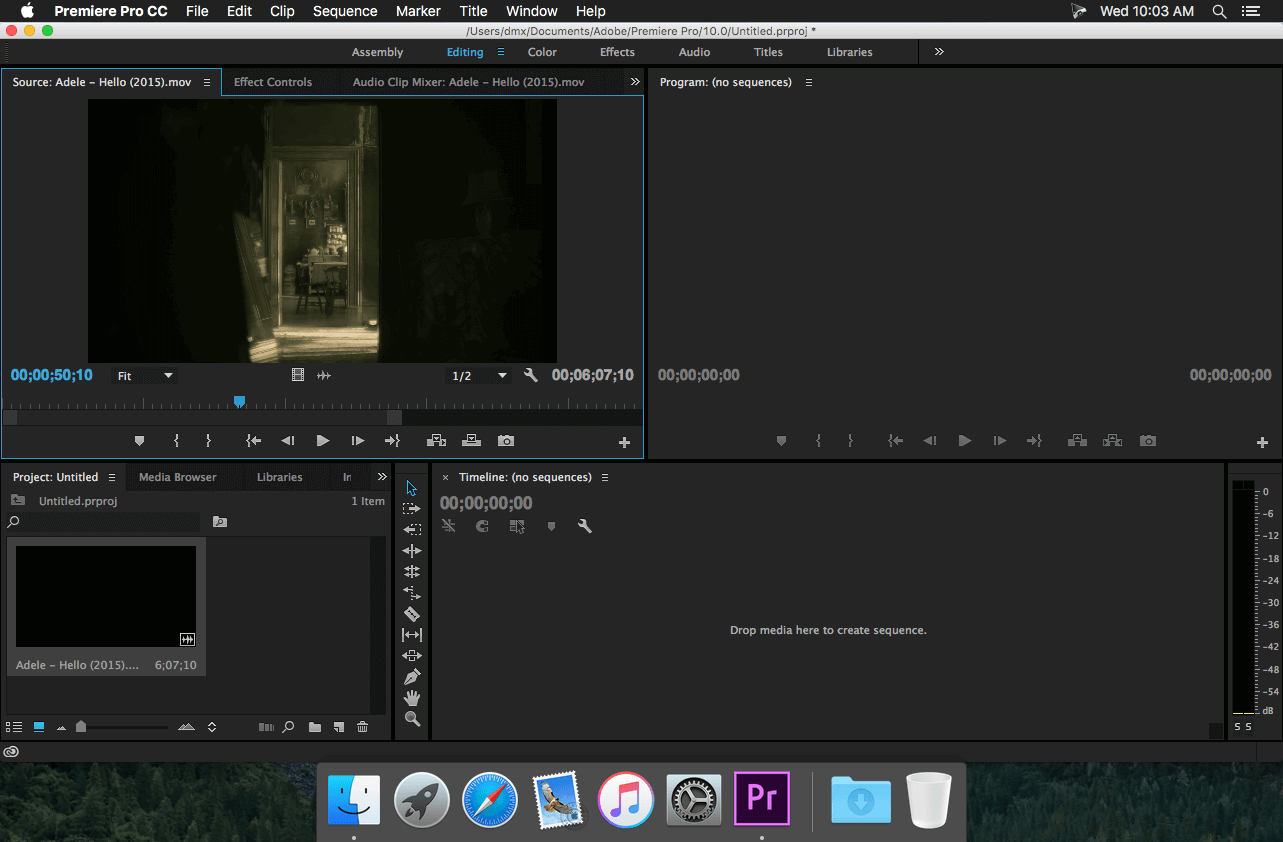
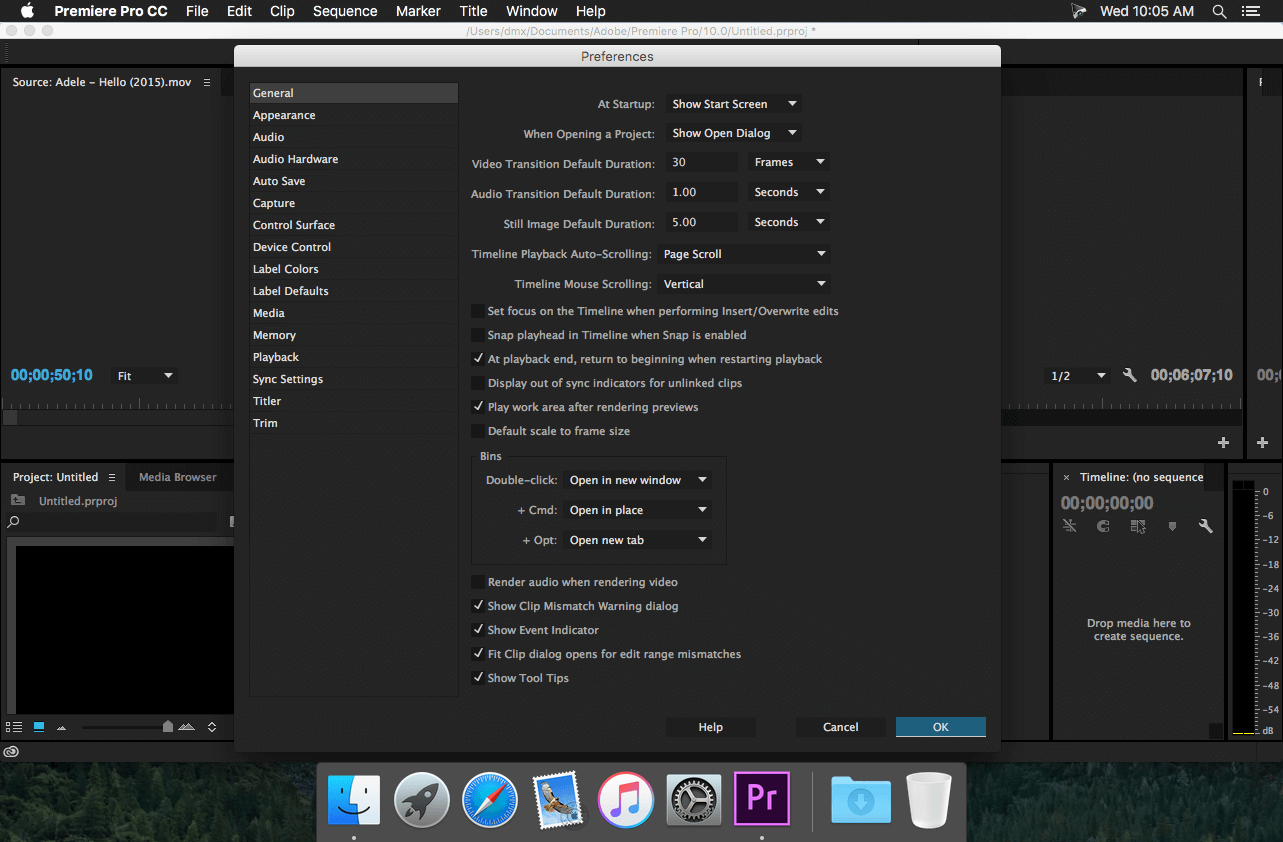
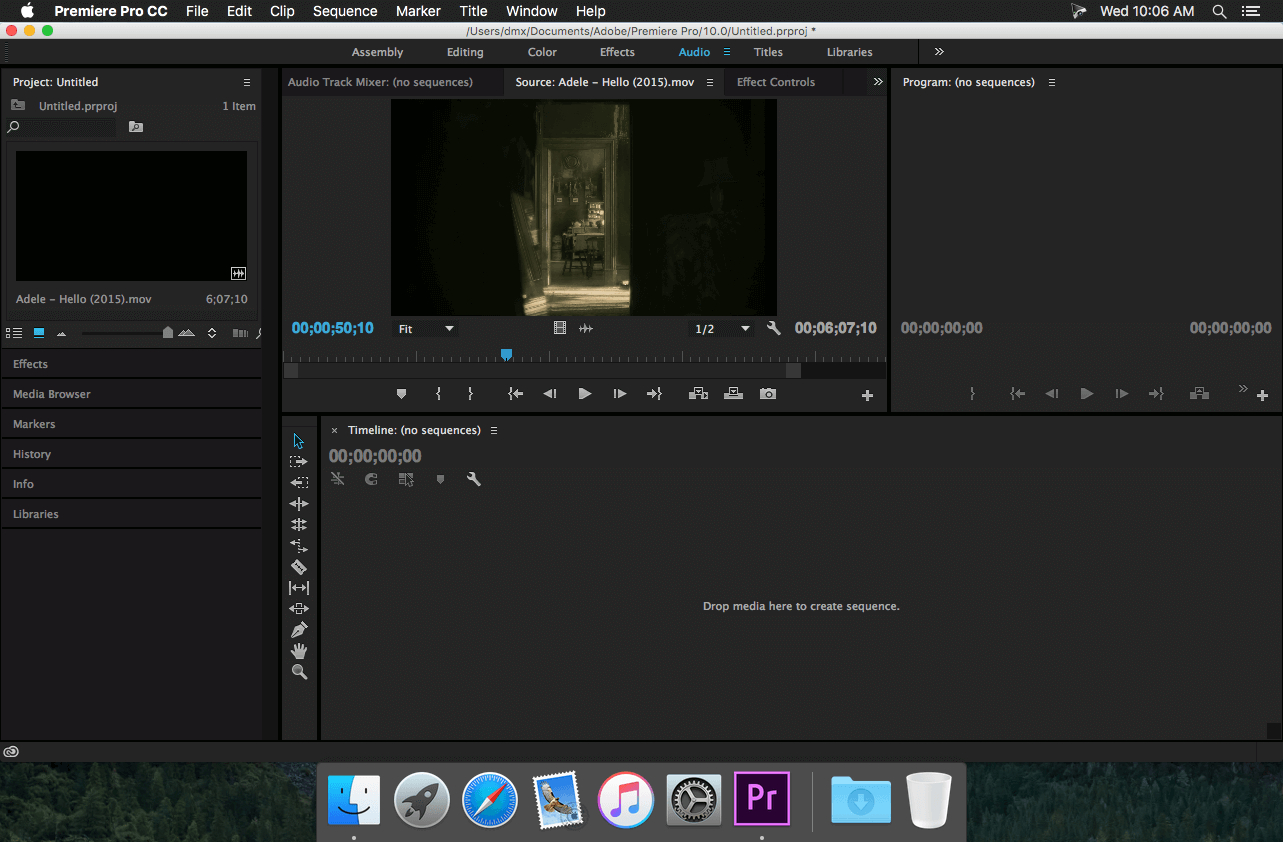
Adobe Premiere Pro CC 2015 lets you edit video faster than ever before. Dozens of brand-new features include a redesigned timeline, improved media management, and streamlined color grading. And it's just the beginning: You'll get access to new features the moment they're released. Your entire creative world, together in one place. Only in Creative Cloud.
Version 10.4.0 (2015.3):
Fixes
- Proxy media support when Dynamic Linking to After Effects has been improved
- Several new QuickTime formats are now natively supported on Windows without the QuickTime player needing to be installed (Import: AAC, PNG, Animation codec; Export: Animation codec)
- The HDR Specular slider in the Lumetri Panel now functions correctly
- Frame accuracy has been improved when flattening a Multi-Camera Source Sequence containing speed changes
- Certain issues encountered when transcoding image sequences on ingest have been resolved
- The stability of FCP XML export has been improved
- The stability of Multi-Camera Source Sequence creation has been improved.
- Certain issues with incorrect numbers of audio channels when creating proxy files have been fixed
- Performance issues with H264 media on Windows when ‘Enable Accelerated H264 Decoding’ was enabled have been fixed
- Fixed an issue where a noise burst could occur when playing back at 2x with ‘Maintain pitch while shuttling’ enabled
- Some issues with dragging Multi-Camera Source Sequences to a sequence or to the Project Panel have been resolved
- .stl files now conform to EBU 3264
- The Link Media dialog no longer has certain file types disabled
- An issue with color control surfaces not correctly applying master track controls has been resolved
- Fixed an issue with waveforms offsetting when flattening Multi-Camere Source Sequences
- Fixed a rendering issue on scaled clips with OpenCL or CUDA
- An issue with opacity handles from previous versions not being accessible has been fixed
- Fixed an issue with black frames for RED files with a certain NVIDIA driver installed (368.39)
- An issue where audio did not play back after enabling ‘Maintain Audio Pitch’ with a speed change in place has been fixed
- Fixed an issue where trimming in the time line could disable Overlays from appearing
Comments1
Information
Visitors in the group Guests cannot leave comments on this publication.