
Myary 2.7.1
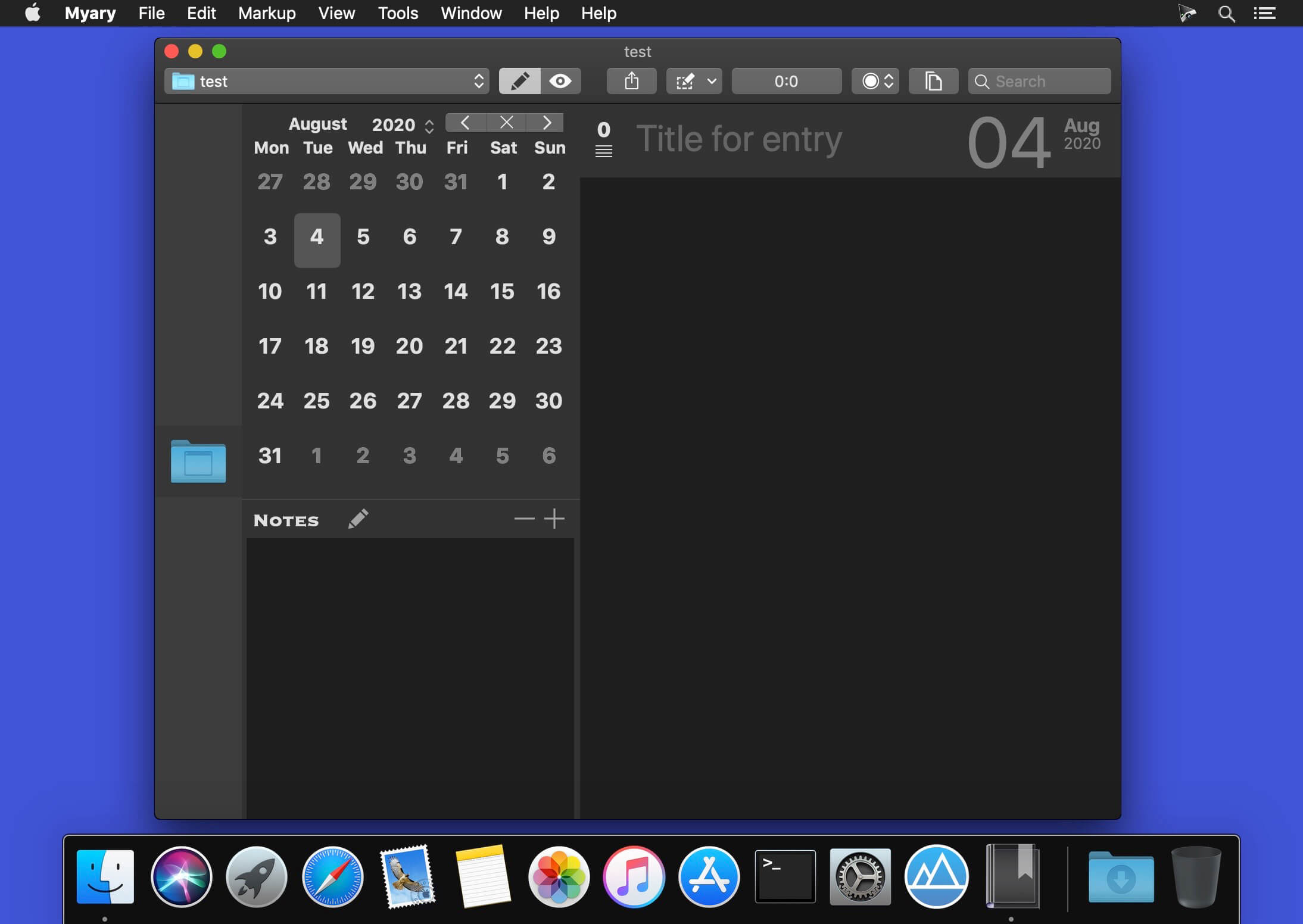


With Myary you can quickly and easily write your own diary, project documentation or chronicle. Myary offers you the freedom to create any type of text collection which shall be stored in chronological order.
Version 2.7.0
New:
- New Markup-Language-Option: ApexMarkdown. With ApexMarkdown, you can configure or combine various Markdown flavors (Kramdown, GFM, MultiMarkdown CommonMark, and ApexMarkdown) via the settings in Myary. This allows you to tailor the Markdown conversion to your specific needs and take advantage of a wide range of options.
- Revised table generation in the editor for MultiMarkdown, MarkdownExtra and ApexMarkdown with automatic alignment function
- The editor now masters the automatic continuation of task lists
Improvements:
- Improved template for dragging and dropping images from the attachment bar into the text for all Markdown variants. Instead of the image file name, a marker is now placed in the area of the title attribute
- Improved unindenting of list items in the editor using the delete key
Bug fixes:
- Fixes a bug that, under certain circumstances, prevented the Move to Another Date sheet from opening
Internal Parser:
MultiMarkdown:
- Markup for subscript text is no longer applied to elements with the CriticMarkup Replace
- fixes a Metadata evaluation error that can cause a crash
MarkdownExtra:
- Markup for striked text is no longer applied to elements with the Replace CriticMarkup
Frequently asked questions
How do I install the app?
Mount the image, drag the app into the "Applications" folder and launch it. If the system blocks the launch, allow it in "System Settings → Privacy & Security".
The app is damaged or won't launch
Reinstalling from a fresh image usually helps. Make sure your macOS version matches the one listed in the compatibility specs.
How do I update?
Download the new version from the site and install it over the current one — your settings will be preserved.
The download link doesn't work
Try a mirror or a download manager. For large files the browser often drops the connection.
How do I completely remove the app?
Use an uninstaller utility — it cleans up the service files that remain after moving the app to the trash.




Choose a download source
Myary 2.7.1 · 7.07 MB
Previous versions
Myary 2.7.1
Previous versions are available to registered users.