Orion PDF Author 2 v2.30.1
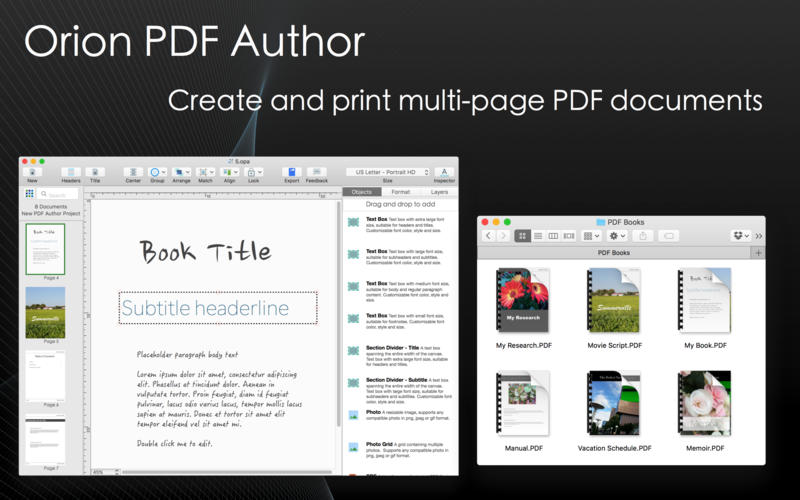

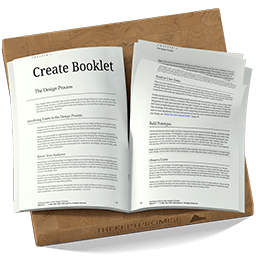
Introducing Orion PDF Author, a new and easier way to create multi-page PDF format user guides, ebooks, instruction manuals and booklets.
Featuring:
- Drag and drop designer editor
- Advanced page management interface
- Full suite of annotation objects
- Supports text boxes, photo, photo grids, outlines, shapes, lines and arrows
- Easy to use alignment and layout tools
- Auto-page numbering
- Shared headers and footers
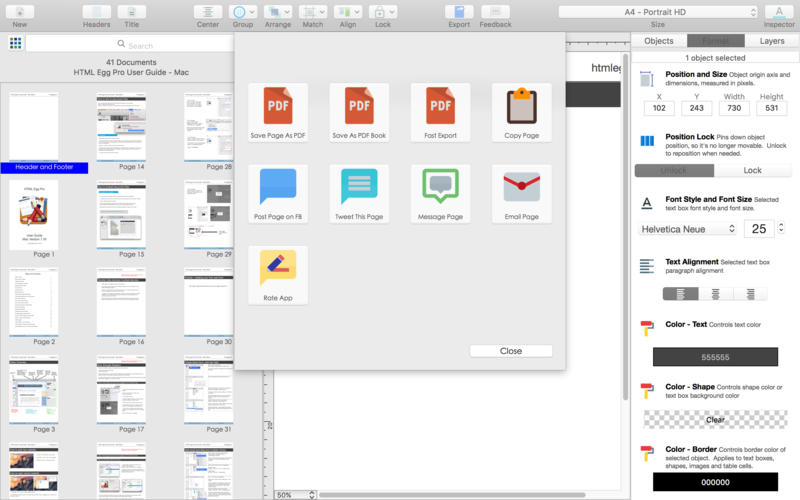
- Exports any single page in PDF format
- Exports entire project in multi-page PDF format
Easy sharing:
- Instantly share any selected page to Messages, Mail, Twitter and Facebook
- US letter HD and 72 DPI formats (both landscape and portrait)
- International A4 HD and 72 DPI formats (both landscape and portrait)
- Square booklets: 4.75" x 4.75", 7" x 7", 8" x 8", 12" x 12"
- Custom size booklets: 3.5" x 4.3", 4.3" x 3.5", 4.15" x 5.85", 4.25" x 5.5", 5" x 7", 7" x 5", 5.5" x 8.5", 8.5" x 5.5", 6" x 11", 11" x 6"
- automatically optimizes PDF document with quartz filter
- exports and saves "user friendly" size optimized PDF files
Version 2.20.3:
- Page management improvements
- Bug fixes and performance improvements
Frequently asked questions
How do I install the app?
Mount the image, drag the app into the "Applications" folder and launch it. If the system blocks the launch, allow it in "System Settings → Privacy & Security".
The app is damaged or won't launch
Reinstalling from a fresh image usually helps. Make sure your macOS version matches the one listed in the compatibility specs.
How do I update?
Download the new version from the site and install it over the current one — your settings will be preserved.
The download link doesn't work
Try a mirror or a download manager. For large files the browser often drops the connection.
How do I completely remove the app?
Use an uninstaller utility — it cleans up the service files that remain after moving the app to the trash.
VersionOrion PDF Author 2 v2.30.1
DeveloperAidaluu Inc.
CompatibilityOS X 10.9 or later, 64-bit processor
LanguageEnglish, Dutch, French, German, Italian, Simplified Chinese, Spanish
IncludesK'ed by TNT



Information
Visitors in the group Guests cannot leave comments on this publication.
Choose a download source
Orion PDF Author 2 v2.30.1 · 33.28 MB