Record Lectures 3.3
Record lectures and meetings, then find them again instantly
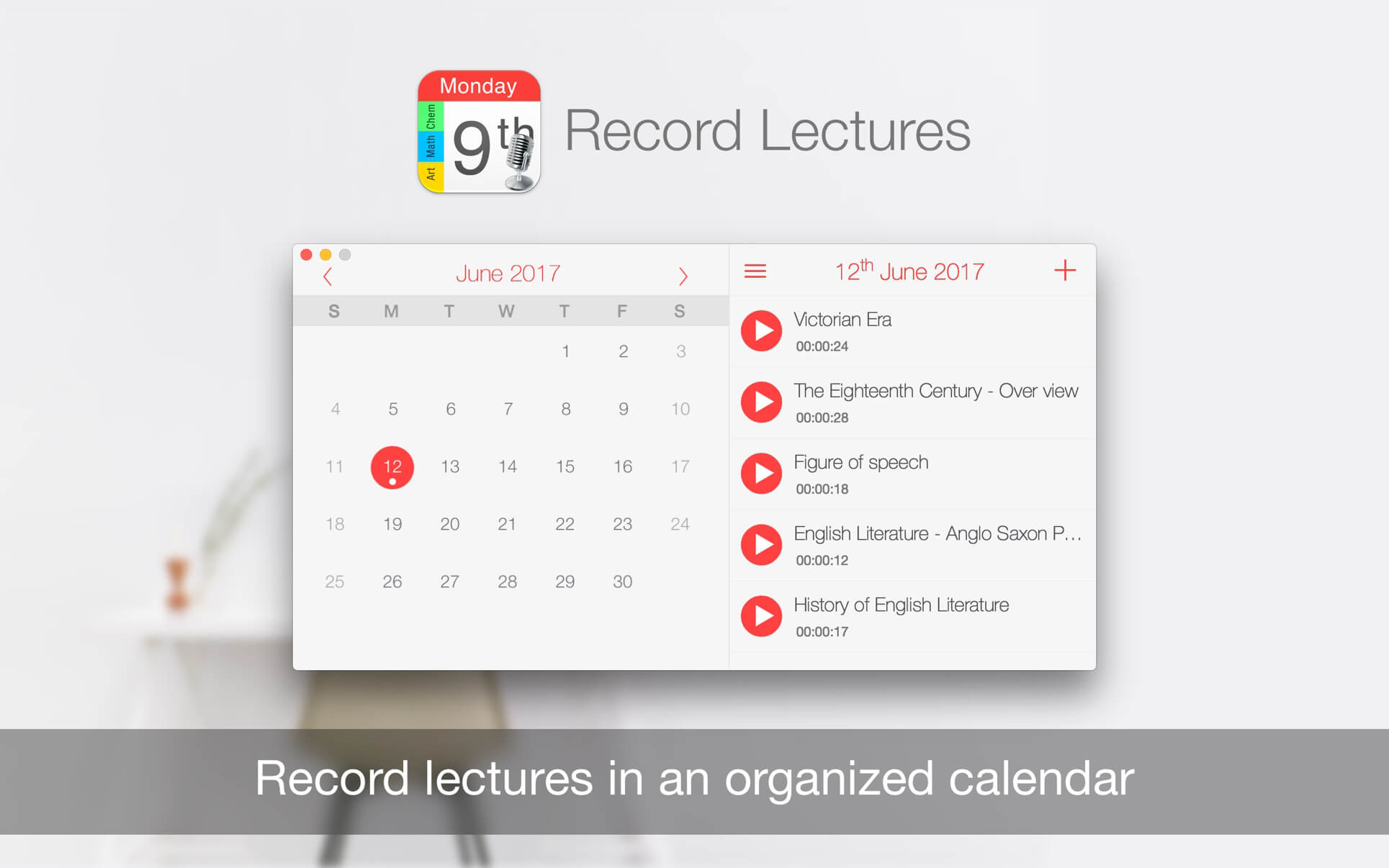
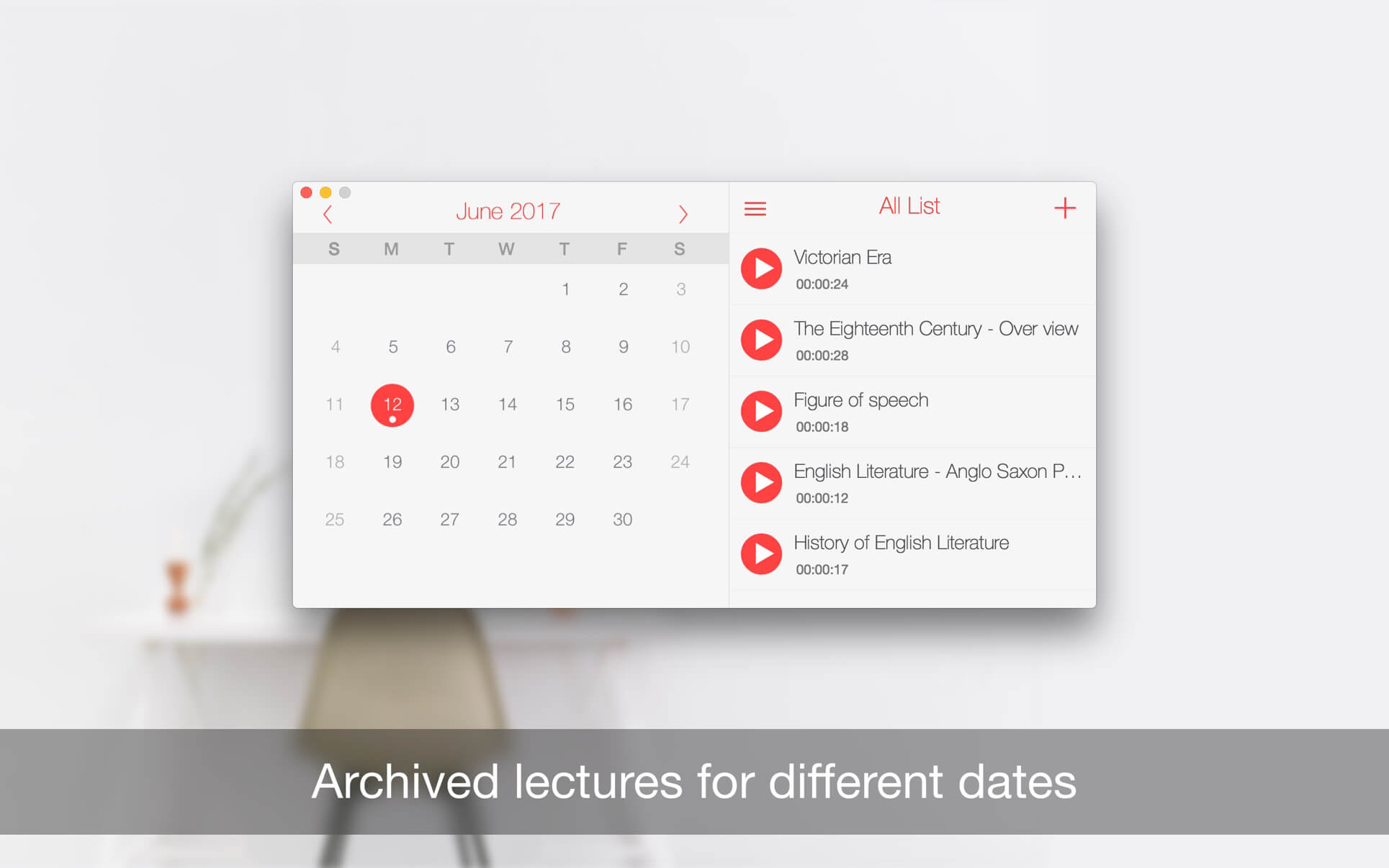
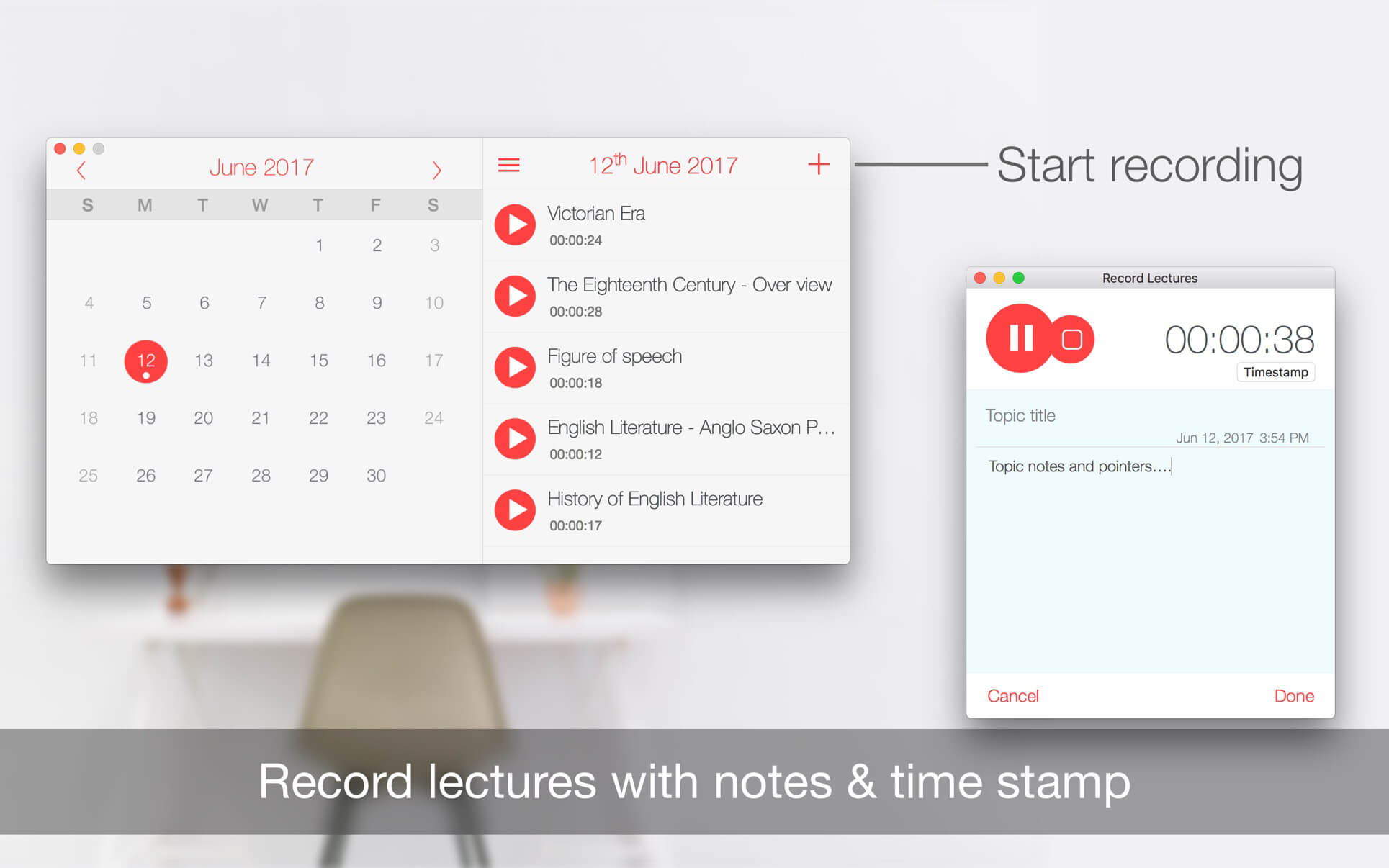
Never lose a lecture, meeting, or conversation again. Record Lectures keeps every recording organized by subject in your calendar, so you can find and play it back exactly when you need it. Featured by Apple in "Best New Apps" and "Back to School" picks.
- Record lectures, meetings, and conversations anytime — capture everything without extra equipment.
- Recordings are automatically filed into a calendar by subject — stop digging through folders to find the right one.
- Play back any recording instantly — review material for exams, presentations, or follow-up work.
- Share recordings easily — send lectures or meeting notes to classmates or colleagues in seconds.
- Simple, straightforward operation — spend less time managing files and more time studying or working.
Version 3.3
- Improved Version.
- Update on layout.
Frequently asked questions
How do I install the app?
Mount the image, drag the app into the "Applications" folder and launch it. If the system blocks the launch, allow it in "System Settings → Privacy & Security".
The app is damaged or won't launch
Reinstalling from a fresh image usually helps. Make sure your macOS version matches the one listed in the compatibility specs.
How do I update?
Download the new version from the site and install it over the current one — your settings will be preserved.
The download link doesn't work
Try a mirror or a download manager. For large files the browser often drops the connection.
How do I completely remove the app?
Use an uninstaller utility — it cleans up the service files that remain after moving the app to the trash.

Choose a download source
Record Lectures 3.3 · 3.68 MB
Previous versions
Record Lectures 3.3
Previous versions are available to registered users.