
Carbon Copy Cloner 5.1.28
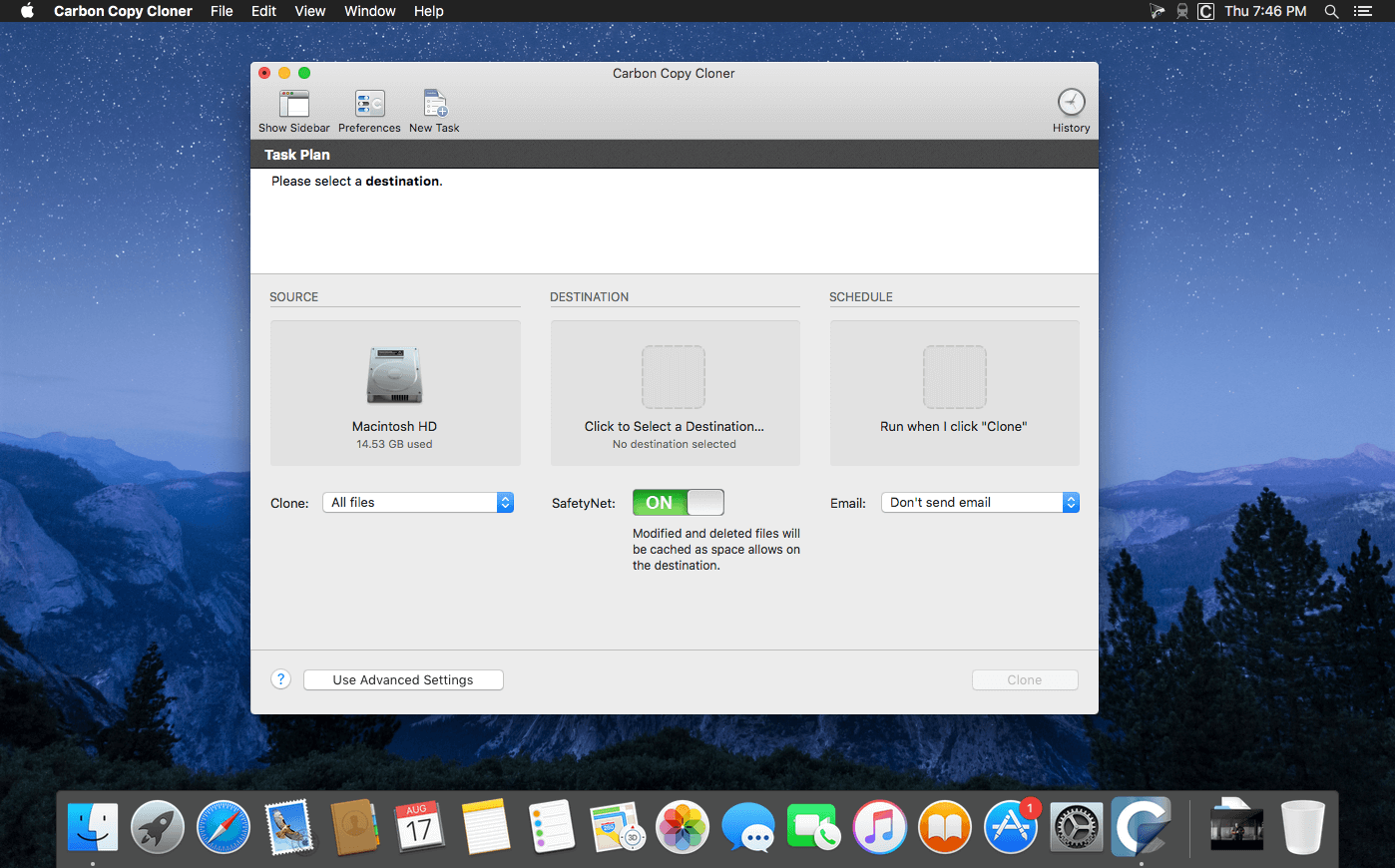
Carbon Copy Cloner backups are better than ordinary backups. Suppose the unthinkable happens while you're under deadline to finish a project: your Mac is unresponsive and all you hear is an ominous, repetitive clicking noise coming from its hard drive. With ordinary backups, you'd spend your day rushing out to a store to buy a new hard drive and then sit in front of your computer reinstalling the operating system and restoring data.
With Carbon Copy Cloner, your data and the operating system's data are all preserved on a bootable volume, ready for production at a moment's notice. When disaster strikes, simply boot from your backup and get back to using your Mac. At your convenience, replace the failed hard drive and then let CCC restore the OS, your data and your settings directly from the backup in one easy step.
Any backup application can save your stuff. A CCC bootable backup will save your productivity too!
Feature:
- Compatible with OS X 10.10 Yosemite
- Redesigned, one-window interface
- Edit scheduled tasks
- Menubar application
- Task history
- Simple view mode
- Chain tasks together
- Run tasks only on weekdays or weekends
- Task collision detection (prevent two tasks from writing to the same destination simultaneously)
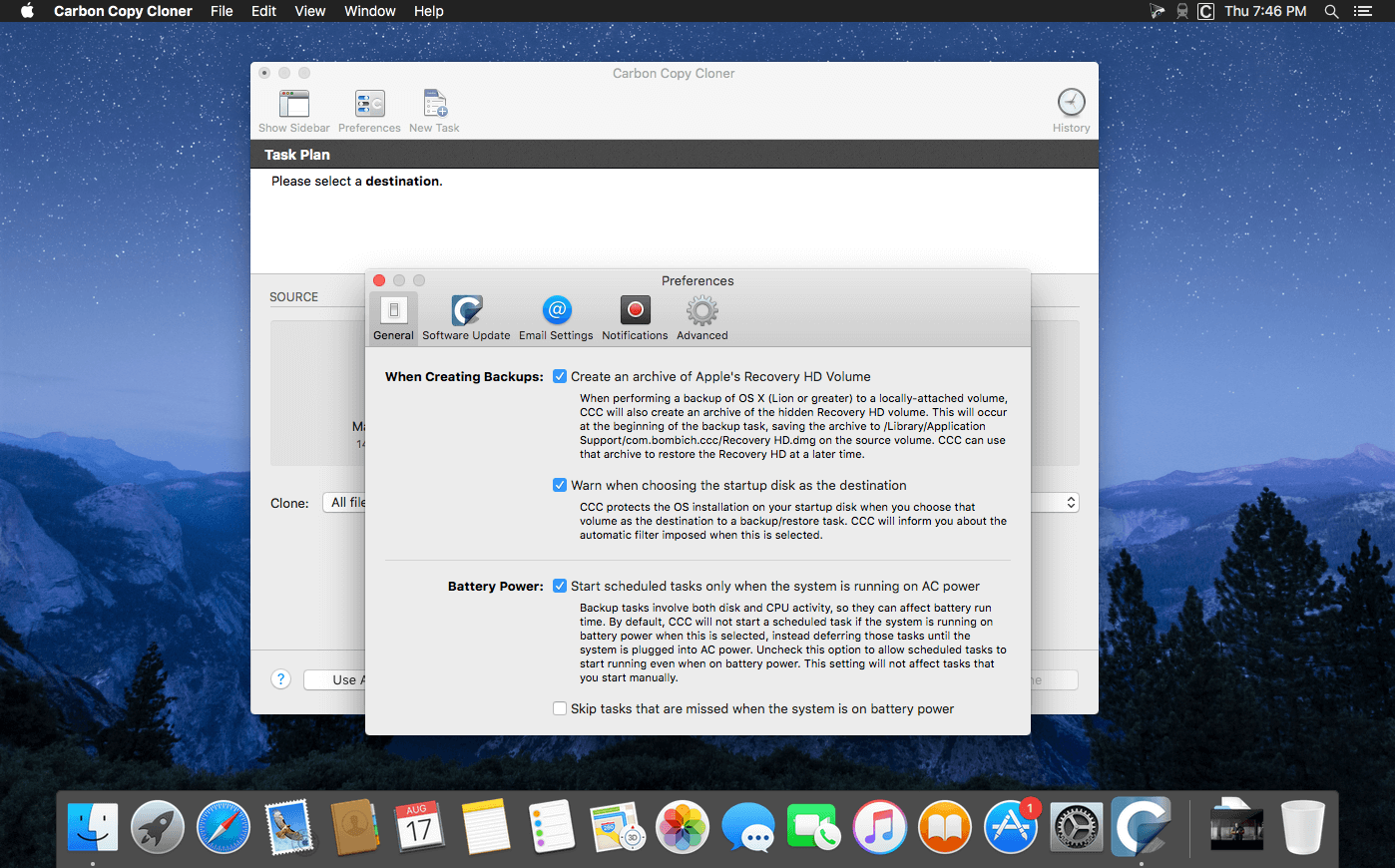
- Choose to run backups only when connected to a power source
- Administrators authenticate only once, ever
- Customizable email notifications
- Command line application
- Visual quickstart guides
- Bootable backups
- Smart updates
- Run backups on a schedule
- Back up to locally attached volumes
- Back up to network volumes
- Clone a Recovery HD
- Household license
- Disk Center
- Archive changed and deleted items
- Tasks run automatically, even if you are not logged in
- Back up to another Mac
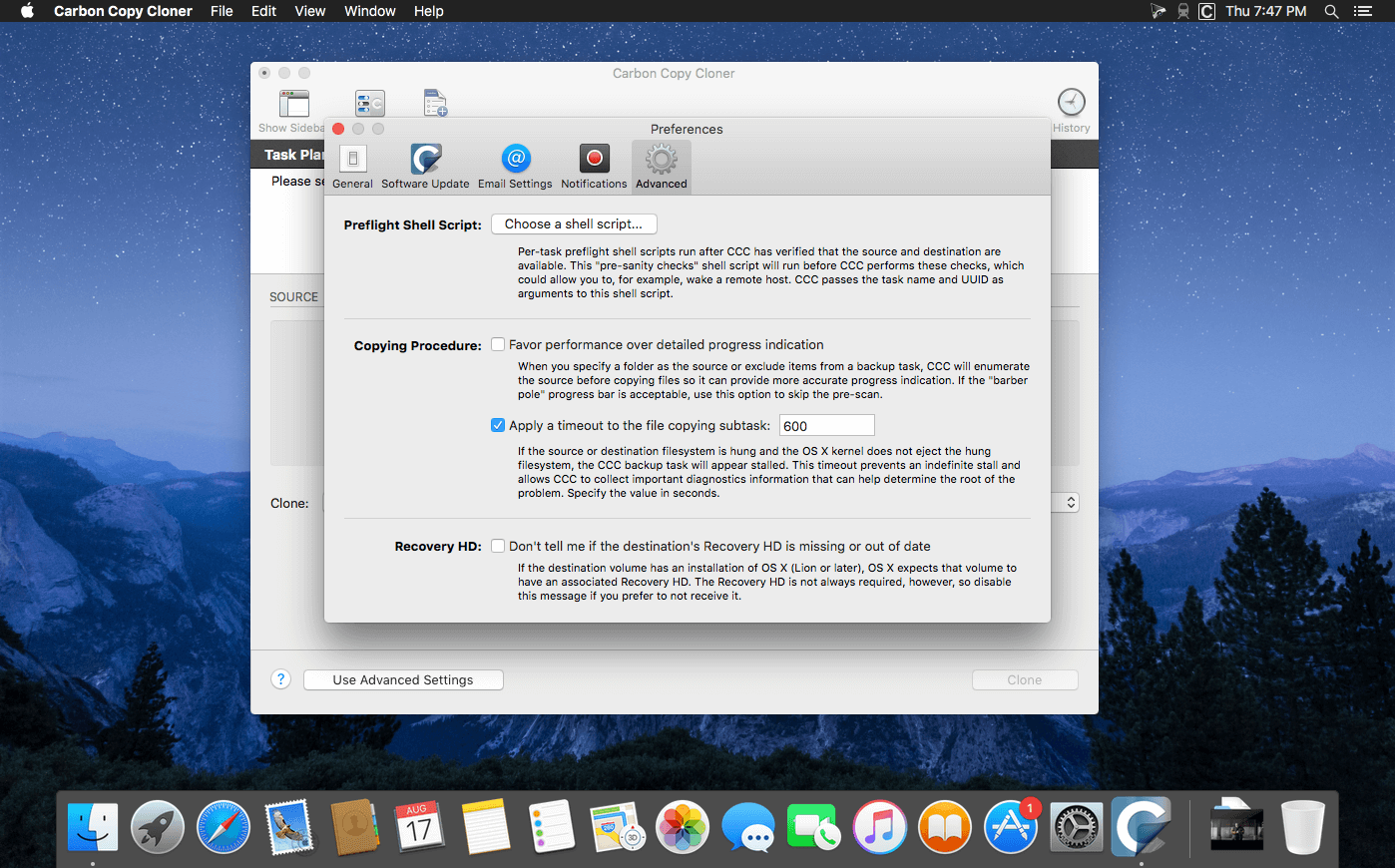
- Pre- and post-flight scripts
- Custom filters
- Cloning coach with timely troubleshooting advice
- Available in English, German, French, Dutch, Italian, Japanese, Spanish
Version 5.1.28:
- Fixed a logistical issue that was leading to the SafetyNet Pruning settings not being visible for HFS+ formatted volumes.
- Adjusted the logic that we use to determine if copying system files to a remote Mac is allowed.
- A spurious "attribute not found" error cropped up on macOS 11.5.2 when copying files to an ExFAT filesystem. These errors are now suppressed.
- Fixed a crasher affecting Mojave and older clients while using the Task Filter window.
Frequently asked questions
How do I install the app?
Mount the image, drag the app into the "Applications" folder and launch it. If the system blocks the launch, allow it in "System Settings → Privacy & Security".
The app is damaged or won't launch
Reinstalling from a fresh image usually helps. Make sure your macOS version matches the one listed in the compatibility specs.
How do I update?
Download the new version from the site and install it over the current one — your settings will be preserved.
The download link doesn't work
Try a mirror or a download manager. For large files the browser often drops the connection.
How do I completely remove the app?
Use an uninstaller utility — it cleans up the service files that remain after moving the app to the trash.



Choose a download source
Carbon Copy Cloner 5.1.28 · 18.05 MB
Previous versions
Carbon Copy Cloner 5.1.28
Previous versions are available to registered users.
Comments 3