
DxO PureRAW 6.4.1
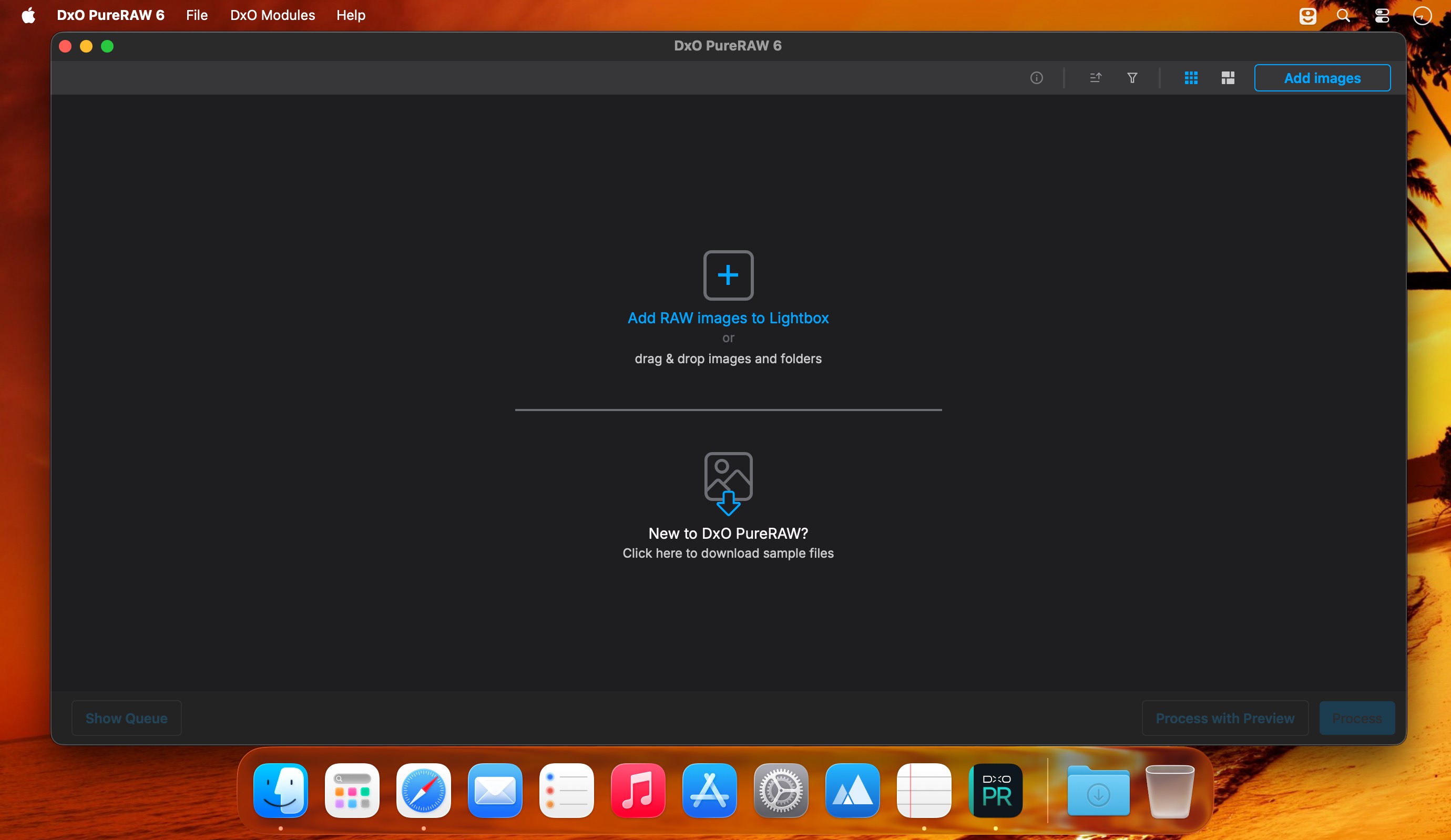
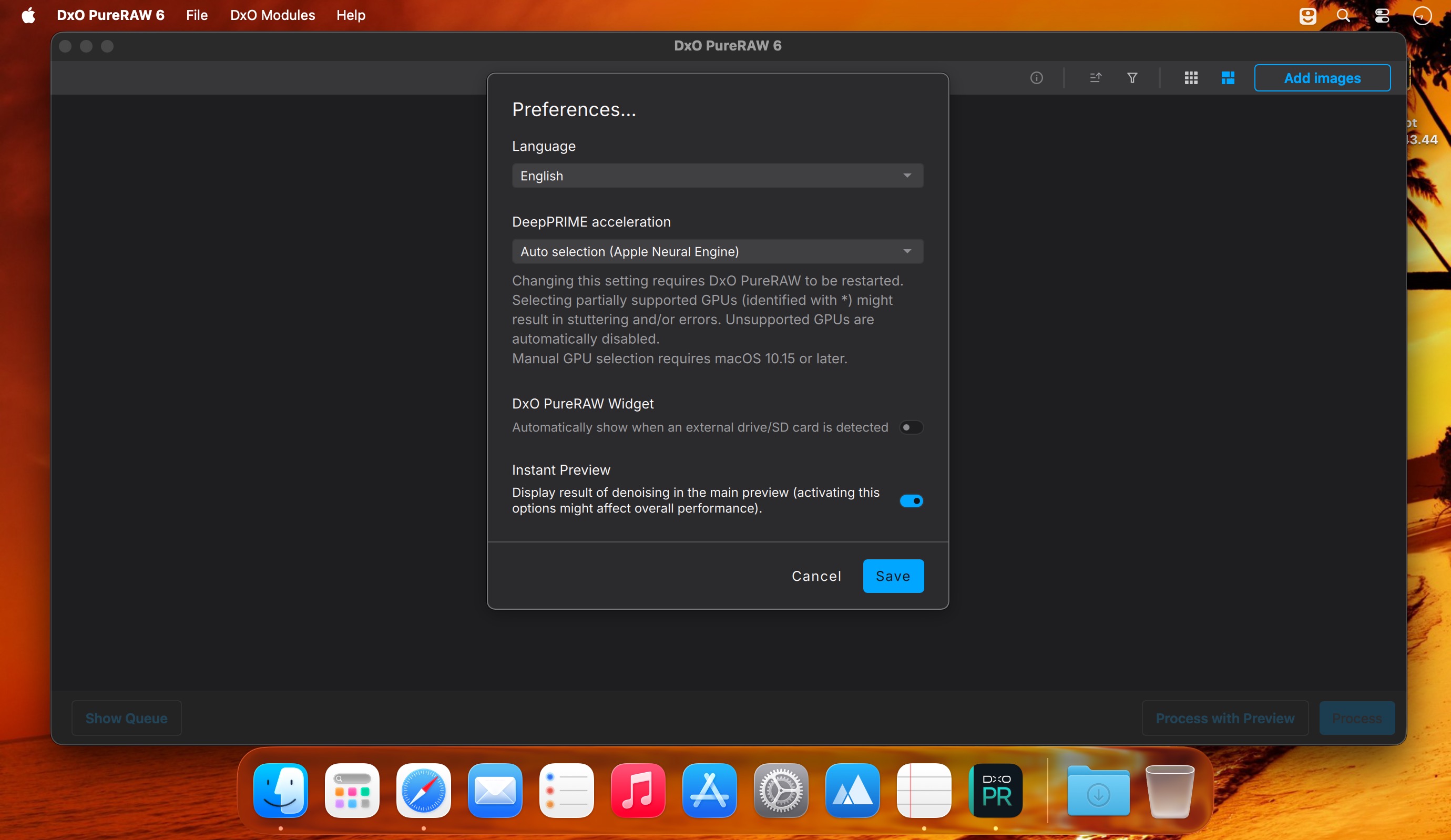
DxO PureRAW — clean, sharp RAW files before you edit.
DxO PureRAW uses AI to extract the best possible image from your RAW files so your editing software starts with higher quality source files. It removes noise while preserving fine detail, applies advanced demosaicing for improved clarity and color, automatically corrects optical flaws, and outputs high-fidelity DNGs that plug straight into Lightroom, Photoshop, Capture One, and more.
Highlights
- DeepPRIME AI noise reduction: dramatic noise removal with natural textures retained, even at high ISO.
- Advanced RAW demosaicing: better detail and color accuracy from the start of the workflow.
- Automatic lens & camera corrections: distortion, vignetting, chromatic aberration and lens softness fixed using DxO’s lens database.
- Global sharpness optimization: consistent crispness from center to edges.
- AI sensor-dust removal: detects and removes spots automatically.
- High-fidelity DNG output: ready for seamless editing in your preferred apps.
- Fast batch processing: optimize many RAW files at once for an efficient workflow.
- One-click integration: quick, non-destructive preprocessing that fits into existing editing pipelines.
Frequently asked questions
How do I install the app?
Mount the image, drag the app into the "Applications" folder and launch it. If the system blocks the launch, allow it in "System Settings → Privacy & Security".
The app is damaged or won't launch
Reinstalling from a fresh image usually helps. Make sure your macOS version matches the one listed in the compatibility specs.
How do I update?
Download the new version from the site and install it over the current one — your settings will be preserved.
The download link doesn't work
Try a mirror or a download manager. For large files the browser often drops the connection.
How do I completely remove the app?
Use an uninstaller utility — it cleans up the service files that remain after moving the app to the trash.




Choose a download source
DxO PureRAW 6.4.1 · 956.91 MB