
Parallels Desktop Business Edition 27.0.0.58628
Parallels Desktop 27: Run Windows on Mac with seamless virtualization
Screenshots
Click to enlarge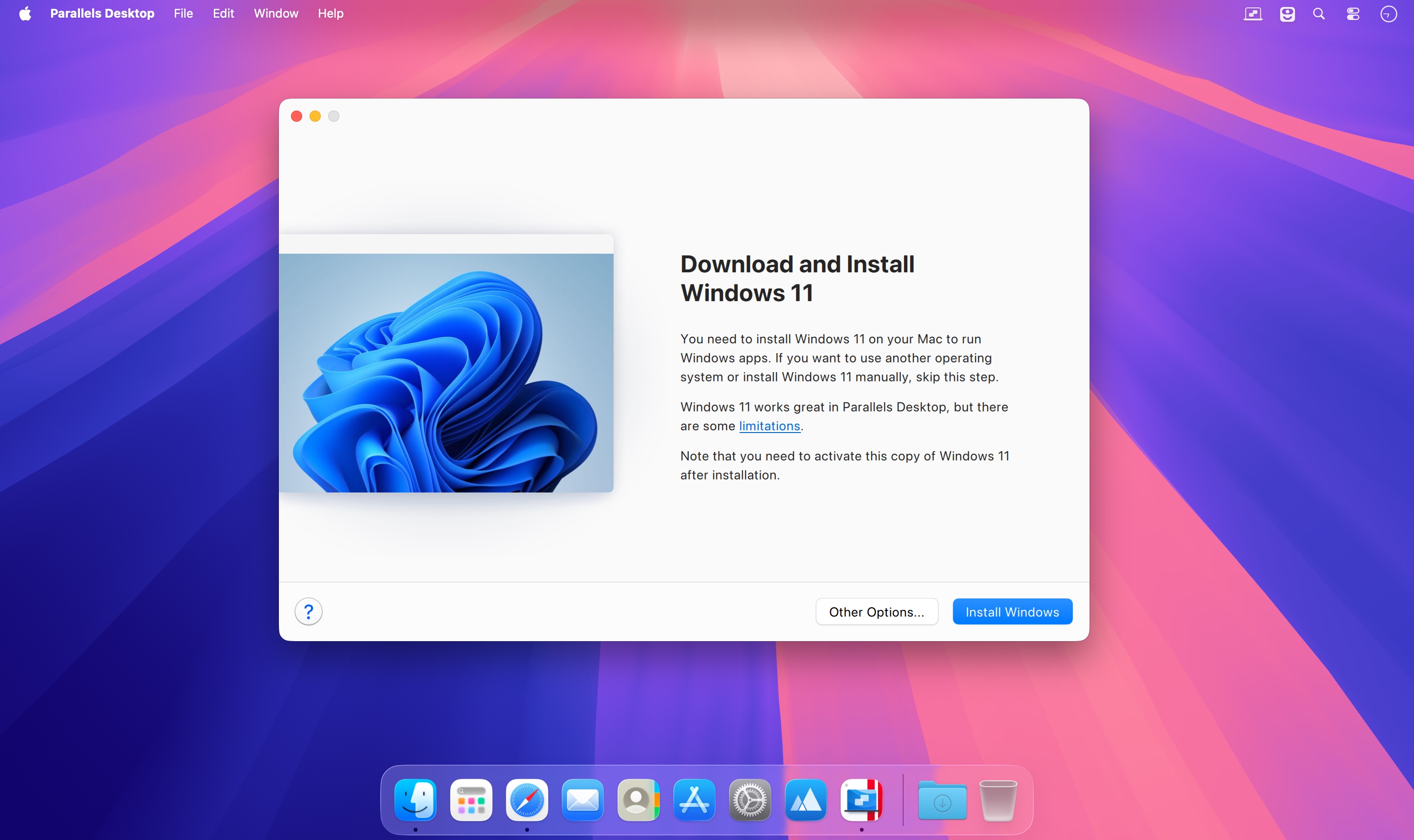
Run Windows applications on your Mac with Parallels Desktop 27.
Whether you need access to a Windows-only business application, want to play a game, use professional software, or move your files from a PC to a Mac, Parallels Desktop makes it easy to use Windows and macOS together.
Run Windows alongside macOS without restarting your Mac. Open Windows applications next to Mac apps, share files and folders, copy and paste text and images, and drag and drop files between operating systems.
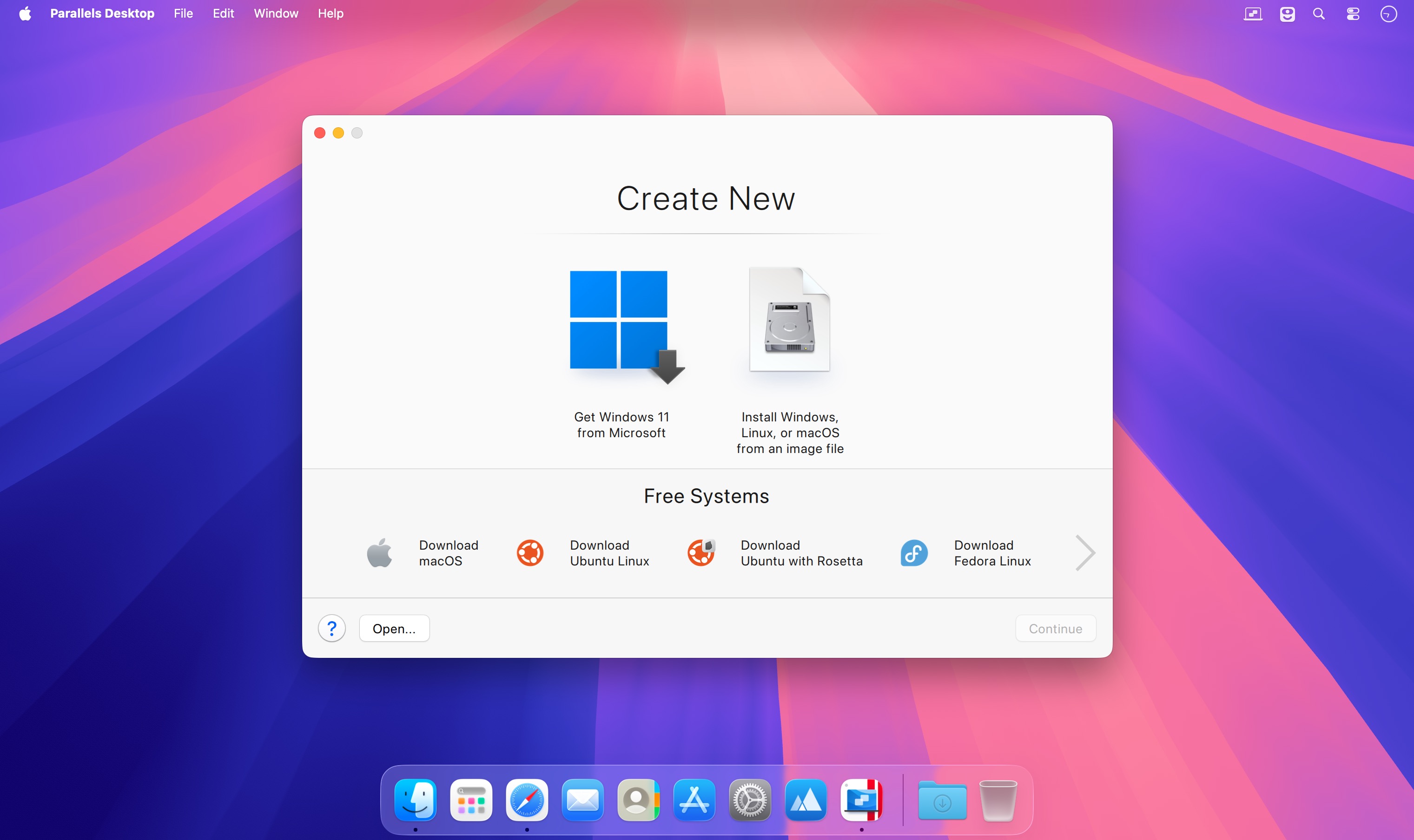
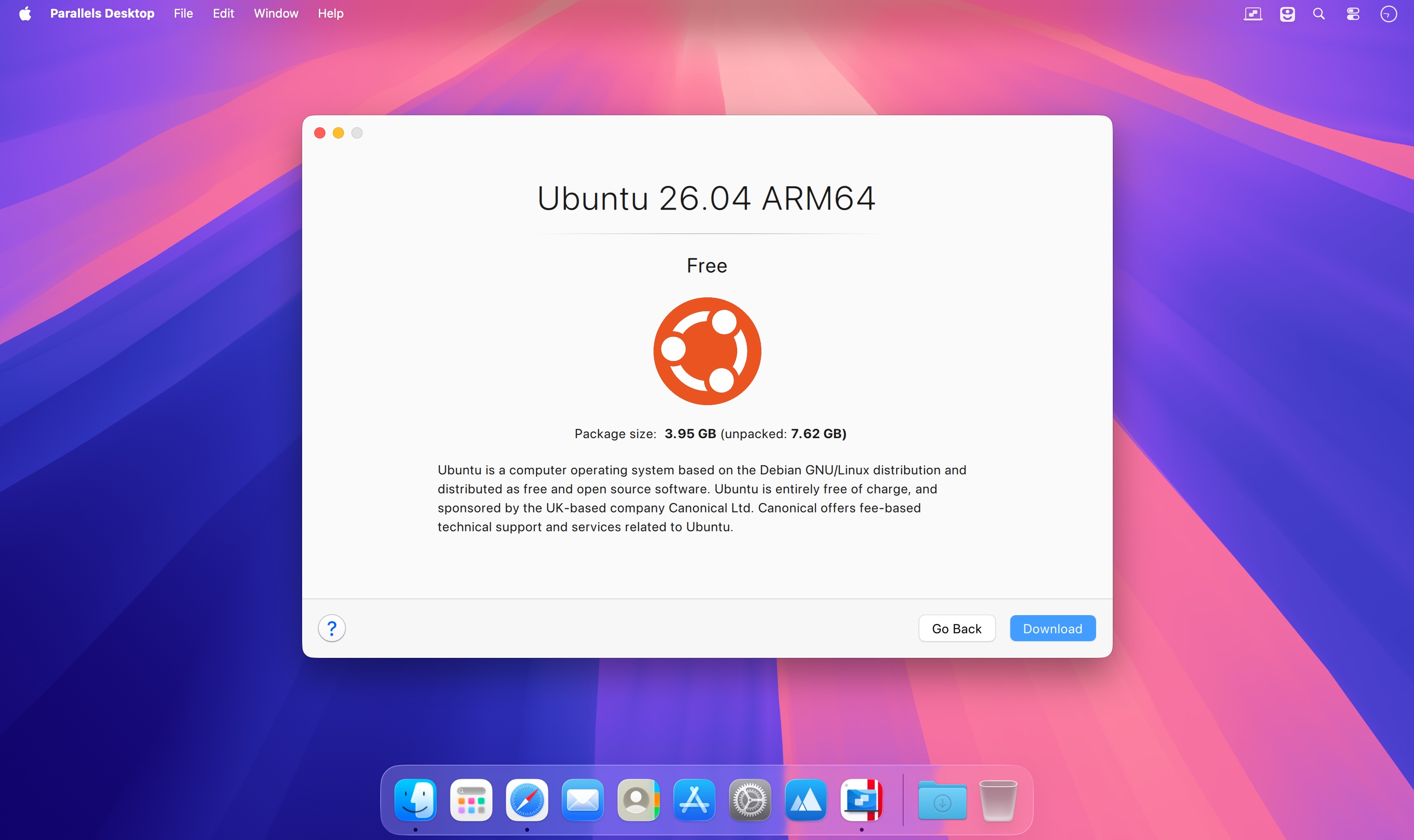
Parallels Desktop guides you through the setup process and helps you install Windows 11 on Apple silicon Macs. You can also create virtual machines with Linux, Ubuntu, and other supported operating systems or transfer an existing Windows environment to your Mac.
Powerful performance
Run demanding Windows software smoothly with optimized support for Apple silicon. Use applications such as Microsoft Office, Adobe Photoshop, Visual Studio, SketchUp, ArcGIS Pro, and other professional tools without interrupting your Mac workflow.
The Pro edition includes enhanced OpenGL 4.3 graphics support, advanced networking, higher virtual hardware limits, command-line tools, and features for developers, engineers, designers, and IT professionals.
On supported Macs with Apple M4 chips or later, compatible Linux virtual machines can take advantage of accelerated AI and machine-learning workloads.
A seamless Mac experience
Coherence mode lets Windows applications appear alongside your Mac apps while keeping the Windows desktop hidden. Use Windows apps from the Mac Dock, open files with your preferred applications, and work across both operating systems as if they were part of one environment.
For a traditional Windows experience, switch to full-screen mode and use Windows in a familiar desktop layout.
Key features
- Run Windows and macOS at the same time
- Install Windows 11 on Apple silicon Macs
- Use Windows, Linux, and Ubuntu virtual machines
- Share files, folders, text, and images
- Drag and drop content between Mac and Windows
- Run professional and graphics-intensive applications
- Use Coherence mode or full-screen mode
- Transfer data from a PC to a Mac
- Create and manage multiple virtual machines with the Pro edition
- Access advanced tools for development, testing, engineering, and design
Parallels Desktop 27 is designed for Apple silicon Macs powered by M1, M2, M3, M4, and M5 chips. Intel-based Macs are supported by Parallels Desktop 26 and earlier versions.
- Compatibility with macOS 27 Golden Gate
- Improved performance for Windows applications
- Enhanced OpenGL 4.3 support in the Pro edition
- Better support for ArcGIS Pro and other demanding workflows
- AI and machine-learning acceleration for compatible Linux workloads
- Improved virtual machine management and automation tools
- Updated support for developers, professionals, and business users
Comments
No comments yet. Be the first.