Parallels Desktop for Mac with Apple M1 Сhip 16.3.2
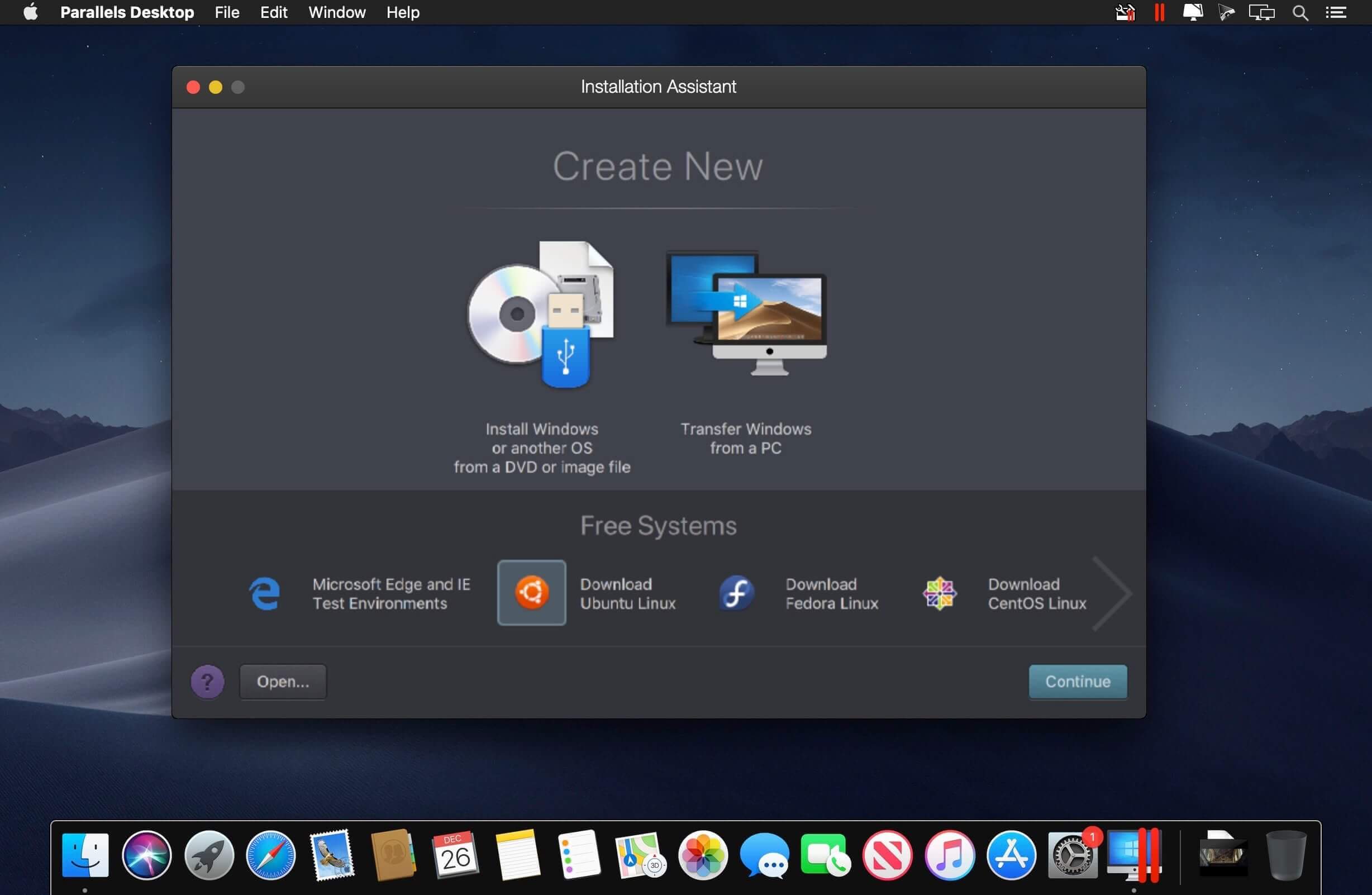
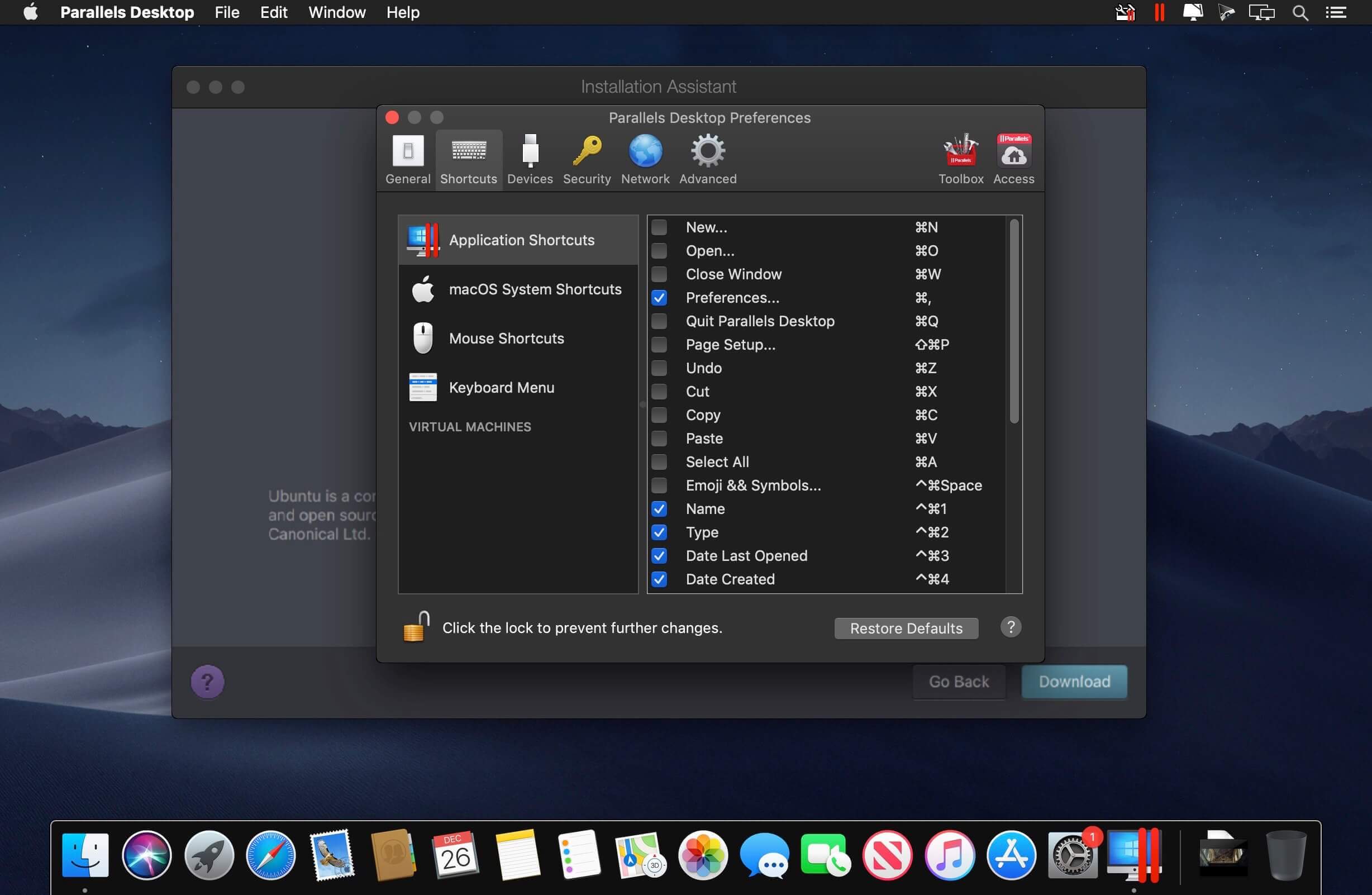
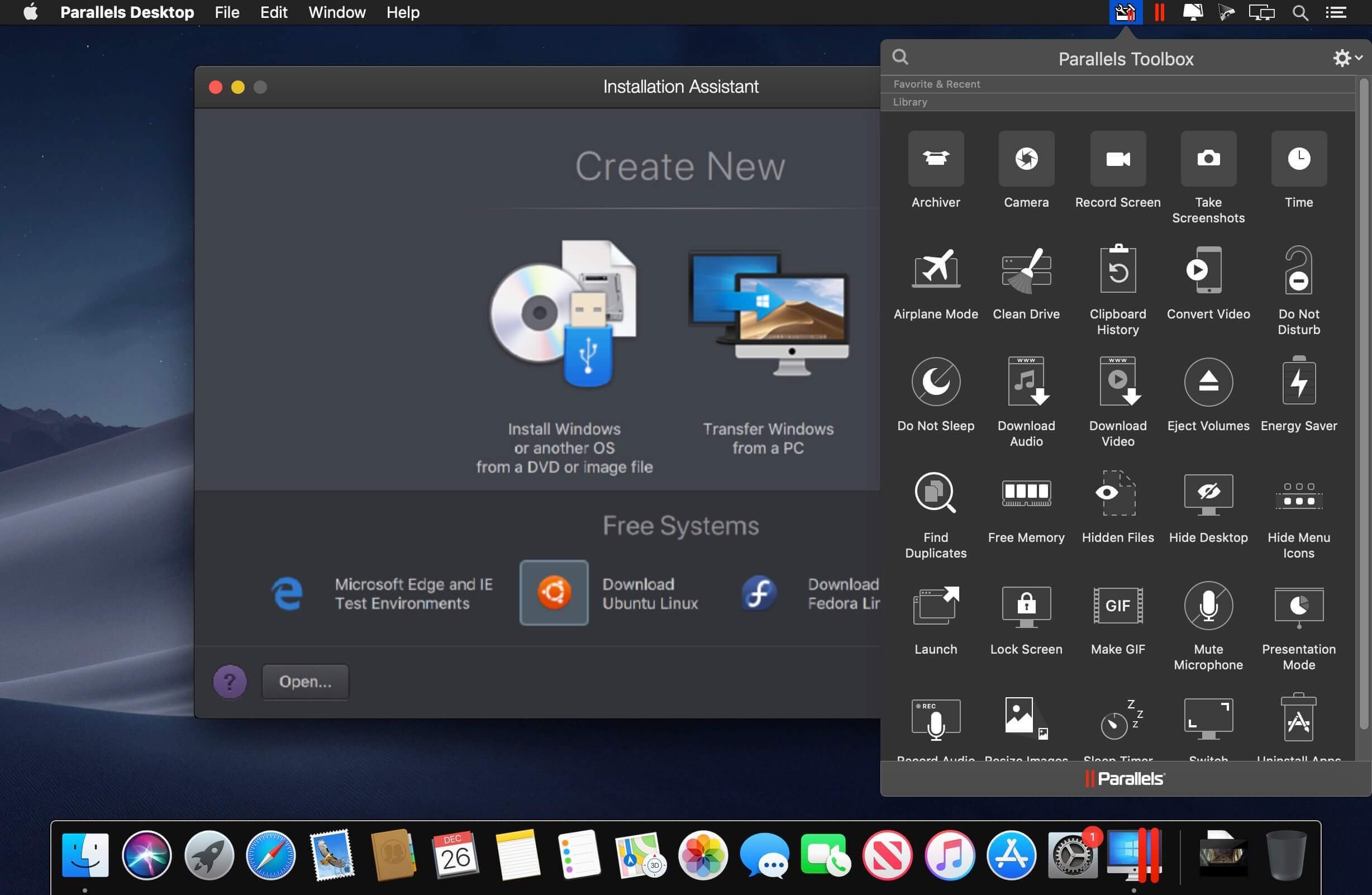
Parallels allows you to run Windows and Mac applications side by side. Choose your view to make Windows invisible while still using its applications, or keep the familiar Windows background and controls on your Mac.
Run Windows on Mac
- Develop & test across multiple OSes in a virtual machine for Mac
- Access Microsoft Office for Windows and Internet Explorer
- Fast—run Windows apps without slowing down your Mac
- Quickly move files, apps and more from a PC to a Mac
Frequently asked questions
How do I install the app?
Mount the image, drag the app into the "Applications" folder and launch it. If the system blocks the launch, allow it in "System Settings → Privacy & Security".
The app is damaged or won't launch
Reinstalling from a fresh image usually helps. Make sure your macOS version matches the one listed in the compatibility specs.
How do I update?
Download the new version from the site and install it over the current one — your settings will be preserved.
The download link doesn't work
Try a mirror or a download manager. For large files the browser often drops the connection.
How do I completely remove the app?
Use an uninstaller utility — it cleans up the service files that remain after moving the app to the trash.
VersionParallels Desktop for Mac with Apple M1 Сhip 16.3.2
DeveloperParallels Holdings Ltd
CompatibilitymacOS 11.0 or later
LanguageMultilangual
IncludesK'ed by HCiSO
Information
Visitors in the group Guests cannot leave comments on this publication.
Choose a download source
Parallels Desktop for Mac with Apple M1 Сhip 16.3.2 · 315.94 MB