
Screen Recorder HD Pro 3.1.6

Screen Recorder HD Pro – the app that can record anything on your Mac. That’s right! Anything!
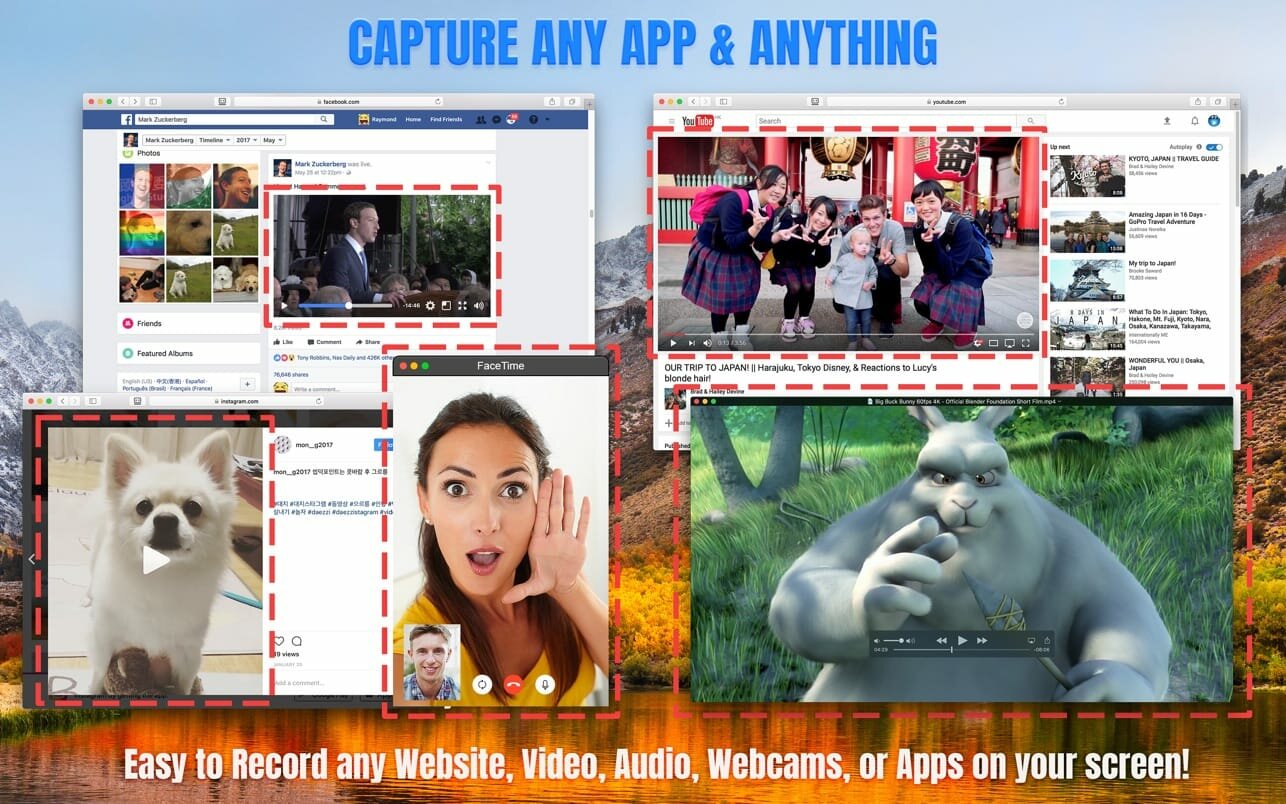
CAPTURE ANY APP & ANYTHING
Start up Screen Recorder HD Pro after launching any application to record your every action – such as the videos you watch, webpages you visit, or webcams. It’s easy to use and perfect for beginners.
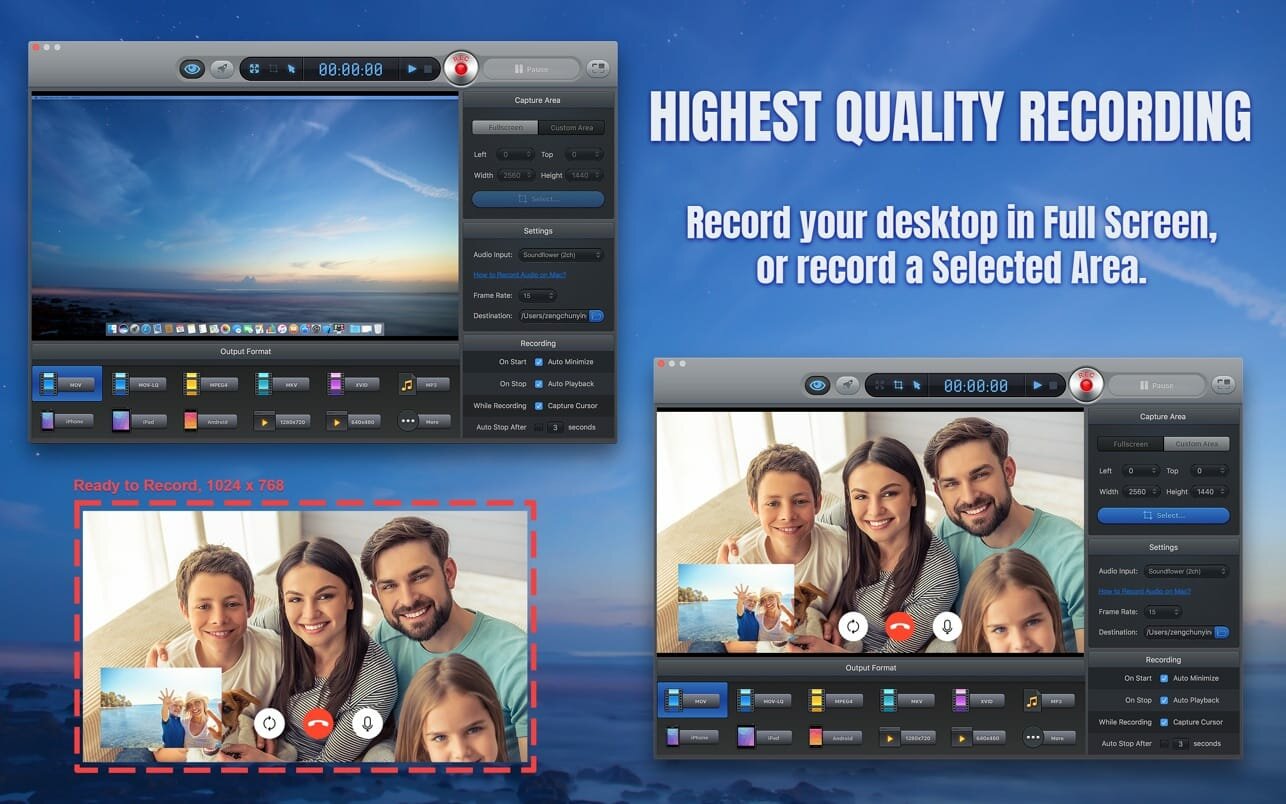
RECORD IN THE HIGHEST QUALITY
Record Retina displays and other full-screen resolutions in vivid detail.
EXPORT IN ANY FORMAT
Save your Screen Recorder HD Pro recordings in Quicktime, MP4, MOV, MKV, XviD, AVI, MP3, iPhone, iPad or Android format. All offer fantastic quality and are ready for uploading online to YouTube, Vimeo, Facebook, your blog, and anywhere else!
KEY FEATURES
- Capture your desktop in full screen, or a selected area of your desktop.
- Record everything on your screen with excellent output quality.
- Capture every cursor movement and record your every onscreen action.
- Record audio from your computer, or your own narration when recording.
- Provides a full range of output presets for all popular mobile phone, tablet, electronic device and media formats. Save your screen recording to match your device!
- Allows you to customize the resolution and frame rate of the output video.
- Ability to record online video and video calls, with audio, on your Mac.
- Set a timer to automatically stop recording.
- Shortcuts and other handy features for instant screen capturing.
- An easy-to-use and intuitive interface makes handling this recorder app easy.
Version 3.1.7
- This version contains minor bug fixes.
Frequently asked questions
How do I install the app?
Mount the image, drag the app into the "Applications" folder and launch it. If the system blocks the launch, allow it in "System Settings → Privacy & Security".
The app is damaged or won't launch
Reinstalling from a fresh image usually helps. Make sure your macOS version matches the one listed in the compatibility specs.
How do I update?
Download the new version from the site and install it over the current one — your settings will be preserved.
The download link doesn't work
Try a mirror or a download manager. For large files the browser often drops the connection.
How do I completely remove the app?
Use an uninstaller utility — it cleans up the service files that remain after moving the app to the trash.




Choose a download source
Screen Recorder HD Pro 3.1.6 · 23.8 MB