Sony Catalyst Production Suite 2016.1.1
The Catalyst Production Suite fuses powerful media preparation and fast, focused video editing to provide the backbone for your video productions. Catalyst Prepare paves your path from camera to post with robust organizational tools, precise first-pass color correction and monitoring, extensive metadata support, and more. Catalyst Edit provides a lean, focused video editing environment that makes your cutting process fast and fluent.
With support for 4K, Sony RAW, and HD media, the Catalyst Production Suite gives you the power to make the most of your camera's high dynamic range and wide color gamut as well as the stunning resolution of 4K from beginning to end.
The Catalyst Production Suite workflow
With strong family support, you can accomplish amazing things. The Catalyst family provides powerful media prep and focused, fast editing that you can rely on to translate the vision in your head to an experience that moves your viewers.
Catalyst Prepare takes care of all of your media prep needs:
- View your media directly from a camera, deck, or card reader
- Make a full-volume backup
- Organize clips into bins
- Batch copy clips
- Batch transcode clips
- Make color adjustments and apply looks
- Set in/out points
- Establish multichannel audio assignments
- Batch upload clips to the cloud via Sony Media Cloud Services Ci
- Cut together a rough edit with the storyboard feature
Post production
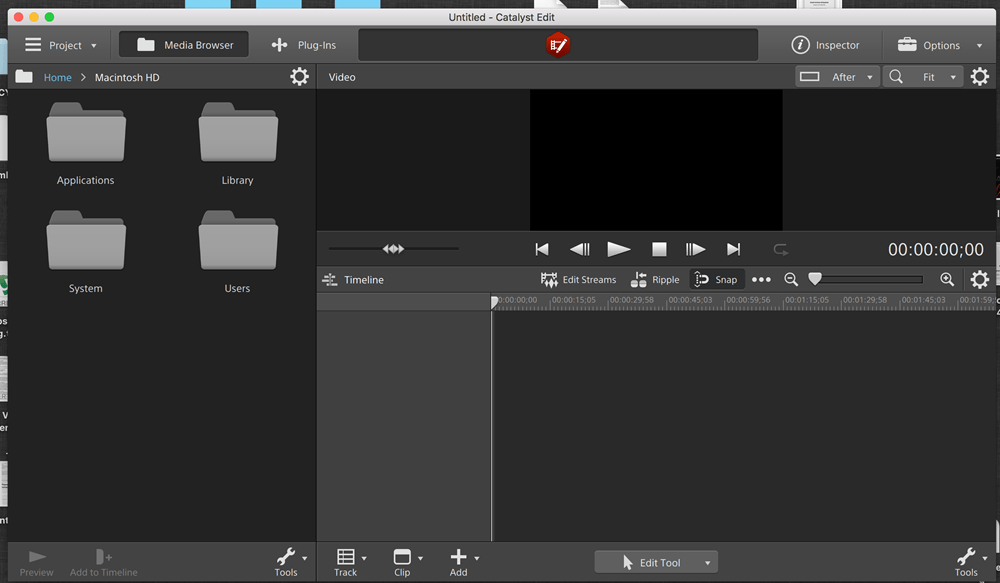
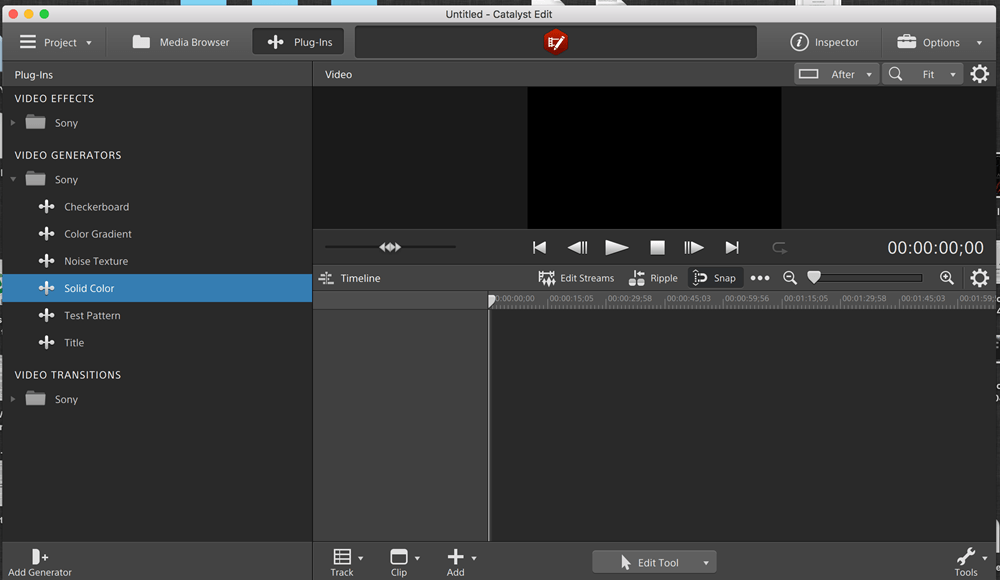
In Catalyst Edit, turn your beautiful footage into a polished, finished product. To save time, access your Catalyst Prepare libraries directly and cut your project together quickly and creatively. The focused toolset gives you quick access to all the essential cutting tools as well as effects, titling, and other tools to bring your production from imagination to screen.
Screenshots

Frequently asked questions
How do I install the app?
Mount the image, drag the app into the "Applications" folder and launch it. If the system blocks the launch, allow it in "System Settings → Privacy & Security".
The app is damaged or won't launch
Reinstalling from a fresh image usually helps. Make sure your macOS version matches the one listed in the compatibility specs.
How do I update?
Download the new version from the site and install it over the current one — your settings will be preserved.
The download link doesn't work
Try a mirror or a download manager. For large files the browser often drops the connection.
How do I completely remove the app?
Use an uninstaller utility — it cleans up the service files that remain after moving the app to the trash.
VersionSony Catalyst Production Suite 2016.1.1
Developersonycreativesoftware
CompatibilityOS X 10.10 or later, 64-bit processor
LanguageEnglish
IncludesK




Information
Visitors in the group Guests cannot leave comments on this publication.
Choose a download source
Sony Catalyst Production Suite 2016.1.1 · 366.77 MB