
Red Giant Magic Bullet Suite 13.0.15

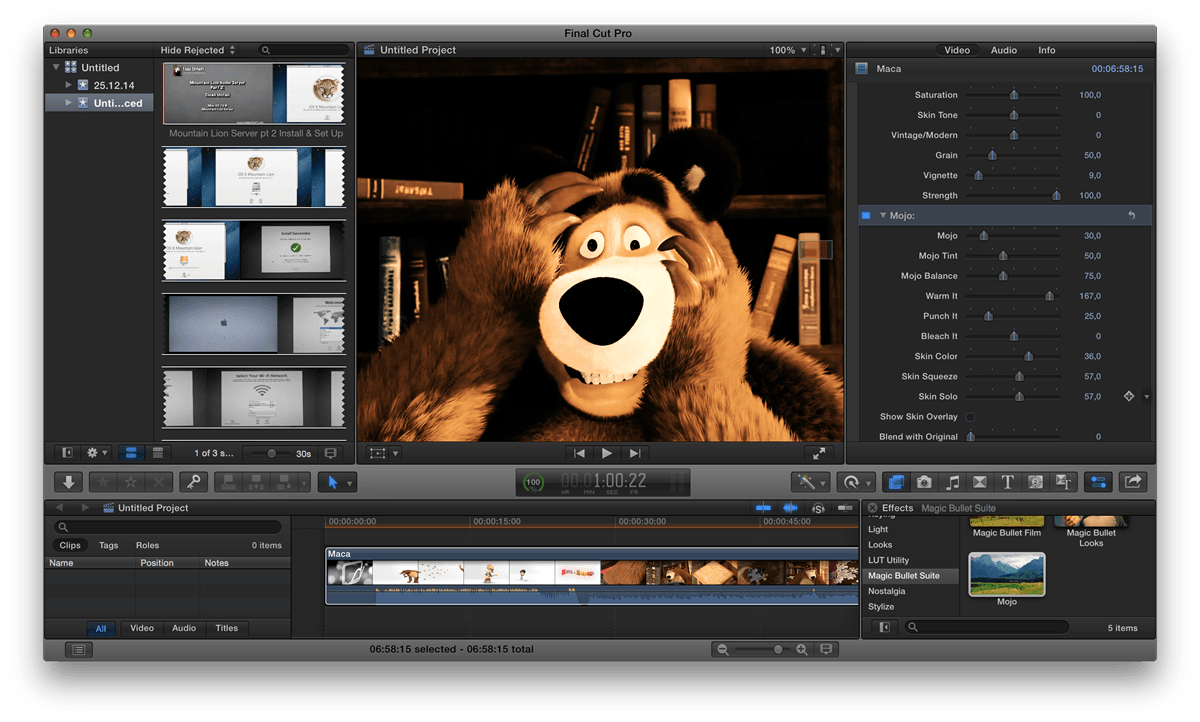
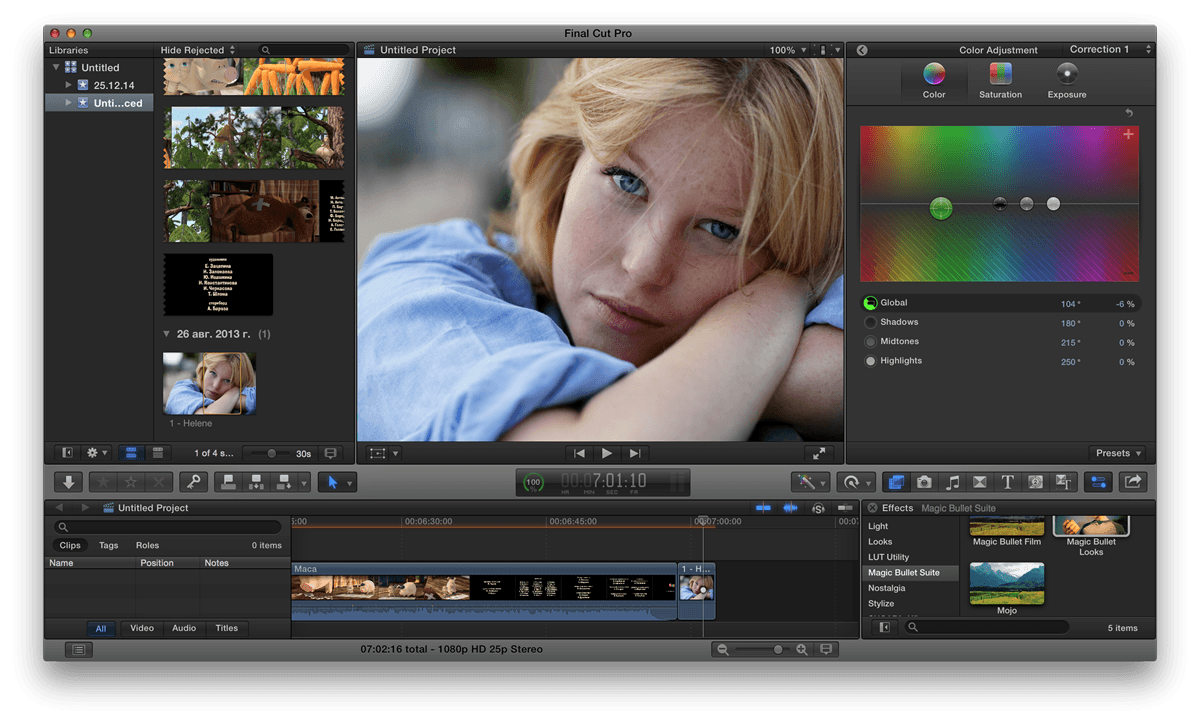
Magic Bullet Suite 13 - Color correction, finishing and film looks for filmmakers. Magic Bullet Suite is a set of seven tools that bring intuitive, real time color correction, and beyond, right to your editorial timeline.
Color Correct
Magic Bullet Suite 13 gives you everything you need to make your footage look great, right on your editing timeline. Balance out your shots with powerful color adjustments that work the way your eye expects them to. Then, go beyond color correction, with accurate simulations of lens filters and film stocks. With Magic Bullet Suite, you’ll have the most powerful and intuitive real time color correction tools available, without ever needing to switch to a different app.
Stylize
Give your footage the look of a Hollywood film. With the tools in Magic Bullet Suite, your footage can instantly have cinematic contrast and the sophisticated color palettes of big budget movies. With tons of fully customizable presets based on popular movies and TV shows, you will have beautiful results in seconds.
Refine
Quickly balance skin tones, reduce wrinkles and remove skin blemishes, so your talent can look their best. Magic Bullet Suite makes cosmetic cleanup fast and easy, and gives you natural results that look untouched.
Cleanup
Save your footage from video noise caused by shooting in the dark or at high ISOs. Magic Bullet Suite can clean up the noise while still preserving the details in your shot. At the end of your color grading process, Magic Bullet Suite can also reintroduce some subtle texture and a natural film grain that gives your final product a look that feels genuine and unprocessed.
COMPATIBILITY
Magic Bullet Suite is made up of several different tools that each have their own compatibility info. Every tool runs on Mac and Windows and is compatible with Adobe Premiere Pro, Adobe After Effects and Apple Final Cut Pro X, while some of the tools also work in additional host-applications
Frequently asked questions
How do I install the app?
Mount the image, drag the app into the "Applications" folder and launch it. If the system blocks the launch, allow it in "System Settings → Privacy & Security".
The app is damaged or won't launch
Reinstalling from a fresh image usually helps. Make sure your macOS version matches the one listed in the compatibility specs.
How do I update?
Download the new version from the site and install it over the current one — your settings will be preserved.
The download link doesn't work
Try a mirror or a download manager. For large files the browser often drops the connection.
How do I completely remove the app?
Use an uninstaller utility — it cleans up the service files that remain after moving the app to the trash.
VersionRed Giant Magic Bullet Suite 13.0.15
DeveloperRed Giant LLC
CompatibilityOS X 10.8 or later, 64-bit processor
LanguageEnglish
IncludesSerial





Information
Visitors in the group Guests cannot leave comments on this publication.
Choose a download source
Red Giant Magic Bullet Suite 13.0.15 · 171.77 MB
Previous versions
Red Giant Magic Bullet Suite 13.0.15
Previous versions are available to registered users.