
Manico 2.10.1
Manico is your only App Launcher & Switcher for macOS.
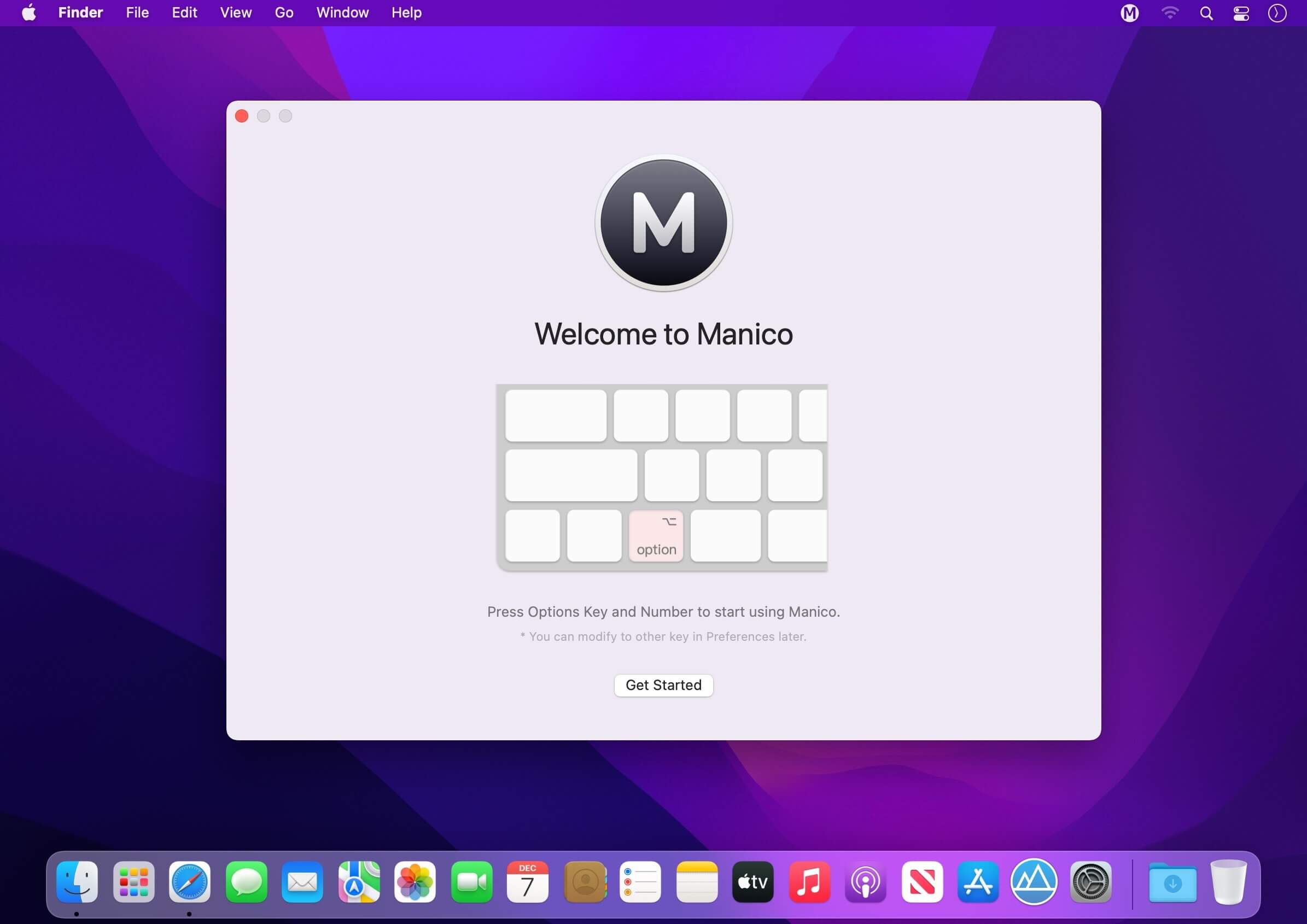
Using Option + Number key to launch or switch to the target app in an extremely fast speed!
If you are a person who would like to use keyboard to make effective use of operating system, Manico will help you to maximize your efficiency.
Feature List:
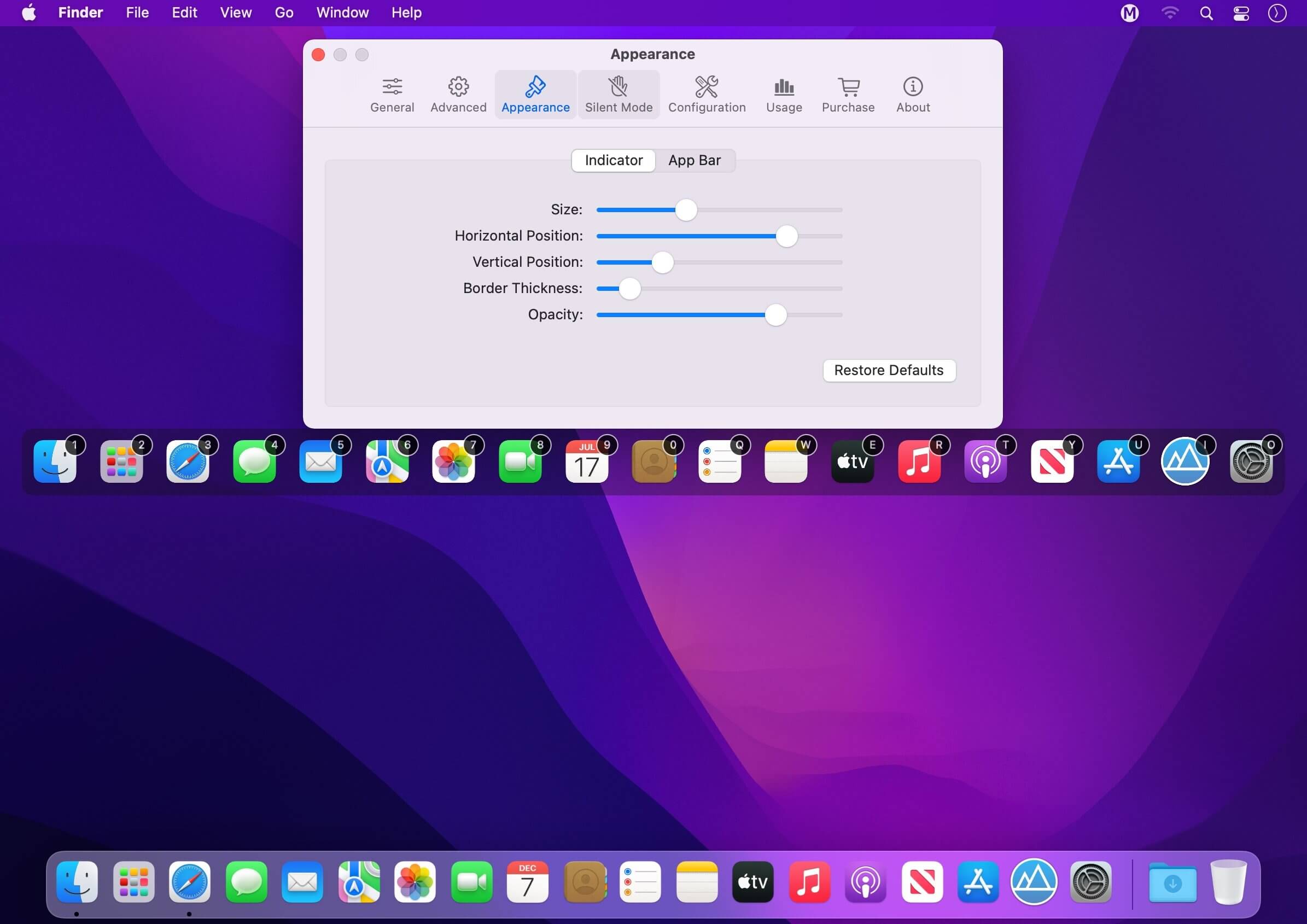
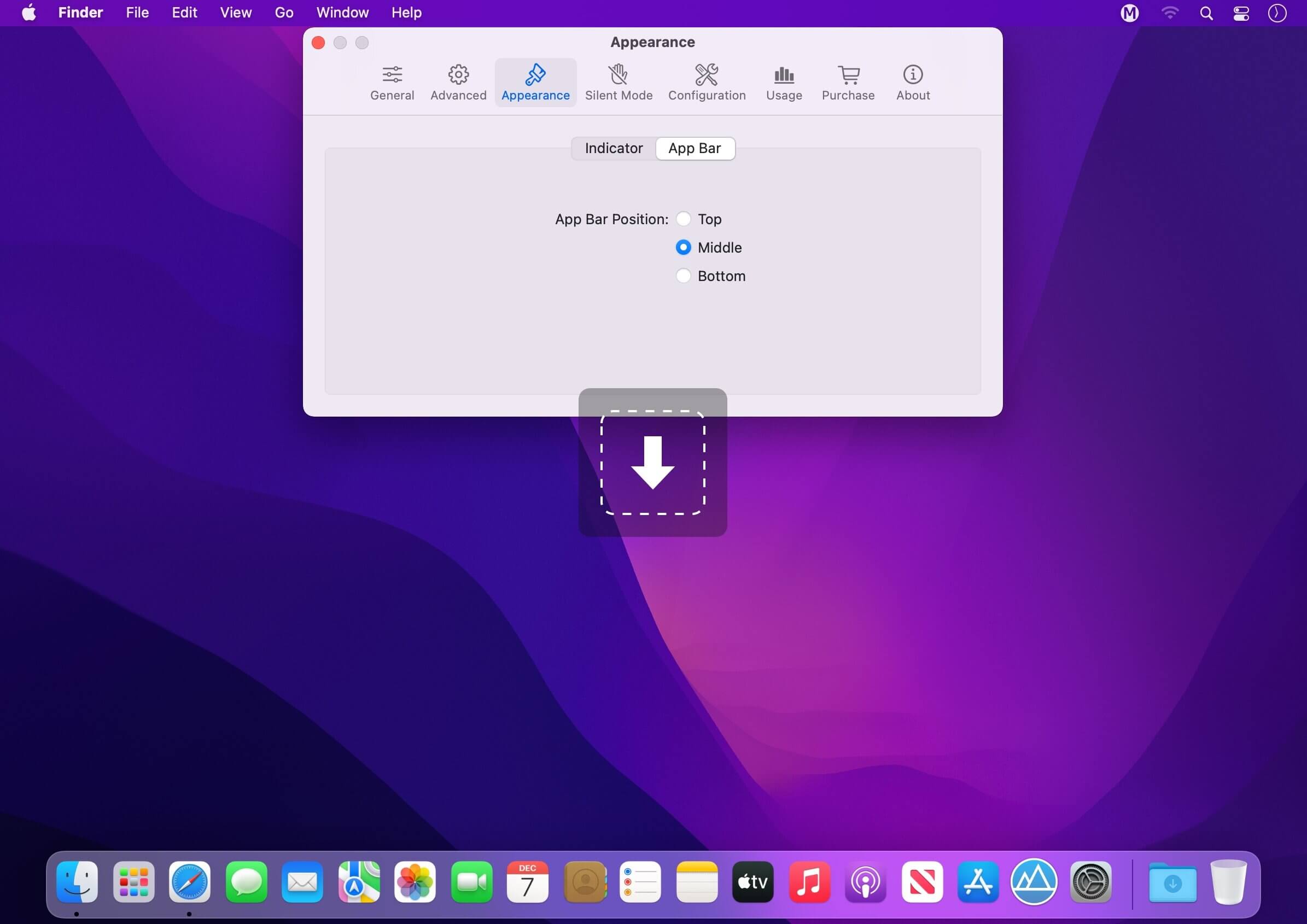
- Highly customizable macOS style interface;
- Support full shortcuts to launch and switch apps;
- Use "Dock" mode to replace Dock to launch/switch apps;
- Use "Switcher" mode to use to replace Switcher to switch apps;
- Use "Custom" mode to customize apps and shortcuts;
- Support hiding the status icon to make menu bar clean;
- Silent Mode: add the apps to “Silent Mode List”, then Manico won’t show itself when the shortcut is activated.
Version 2.10.1
Manico 2.10 brings a small improvement in interaction details:
- When switching apps by mouse clicking on the app icon, it now also supports switching between active and hidden states. In other words, you can click to launch or switch to the app, and click again to hide the app.
Frequently asked questions
How do I install the app?
Mount the image, drag the app into the "Applications" folder and launch it. If the system blocks the launch, allow it in "System Settings → Privacy & Security".
The app is damaged or won't launch
Reinstalling from a fresh image usually helps. Make sure your macOS version matches the one listed in the compatibility specs.
How do I update?
Download the new version from the site and install it over the current one — your settings will be preserved.
The download link doesn't work
Try a mirror or a download manager. For large files the browser often drops the connection.
How do I completely remove the app?
Use an uninstaller utility — it cleans up the service files that remain after moving the app to the trash.





Choose a download source
Manico 2.10.1 · 8.06 MB