
BetterAudio 26.6.2
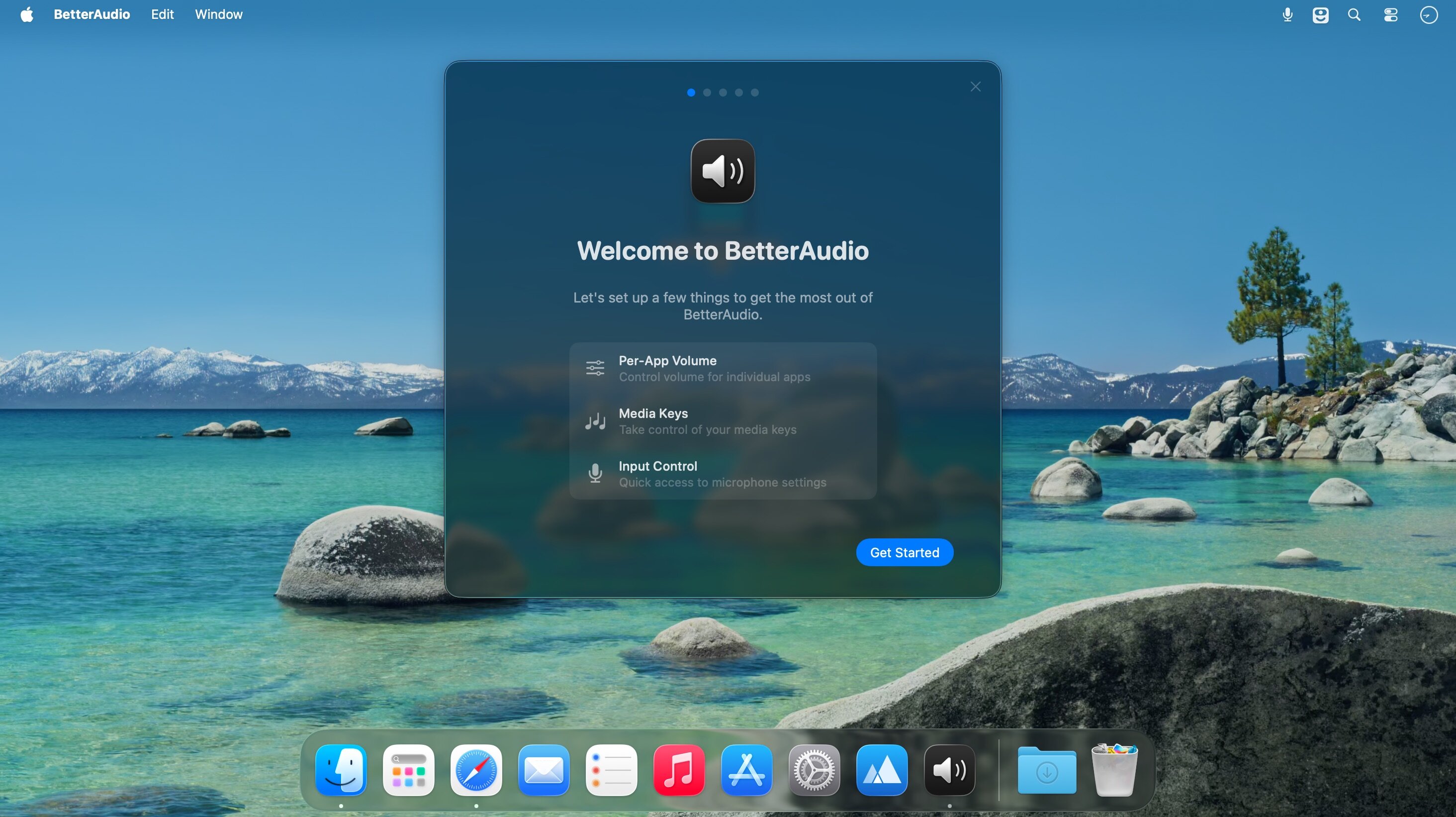
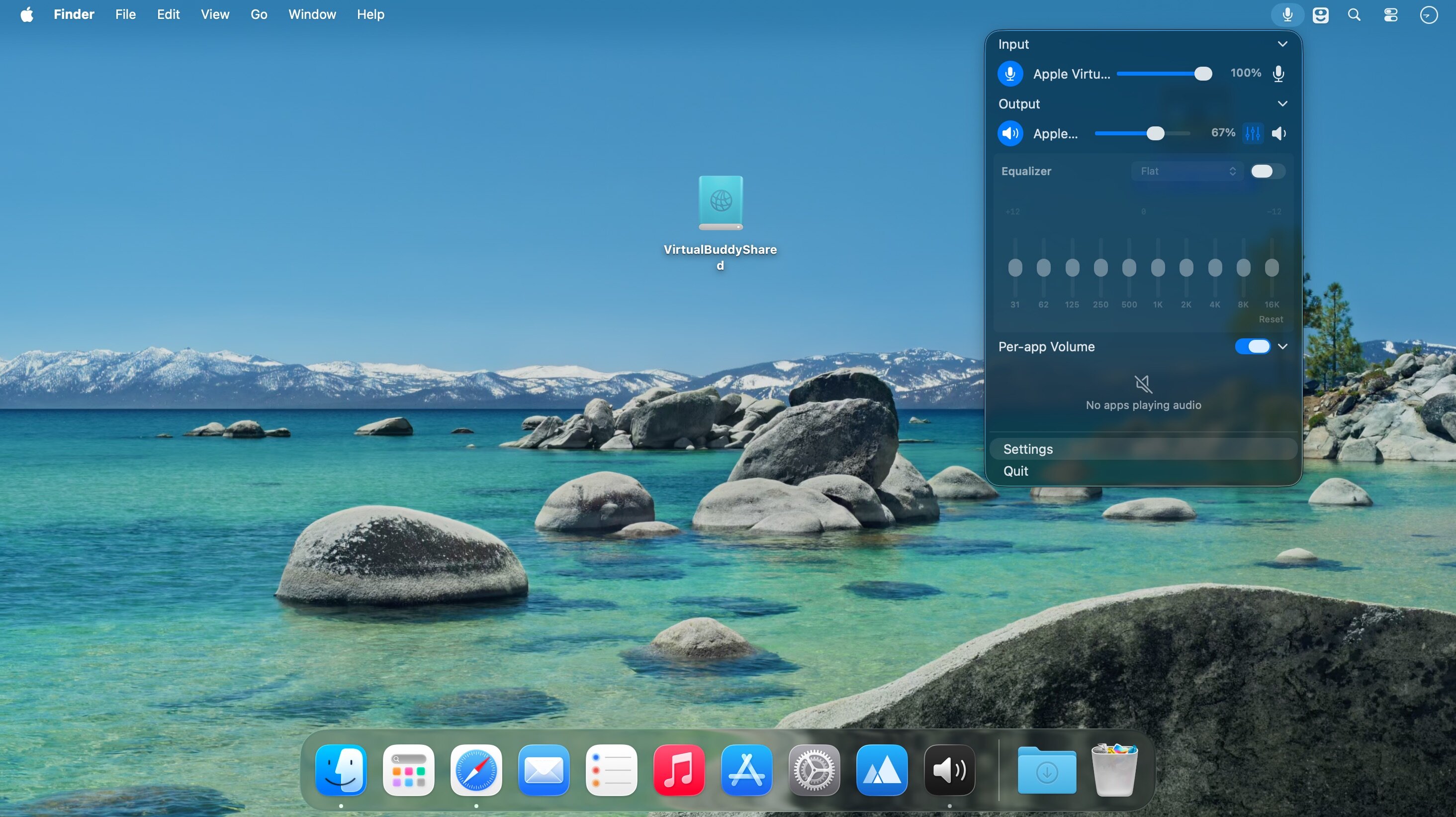
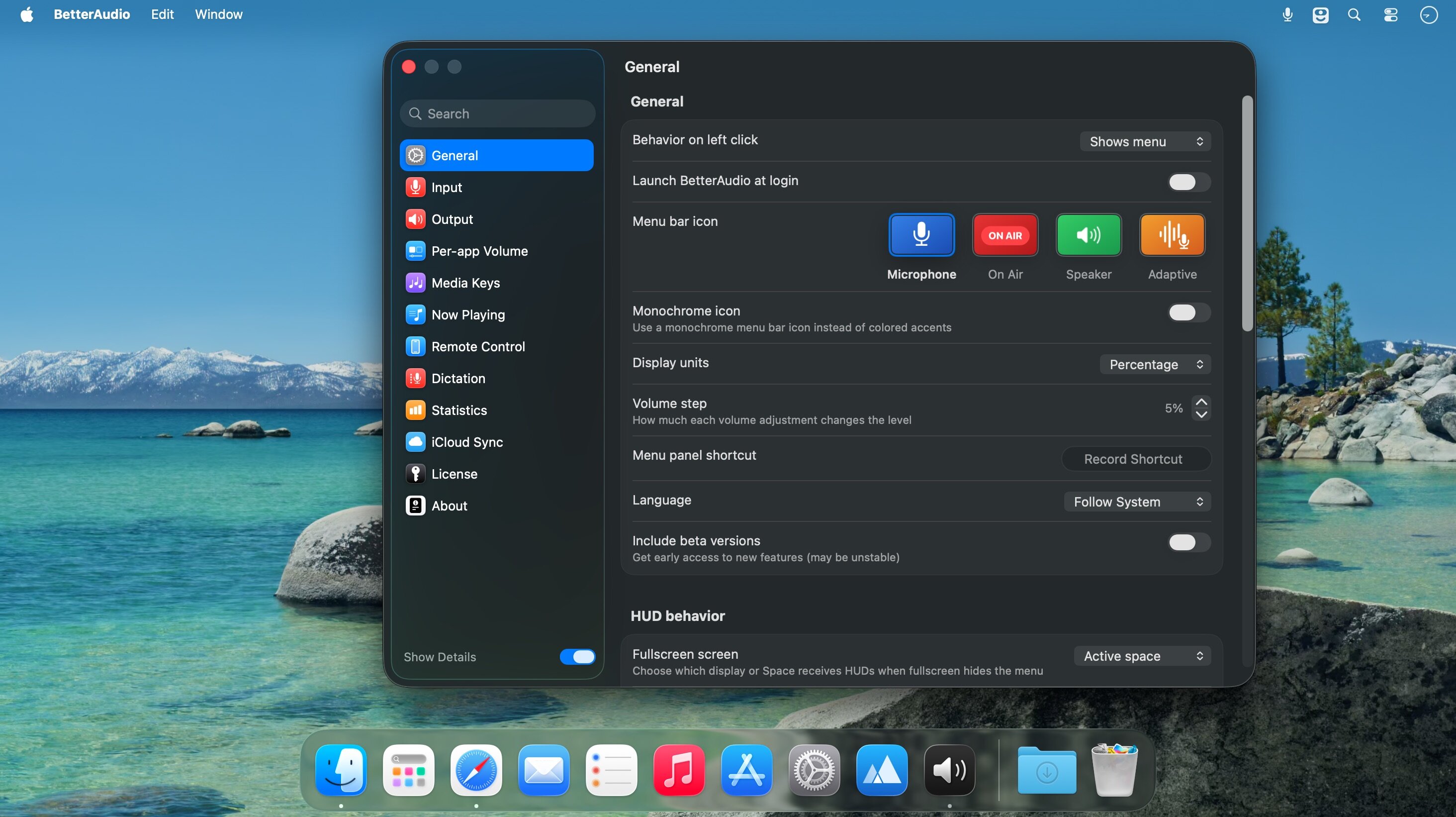
BetterAudio is a macOS menu bar app for advanced audio device management. It lets you quickly switch input/output devices, control volume, see what’s currently playing, with easily configurable global keyboard shortcuts.
What it does
- Quickly switch between input and output devices
- Show all available devices, with the ability to hide/blacklist the ones you don’t use
- Control system volume directly from the menu bar
- Show on-screen HUD / notifications when you change volume or switch devices
- Mute the microphone using a keyboard shortcut + push-to-talk
- Display a Now Playing section
- Configure global keyboard shortcuts for volume and switching devices
Version 26.6.2:
Fixed
- Resolved false-positive "Integrity Notice" and "Security Alert" pop-ups that could appear.
Included Localizations
- This version includes the following localizations.English, Polish, German, Spanish, Italian, Dutch, French, Chinese, Simplified, Chinese, Traditional
Frequently asked questions
How do I install the app?
Mount the image, drag the app into the "Applications" folder and launch it. If the system blocks the launch, allow it in "System Settings → Privacy & Security".
The app is damaged or won't launch
Reinstalling from a fresh image usually helps. Make sure your macOS version matches the one listed in the compatibility specs.
How do I update?
Download the new version from the site and install it over the current one — your settings will be preserved.
The download link doesn't work
Try a mirror or a download manager. For large files the browser often drops the connection.
How do I completely remove the app?
Use an uninstaller utility — it cleans up the service files that remain after moving the app to the trash.



Choose a download source
BetterAudio 26.6.2 · 9.15 MB