
MediaMate 3.8.4
MediaMate: macOS HUD replacement for audio and brightness control
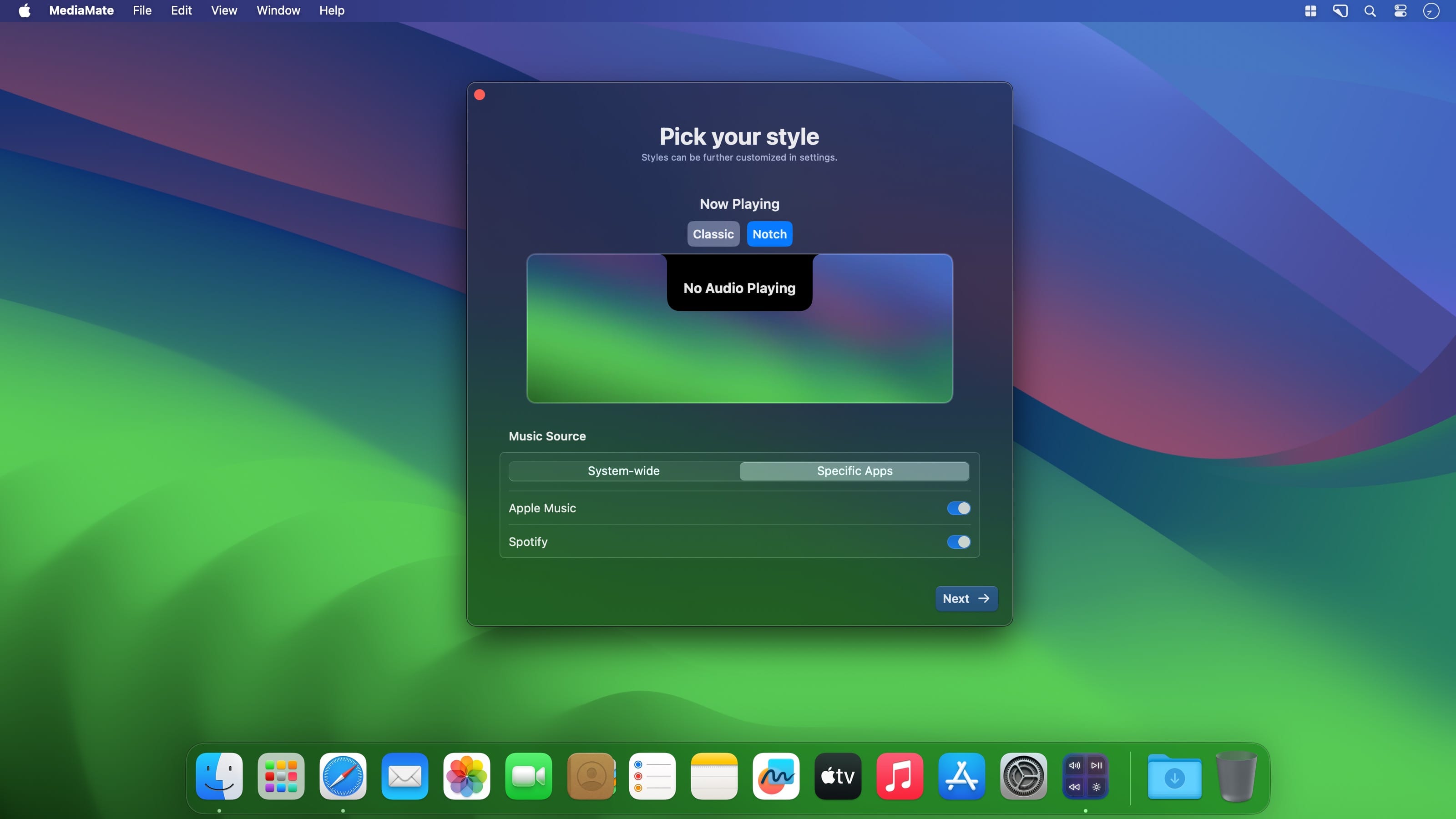
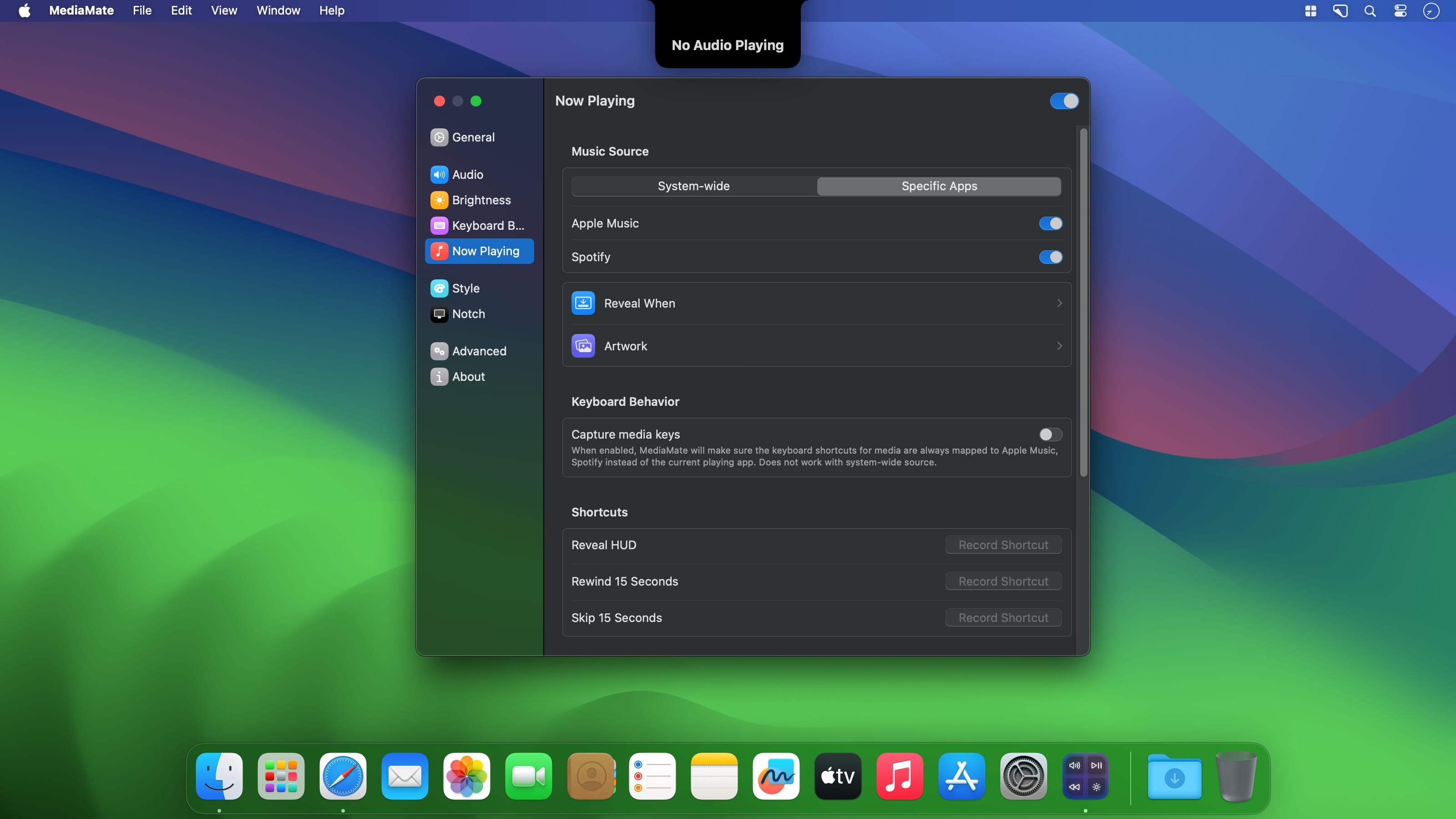
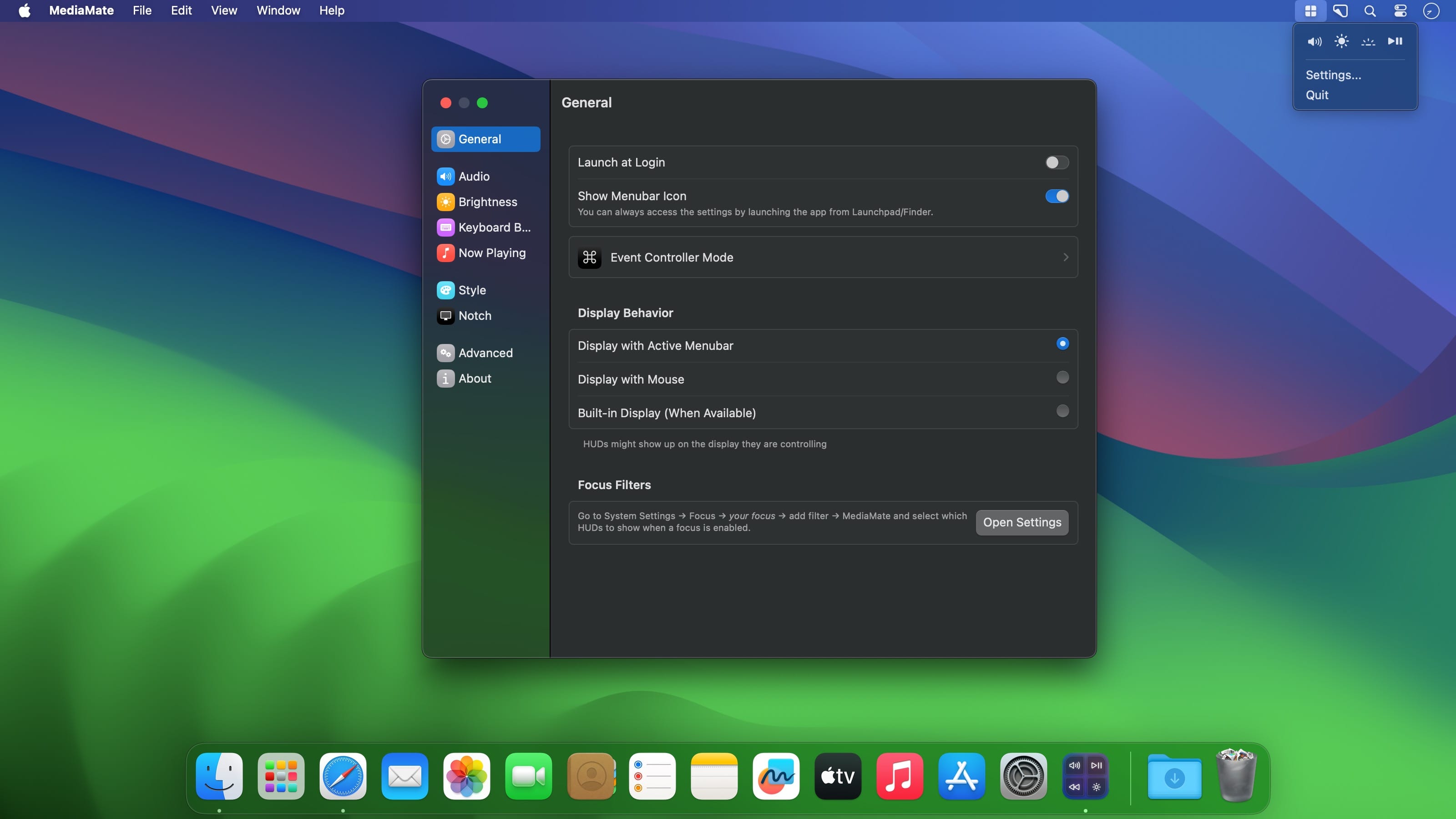
The native macOS volume and brightness HUDs are unnecessarily bulky, and they cannot be disabled easily. There’s also no way to customize them to make them less obtrusive.
That’s where MediaMate can help. It replaces the default HUDs with smaller, iOS-inspired designs, which can be further customized and moved around on your desktop. The app brings a stylish Now Playing HUD that’s visible on your desktop and lockscreen, with optional playback controls.
Better audio, brightness, and keyboard HUDs
While 'better' might be subjective, I think few people would disagree that MediaMate’s replacement HUDs are superior. They’re inspired by the ones on iOS, with a more classic theme also available, and they take up a lot less screen space while providing the same information.
Unlike the built-in HUDs, these are also customizable. Aside from changing their style, you can move them around, tweak their transitions, and even enable click & drag to change values with the cursor or gestures.
Unobtrusive Now Playing HUD
Whether you’re using Music, Spotify, or even a browser, the app can display a tiny visual indicator when starting playback, switching songs, or even when using a designated hotkey. This shows you the track’s title and artist, as well as the album art.
If you click the mini-HUD, you can expand the album art and keep it on your screen until disabled. Playback controls are also available, though still in Beta.
Just like all of the other features, the Now Playing function comes with in-depth customization, allowing you to tweak both its appearance and behavior.
A visual upgrade macOS sorely needs
Some things just look better on iOS, and there’s no reason not to port them to macOS, as Apple has already done with some built-in utilities. These HUDs definitely need a redesign, and MediaMate delivers just that, with an additional component for music playback.
Version 3.8.4:
Bugfixes
- Added support for macOS 27 Golden Gate
Frequently asked questions
How do I install the app?
Mount the image, drag the app into the "Applications" folder and launch it. If the system blocks the launch, allow it in "System Settings → Privacy & Security".
The app is damaged or won't launch
Reinstalling from a fresh image usually helps. Make sure your macOS version matches the one listed in the compatibility specs.
How do I update?
Download the new version from the site and install it over the current one — your settings will be preserved.
The download link doesn't work
Try a mirror or a download manager. For large files the browser often drops the connection.
How do I completely remove the app?
Use an uninstaller utility — it cleans up the service files that remain after moving the app to the trash.





Choose a download source
MediaMate 3.8.4 · 8.1 MB
Previous versions
MediaMate 3.8.4
Previous versions are available to registered users.