
Musicality 3.1.3
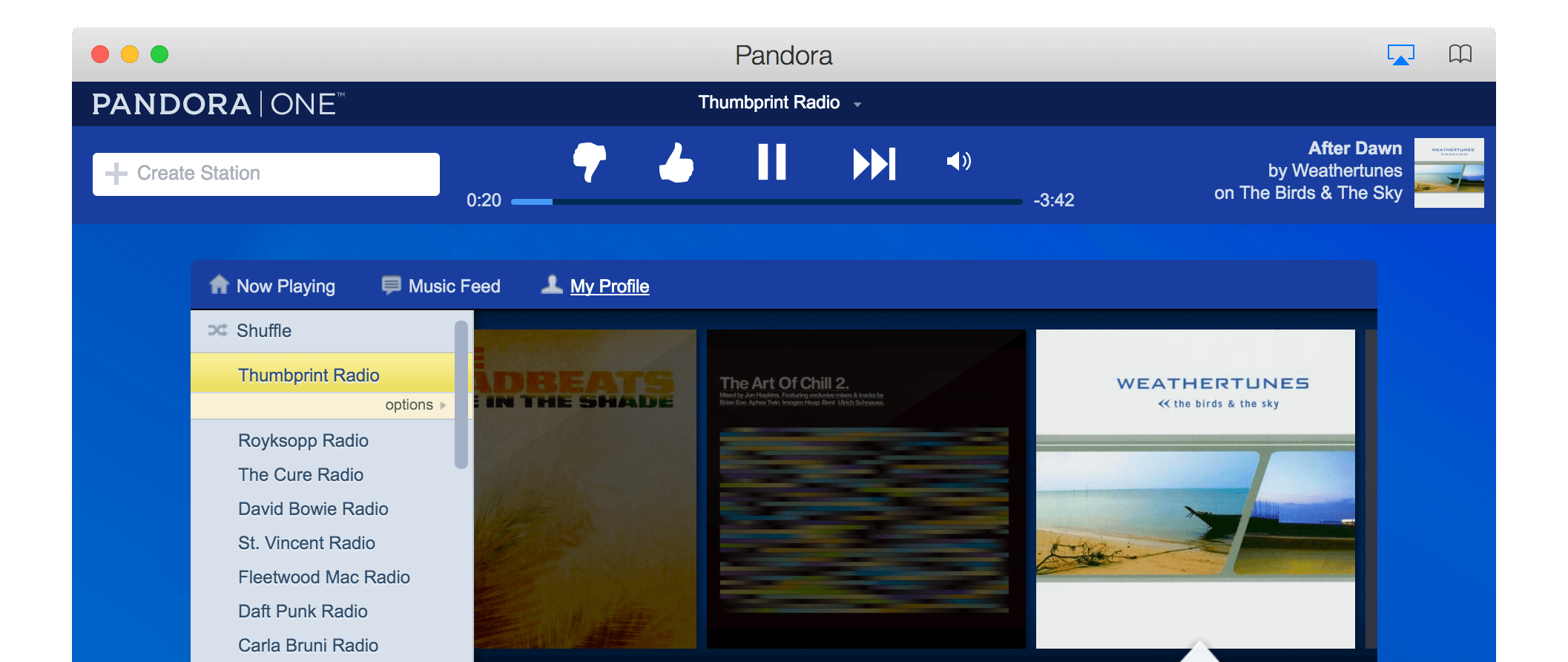
Musicality gives you AirPlay audio streaming for any website, built-in controls for over 15 of the most popular music services, keyboard shortcuts, media keys, background playback, an iOS remote control and more!
You can visit any website in Musicality, but the built-in controls and song notifications will only work with supported sites. Right now, that list includes 8tracks, Beats Music, Deezer, Google Play Music, Jango, Last.fm, MixCloud, Pandora, Rdio, Rhapsody, Seeburg 1000, Slacker Radio, Songza, SoundCloud, Spotify, and TuneIn Radio. And we're adding more all the time!
WHAT’S NEW
Version 3.1.3:
- Add support for the latest TuneIn Radio redesign
- Fix Pandora tracking for songs that do not have cover artwork
- Prevent Pandora "Still Listening?" prompt if playback just started
- Improve Spotify cover artwork tracking
- Improve location of Google Chrome, for Flash and Widevine plugins
- Upgrade to Electron 1.6.2
Screenshots
Frequently asked questions
How do I install the app?
Mount the image, drag the app into the "Applications" folder and launch it. If the system blocks the launch, allow it in "System Settings → Privacy & Security".
The app is damaged or won't launch
Reinstalling from a fresh image usually helps. Make sure your macOS version matches the one listed in the compatibility specs.
How do I update?
Download the new version from the site and install it over the current one — your settings will be preserved.
The download link doesn't work
Try a mirror or a download manager. For large files the browser often drops the connection.
How do I completely remove the app?
Use an uninstaller utility — it cleans up the service files that remain after moving the app to the trash.
VersionMusicality 3.1.3
DeveloperIndustrious One, LLC
CompatibilityOS X 10.10 or later, 64-bit processor
LanguageEnglish
IncludesPre-K'ed





Information
Visitors in the group Guests cannot leave comments on this publication.
Choose a download source
Musicality 3.1.3 · 47.28 MB