
Aiarty Video Enhancer 3.8
Upscale video to 4K and fix noisy audio on Mac.
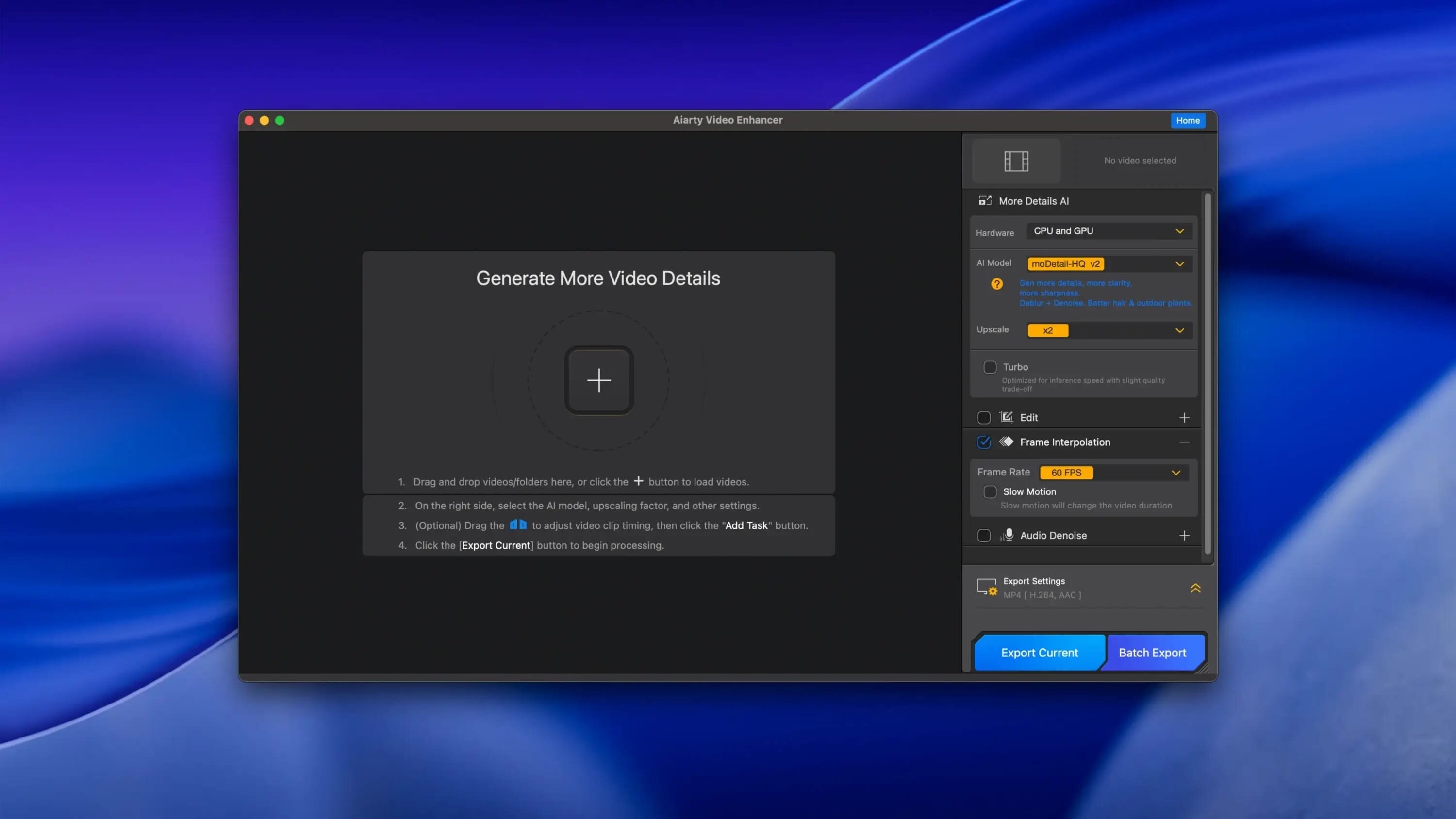
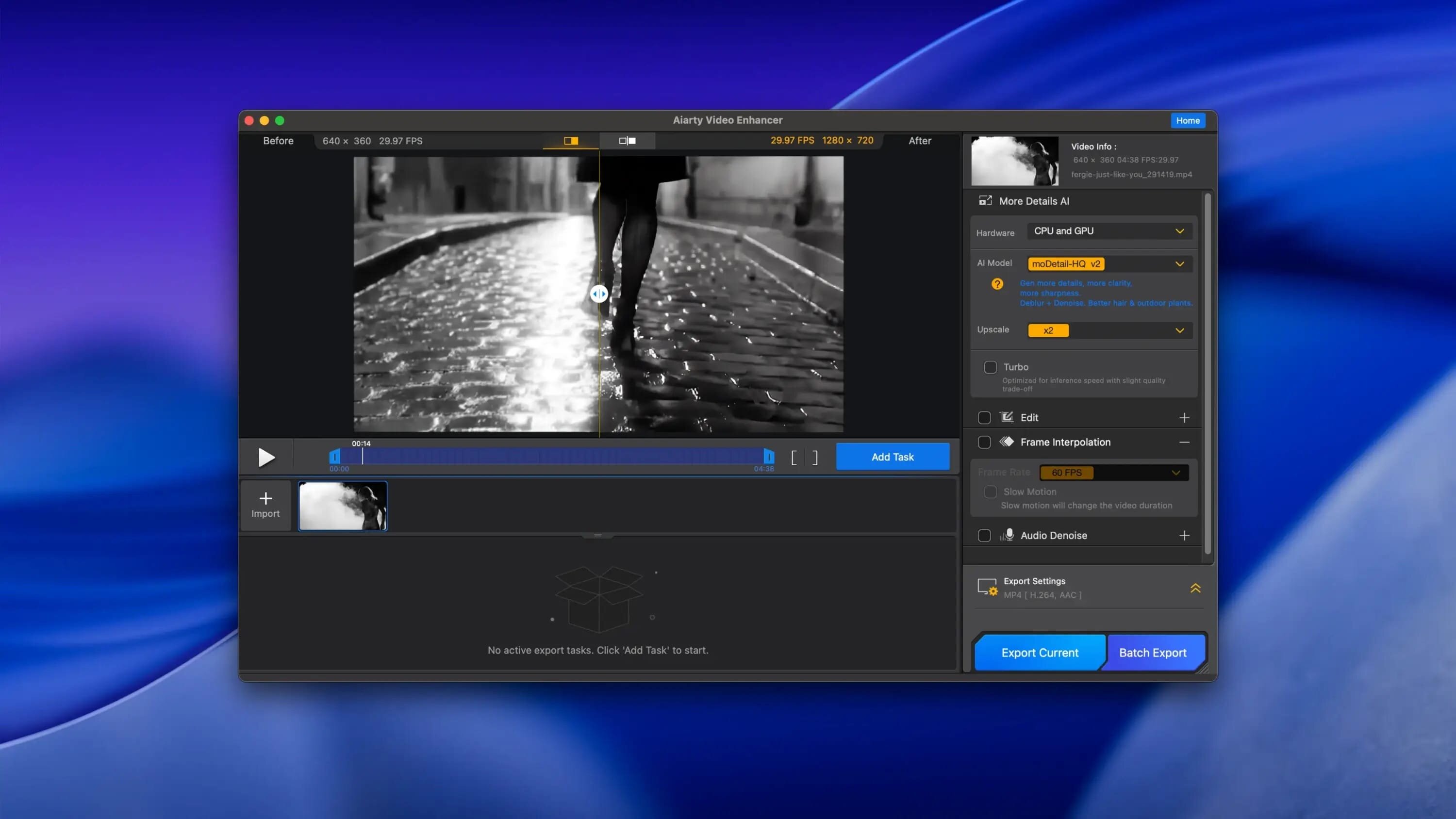
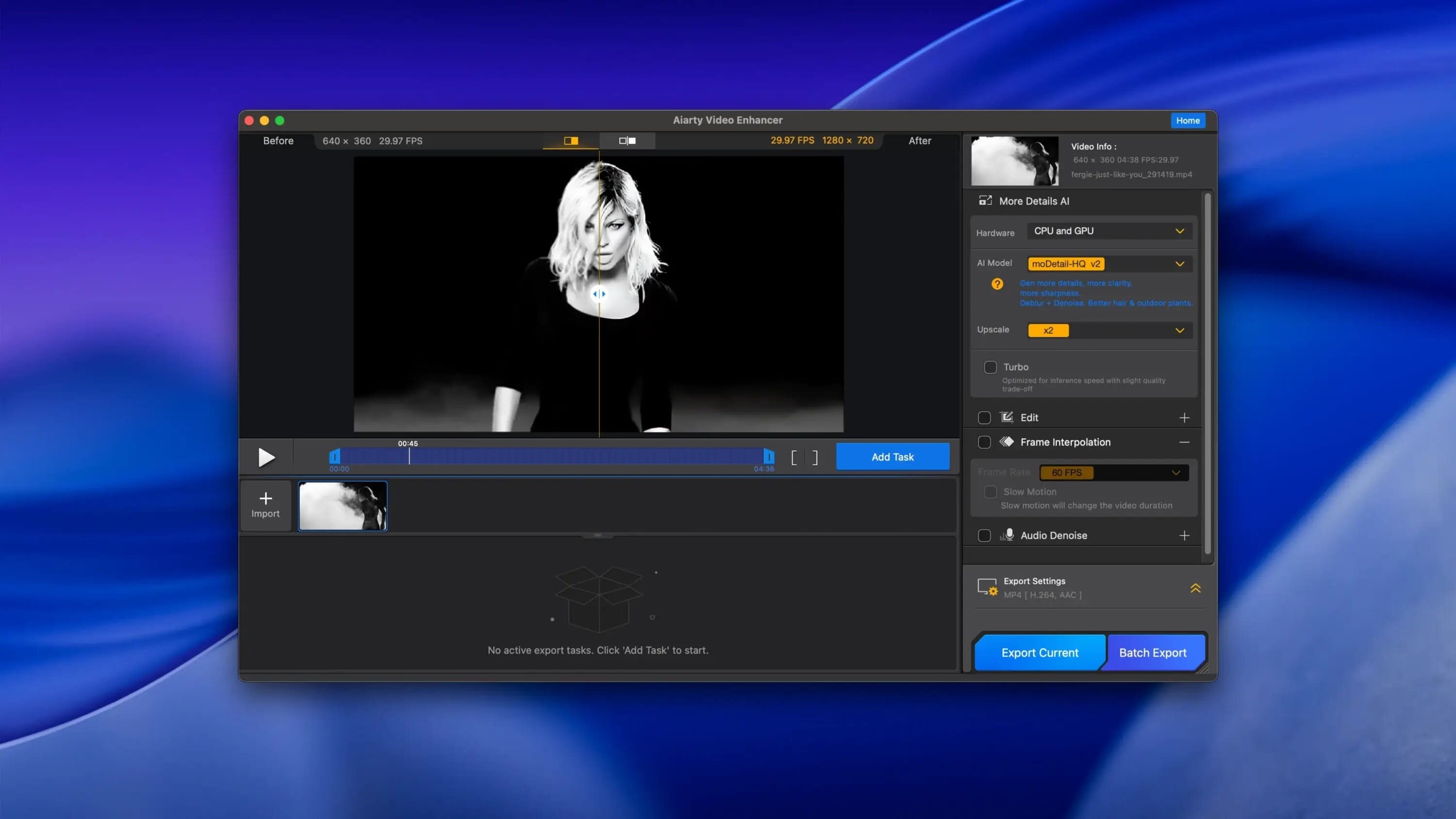
If your footage is grainy, noisy, or just too low-res to use, Aiarty Video Enhancer 3 cleans it up right on your Mac. It runs different AI models depending on what's wrong with the clip, so a stuttering old recording and a dark, low-light shot each get handled differently instead of one generic filter.
- Removes background noise from your audio tracks and boosts vocal clarity with one click
- Upscales low quality or grainy video to 4K, adding back detail the original clip lost
- Frame interpolation generates new frames for smooth 8X or 16X slow motion, instead of just duplicating existing ones
- Low-light and degraded footage each get their own tailored AI model rather than a single catch-all fix
- GPU-optimized processing keeps export times down even at higher resolutions
- Built on a proprietary video and image training dataset, which is part of why detail holds up after upscaling
Version 3.8:
Added:
- Added export task and progress recovery, allowing unfinished exports to resume after restarting the software.
- Added support for the MKV format.
- Added Spanish and Italian interfaces.
Optimized:
- Optimized CUDA encoding memory management to reduce VRAM usage during high-load exports and improve stability for long videos and batch exports.
- Optimized decoding and export logic for certain video formats to improve compatibility with problematic videos.
Frequently asked questions
How do I install the app?
Mount the image, drag the app into the "Applications" folder and launch it. If the system blocks the launch, allow it in "System Settings → Privacy & Security".
The app is damaged or won't launch
Reinstalling from a fresh image usually helps. Make sure your macOS version matches the one listed in the compatibility specs.
How do I update?
Download the new version from the site and install it over the current one — your settings will be preserved.
The download link doesn't work
Try a mirror or a download manager. For large files the browser often drops the connection.
How do I completely remove the app?
Use an uninstaller utility — it cleans up the service files that remain after moving the app to the trash.



Choose a download source
Aiarty Video Enhancer 3.8 · 200.36 MB
Previous versions
Aiarty Video Enhancer 3.8
Previous versions are available to registered users.