VideoProc Converter AI 8.12 (2026091801)
VideoProc: AI Video Enhancer and 4K Video Converter
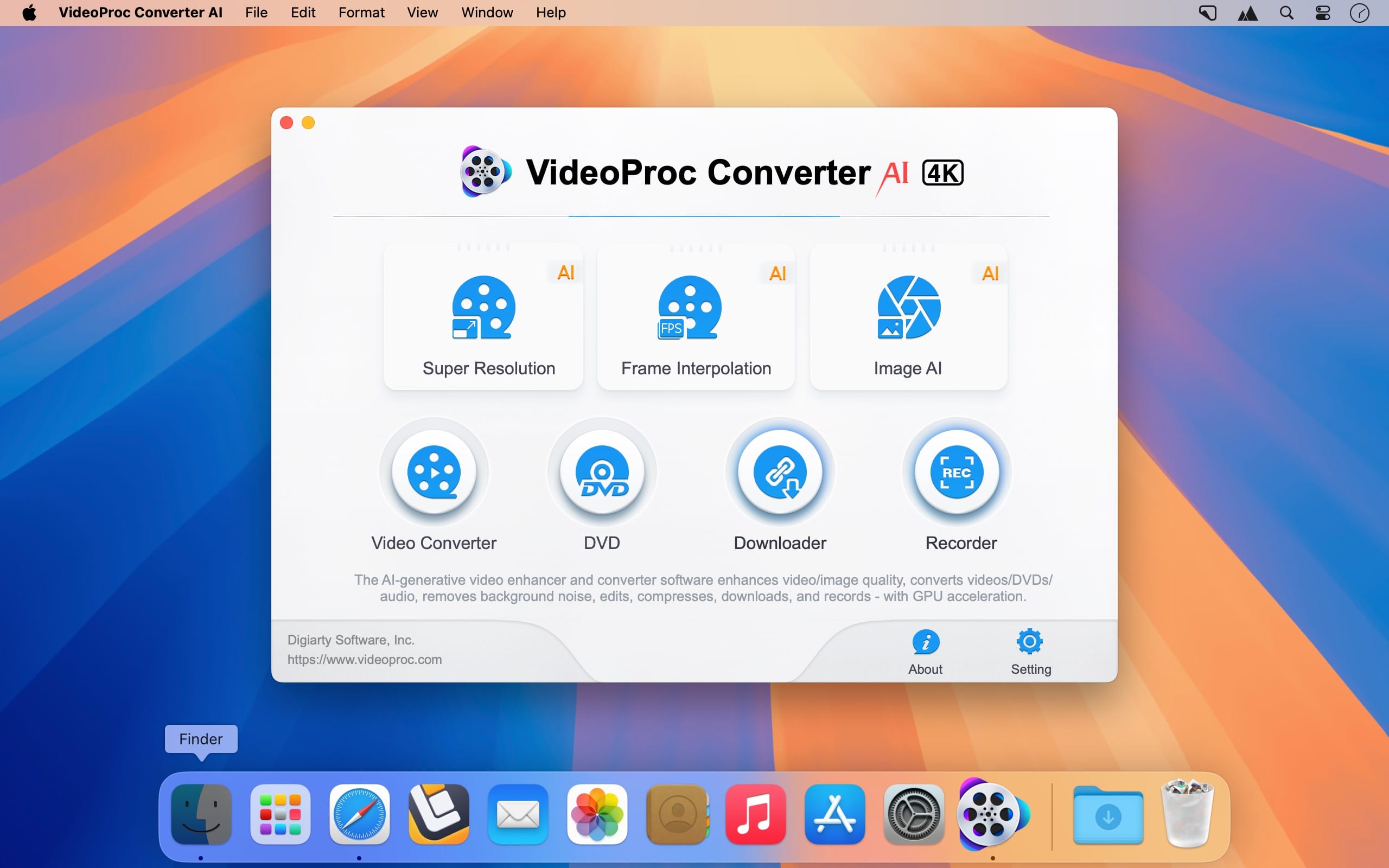
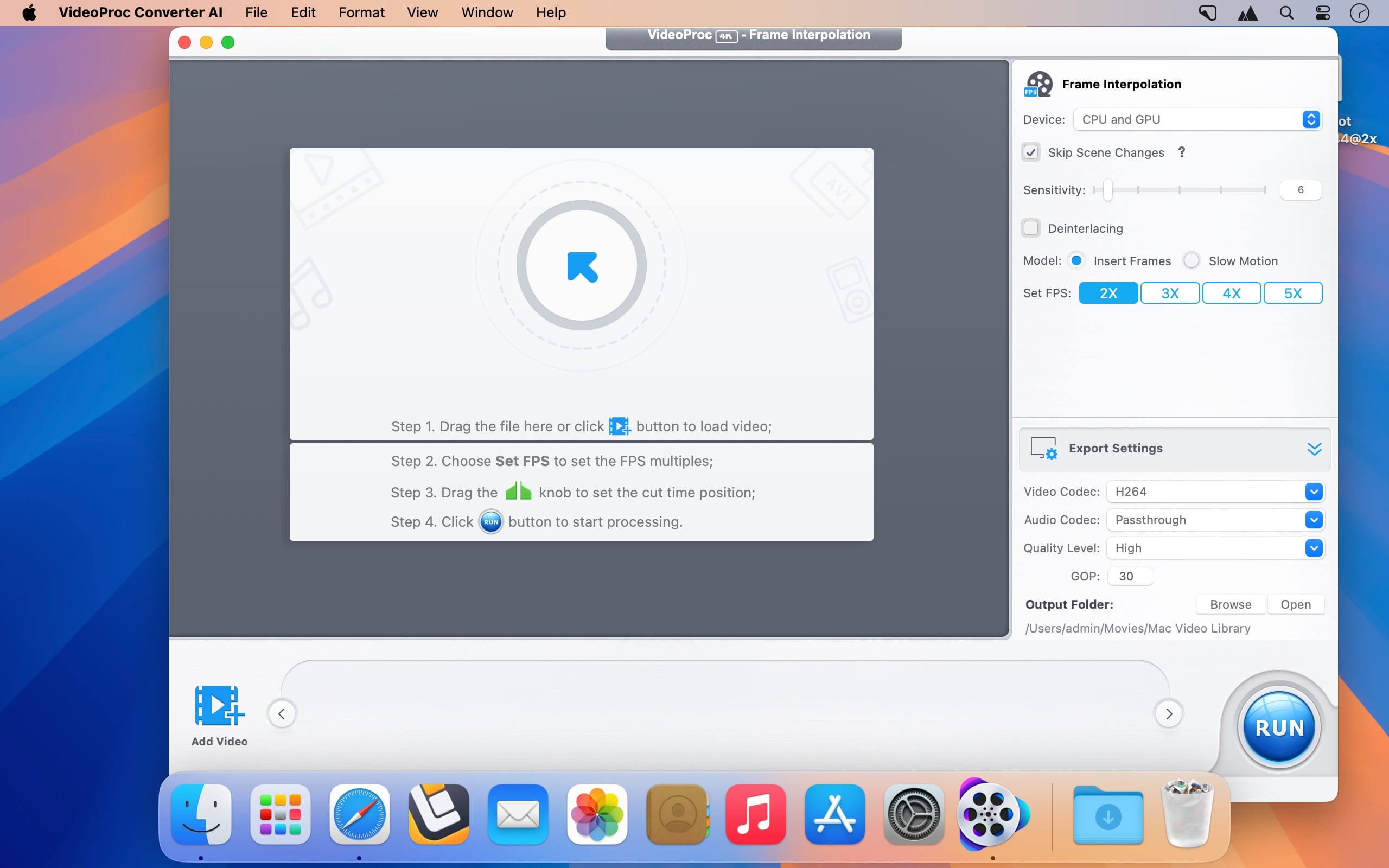
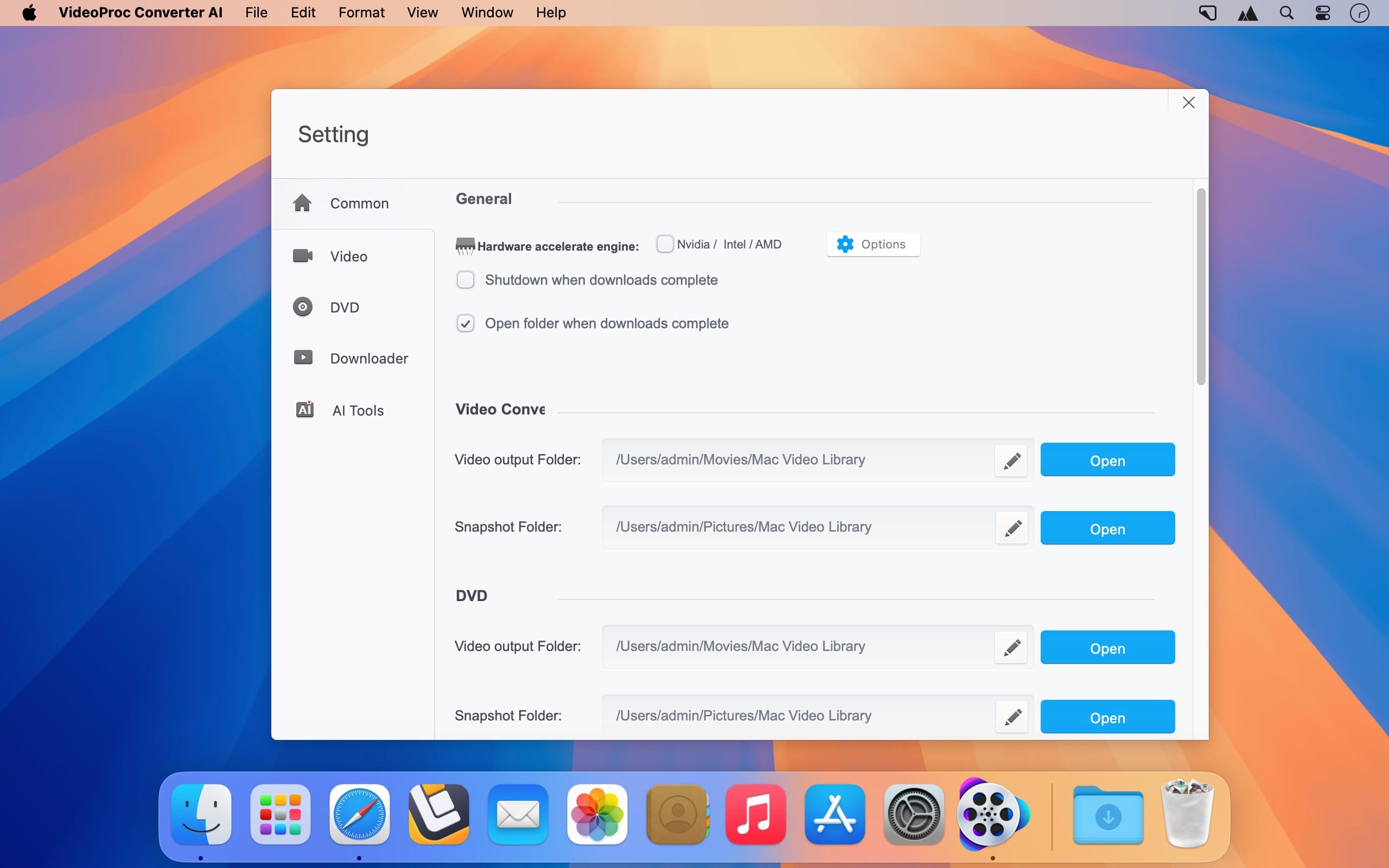
Enhance, restore, and transform your videos, images, and audio with AI-powered tools and GPU acceleration. Remaster, upscale, colorize, convert, edit, compress, download, and record media with ease—all in one powerful app.
VideoProc harnesses Level-3 hardware acceleration powered by Intel®, AMD®, NVIDIA®, and Apple silicon—including M1, M2, M3, and M4 Pro, Max, and Ultra chips—to deliver fast, smooth 4K and 8K video processing without sacrificing quality.
Whether your footage comes from a GoPro, DJI camera, iPhone, Android device, DSLR, mirrorless camera, camcorder, or another 4K camera, VideoProc gives you the tools to process it efficiently and professionally.
Version 8.11:
- Updates: official site does not provide any info about changes in this version
Frequently asked questions
How do I install the app?
Mount the image, drag the app into the "Applications" folder and launch it. If the system blocks the launch, allow it in "System Settings → Privacy & Security".
The app is damaged or won't launch
Reinstalling from a fresh image usually helps. Make sure your macOS version matches the one listed in the compatibility specs.
How do I update?
Download the new version from the site and install it over the current one — your settings will be preserved.
The download link doesn't work
Try a mirror or a download manager. For large files the browser often drops the connection.
How do I completely remove the app?
Use an uninstaller utility — it cleans up the service files that remain after moving the app to the trash.


Choose a download source
VideoProc Converter AI 8.12 (2026091801) · 246.7 MB
Previous versions
VideoProc Converter AI 8.12 (2026091801)
Previous versions are available to registered users.