
Paragraphic 1.2.4
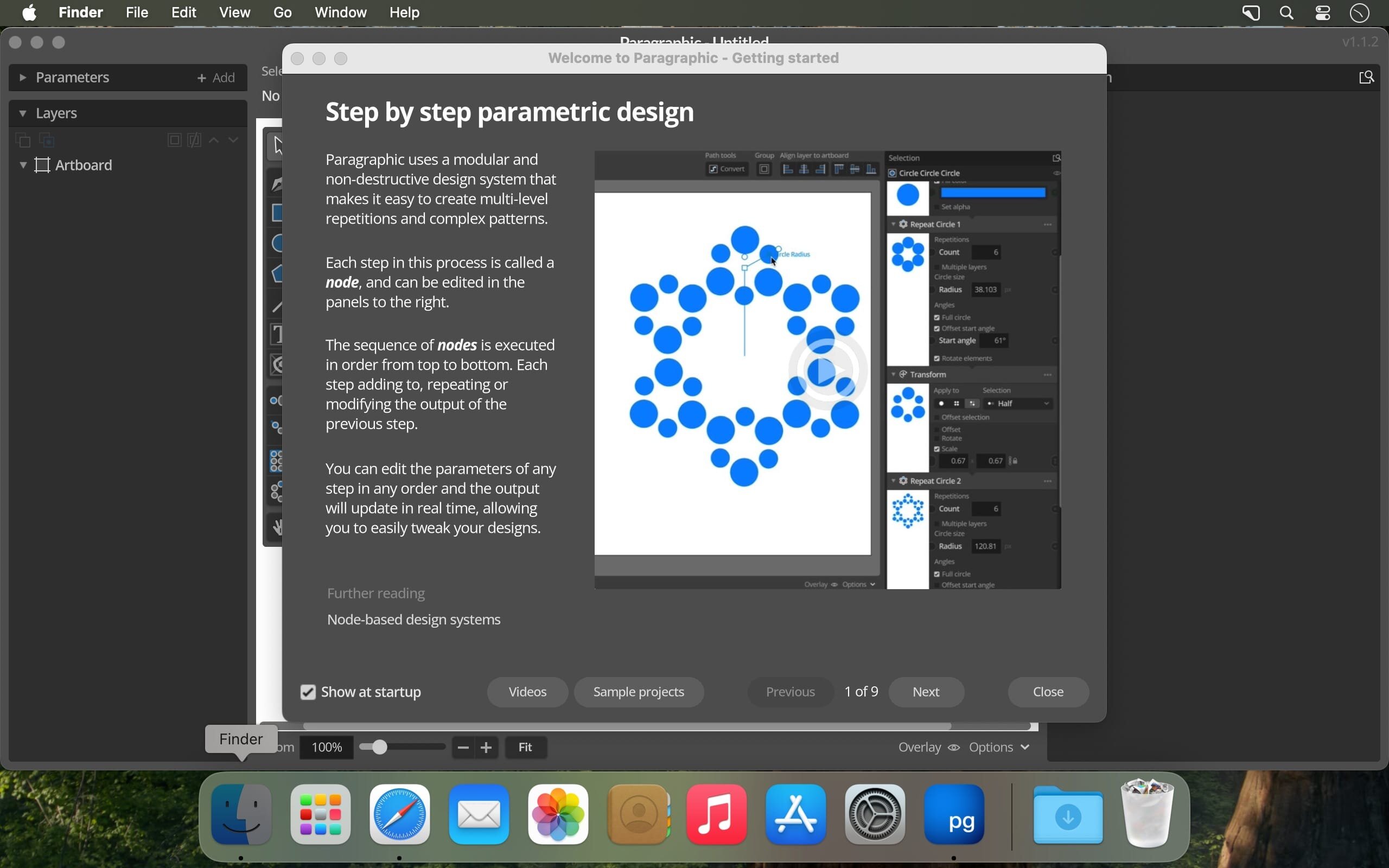
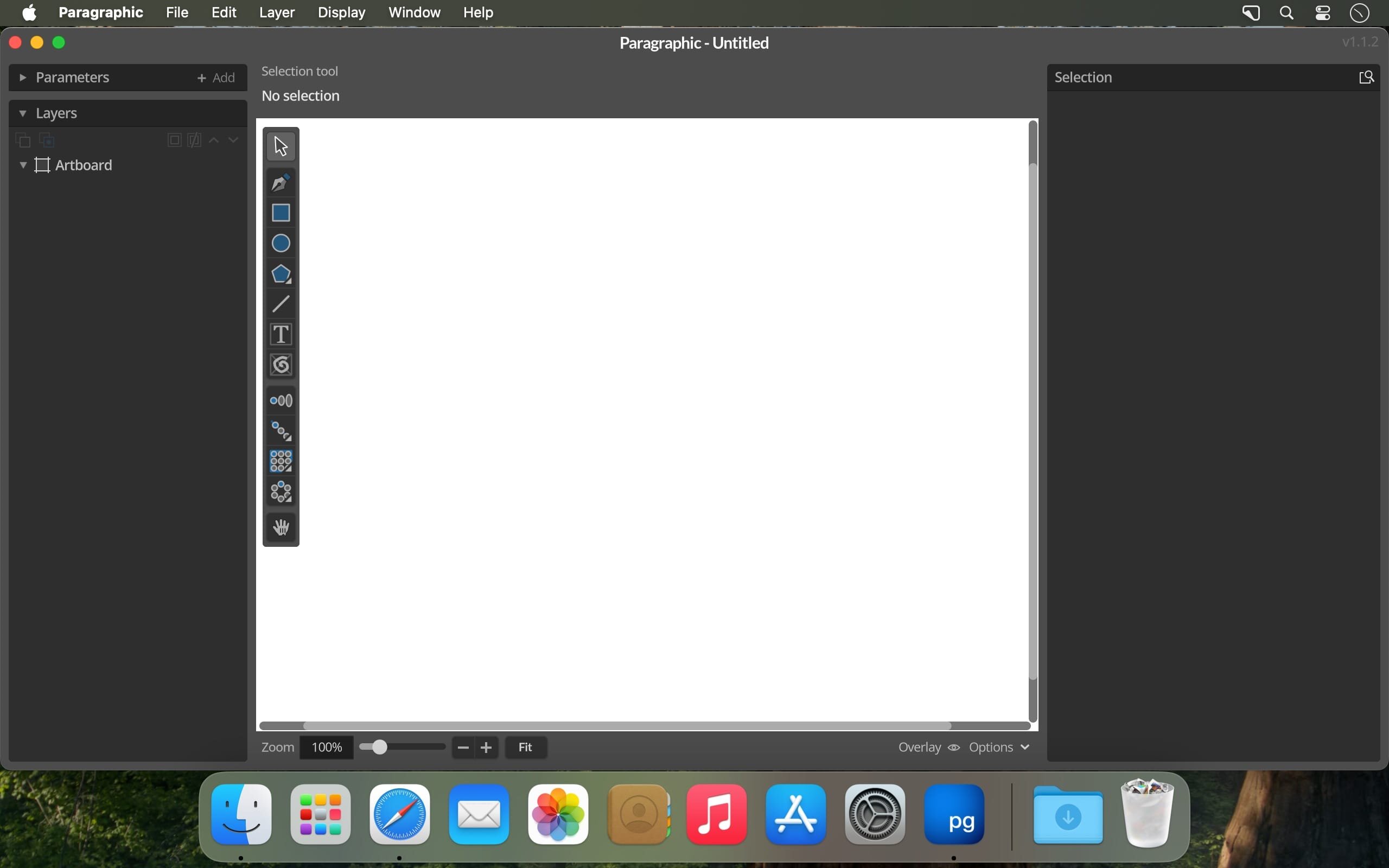
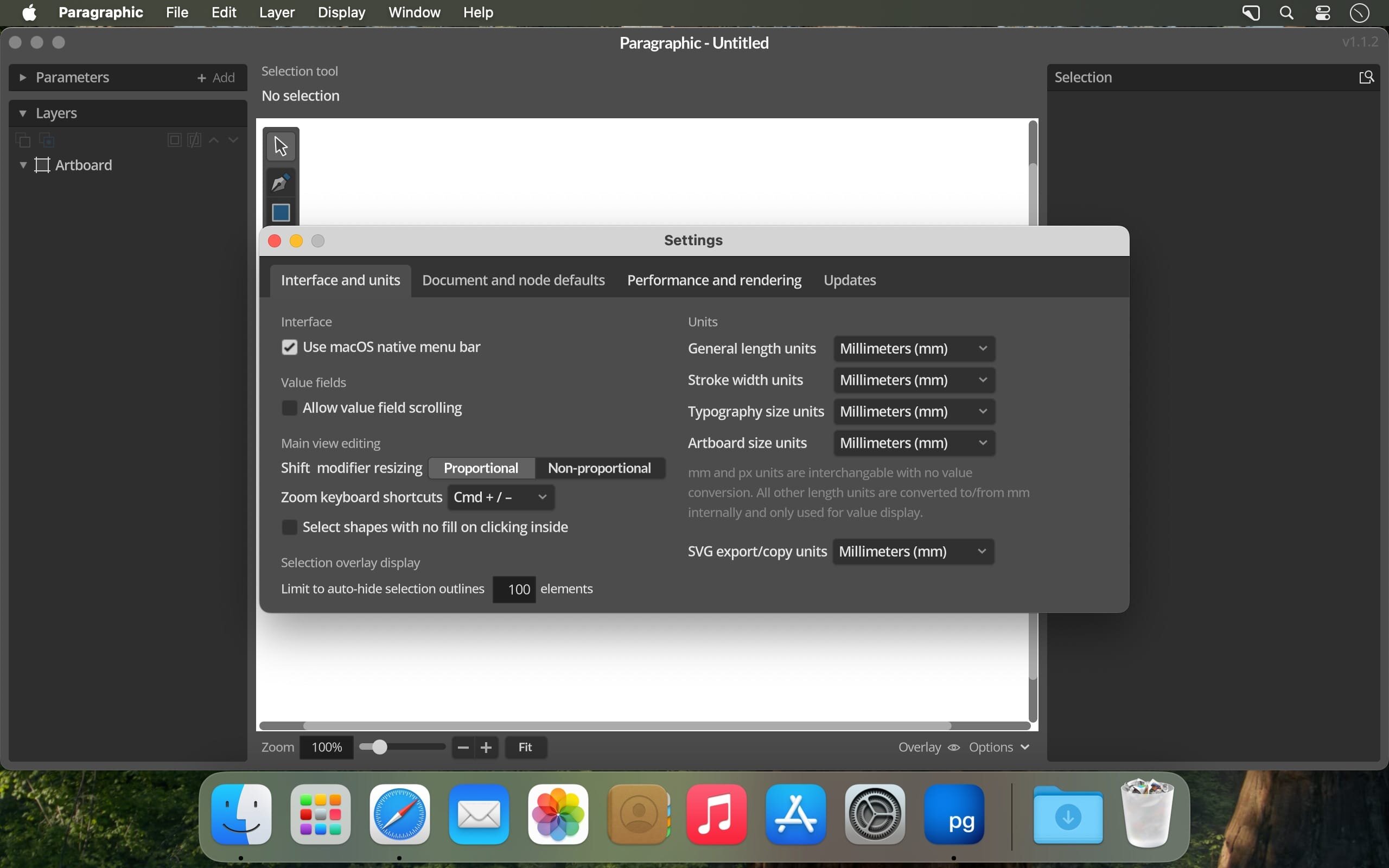
Paragraphic is a tool for creating complex 2d vector designs, patterns and data-driven graphics using a modular design system.
Paragraphic is built with designers in mind, to allow creating parametric designs in a more familiar UI, without any coding and adopting conventions designers will be familiar with in other design tools.
The idea behind this is both to work as an introduction to designers who are new to this type of design thinking, and to offer a more convenient tool for people experienced in this field.
To encourage experimentation it combines detailed control with allowing you to change any step in the process without needing to remove or undo later steps, giving you a real-time updated view of the end result. To fit into existing workflows you can just copy the result as SVG vector graphics and paste it into other software to continue working with the design.
Version 1.2.4
Changes and improvements
- Added a new List change node selection mode, allowing you to specify a comma separated list of indexes for the elements to apply the change to in a group.
- Added a new Control points mode in Path repeater, allowing you to repeat elements placing them on the control points of paths instead of along the path curves.
- Changed name of change type selection parameter in a number of group nodes like (Apply Function and Apply Layer nodes) to avoid confusion with the selection Apply to modes.
- Improved some warning/info messages for Array parameter fields.
Bug fixes
- Fixed incorrect selected layer element description in child layers of repeated group layers.
- Fixed some flickering in node preview rendering.
- Fixed Path Modify and Path Randomize nodes producing incorrect results when zero-scaling path point spline handles.
- Fixed previously disabled color parameters showing incorrect color when enabled in some situations.
- Fixed Path Randomize node applying the same Offset Y and Scale Y transformations to all path points instead of random different ones in the set range.
- Fixed Set Stroke node not updating Apply To mode correctly based on previous node changes.
Frequently asked questions
How do I install the app?
Mount the image, drag the app into the "Applications" folder and launch it. If the system blocks the launch, allow it in "System Settings → Privacy & Security".
The app is damaged or won't launch
Reinstalling from a fresh image usually helps. Make sure your macOS version matches the one listed in the compatibility specs.
How do I update?
Download the new version from the site and install it over the current one — your settings will be preserved.
The download link doesn't work
Try a mirror or a download manager. For large files the browser often drops the connection.
How do I completely remove the app?
Use an uninstaller utility — it cleans up the service files that remain after moving the app to the trash.




Choose a download source
Paragraphic 1.2.4 · 101.06 MB