Vectoraster 7.4.6
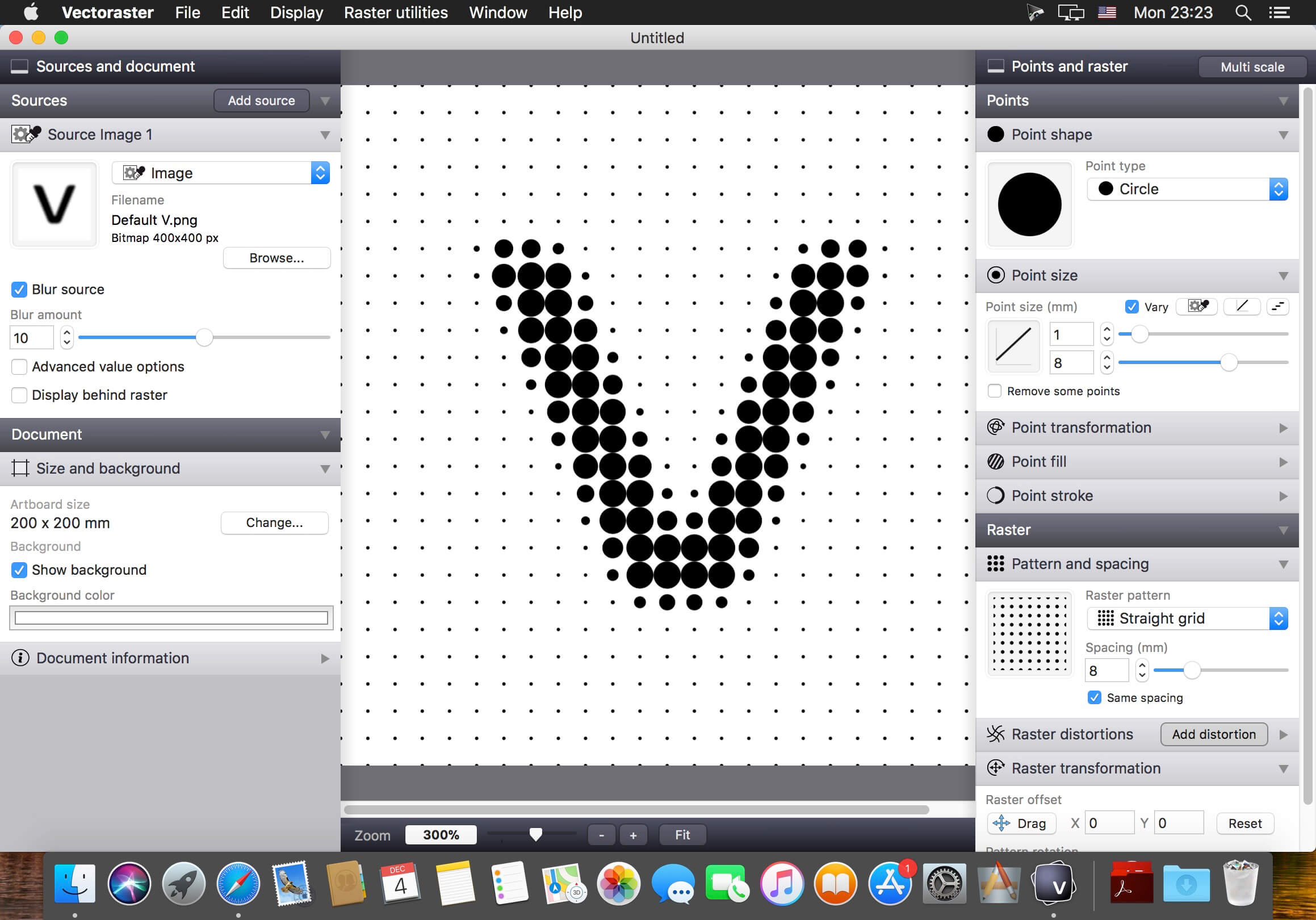
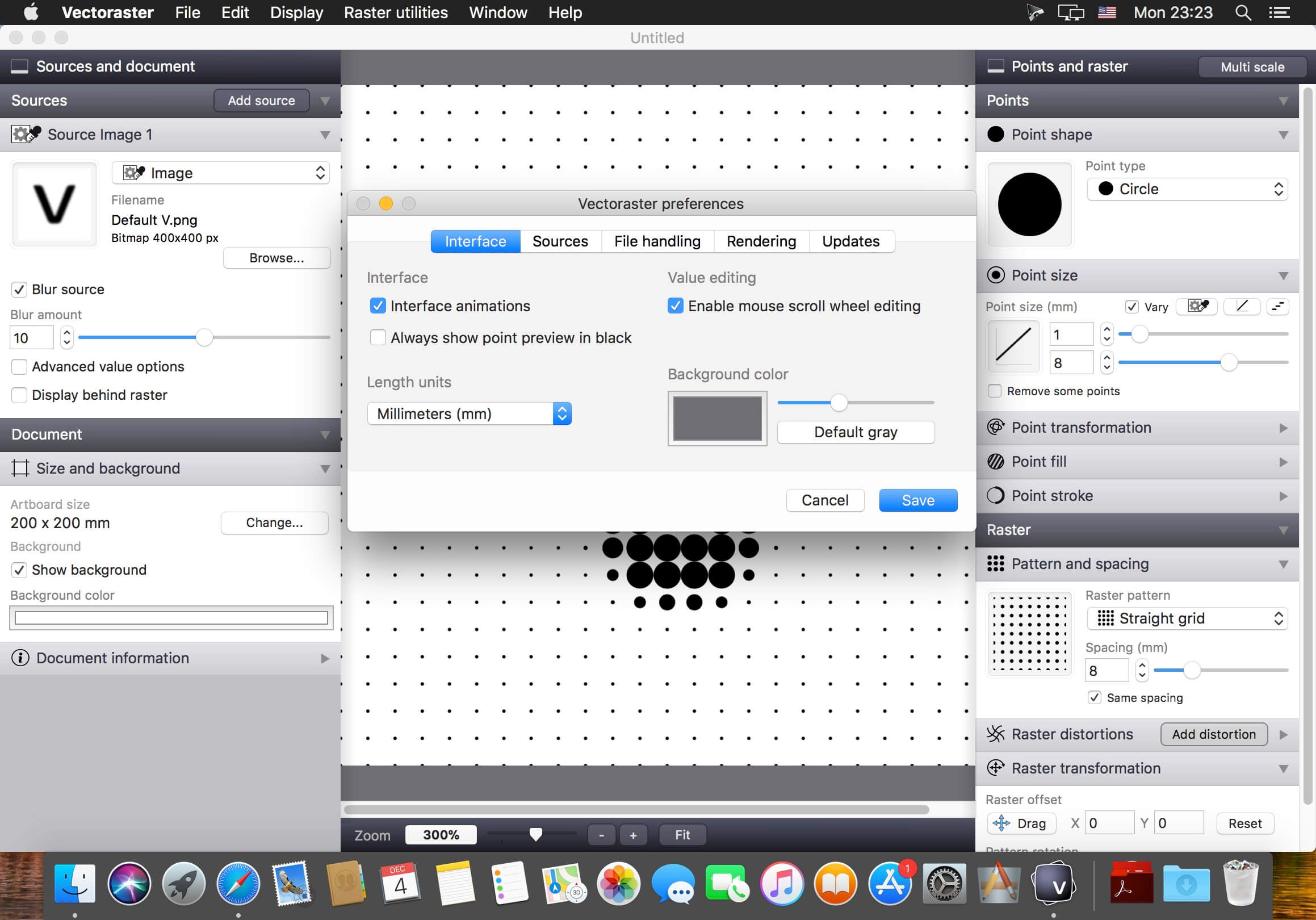
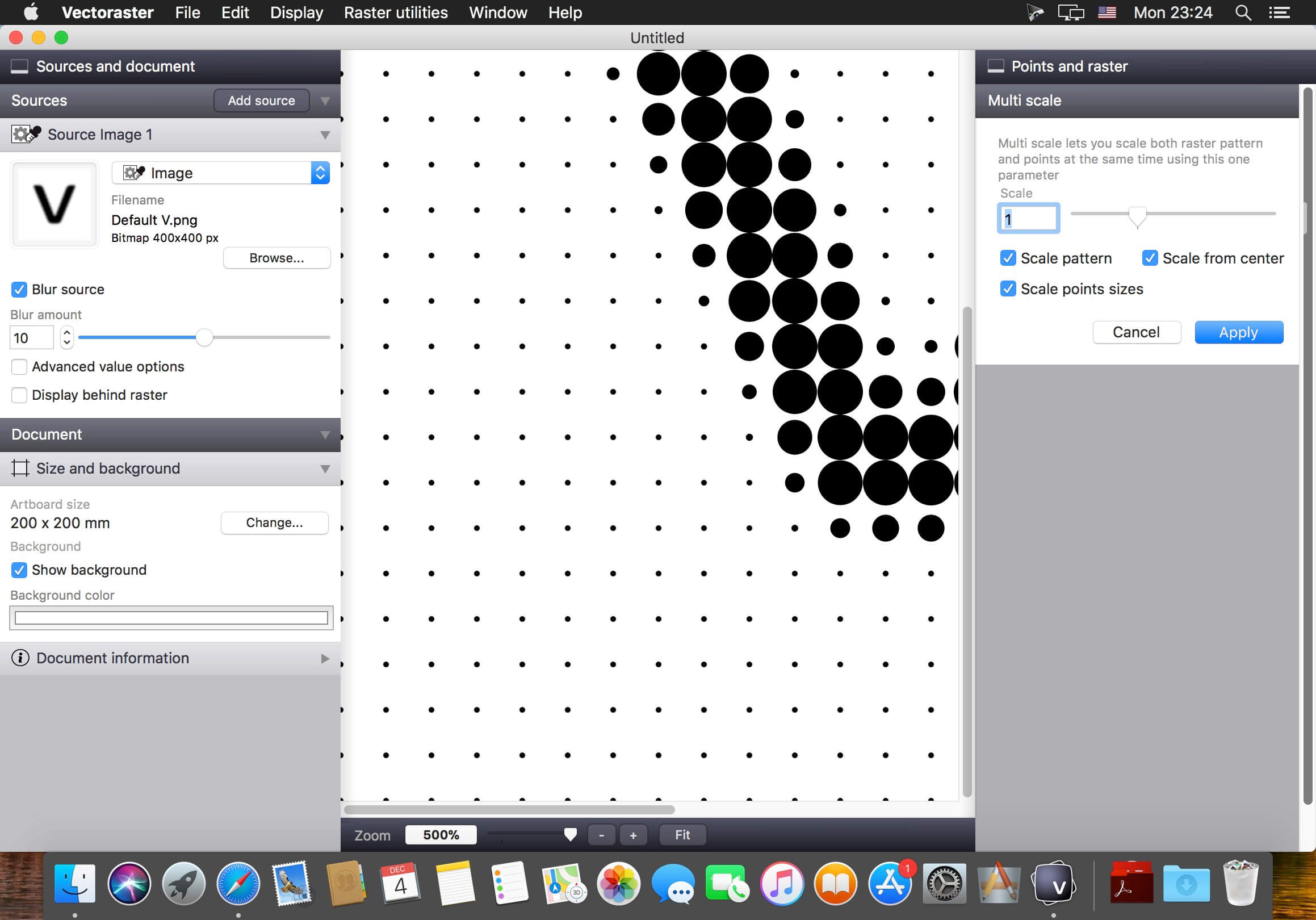
Vectoraster is a graphics utility for creating vector-based raster patterns and halftones based on images or gradients. The raster patterns and point shapes can be changed and varied across the pattern to produce many different styles. The resulting raster is always shown, updating in real time as you change parameters. The result can then easily be exported as vectors to EPS or PDF files, as images to JPEG, PNG or TIFF, or simply copied and pasted into most graphics software.
You can download and try Vectoraster for free, but with some limitations. To remove these limitations and get the full version you have to pay for the application.
Features
General
Many different point shape types, including circles, polygons, font characters and imported custom vector shapes or images
Detailed control of how you want point shape, transformation and color to vary over the raster
Base how the raster points vary on source images, gradients you define live in Vectoraster, or a combination
Advanced line-raster mode with lines of varying width instead of points
Patterns
Many different raster patterns with detailed control of how the points are placed.
Easily rotate and offset the raster pattern, and add multiple distrotions like waves and twists.
Output
Copy raster output and paste it straight into most vector graphics software.
File export to EPS and PDF for vector output, and JPEG, PNG and TIFF for bitmap.
Export point data (location and size) to a CSV file for further CAD or other processing.
Version 7.4.6:
- You can now import images from your Photos albums via the Browse dialoge (Under Media in the sidebar).
- Fixes some issues with the font selection panel for Text sources.
Frequently asked questions
How do I install the app?
Mount the image, drag the app into the "Applications" folder and launch it. If the system blocks the launch, allow it in "System Settings → Privacy & Security".
The app is damaged or won't launch
Reinstalling from a fresh image usually helps. Make sure your macOS version matches the one listed in the compatibility specs.
How do I update?
Download the new version from the site and install it over the current one — your settings will be preserved.
The download link doesn't work
Try a mirror or a download manager. For large files the browser often drops the connection.
How do I completely remove the app?
Use an uninstaller utility — it cleans up the service files that remain after moving the app to the trash.
VersionVectoraster 7.4.6
DeveloperLost Mind
CompatibilityOS X 10.10 or later, 64-bit processor
LanguageEnglish
IncludesK'ed by TNT


Information
Visitors in the group Guests cannot leave comments on this publication.
Choose a download source
Vectoraster 7.4.6 · 12.12 MB
Previous versions
Vectoraster 7.4.6
Previous versions are available to registered users.