
PDF Reader - PDF Library Pro 3.0.1
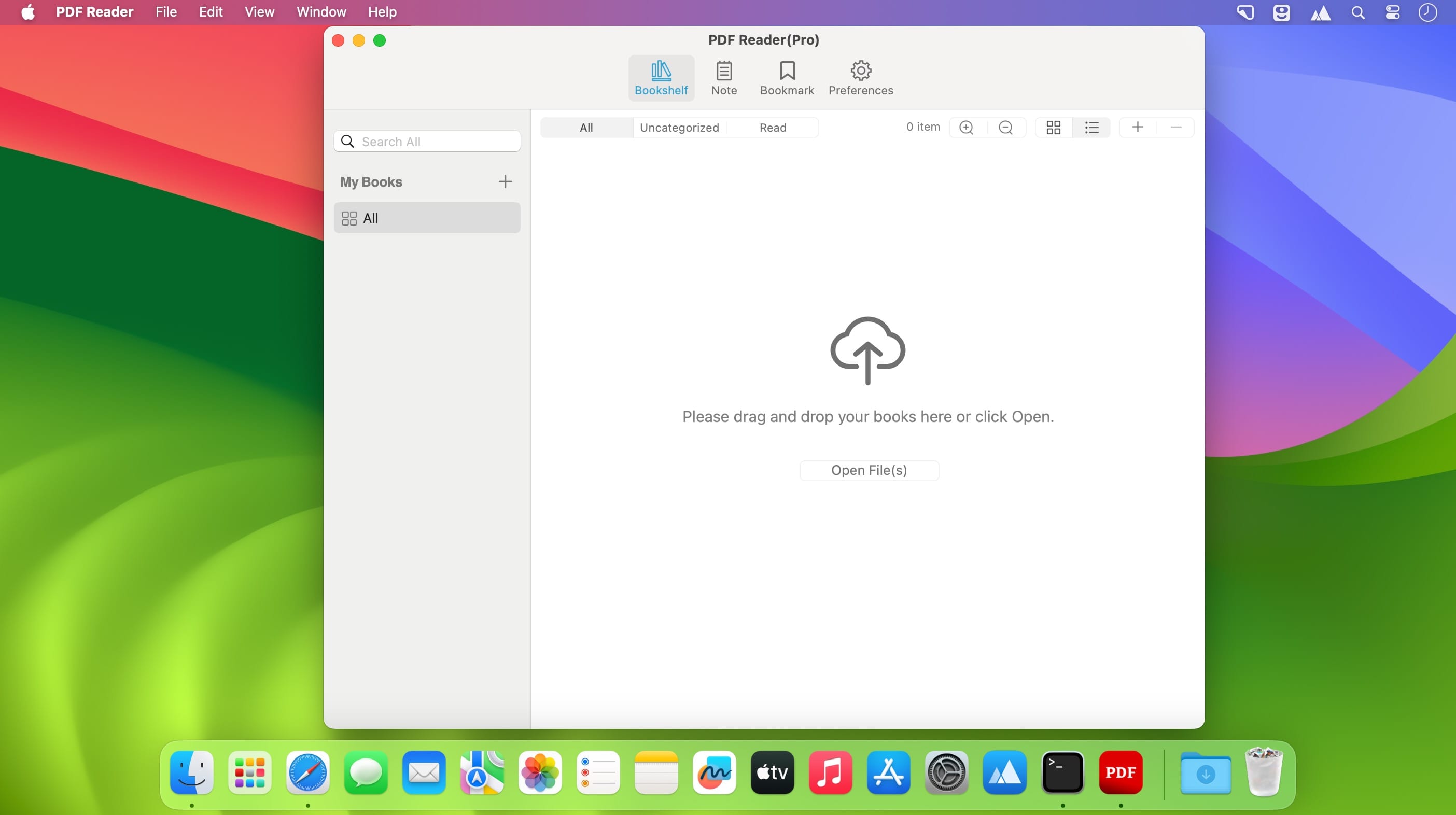

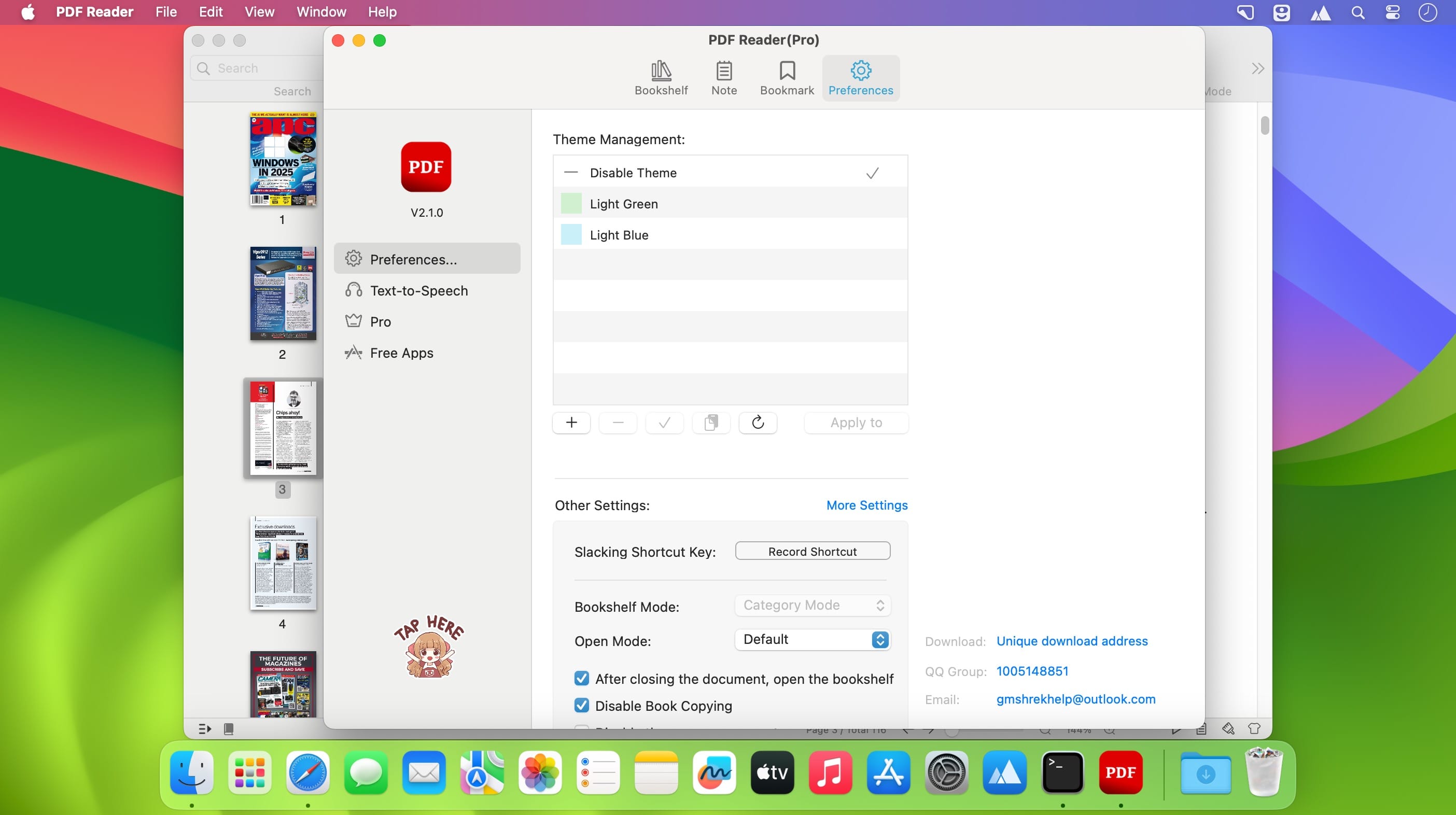
Immersive reading, highlighted. A simple and easy to use PDF Reader. It can not only read, but also help you manage your PDF files.
Functional Features
- Bookshelves to record the books you have read.
- Automatically remember where you last read.
- Supports highlighting, underlining, and note-taking.
- Supports multiple theme switching.
- Supports multiple theme switching.
- Supports immersive reading mode.
- Supports status bar window reading mode.
- Full-text search is supported.
Version 3.0.1
- New: The text selection menu is now fully customizable. Support for sorting, hiding, and adding custom Al actions.
- New: Added support for custom icons in bookshelf categories.
- New: Al chat history is now saved locally, with support for reviewing past conversations.
- Fixed: Resolved known issues and improved overall stability.
Frequently asked questions
How do I install the app?
Mount the image, drag the app into the "Applications" folder and launch it. If the system blocks the launch, allow it in "System Settings → Privacy & Security".
The app is damaged or won't launch
Reinstalling from a fresh image usually helps. Make sure your macOS version matches the one listed in the compatibility specs.
How do I update?
Download the new version from the site and install it over the current one — your settings will be preserved.
The download link doesn't work
Try a mirror or a download manager. For large files the browser often drops the connection.
How do I completely remove the app?
Use an uninstaller utility — it cleans up the service files that remain after moving the app to the trash.


Choose a download source
PDF Reader - PDF Library Pro 3.0.1 · 11.62 MB