

OmniReader Pro 3.4.4
Screenshots
Click to enlarge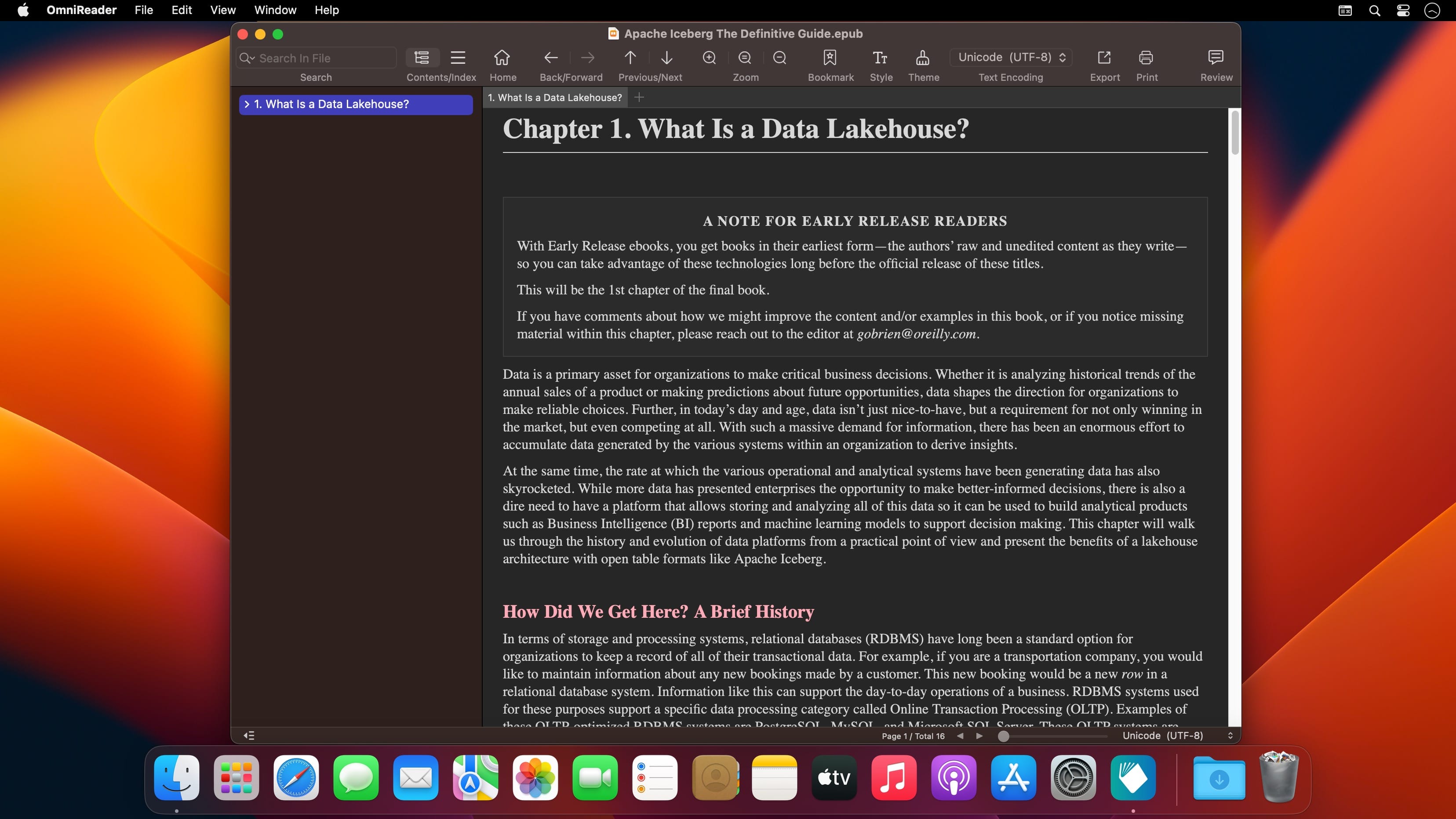
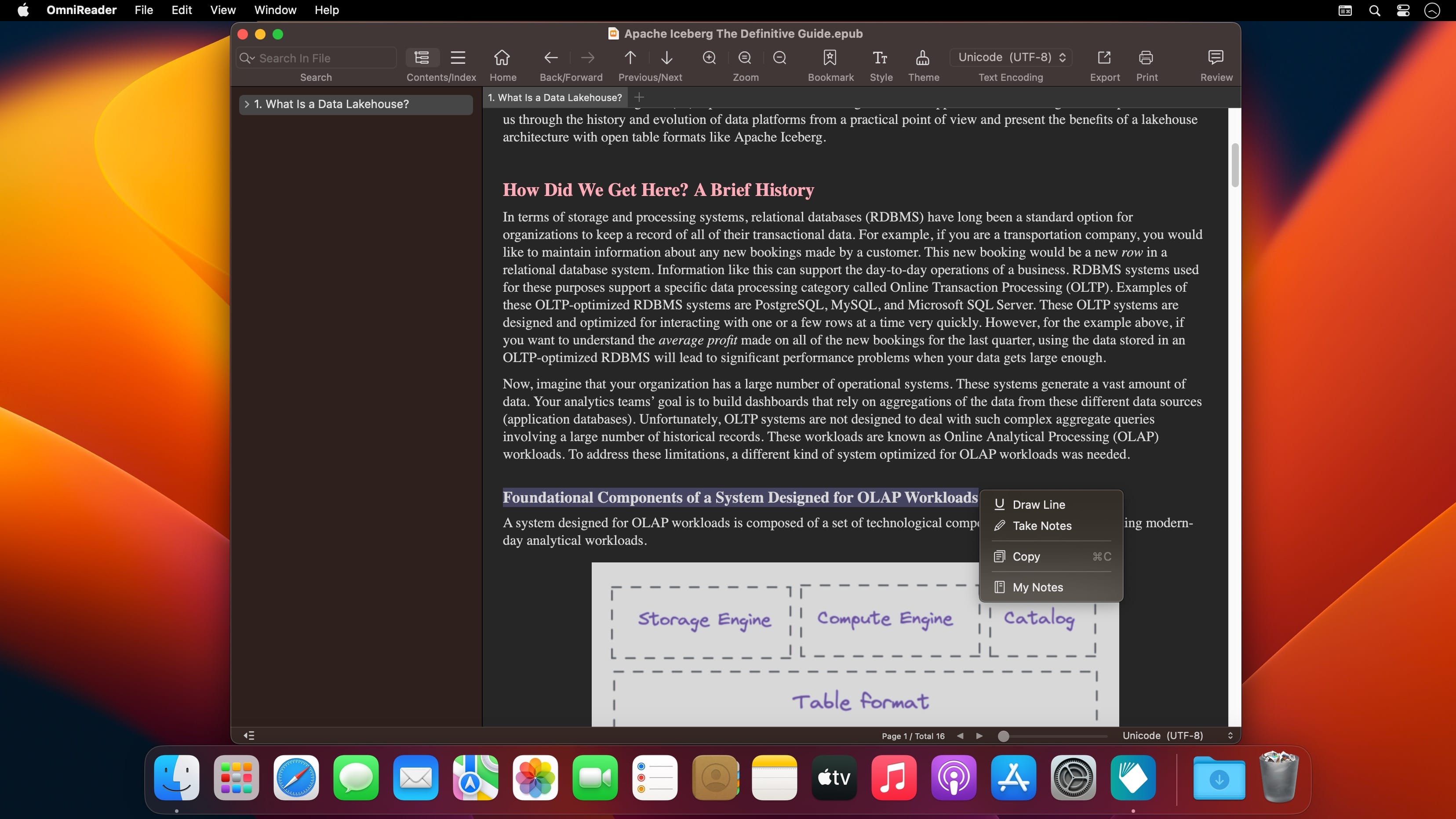
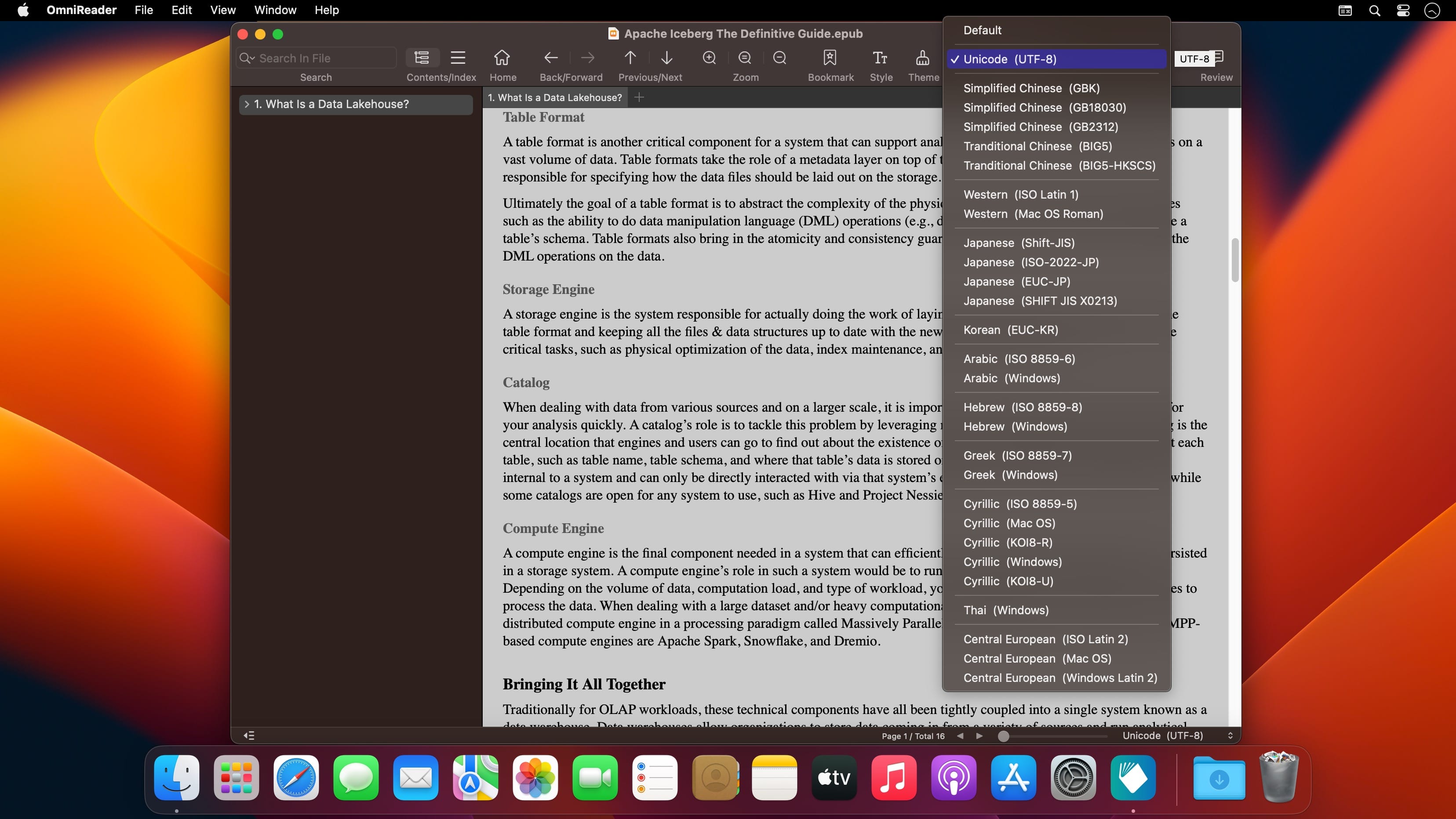
Read EPUB,CHM,MOBI… use it.. GM Reader is a fully functional book Reader with a simple and beautiful interface and a good reading experience.
Features
- Supports reading EPUB, CHM and Kindle files.
- Support single page search and full text search, and highlight search results.
- Support the forward and backward browsing history.
- Supports page turning, zooming, and sidebar shrinking.
- Support page printing.
- Support to view the basic information of the file.
- Supports file export to EPUB, PDF.
- Support to extract all images in the file.
- Support file coding, deal with the problem of garbled code.
- Support image adaptive, automatically adjust the size of the picture.
Bookrack
- All the files you have read will be saved in the bookshelf for quick review next time.
- Supports file drag and drop addition.
Version 3.4.4
- List view now supports column header sorting.
- View notes directly in the reader's right sidebar.
- Optimized Comic-to-PDF conversion.
- Fixed known issues.
Comments
No comments yet. Be the first.
Information
Visitors in the group Guests cannot leave comments on this publication.