
Battery Charging Alert 3.26
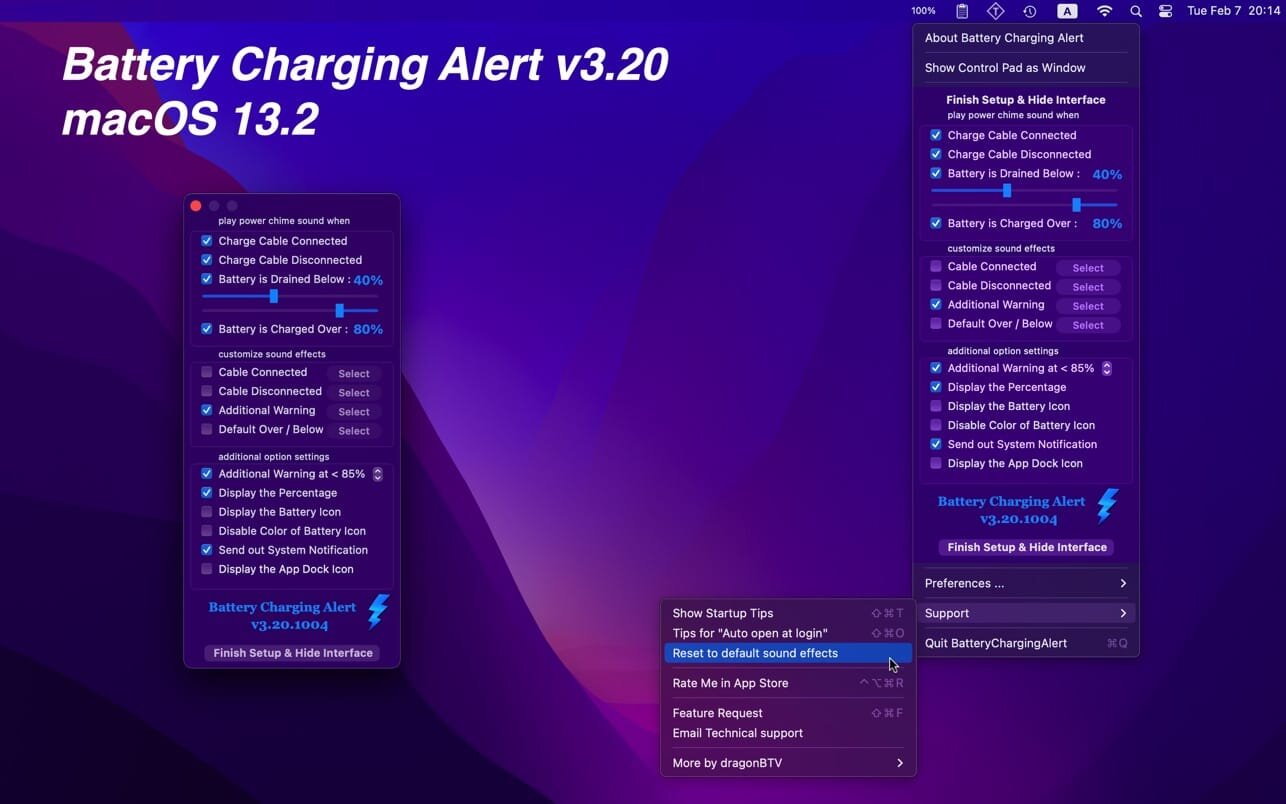
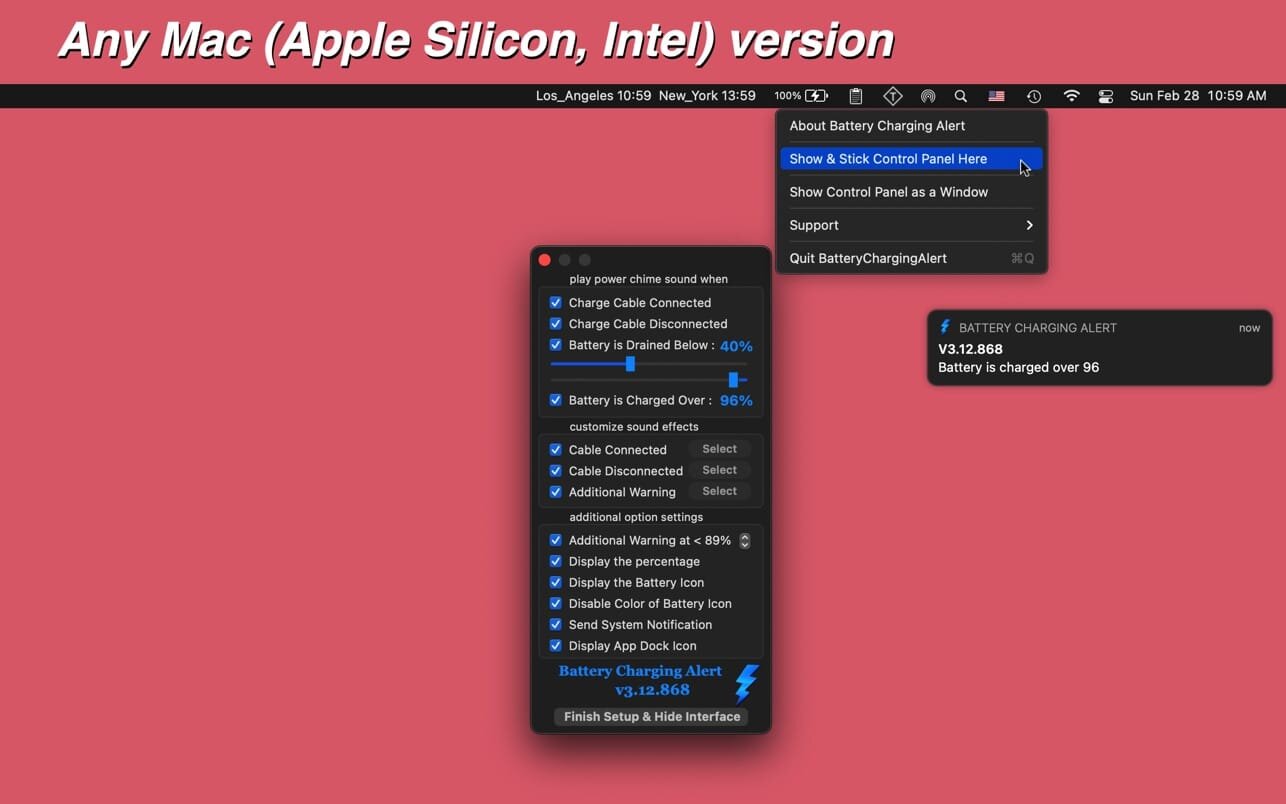

With Battery Charging Alert you can receive alerts for when your computer is plugged in or unplugged, or your battery percentage reaches a preset level.
- Accidentally unplugged your power cable without noticing and now your battery is dead?
- Want to take care of your device and maintain your battery life?
- Confused about the status of the system's new battery optimization and on-hold function?
- Love the assuring sound of your iPhone's chime when you plug it in?
Battery Charging Alert is just right for you! With the app, you can receive alerts for when your computer is plugged in or unplugged, and when your battery percentage reaches a preset level, so you know when to plug in your computer to keep it from dying or to unplug it and save your battery life.
Version v3.26
v3.20 -> vs3.26
- App's Status Menu Bar Icon was re-designed with sharper images
- Charging in green & unplugged in red color according to the user's feature request
- more accurate percentage color bar fill in battery icon (red, yellow, green)
- a new option for icon selection: colorful icon or follow dark light wallpaper
- new icon tip alert added
- tips for auto-login option updated
Frequently asked questions
How do I install the app?
Mount the image, drag the app into the "Applications" folder and launch it. If the system blocks the launch, allow it in "System Settings → Privacy & Security".
The app is damaged or won't launch
Reinstalling from a fresh image usually helps. Make sure your macOS version matches the one listed in the compatibility specs.
How do I update?
Download the new version from the site and install it over the current one — your settings will be preserved.
The download link doesn't work
Try a mirror or a download manager. For large files the browser often drops the connection.
How do I completely remove the app?
Use an uninstaller utility — it cleans up the service files that remain after moving the app to the trash.

Choose a download source
Battery Charging Alert 3.26 · 5.17 MB