RazorSQL 10.6.0

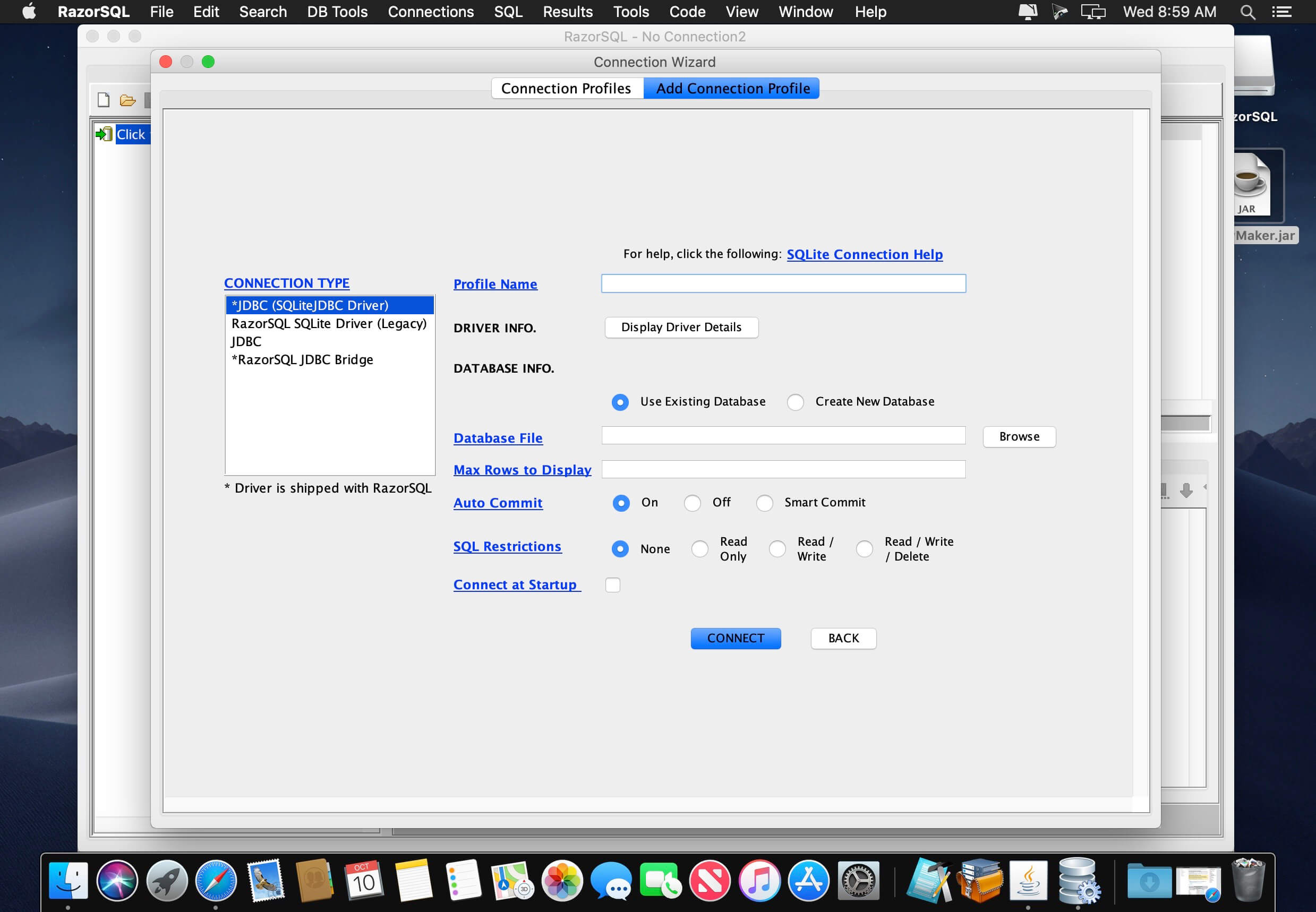
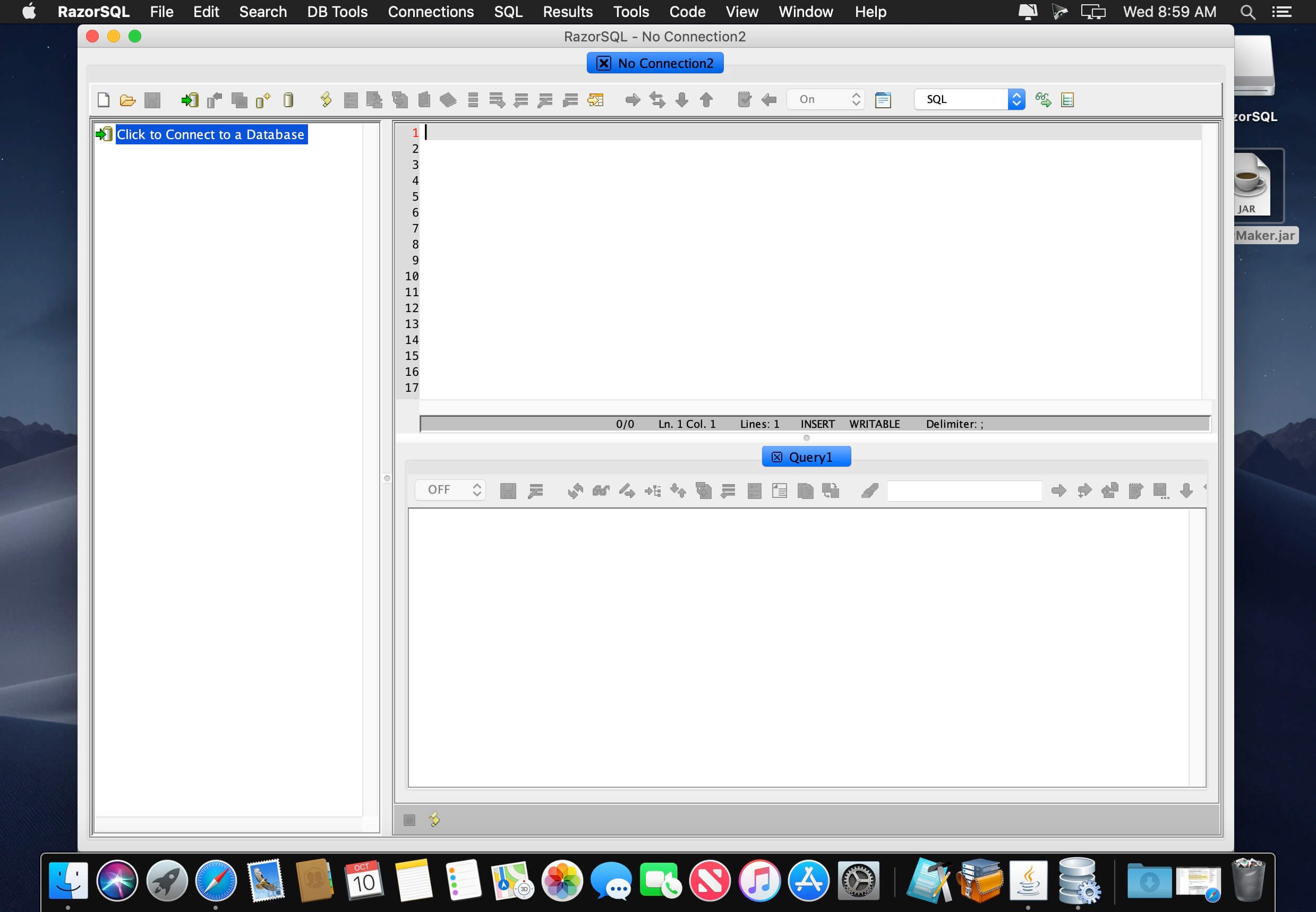
RazorSQL allows you to query, update, navigate, and manage all major databases from one database tool. With RazorSQL, a SQL query tool, SQL editor, and database navigator, you can run SQL scripts, visually edit, create, alter, and view tables, import and export data, build queries with a query builder tool, and navigate databases with the database navigator. It even comes with a built-in relational database engine that requires no configuration.
The SQL programming editor has syntax highlighting for SQL, PL/SQL, TransactSQL, SQL PL, and Java, automatic function/method lookup, automatic column lookup, key ahead, built-in and customizable templates, multi-tabular display of query results, query logging, and many other features including a tool to call stored procedures and a tool to compare table and/or query data.
RazorSQL has been tested with virtually all popular databases, and includes built in driver support for Cassandra, DB2, Derby, DynamoDB, Firebird, FrontBase, Hive, HSQLDB, Informix, MongoDB, MySQL, OpenBase, Oracle, PostgreSQL, Redshift, Salesforce, SimpleDB, SQLite, SQL Azure, SQL Anywhere, SQL Server, Sybase, Teradata, and others.
Version 10.6.0:
Enhancements:
- Redshift: Added support for Redshift Serverless
- Redshift: Added support for connection properties such as login_url, idp_response_timeout, and plugin_name for single sign on
Changes:
- Redshift: Default connection option is now the Redshift 2.x JDBC driver
- Upgraded SQLite JDBC Driver to version 3.46
- Added support for Oracle Wallet when using Oracle 23c drivers
Bug Fixes:
- Salesforce Data Cloud: Generated queries may include schema name when they should not
Frequently asked questions
How do I install the app?
Mount the image, drag the app into the "Applications" folder and launch it. If the system blocks the launch, allow it in "System Settings → Privacy & Security".
The app is damaged or won't launch
Reinstalling from a fresh image usually helps. Make sure your macOS version matches the one listed in the compatibility specs.
How do I update?
Download the new version from the site and install it over the current one — your settings will be preserved.
The download link doesn't work
Try a mirror or a download manager. For large files the browser often drops the connection.
How do I completely remove the app?
Use an uninstaller utility — it cleans up the service files that remain after moving the app to the trash.




Choose a download source
RazorSQL 10.6.0 · 318.07 MB
Previous versions
RazorSQL 10.6.0
Previous versions are available to registered users.