
HitPaw Video Enhancer 3.0.0
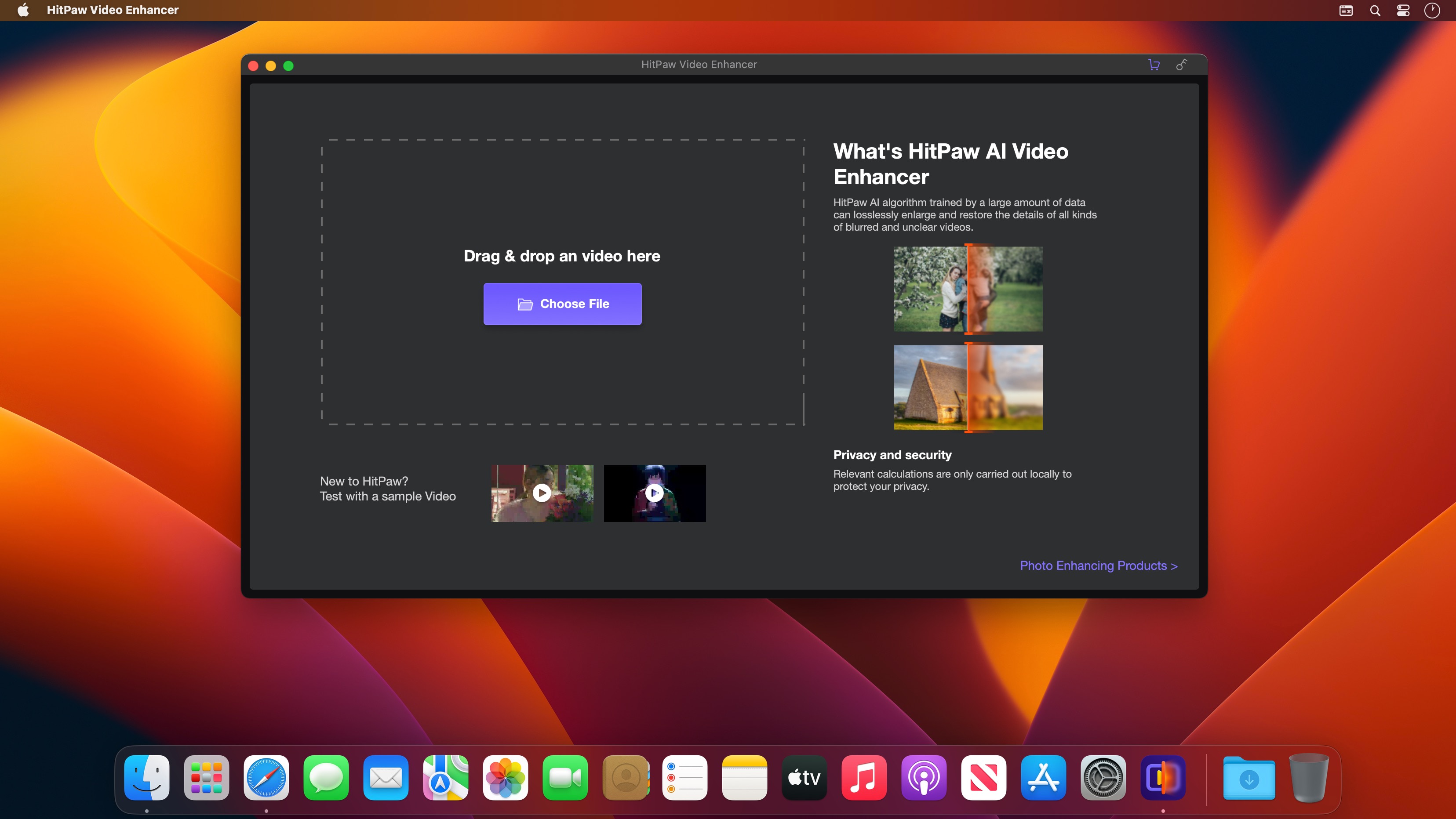
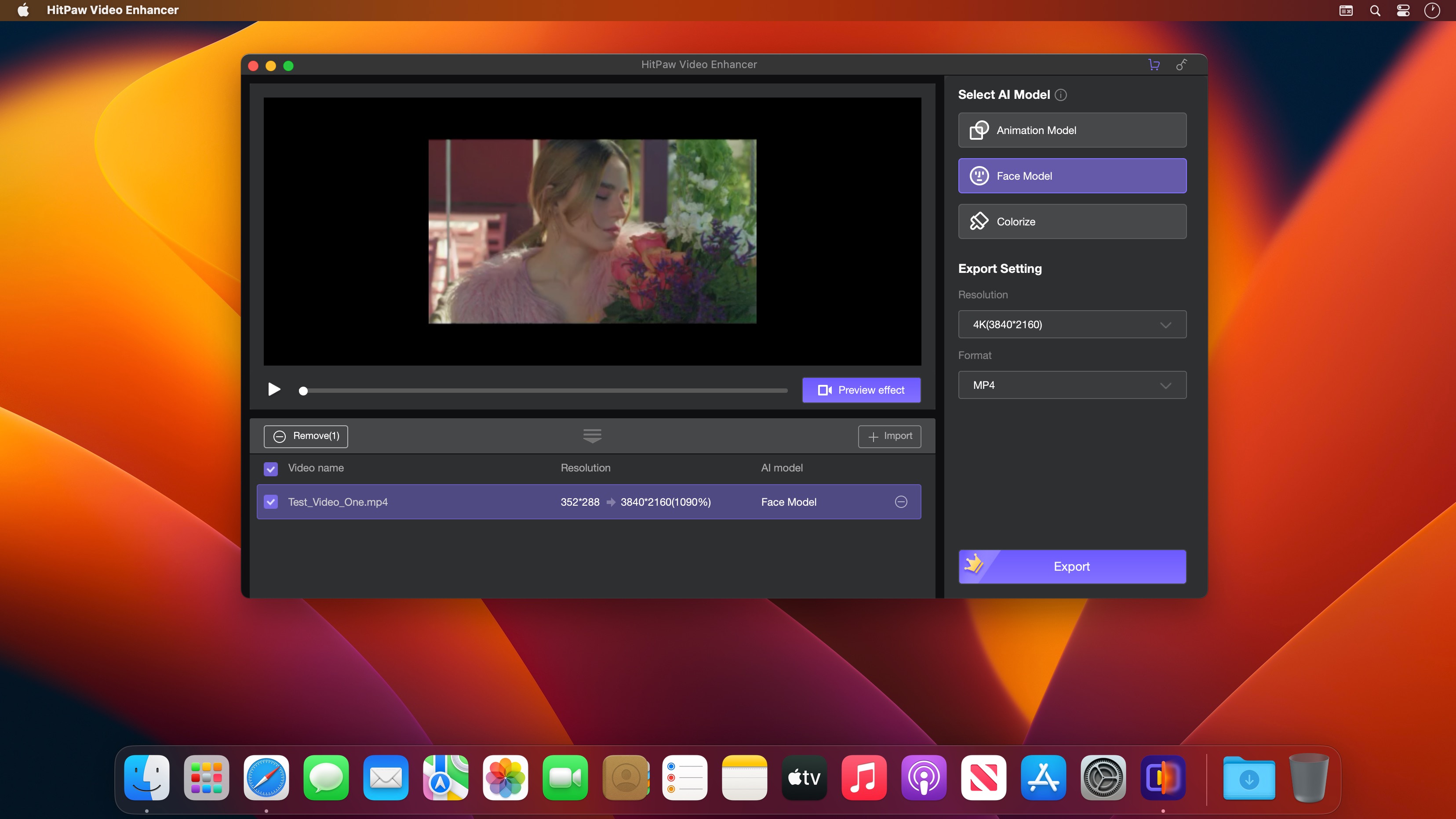
HitPaw Video Enhancer helps upscale video and enhance video quality, try this software now to make your video brilliant.
General Denoise Model
This AI video enhancer provides a general model for improving video enhancement for most old videos, its denoise solution can remove the noise of videos and make them clear and brand new
Animation Model
An exclusive video enhance AI model is deisgned in this video quality enhancer for repairing animation videos, which can perfectly restore the clearity and present AI upscaling anime for you.
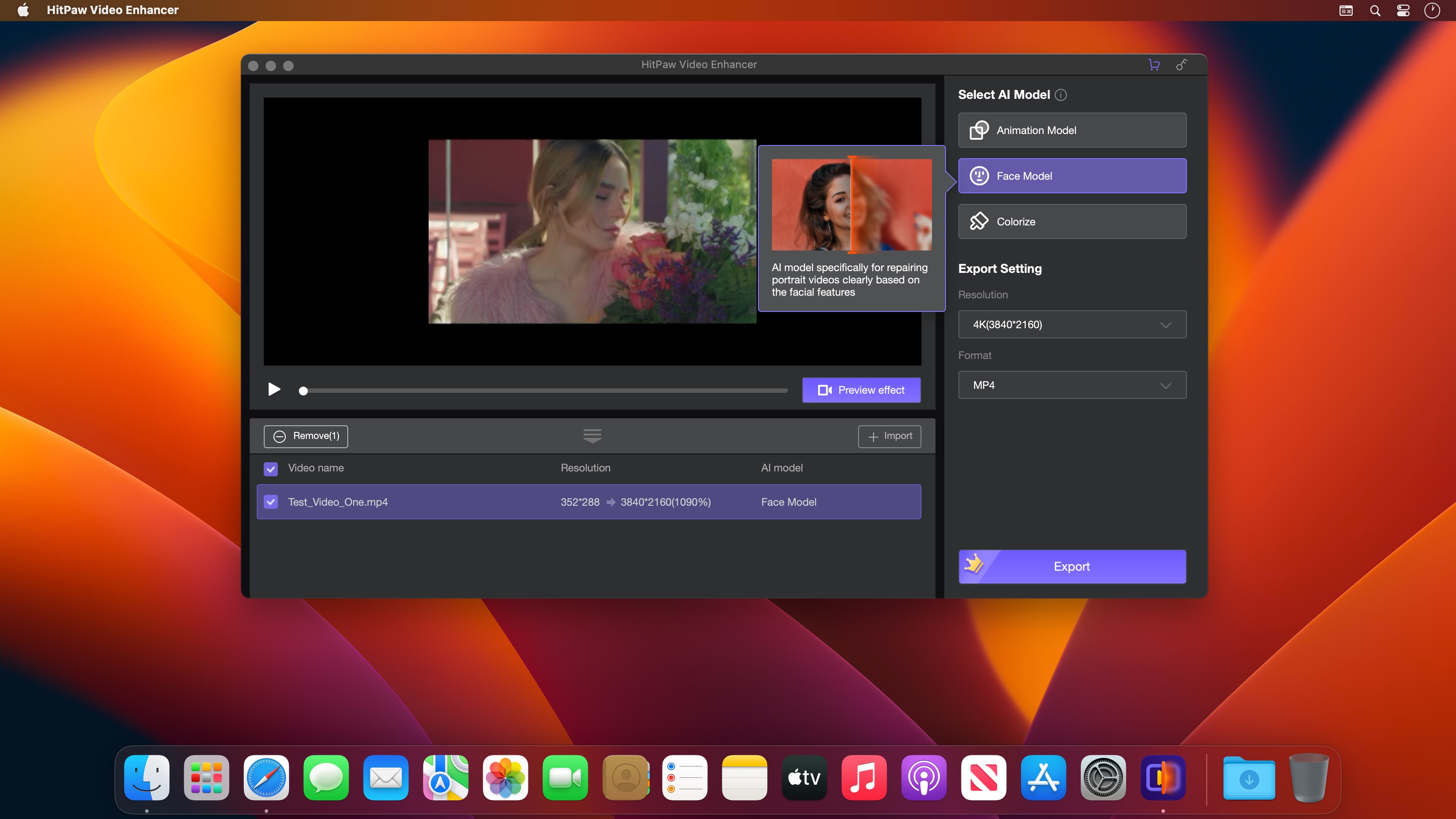
Face Model
When it comes to repair details of human faces, this video upscaler won't let you down. With its video enhancement, you can easily upgrade video quality and turn the faces of videos flawless again.
Version 3.0.0:
- New general model
Frequently asked questions
How do I install the app?
Mount the image, drag the app into the "Applications" folder and launch it. If the system blocks the launch, allow it in "System Settings → Privacy & Security".
The app is damaged or won't launch
Reinstalling from a fresh image usually helps. Make sure your macOS version matches the one listed in the compatibility specs.
How do I update?
Download the new version from the site and install it over the current one — your settings will be preserved.
The download link doesn't work
Try a mirror or a download manager. For large files the browser often drops the connection.
How do I completely remove the app?
Use an uninstaller utility — it cleans up the service files that remain after moving the app to the trash.





Choose a download source
HitPaw Video Enhancer 3.0.0 · 1.03 GB
Previous versions
HitPaw Video Enhancer 3.0.0
Previous versions are available to registered users.